



Pipedrive vs HubSpot (2026): Which Is the BEST CRM?
Loading YouTube sends it your IP address and may enable cookies. This applies to this content only.
At Breakcold, we get many customers coming from Pipedrive and HubSpot. So I think I know pretty well which one is the most popular for sales teams.
This article will not be a typical review of Pipedrive and HubSpot. Using the knowledge I have in this space, I will compare Pipedrive and HubSpot with criteria no one is using in reviews, mostly because they know nothing about CRMs except the cash they collect as product reviewers on YouTube.
So with that being said, let’s pick a winner between Pipedrive and HubSpot for sales teams.
Pipedrive vs Hubspot Overview (TL;DR) |
|---|
🧭 Pipedrive was built by salespeople, for salespeople – everything revolves around pipelines, deals, and activities. 📣 HubSpot is a marketing CRM first, with a Sales Hub layered on top – powerful, but often too heavy for day-to-day sales work. 😵 Sales reps often dislike HubSpot because it’s massive, technical, and overloaded with buttons. Pipedrive feels lighter and easier to use. 🏆 Round 1 (Ease of use): Pipedrive wins. Fewer clicks, less friction, more selling. 🔌 Round 2 (Integrations): Tie. Both have huge marketplaces and integrate well with classic sales tools. ⚠️ Multi-channel reality: Neither Pipedrive nor HubSpot integrates natively with LinkedIn, WhatsApp, or Telegram – forcing reps to rely on costly, fragile third-party tools. 🕒 Sales reps spend up to 40% of their time on admin work. Both tools still rely heavily on manual CRM updates or complex workflows. 📉 Round 3 (Keeping CRM updated without killing productivity): Both lose. Managers want clean data, reps want to sell – and neither tool solves this well natively. 🤖 Breakcold was built to fix this exact problem: auto-updating the CRM across email, LinkedIn, WhatsApp, Telegram, with automatic tasks and lead movement. 🥇 Final verdict: Between HubSpot and Pipedrive, Pipedrive is the better CRM for sales teams. But modern, multi-channel sales teams may still hit limits without an AI-native, self-updating CRM. The best CRM isn’t the one with the most features – it’s the one that lets salespeople sell, not do admin. |
Comparison of Pipedrive and Hubspot:
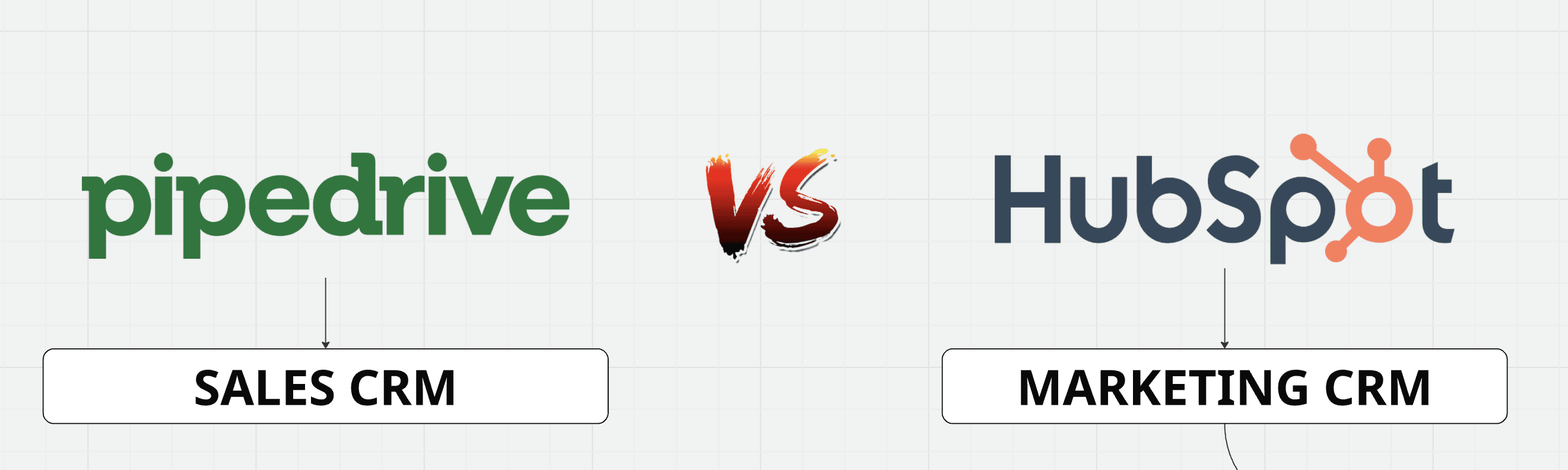
Pipedrive: a sales CRM first
All right guys, let’s start with the basics.
Pipedrive is a sales CRM. Historically, it was built by salespeople for salespeople around 2010. Everything in Pipedrive is designed around pipelines, deals, and sales activities.
HubSpot: a marketing CRM with a sales layer
HubSpot, on the other hand, is a marketing CRM. It’s not a CRM for sales. It’s not sales-focused by default. It’s a marketing CRM that happens to have a Sales Hub.
Initially, HubSpot was built for marketers, and later on, around 2010, at the same time Pipedrive launched, they started to implement sales CRM features. These features were bundled into what they now call the Sales Hub.
Sales Features and Positioning
In terms of features, you’ll find roughly the same core sales functionalities in HubSpot’s Sales Hub and in Pipedrive’s sales CRM.
But the twist is this.
HubSpot has a massive marketplace with thousands of apps. One of the most installed apps on HubSpot is actually Pipedrive. Around 5,000 installs, which is a lot on HubSpot. Some people might argue it’s not one of the most installed apps, but if you take into account all the apps available, it clearly is.
How Teams Actually Use Them
What does that mean in practice?
It means people use HubSpot as their marketing CRM, but sales teams, salespeople, often don’t like the Sales Hub. They want a CRM that is deeply sales-oriented, built by salespeople for salespeople.
So they use Pipedrive as their sales CRM and integrate it into HubSpot using the Pipedrive app. This way, they can centralize all activities inside HubSpot as the main CRM.
HubSpot becomes the central system where marketing and sales data live. But most of the time, teams still rely on a dedicated, focused sales CRM for their day-to-day sales work.
Round 1: Ease of Use for Salespeople, who wins?
So on this one, Pipedrive is winning by one point compared to HubSpot.
When it comes to HubSpot, the main reason salespeople don’t like using it is pretty simple: it’s a gigantic piece of software. You constantly have to navigate between the marketing CRM side and the Sales Hub. And even inside the Sales Hub, things get very technical very quickly.
Typically, when people come from HubSpot, they say something like:
“Yeah, I used HubSpot before.”
And what they really mean is that it looks nice, but there are way too many buttons. Having an interface with at least 3,247 fewer buttons and options is honestly very refreshing.

That’s the general sentiment salespeople have when using HubSpot. The same thing can happen with Pipedrive too, by the way, but that’s another story.
So the quick takeaway here is simple: Pipedrive wins the first round.
But does that necessarily mean Pipedrive is the best sales CRM for salespeople? Let’s see.
For now, it’s 1–0 for Pipedrive.
What Salespeople Actually Want
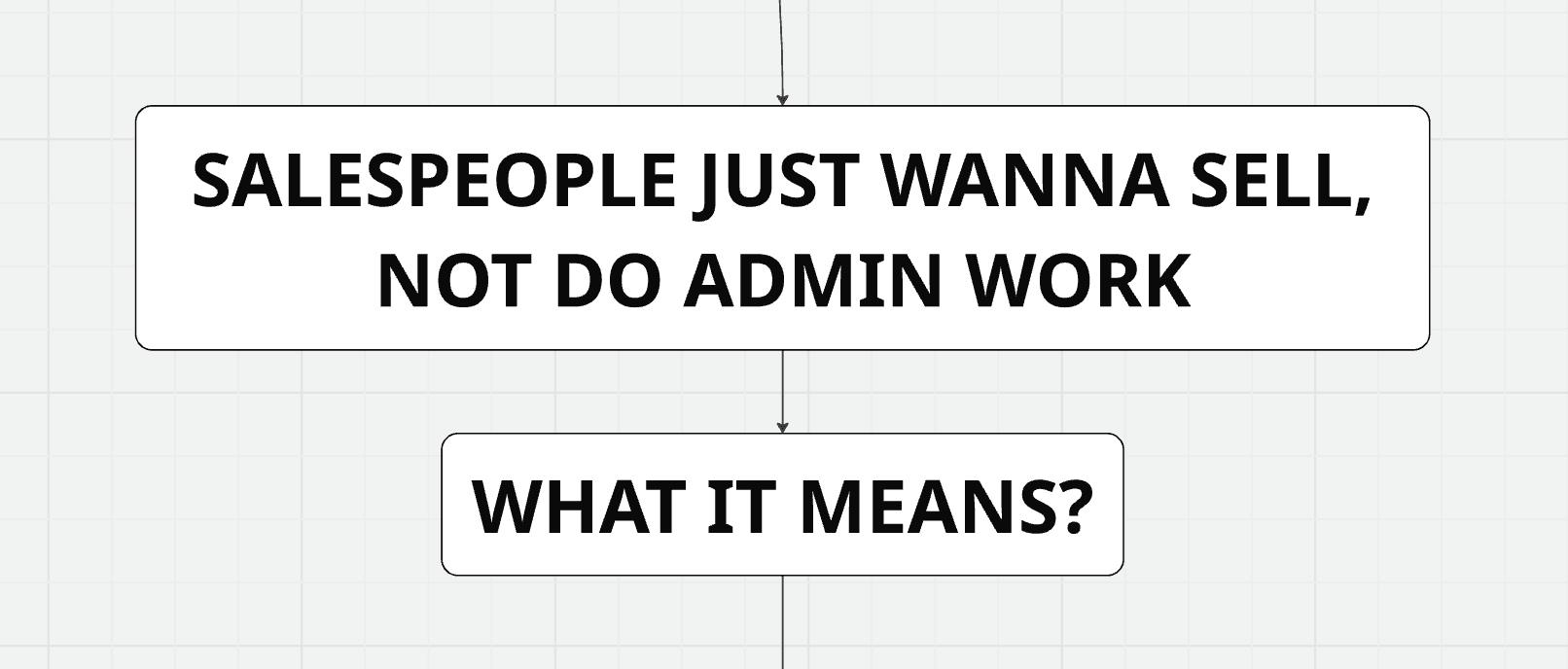
At the end of the day, salespeople just want to sell. They don’t want to do admin work.
And this is very important.
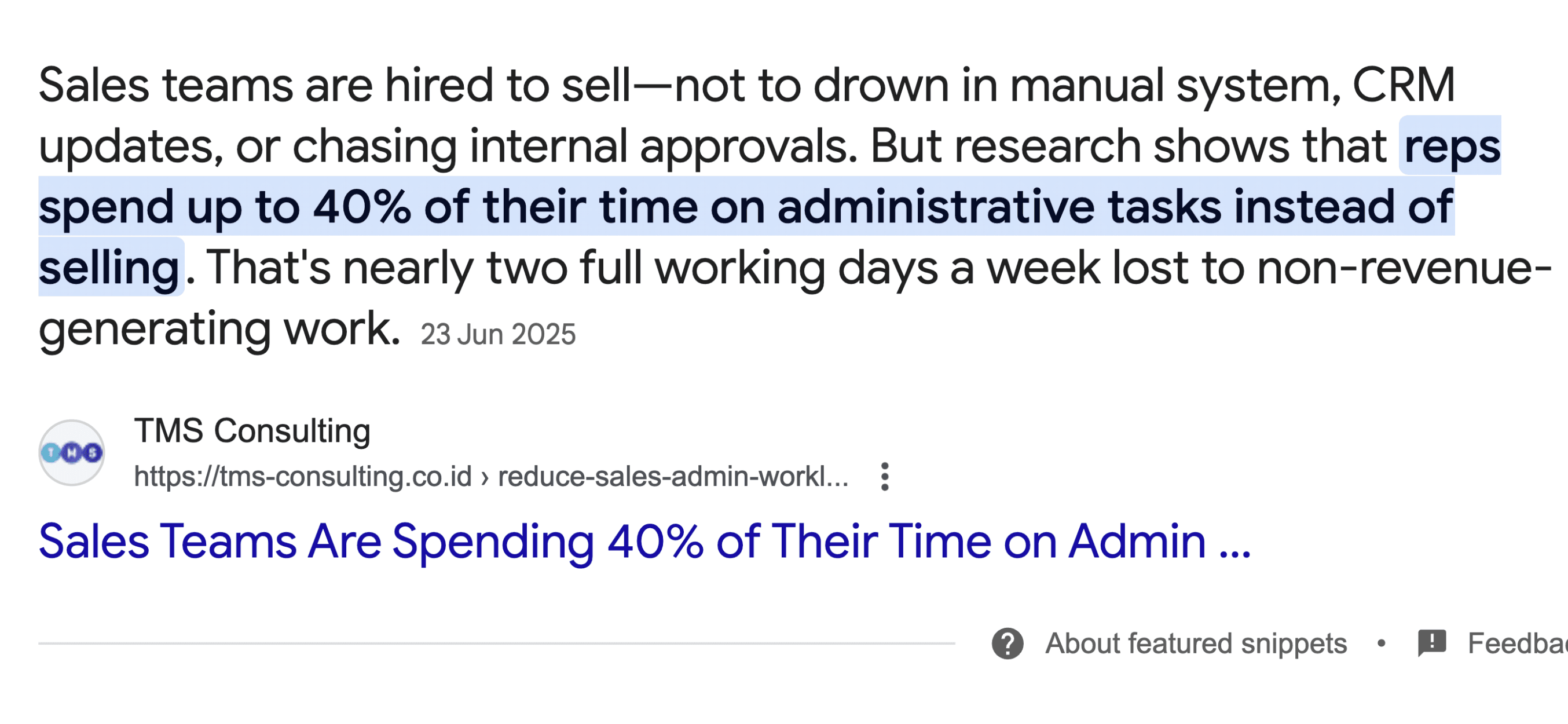
On average, sales reps spend up to 40% of their time on administrative tasks instead of selling. That’s nearly two full working days every week lost to non-revenue-generating work.
So when you’re picking a CRM for your sales team, the real question is: will this tool reduce admin work, or will it add more?
Round 2: Integrations and Ecosystem, who wins?
For salespeople, this means one very simple thing: they need integrations with the sales tools they already use.
And on that front, I have to say that Pipedrive and HubSpot both do a fantastic job.
They each have massive CRM marketplaces with thousands of apps. There’s a huge ecosystem of developers making money on these marketplaces, which means you’ll always see more and more integrations coming out, especially with the rise of AI.
Whether your sales reps use calling tools, lead generation software, email finders, or anything else, there will almost always be an integration available.
On this point, Pipedrive and HubSpot are on equal footing.
So they both win a point here.
That brings us to 2 points for Pipedrive and 1 point for HubSpot.
But again, salespeople just want to sell, not do admin work. And that’s where things get interesting.
Native Integrations With B2B Sales Platforms
So maybe you have integrations with the sales tools your reps are using.
But do you have integrations with the platforms they are using for B2B sales?
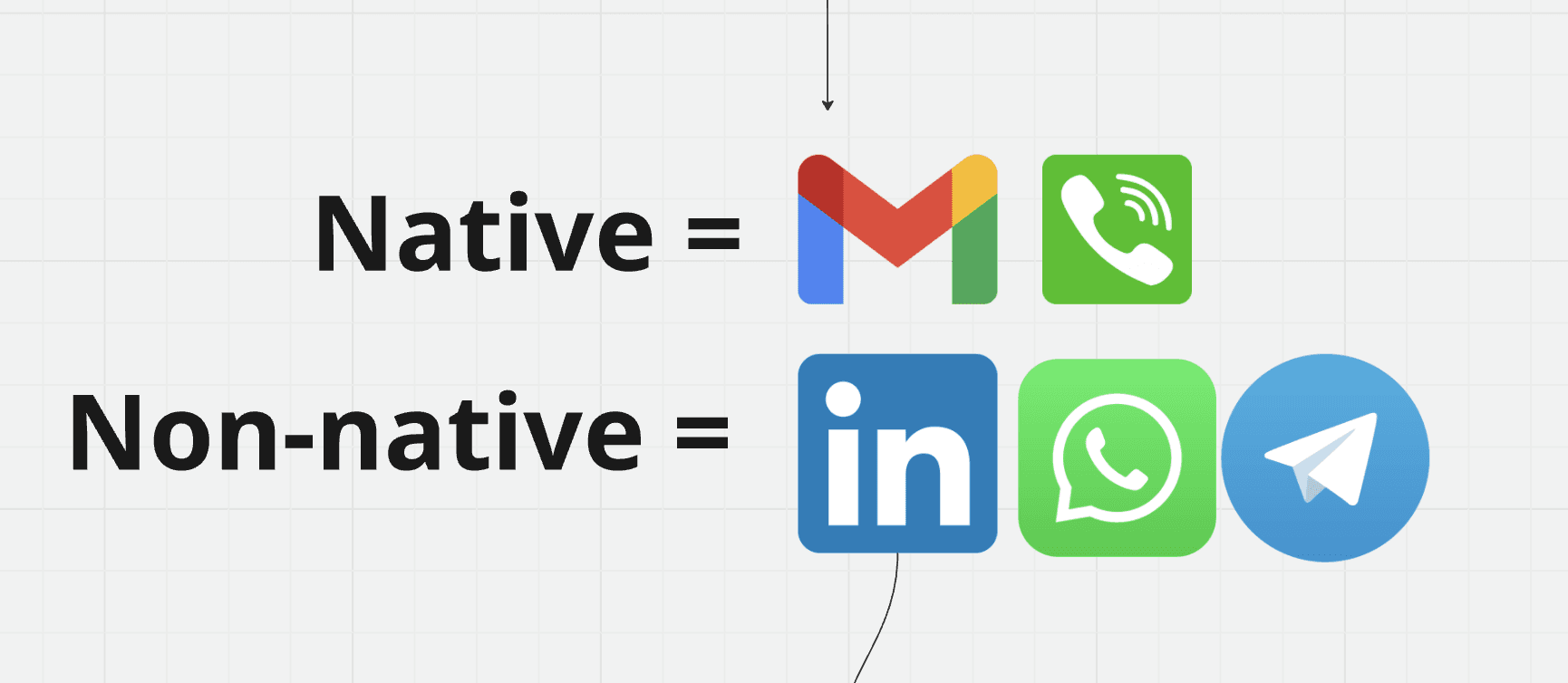
By default, Pipedrive and HubSpot both integrate natively with email and phone. And that’s fine.
The problem is that they don’t integrate natively with LinkedIn**, WhatsApp, and **Telegram.
The Multi-Channel Reality of Modern Sales
Unfortunately, we’re no longer in 2010.
Salespeople today use way more channels than just email and phone. If you’re a sales rep working in a startup, a digital agency, or really any type of digital business, LinkedIn is the go-to platform.
Right now, email and LinkedIn are the two most-used platforms by sales reps.
So if your CRM doesn’t integrate natively with LinkedIn, your sales reps will lose a tremendous amount of time manually logging LinkedIn activity into the CRM.
The Problem With Third-Party Integrations
Yes, you can use third-party integrations.
But that creates multiple problems.
First, they’re often priced per seat, which gets expensive very quickly.
Second, those third-party tools don’t have full control over HubSpot or Pipedrive. As a result, the data doesn’t sync very well. You usually end up with partial data, broken workflows, or missing context.
The same issue applies to WhatsApp.
WhatsApp is huge in Latin America, and it’s increasingly used for B2B in the US, the UK, and Europe. Having WhatsApp natively integrated into a CRM is becoming very important.
And finally, there’s Telegram.
Telegram and Niche Sales Use Cases
If you work in Web3, crypto, or any Web3 startup, most deals happen inside Telegram.
Not having a native Telegram integration is a massive problem for sales reps. They lose time syncing data, and more importantly, they lose time actually selling.
This is something we see all the time at Breakcold.
What We See in the Field
We often hear things like this from people coming from HubSpot:
“Yes, I had the leads via LinkedIn. I actually loved the CRM. I was using HubSpot before, and Breakcold felt like it was sent from God.”
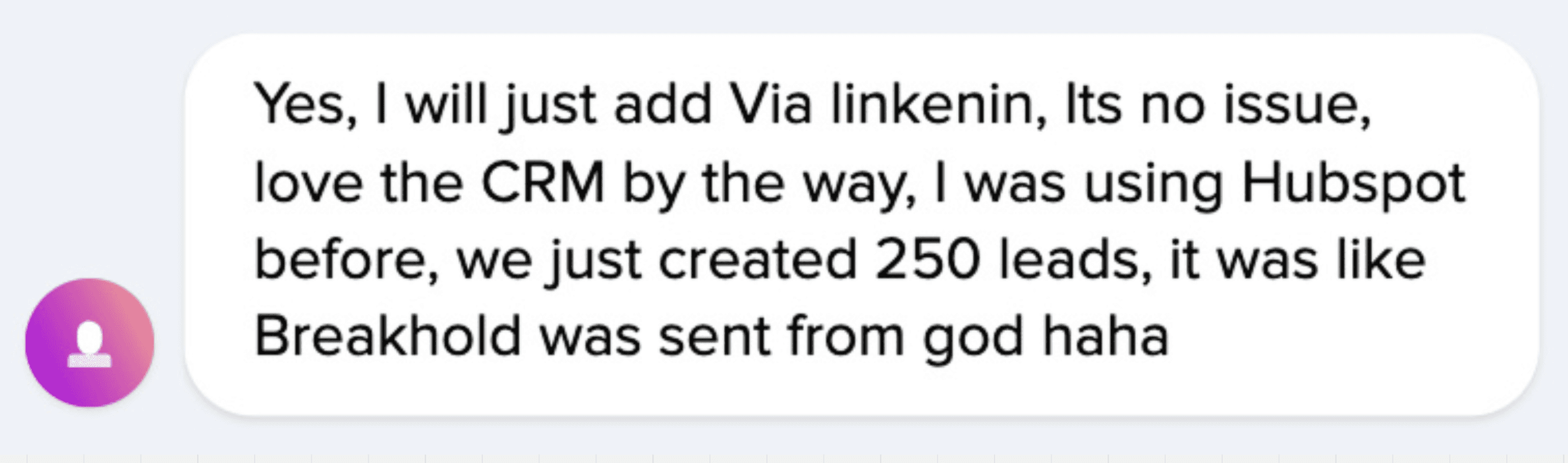
This sentence isn’t really about our CRM in particular. It’s about the fact that having email, phone, LinkedIn, and social channels fully plugged into one place is absolutely key today.
And the same problem exists with Pipedrive.
You can see people building third-party apps just to connect HubSpot or Pipedrive with LinkedIn, WhatsApp, and other social platforms. They log data from those platforms into HubSpot or Pipedrive manually or semi-automatically.
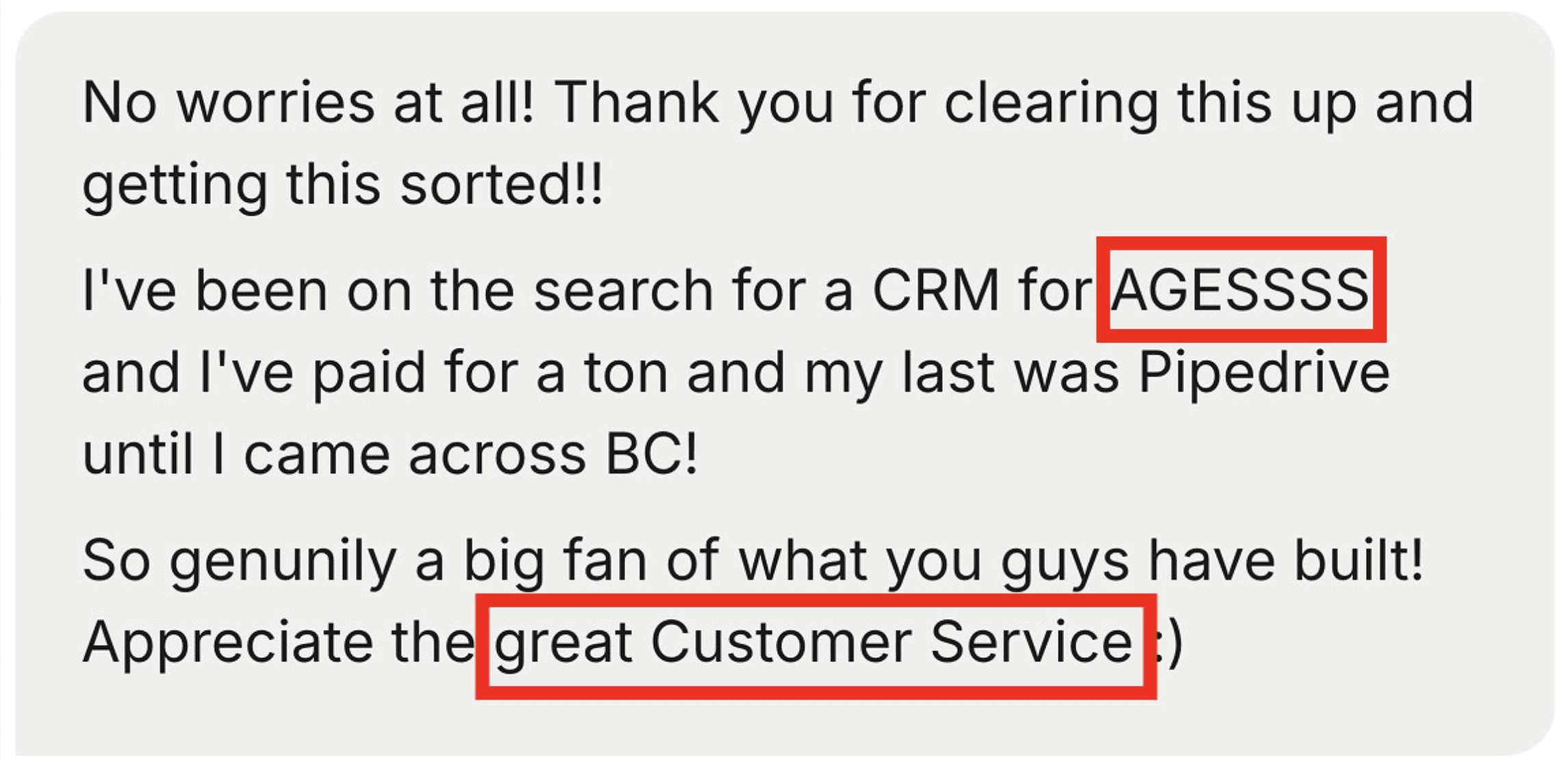
One of those builders told me directly on LinkedIn that they have several clients who switched from Google Sheets, Pipedrive, or HubSpot to Breakcold simply because they no longer wanted to rely on third-party integrations.
And honestly, that says a lot.
So consequently, if we take all of this into account, on point number two, Pipedrive is still winning. But they are also both losing one point.
So for this round, it’s 1 point for Pipedrive and 0 for HubSpot.
Round #3: Keeping the CRM Up to Date Without Killing Productivity, who wins?
Now let’s move to point number three.
Once again, salespeople just want to sell, not do admin work.
The Core Conflict: Sales Reps vs Managers
What does that mean in practice?
It means the CRM needs to be up to date for managers, without making sales reps lose time.
There is a constant conflict between sales reps and managers. Managers want the CRM to be perfectly updated. Sales reps just want to sell, because that’s how they earn commissions and bonuses. Updating the CRM takes time, and time is money for sales reps.
So if you’re running a sales team and you’re choosing between Pipedrive or HubSpot, this is something you need to think about very seriously.
Ideally, the CRM should update itself as much as possible, so sales reps can focus on selling and managers can still get clean data and solid analytics.
CRM Analytics: Manager Side:
If we start with CRM analytics on the manager side, both Pipedrive and HubSpot are excellent.
They offer very strong reporting and analytics capabilities, and on that front, they are pretty much equal.
CRM Updates: Sales Rep Side:
Now, when it comes to updating the CRM easily for sales reps, that’s where things get tricky.
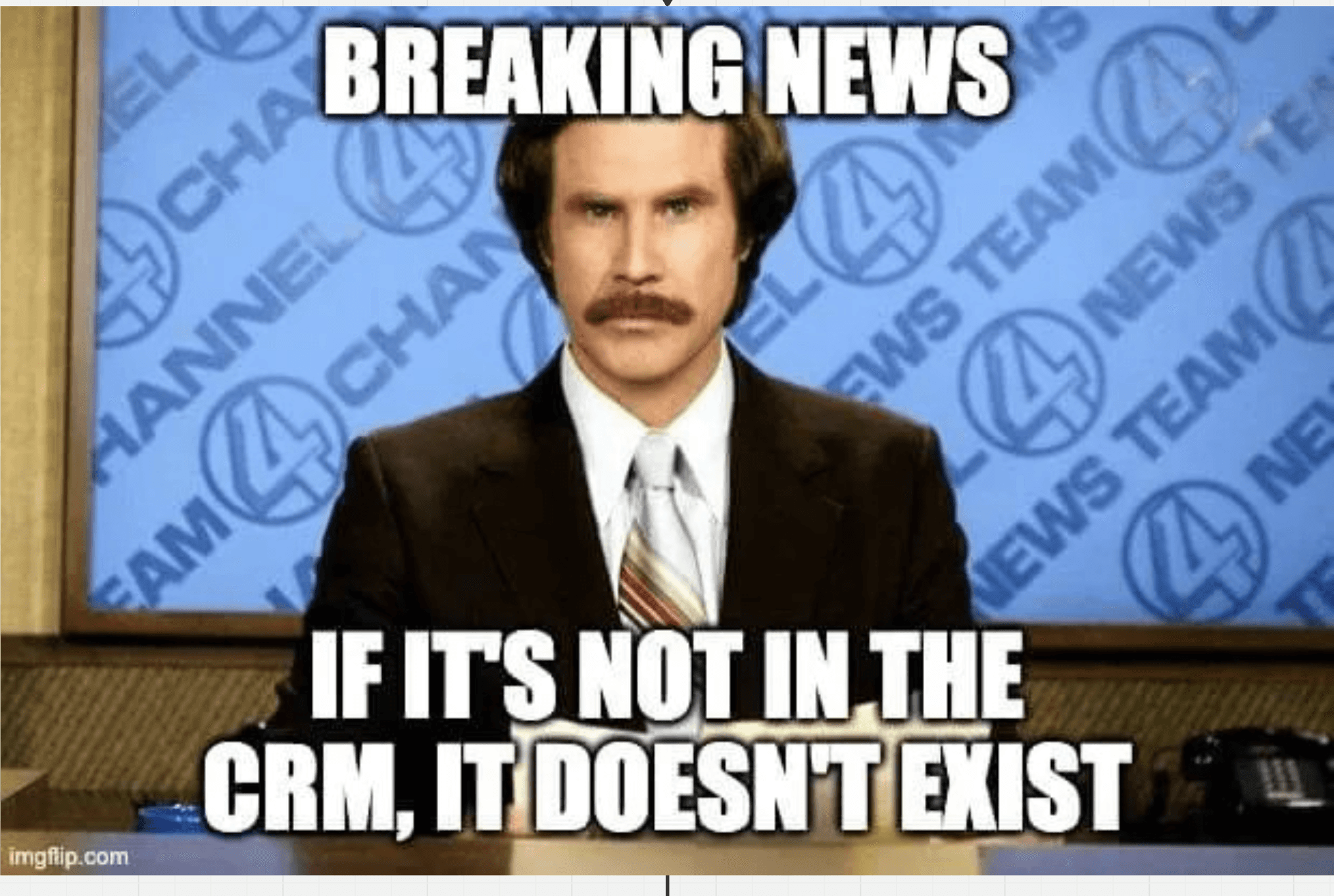
This is exactly why you see so many CRM memes all over the internet. They’re funny, but when you put yourself in the shoes of a sales rep closing deals, it’s actually painful.
You close a deal, and the first thing you hear from your manager is:
“Did you log everything in the CRM?”
On this specific problem, making sure the CRM stays up to date while letting sales reps focus on selling, both Pipedrive and HubSpot don’t really have a great answer.
The Workflow Problem
The typical answer from both platforms is: “Just use CRM workflows.”
But in reality, building workflows in Pipedrive or HubSpot is often very complicated.
Most of the time, you need a CRM integrator or a CRM agency to build and maintain those workflows. That’s expensive as a one-time setup fee, and it’s also expensive on a monthly basis because of ongoing maintenance to make sure everything keeps working properly.
Why We Built Breakcold
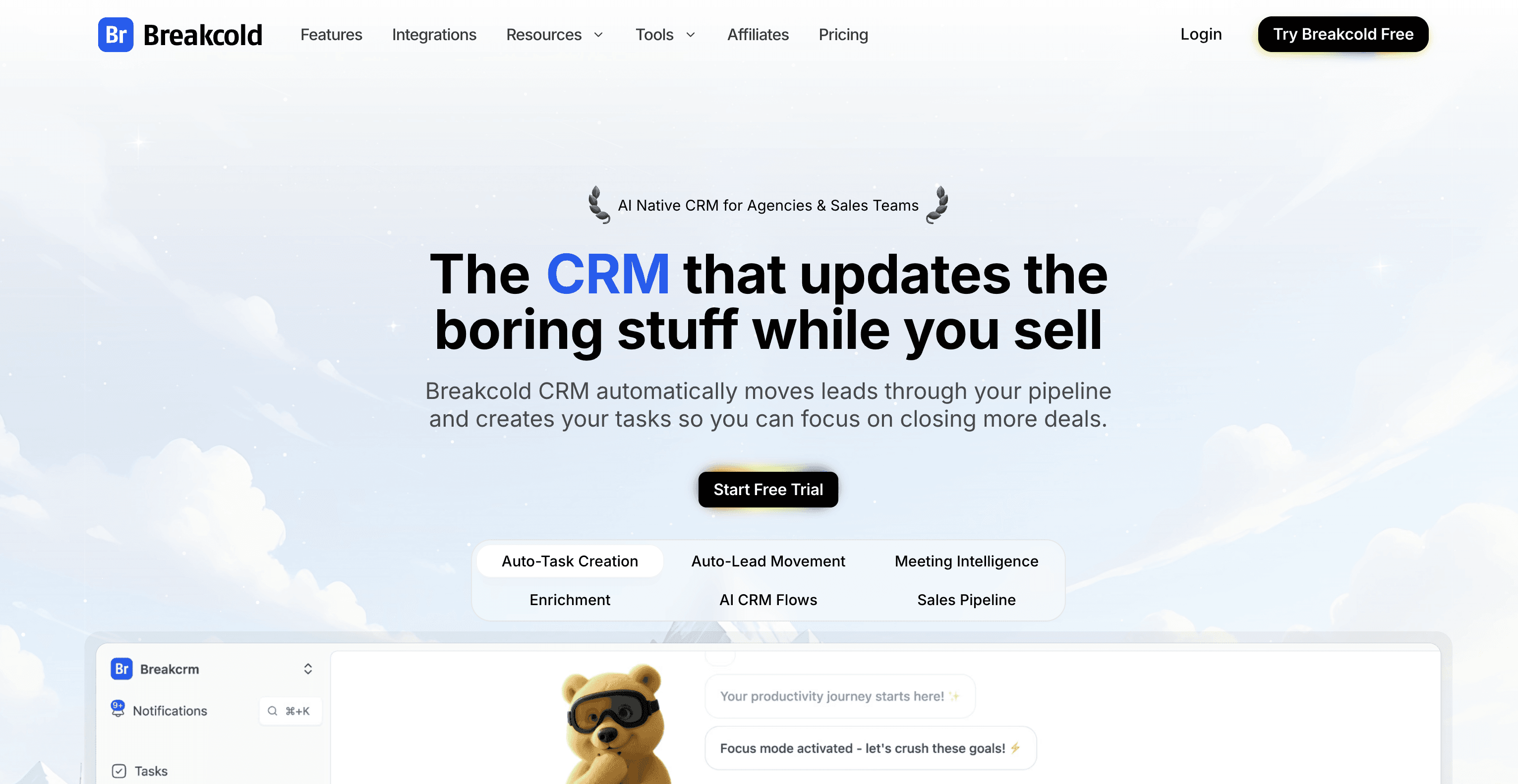
And this is exactly why we built Breakcold.
The idea was simple: create a CRM that updates the boring stuff while you sell.
There are no manual tasks to manage. CRM tasks are automatically created, so you never lose momentum with your leads. You just show up on the dashboard and execute.
And most importantly, leads move by themselves.
If you’re interested in Breakcold and what we do, you can go to breakcold.com. On the top right, you can click on Try Breakcold free. We offer a 14-day free trial.
And fun fact: there’s even someone working at HubSpot as a product manager, someone whose job is literally to improve the HubSpot product, who subscribed to our software. Most likely to understand how we approach building a CRM that updates itself and avoids those classic CRM memes everyone jokes about.

How Automatic Lead Movement Changes Everything
What this means is that I did nothing to move the lead into the right bucket.
Because the CRM is synced not only with LinkedIn DMs, but also with emails, WhatsApp, and other channels, the system detected that the person booked a call. It even confirmed the booking via LinkedIn.
From there, the software automatically moved the lead into the right list and the right stage, which was Booked a call.
At that point, there’s pretty much nothing left to do except focus on selling.
Why This Matters for Sales Reps and Managers
The good thing with this kind of system is obvious.
The CRM is always up to date.
Managers are happy because CRM analytics and KPIs are accurate and reliable.
Sales reps are happy because they can focus on selling across multiple channels: email, phone, LinkedIn, Telegram, and WhatsApp.
This is where the difference really shows when you’re picking a CRM for your sales team.
Final Score and Verdict
With that being said, today there is no real solution to this problem inside Pipedrive or HubSpot.
So on this point, they both lose one point.
Pipedrive is at 0, HubSpot is at -1.
The clear winner here is Pipedrive.
To be honest, Pipedrive is simply a more sales-focused CRM than HubSpot when it comes to sales teams. If you’re hesitating between the two, you should go with Pipedrive.
That said, as we saw throughout this article, you might still run into problems depending on the tools and platforms your sales team is using.
Overall though, Pipedrive is the better CRM for sales teams between the two.
Wrap-Up
Alright guys, if you liked this article, make sure to subscribe to the YouTube channel for more content like this.
And check out the next article if you want to see an AI-native CRM in action.
Cheers.
Written by Arnaud Belinga