



CRM Integration with Teams: The Best 3 CRMs for it in 2026
TL;DR: the best CRMs for a native Microsoft Teams integration in 2026 🏆
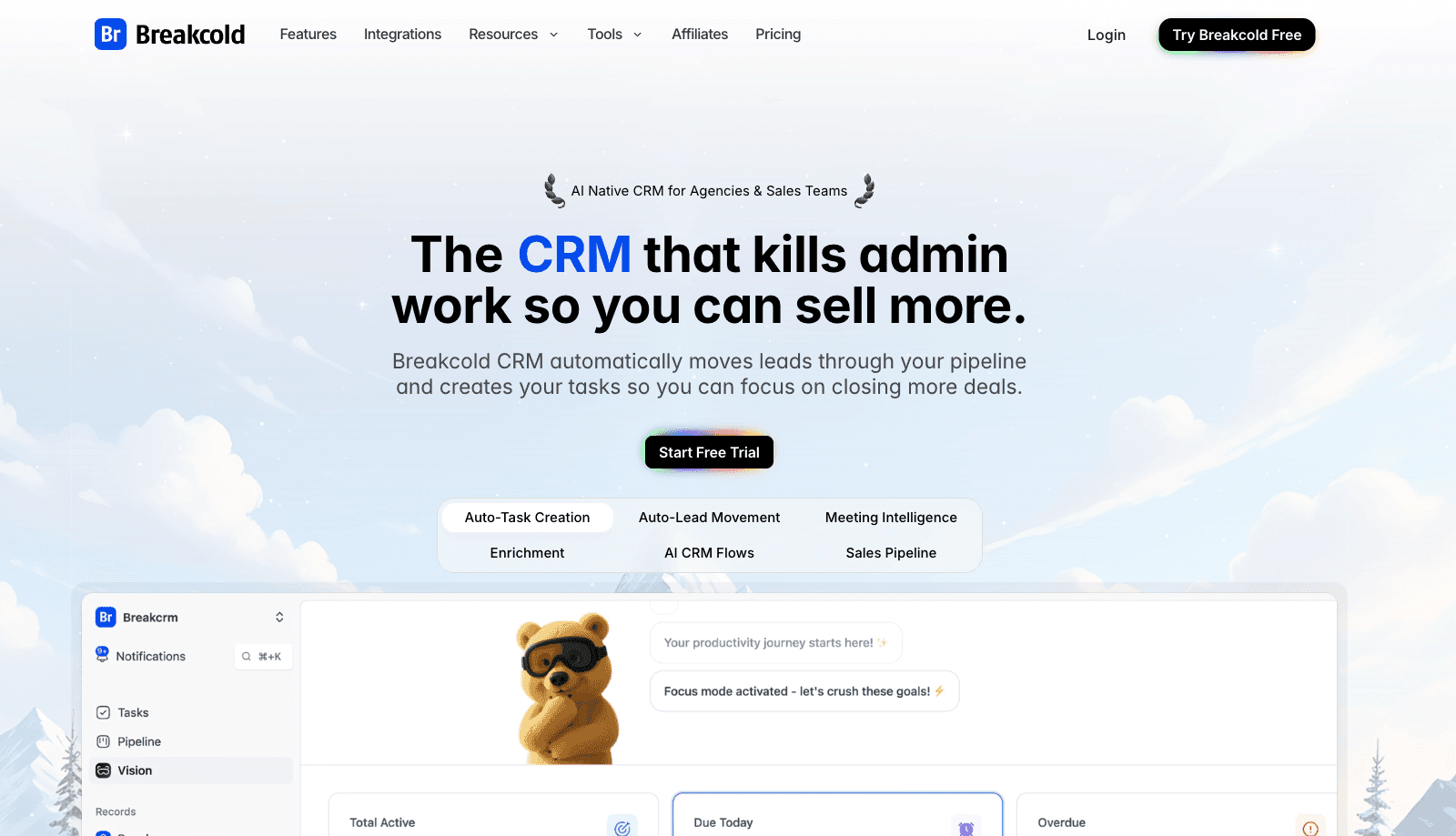
🏆 Breakcold: the AI Native CRM for sales teams of 5 to 30+ people. AI agents handle the admin (move deals, log activity, create tasks), it connects to Claude and ChatGPT via native MCP, and it syncs LinkedIn, email, WhatsApp and Telegram into one pipeline. At 5 seats Breakcold is $139/mo, where a traditional CRM runs $300 to $500/mo. It auto-syncs Teams meetings with recordings, transcripts and AI pre-call briefs.
🟢 Nimble CRM: the deepest Microsoft 365 fit, integrated across Teams, Outlook, OneDrive and more, though it does not prep meetings for you.
🔵 Pipedrive: a mature native Teams app with meeting creation, editing and notification controls, but reviews flag recurring permission and Skype-link issues.
⚠️ Watch the limits: calendar editing, light connectors and permission conflicts vary by CRM, so confirm the exact behavior before committing.
✅ How to choose: a native integration that auto-syncs meetings, recordings and transcripts beats a light connector that only pushes notifications.
Since its launch, Teams has surpassed Slack in just a few years to become one of the most used Microsoft apps ever 🚀
But what are the CRMs integrating with Teams? 💬
Let’s find out in this article 🔎
CRM #1: Breakcold - The AI Native CRM for salespeople with Teams sync
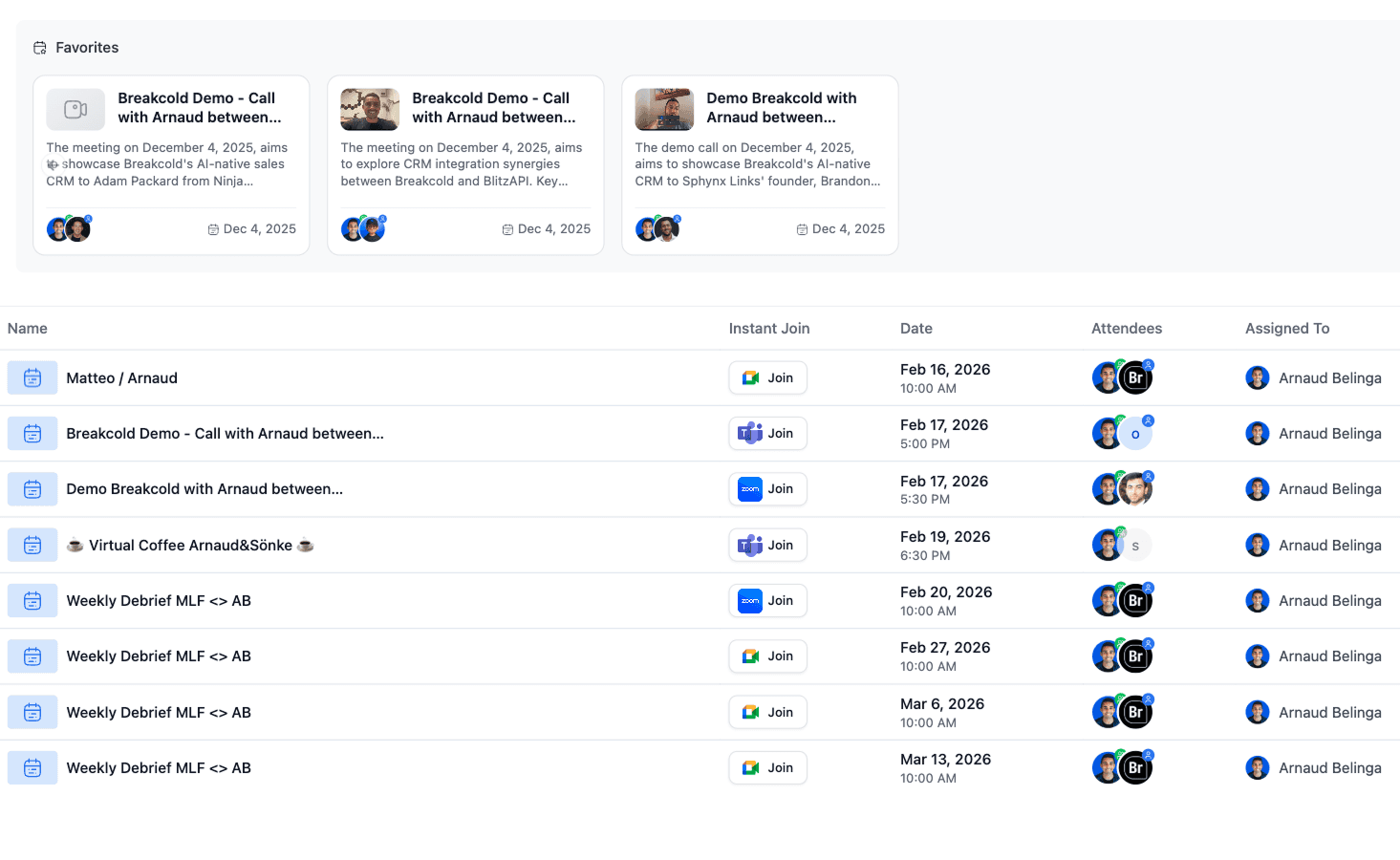
Breakcold integrates with Zoom but also with Teams as you can see on the picture below.
Pros
Breakcold has a native Teams integration and is able to auto-sync your team meetings directly into the CRM without relying on third-party applications 🤝
What’s great about the system is that you also get the full video recording and text transcripts attached to your B2B contacts once the call ends 🎥
Before Teams calls, you also get a brief of your upcoming chats generated by AI, thanks to the fact that Breakcold acts as a single source of truth by centralizing emails, meetings, phone calls, and social conversations like LinkedIn 🧠
In just one click from the CRM meeting section, you can join your Teams call.
Cons
Like anything, Breakcold also has cons ⚠️
With Breakcold, you will have a great Teams sync, but you won’t have the possibility to edit or send calendar invites directly from the CRM 📅
You also only have a regular view of your upcoming calls in a list format. There isn’t a detailed calendar view available inside the CRM.
CRM #2: Nimble CRM - The ultimate CRM for Office 365
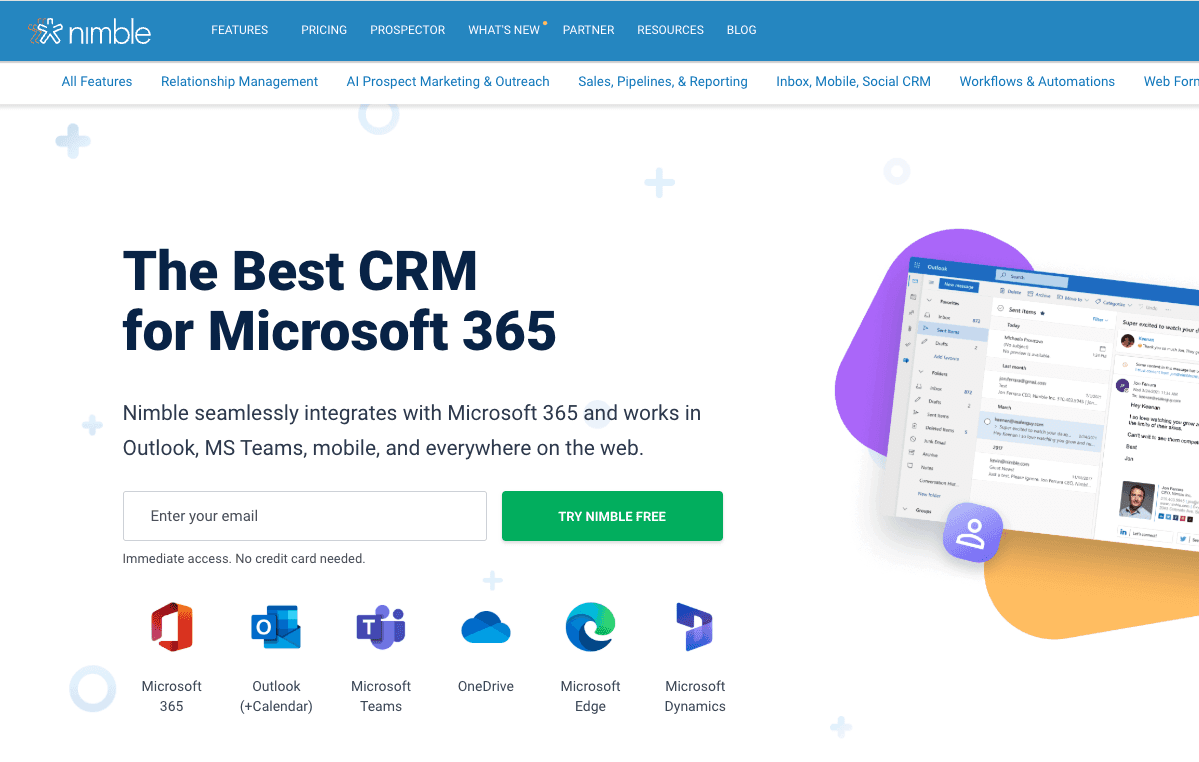
Nimble CRM is arguable one of the 'best CRM for Microsoft 365', they even claim they're THE best on their landing page.
Teams is obviously part of 365.
Pros
First, not only you get a great integration with Microsoft Teams, you also have one with Outlook and its calendar, OneDrive, Edge and Dynamics.
Like Breakcold, Nimble auto-syncs Teams meetings in the CRM with all the details relating to that meeting.
Cons
Here are the cons of Nimble CRM ⚠️
Unlike Breakcold, Nimble doesn’t help you prepare meetings.
The data is also not easily leverageable for other workflows, like pushing leads in the CRM to a particular place or triggering advanced automations 🔁
Finally, some reviews point out that the integration is a light connector, not a fully embedded workspace experience.
CRM #3: Pipedrive - The OG sales CRM with Teams integration
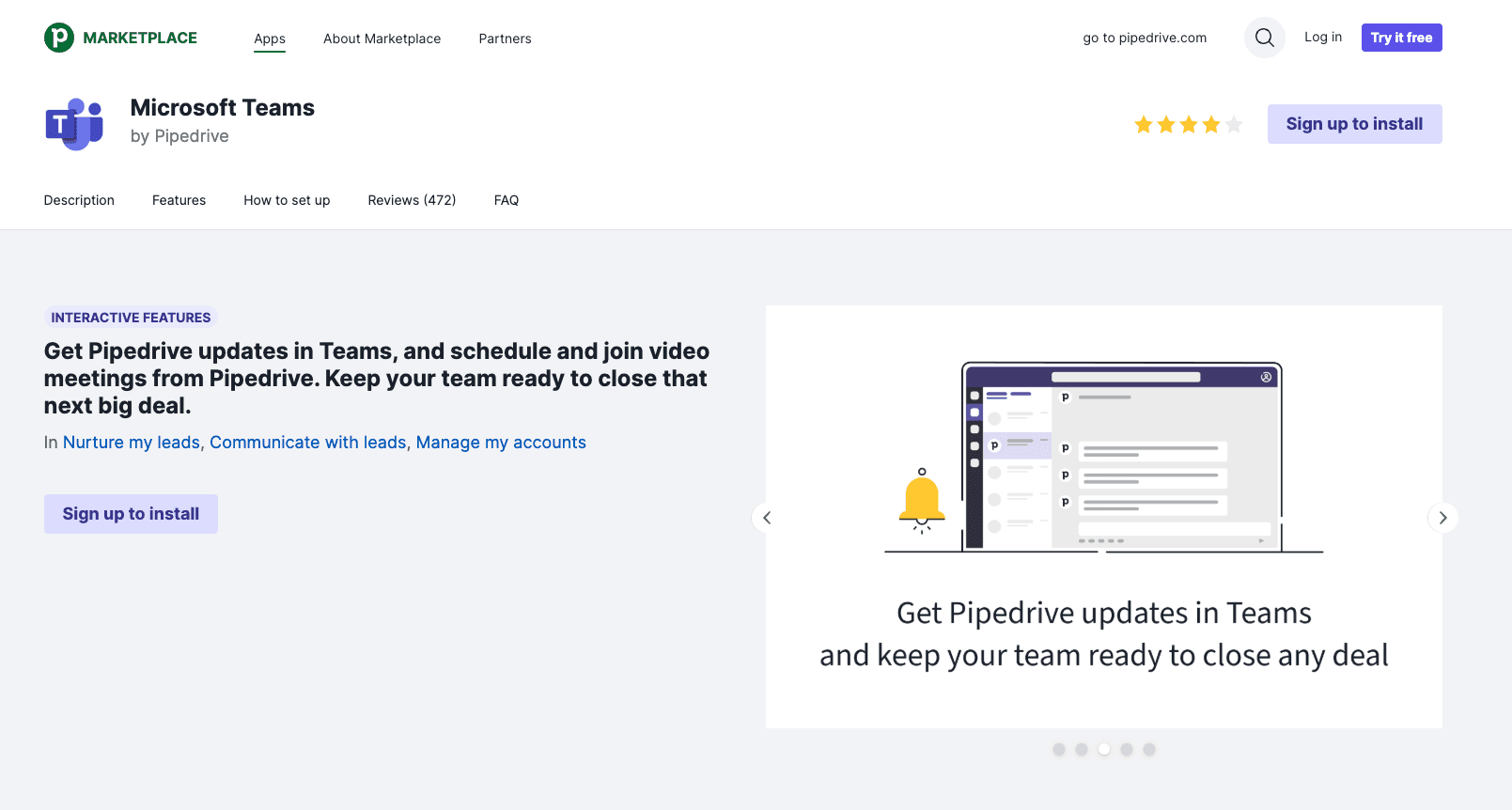
Pipedrive rarely builds native integrations themselves on their marketplace BUT Teams is one of them, meaning it matters a lot to Pipedrive.
Pros
Here are the pros of Pipedrive 🧠
Not only can you push Pipedrive updates to Teams, but you can also sync Teams meetings directly inside the CRM.
On top of that, you can create a Teams meeting directly in Pipedrive and edit it without leaving the platform.
Pipedrive really nailed their Teams integration and made it feel native to both their software and to Teams itself 🔥 You can also control the notifications sent from Pipedrive to Teams.
There are more than 9,500 installations of the Teams app for Pipedrive, with an average rating of about 4/5 stars ⭐
Cons
Here are the cons of Pipedrive ⚠️
If you look at the Teams marketplace reviews from customers, many complain that the integration doesn’t make sense from a permissions standpoint, and a lot of users struggle to make it work properly.
For example:
“Integration does not function correctly because you do not have permission to join/manage meetings created via Pipedrive.”
Or:
“Disastrous experience. It still doesn’t work. Every time I add a Teams link, a Skype link appears, even though I have a Microsoft Teams business account.”
It seems that many users still run into confusion between the old Skype integration and the Teams one, which creates friction during setup and meeting creation 😬
Are there any other viable alternatives to Breakcold & the other CRMs mentioned in this article?
Yes there is Salesforce and Hubspot obviously. Then, all the CRMs that have a 3-rd party integration with an AI note taker have technically a Teams integration but I focused on the native ones in this article.
Frequently asked questions

Written by
Arnaud Belinga · Co-Founder & CEO at Breakcold
Arnaud is the Co-Founder & CEO of Breakcold, the AI Native CRM for sales teams of 5 to 30+ people.