



Clarify AI CRM Review: Autonomous CRM or Fake AI Native?
TL;DR: Clarify is a genuinely AI native, self-driving CRM, but it is early and thin for full sales teams 🏆
🟢 Clarify: one of the rare genuinely AI native, self-driving CRMs that creates and updates deals, syncs activity, logs meetings and generates AI summaries with almost no setup, not AI bolted onto an old system. Flat $20/mo plus a credit system, unlimited users, with a free plan (2,500 credits).
🟠 Where it falls short: still early and thin for full sales teams, with no calling, no native LinkedIn, WhatsApp or Telegram, limited pipelines, no multi-workspace, no multiple email accounts per user, rigid analytics, and workflows that are harder than they should be for non-technical users. Credit-based pricing also makes the true cost at scale hard to predict.
🏆 Breakcold: the AI Native CRM for sales teams of 5 to 30+ people. AI agents handle the admin (move deals, log activity, create tasks), it connects to Claude and ChatGPT via native MCP, and it syncs LinkedIn, email, WhatsApp and Telegram into one pipeline. At 5 seats Breakcold is $139/mo, where a traditional CRM runs $300 to $500/mo.
🟣 Attio: powerful workflows plus AI blocks for PLG-heavy startups, at the cost of a steeper learning curve.
🔵 Close: the best pick if calling is mission-critical, with a built-in dialer and AI note taker.
🌱 Dex: a rising Clarify-style autonomous CRM worth a look if you want the same self-driving mindset.
For the first time since we launched Breakcold, I took the time to try more than 20 CRMs to see how ours compares in this gigantic market.
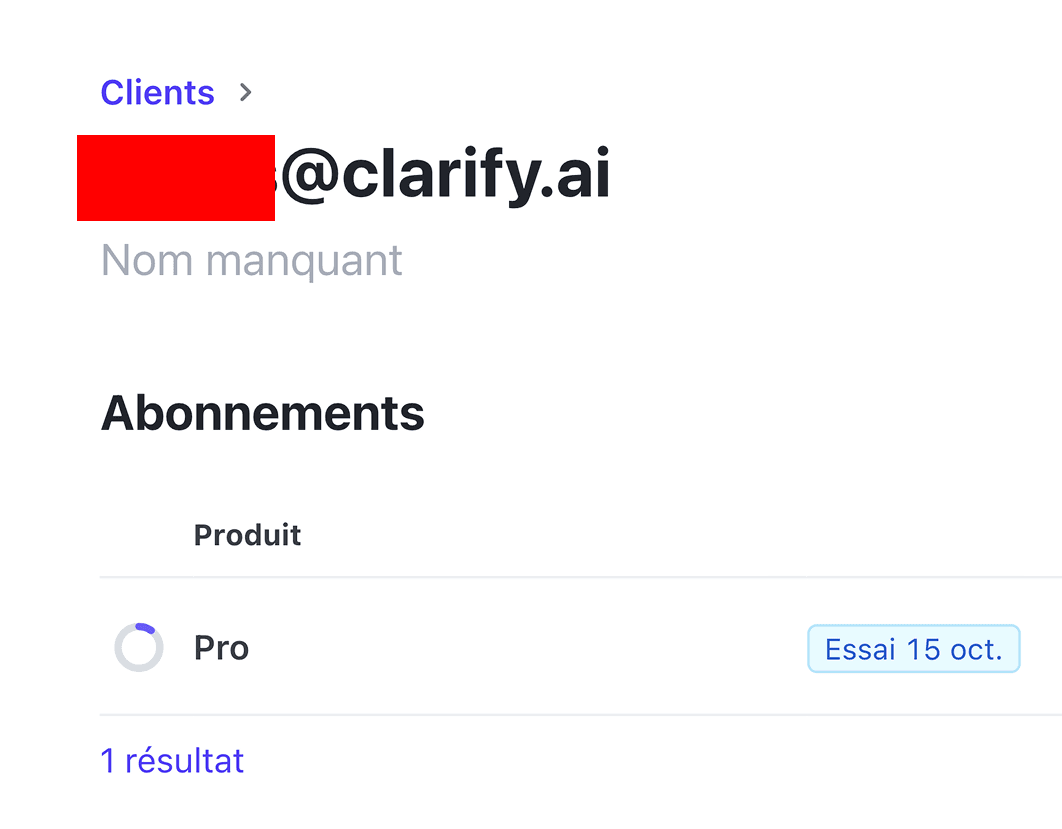
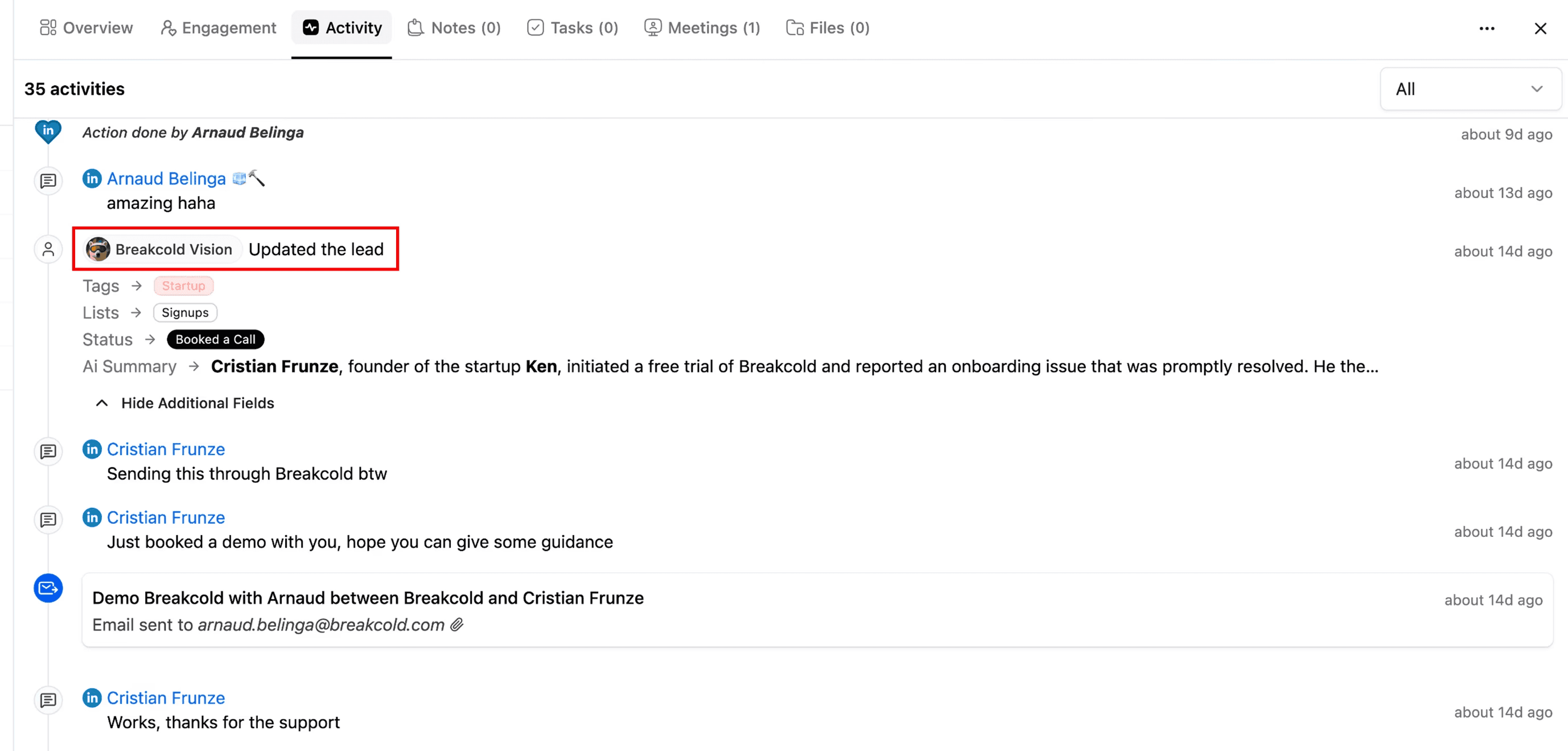
Among the tools tested was Clarify, as I see them more and more online. They also tried Breakcold back in March 2025 to gather intel on their side. You can see that in this screenshot 👀.
This is my review of Clarify after playing with it. On some aspects it is better than I anticipated, and on others it still feels a bit like an early version (which it is). Let’s explore why 🚀✨.
What is Clarify CRM?
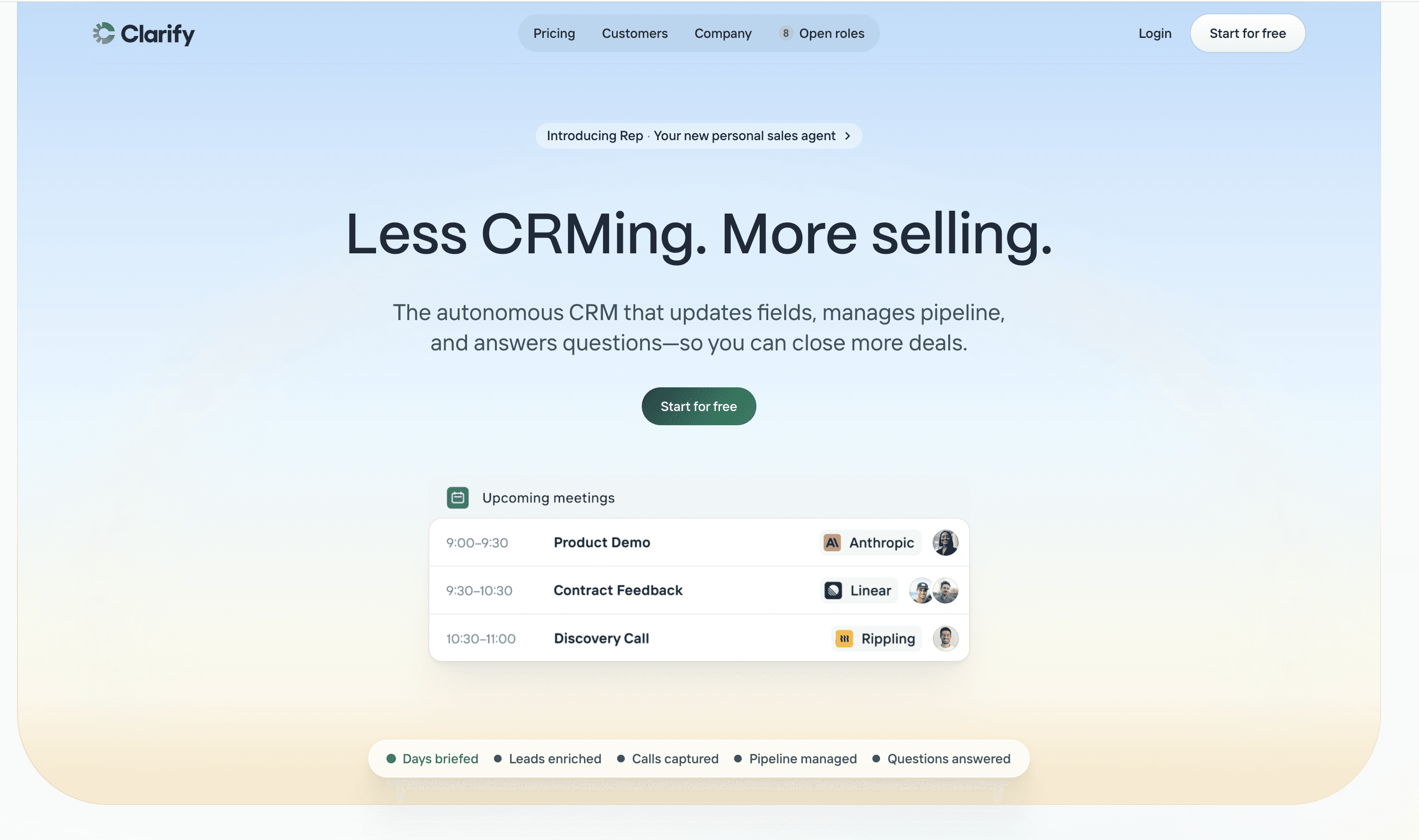
Clarify.ai is an AI CRM, specifically an autonomous CRM. Basically, the CRM runs itself depending on your activities with leads 🤖.
In a previous article, I talked about how most CRMs are not truly AI native compared to what they claim on their landing pages.
With Clarify, it is the opposite. They actually back up what they say, and I would argue it is one of the very rare true AI native CRMs, along with Breakcold.
Clarify was founded in 2023 by a team of experienced founders who already had successful exits in the past.
The company raised a massive 23.5 million dollar seed round, which is a strong signal of their ambition with the product 💰.
My personal take is that they want to quickly go after Attio in the high level B2B SMB and small enterprise segment that has been growing fast since the AI explosion 🚀.
Why Clarify is an interesting CRM?
Clarify is worth reviewing because it is a CRM that belongs to the next generation of CRMs 🚀.
What I mean by that is that the CRM is able to update itself with almost no setup, which is awesome.
Consequently, Clarify (like Breakcold) can make CRM use extremely accessible to a larger portion of salespeople or small teams that either are not technical enough to build complex CRM automations or do not have the budget to hire a CRM expert or integrator to implement them.
Long story short, Clarify makes the CRM game easier for users so they can save time and focus on selling 🤖✨.
Pros & Cons of Clarify
When I played with Clairfy, I rapidly noticed some pros and cons.
Pros
First, I have to say hats off because the product is incredibly simple. Maybe it is because of the lack of features for now, but it still feels very complete, so I would argue the UX is on point 🎯.
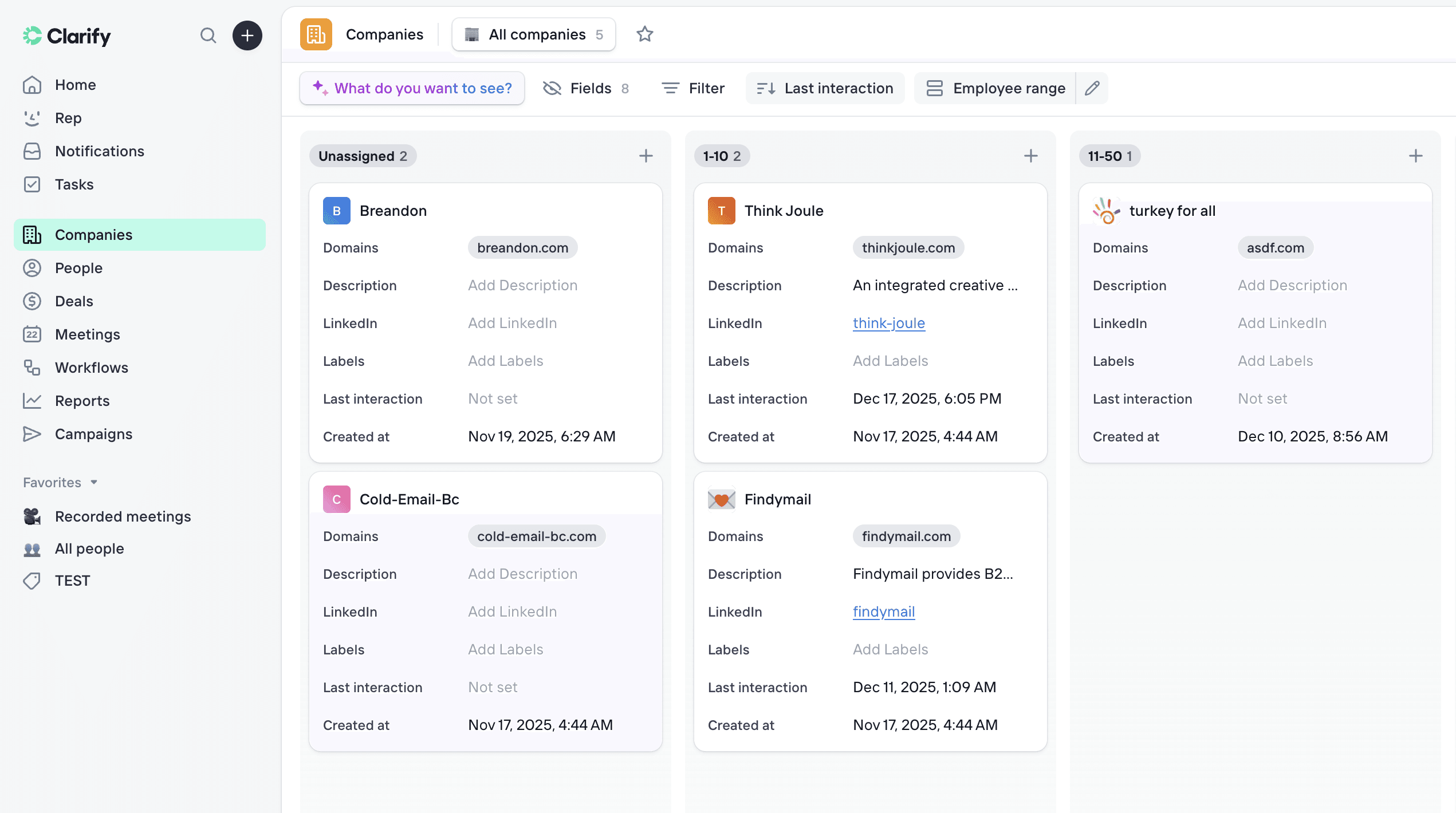
Secondly, what is great is that deals are created automatically by the AI and people, companies and deals are all attached together 🤖.
Then Clarify, like most modern CRMs these days, has an AI note taker built in, which can help you record meetings and more. The software is also able to enrich your leads with extra information such as company descriptions and more.
Finally, in a nutshell:
• good filter system
• they have a free plan
• you can personalize your pipeline cards ✨
Cons
I feel like the CRM does not have its own soul (yet). What I mean by that is that many recent CRMs feel like a remix of Attio. I just hope they do not fall into the trap of copying everything they do 🎭.
The CRM automation module (I think it is called workflows) is not easy to use for non tech savvy people, which can be a problem if you come to Clarify for simplicity. This feature also shows the limitations of Clarify in the sense that the CRM cannot fully run itself, at least not yet 🤯.
You also cannot build unlimited pipelines for deals. I guess this limitation exists to prevent the AI from having too many scenarios to consider when moving leads and deals into the right buckets. Most businesses need multiple pipelines, so this is very limiting 🚫.
On the rest, very quickly:
• no calling integrations
• no B2B social integrations like LinkedIn, WhatsApp or Telegram
• no way to manage the CRM across different platforms
• lack of multiple workspaces
• no support for multiple email addresses for one user
Breakdown of Clarify's features
Here's a detailed breakdown of Clarify's features.
Deals
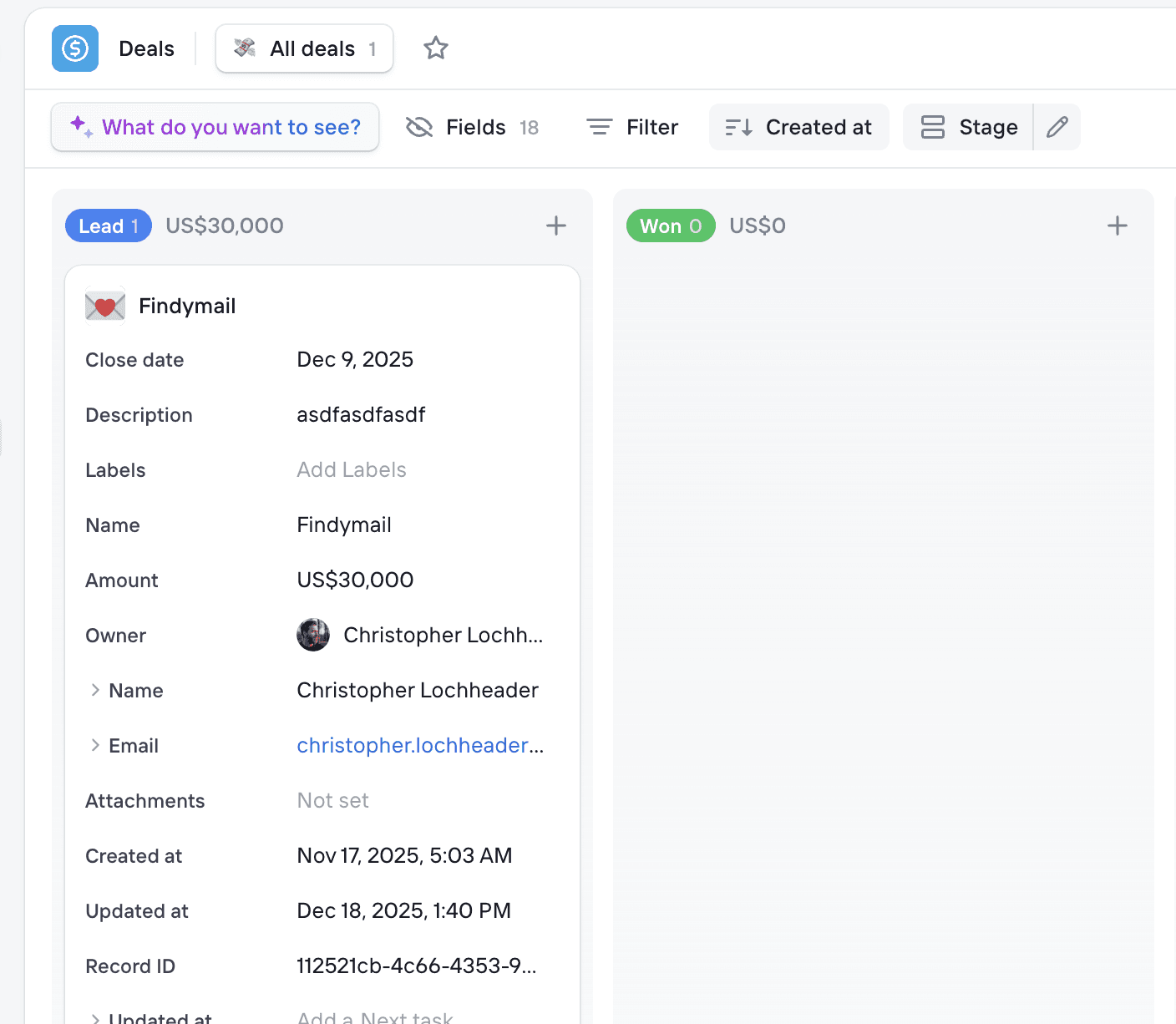
Deals are probably the most iconic feature of Clarify 🎯.
The CRM is able to create deals automatically and move them through the pipeline depending on your lead’s activities.
By default, Clarify creates a standard sales pipeline, but you can fully customize it later on.
You can still create deals manually as well. In each deal, an AI summary is generated so you can clearly understand the state of the deal even when multiple stakeholders are involved, which is pretty handy 🤖✨.
AI Note Taker
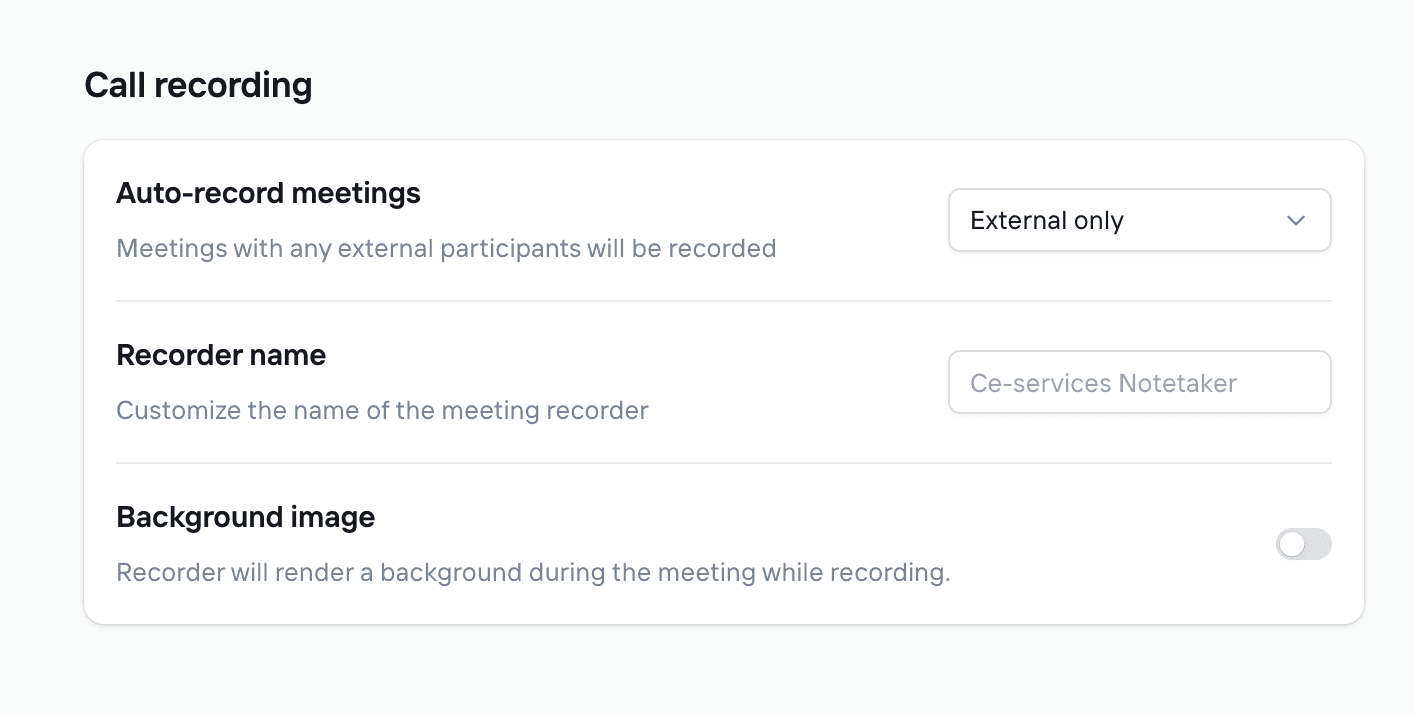
Clarify provides you with an AI note taker in its plan.
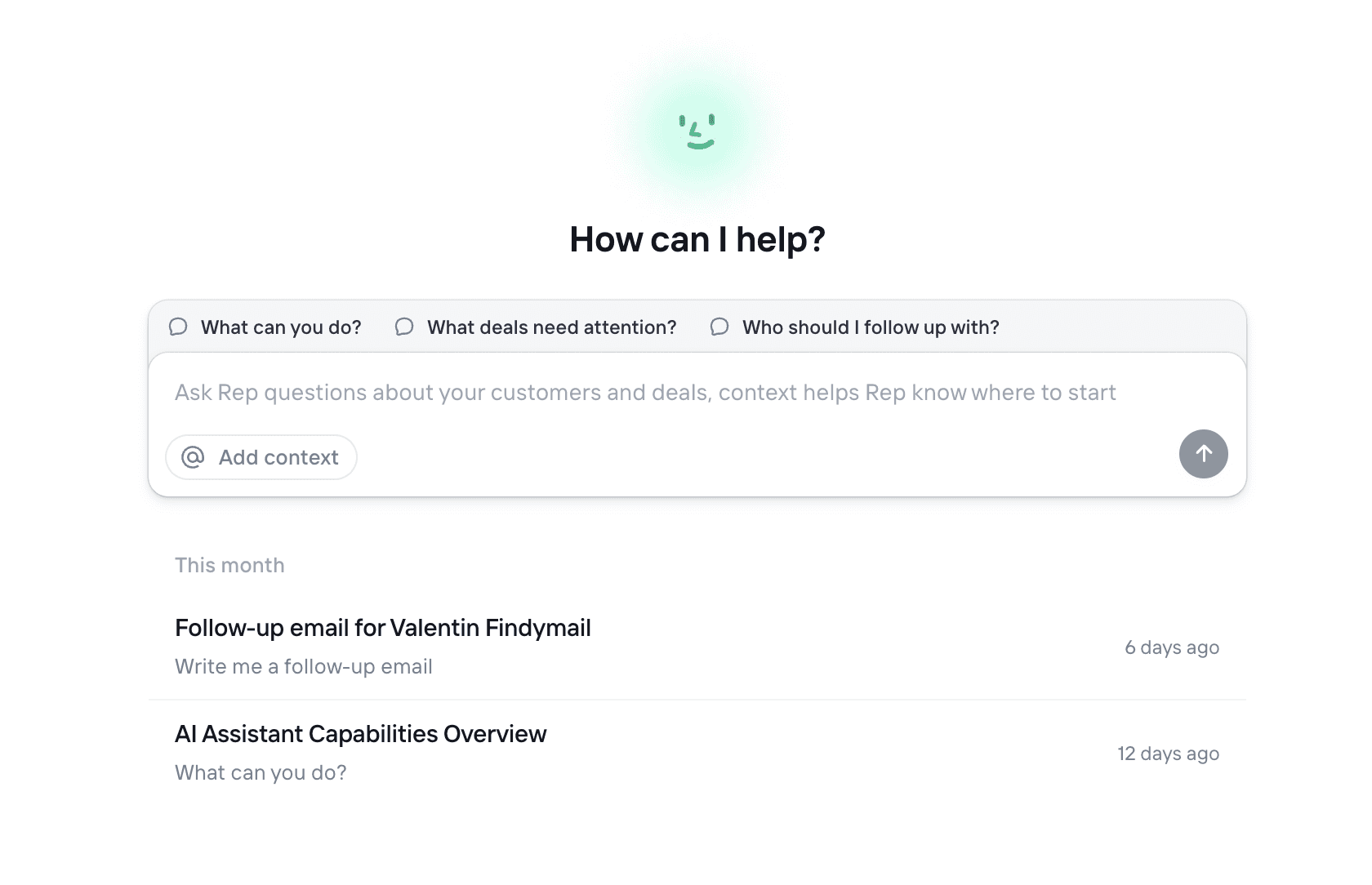
What stood out to me is not the AI note taker itself, but what it enables. Once you have a new meeting, it will appear in your meetings section and from there you will be able to get an AI brief of your upcoming call.
You can also modify the prompts of the post meeting AI summaries.
Finally, leads are created automatically when there is a new meeting, and it also syncs past meetings 🔄✨
CRM Basics
Clarify is first and foremost a CRM so you'll find all the classic of one, like being able to create custom fields, tags and more.
Like any CRM, you can plug your email account and emails will be synced automatically.
CRM Dashboard
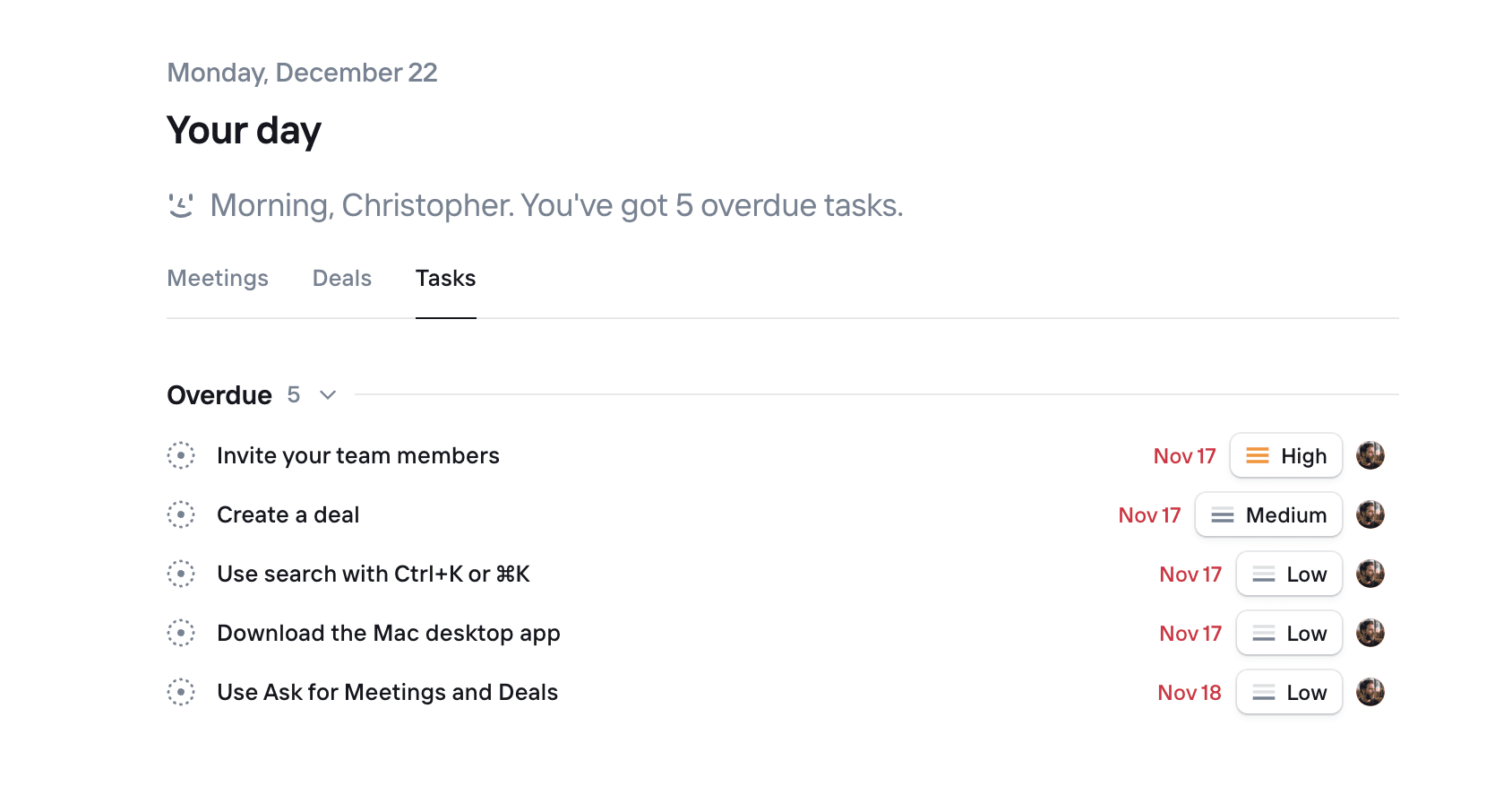
The dashboard of Clarify shows your next meetings ans related tasks, it's not super heavy but it does the work.
That way, you don't need to do back-and-forth in the CRM which is handy as CRM task execution is one of the most important thing in a CRM.
CRM Analytics
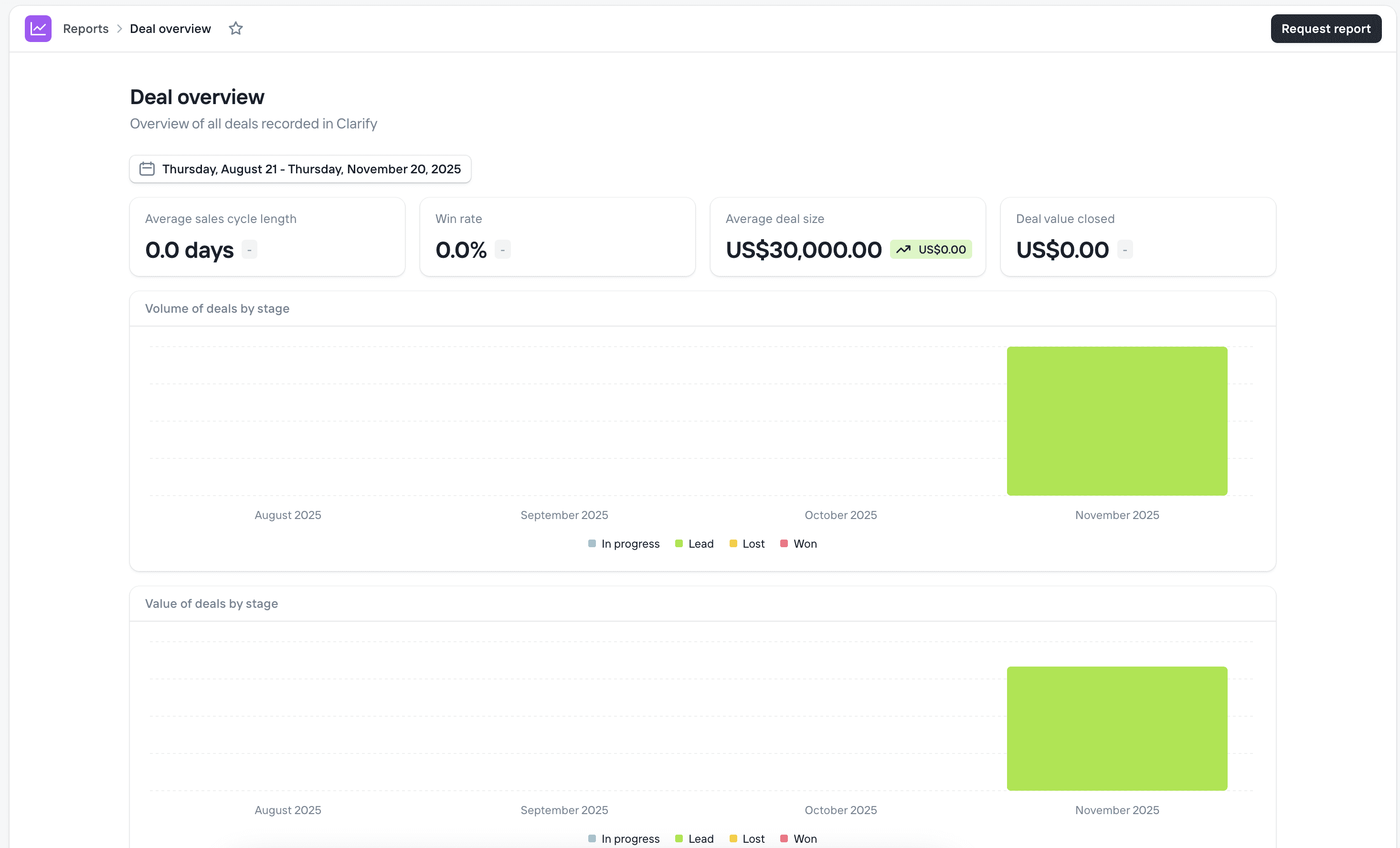
When it comes to CRM analytics, Clarify doesn't give you too much choice.
It's super rigid, you get analytic blocks like:
Average Sales Cycle length
Win Rate
Average Deal Size
Deal Value closed
Although it's not flexible, it gives you quick clarity on what's going on in the CRM.
CRM Lists
You can create multiple lists of individuals and companies in the CRM, which is great for staying organized 📂.
What I liked about the system is that you can have saved, pre filtered views (like Close's smartviews).
Basically, by filtering your list, you can save that filtered view as the default using the Save button. You can also create other views using a “save as” option, which makes navigation much easier 🔎✨.
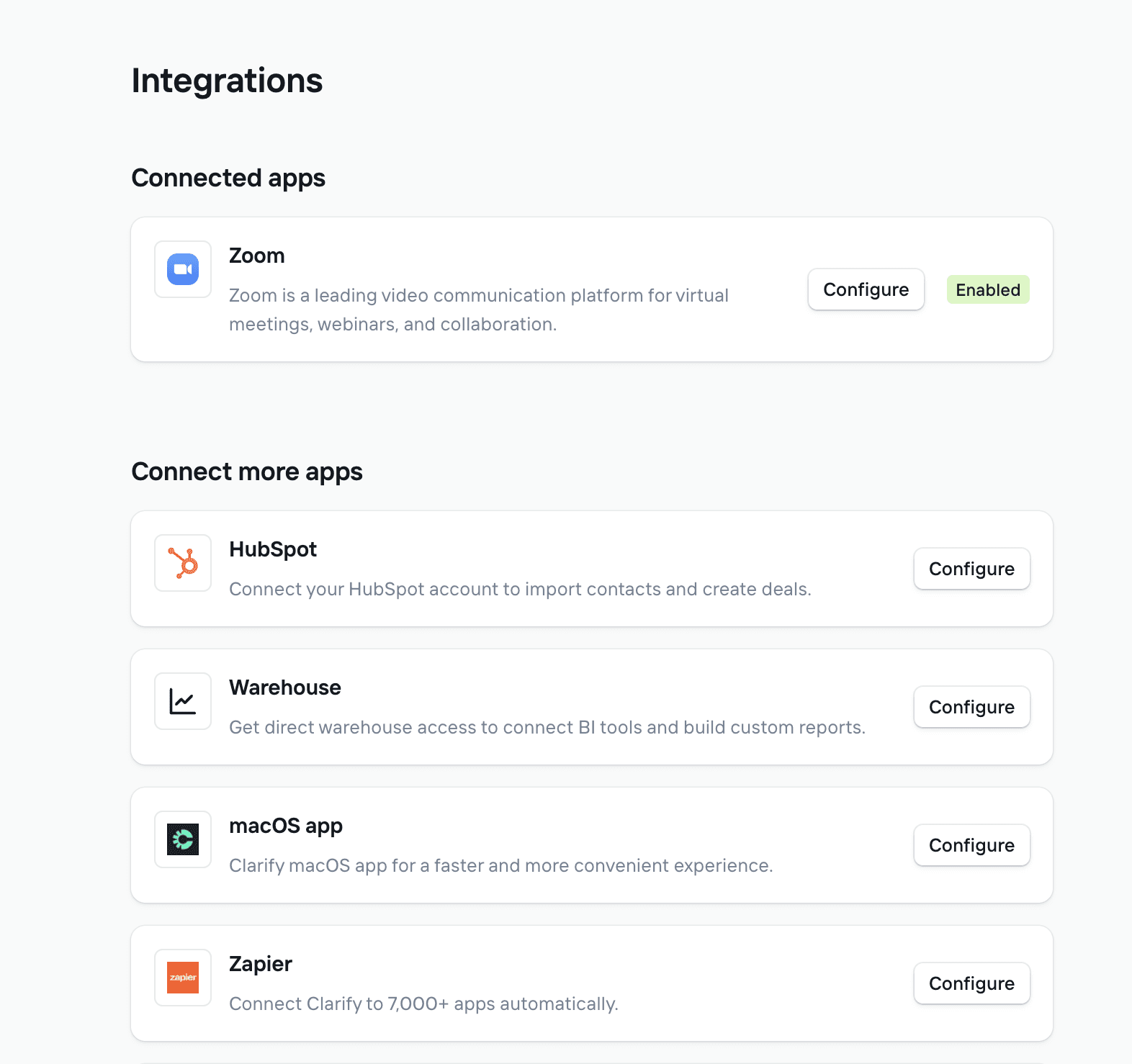
Integrations
Beyond its Google and Outlook calendar integrations, Clarify is still behind in terms of how many native integrations they have.
For now they propose:
Hubspot
Warehouse
Zapier
Zoom
Pricing: does it scales well?
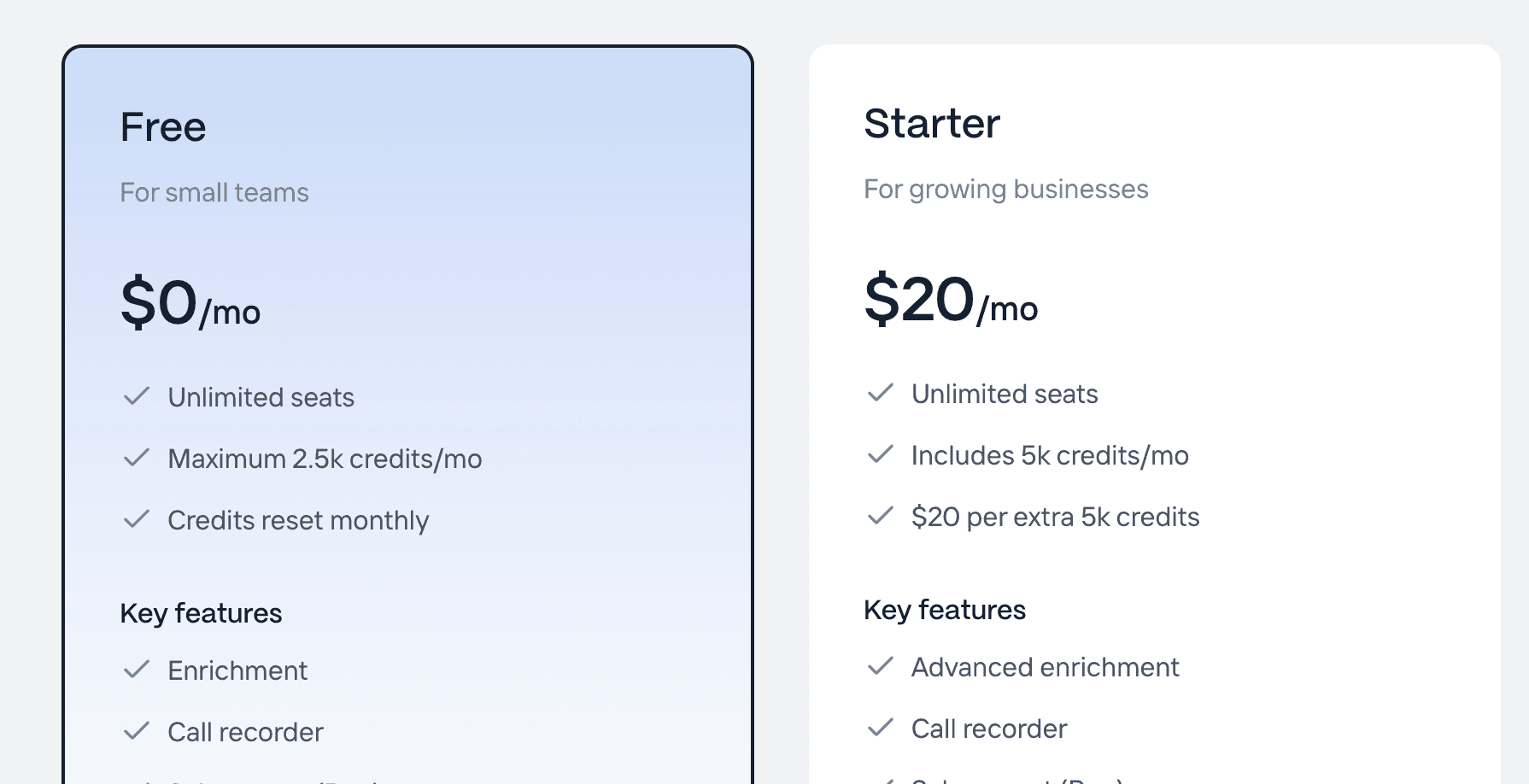
Clarify has brought a new type of pricing to the CRM market:
• 1 base subscription at 20 dollars per month
• unlimited team members
• credit based system
Not charging per team member is a smart move that removes a lot of friction for teams 🎯.
But Clarify still needs to make money, so they decided to scale revenue another way.
Basically, the 20 dollars per month plan gives you 20,000 credits. Those credits are spent to perform different actions inside the CRM, such as moving deals automatically, generating meeting summaries and more. It is a bit like Cursor, where you pay 20 dollars per month and based on your usage you can top up with more credits 💳.
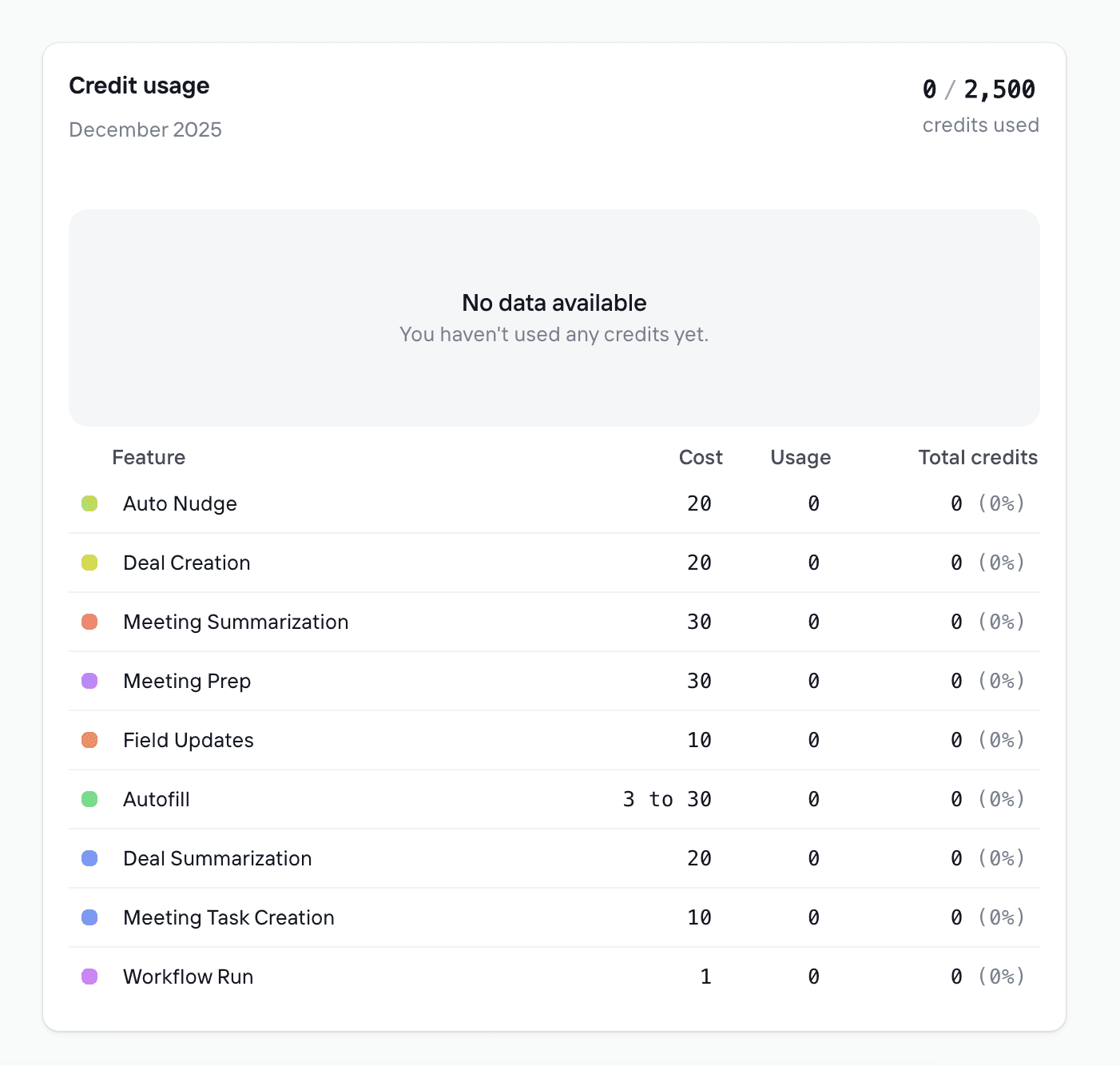
This is exactly how credits are spent. I learned this by actually trying the software, because that information is not clearly written on the landing page:
Auto Nudge = 20 credits
Deal Creation = 20 credits
Meeting Summarization = 30 credits
Meeting Prep = 30 credits
Field Updates = 10 credits
Autofill = 3 to 30 credits
Deal Summarization = 20 credits
Meeting Task Creation = 10 credits
Workflow Run = 1 credit
If you do not intend to pay, you can also use Clarify’s free plan. You will have 2,500 credits per month in that plan.
Although Clarify only starts at 20 dollars per month, how does it scale? This system still feels a bit obscure, so let’s see how much it would cost for a team of 3 full time sales reps using the CRM. Each rep will work on **around 200 new leads per month **and have about 40 hours of sales calls per month per rep 🤔.
So:
40 hours of sales calls per rep = roughly 240 meetings in total for 3 reps
Meeting summarization = 240*30 = 7200
Meeting Prep = 240*30 = 7200
Deal Creation = 200*3*20 = 12000
Meeting Task Creation = 240*10 = 2400
Average for the rest = 1000*3 = 3000
**TOTAL CREDITS **= 31800
Clarify's cost, for 3 reps would be approximately:
cost of Clarify = $20/mo for 5K credits/mo
31800-5000 = 26800 credits to top up
It's $20/mo for $5K credits/mo
You'd need to top up 6 times to cover it all so = $120/mo in top up
Total cost = **$140/mo **
Honestly, for 3 full time sales reps it's pretty good. I can imagine that the price can scale WAY more as you get more contacts in the CRM so who knows, maybe it even goes to $200/$250/mo but compared to some CRMs, it'd still be a decent price. It's just super obscure to anticipate how much you'll truly pay.
My calculations also didn't include heavy potential automations with the workflow runs, if it's like Attio, it scales hard.
Clarify is also VC-backed, so it's not impossible that they're selling at a loss or near that.
Alternatives to Clarify CRM
There aren't many alternatives to Clarify at the moment. What they do is still brand new and very few CRMs have similar/related features.
Breakcold: the AI native CRM for Modern Salespeople
Breakcold is one of the best alternatives to Clarify.
Like Clarify, Breakcold is able to natively create deals and move leads automatically in the pipeline (it also creates the pipeline or pipelines for you) 🤖.
You can also record meetings and manipulate the AI outputs with prompts.
On top of all the similarities with Clarify, you can also:
• connect your LinkedIn, WhatsApp and Telegram accounts. This is key to having a single source of truth so the CRM moves leads correctly
• connect Breakcold to more than 20 apps natively, including sales tools like Lemlist, Smartlead and many others 🔗
• create your own AI CRM agent to influence how the CRM creates tasks so you never miss a follow up
Long story short, you get the benefits of Clarify and beyond 🚀.
Breakcold is a sales focused CRM though. It is a bit more intentional than Clarify. The downside in comparison at the moment is the lack of CRM email automated campaigns.
Key Key Features of Breakcold AI Native CRM |
|---|
Auto-lead movement: Leads move automatically in Breakcold’s CRM based on your interactions with them. No setup required, the AI understands everything on its own. Auto-task creation: Monitors your interactions with leads and automatically creates follow-up tasks so you never lose momentum. This lets you focus on chatting with leads, not on admin work. Vision Builder – by default, leads move automatically by how you named your lists and sales pipeline stages (zero setup). But if you want to control the AI, you can by using natural language to build advanced AI CRM workflows. AI-Powered CRM Dashboard – A self-updating dashboard that highlights your most important tasks so you always know what to focus on. AI Contact Management – Automatically organizes leads into the right lists and groups by analyzing your conversations, notes, and activities. AI Personalities (AI Agents) – Choose an AI personality aligned with your business goals. Your dashboard then adapts, serving you daily tasks tailored to that persona. AI Reasoning – Every suggested task comes with context, so you’ll know exactly why it’s important and why it matters today. AI-Suggested Messages – Get personalized next-message suggestions that match both your tone of voice and your AI personality. Works for email & social conversations. AI Rules – Add rules to each step of your workflow for deeper customization and smarter automation. AI-Powered Contact Deduplication – Automatically identifies and merges duplicate contacts, eliminating hours of manual data cleanup and keeping your CRM lean and accurate. Advanced Data Enrichment – Powered by BetterContact, Breakcold now uses waterfall enrichment to surface verified B2B emails and phone numbers, enhancing the quality and precision of your outreach. AI Notetaker – Breakcold integrates with tools like Otter, Fireflies, TL;DV, and Fathom to auto-generate and log call summaries directly into the CRM — complete with transcript links and follow-up tasks based on what was discussed. All-in-One Unified Inbox – Manage conversations from LinkedIn, email, WhatsApp, and Telegram in one place, so you can respond faster and never miss a follow-up. Social Engagement Stream – Like, comment, and engage with your leads’ posts without leaving the CRM — build relationships through meaningful and consistent interactions. 20+ native integrations: including Slack, Apollo, Smartlead, Instantly, Lemlist & many other sales tools. |
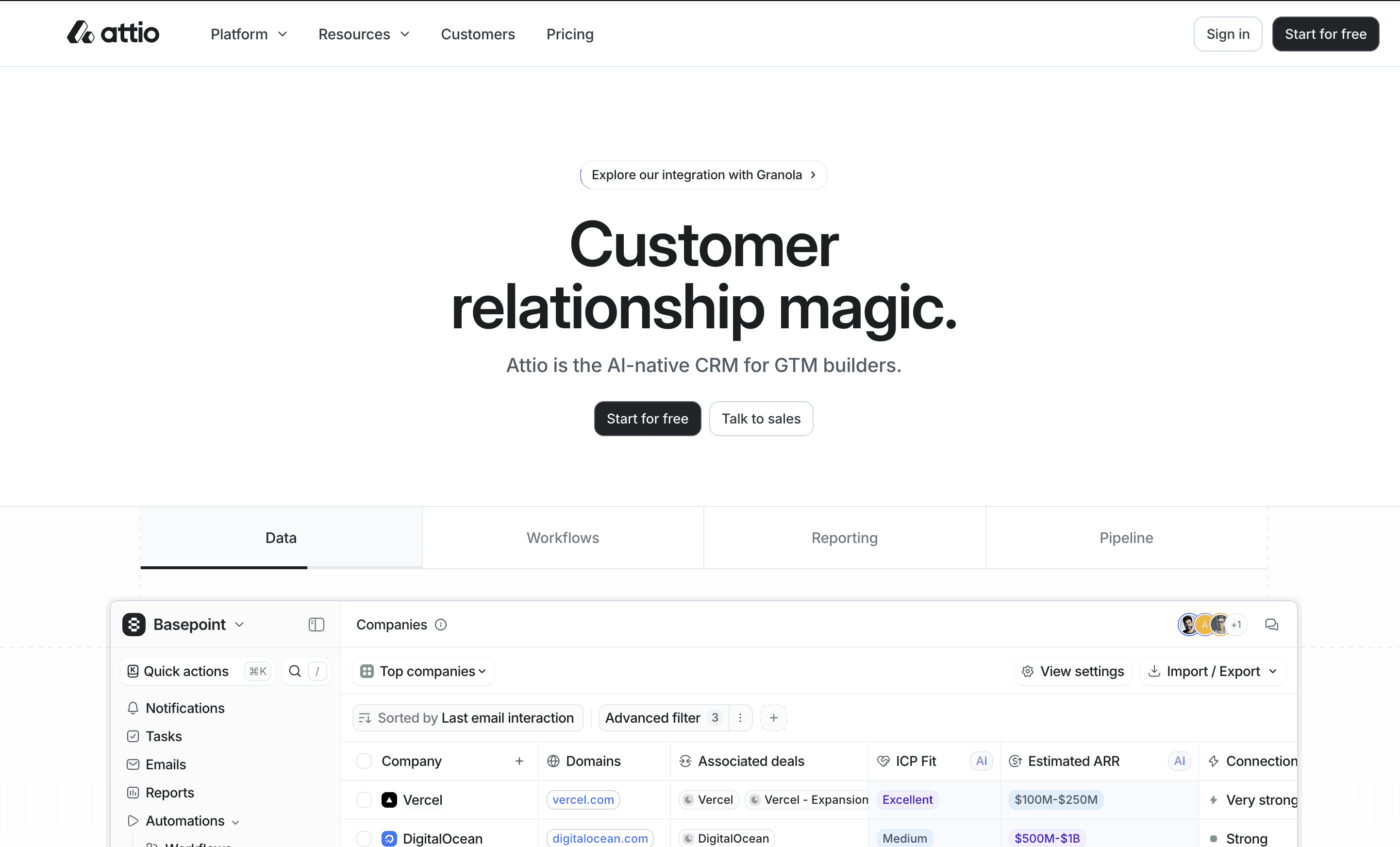
Attio: the AI CRM for PLG startups
If you are a B2B startup that is very PLG with many leads at scale, then Attio is a good pick 🚀.
Its AI features are weaker than Clarify’s since they are not AI native, but the CRM workflow feature of Attio is so powerful that when you combine it with AI blocks, it actually beats Clarify 🤖.
However, the downside is that the** learning curve** of Attio is hard and much steeper than Clarify’s.
So unless you are tech savvy, do not pick Attio as a Clarify alternative ⚠️.
Day AI: the Clarify like
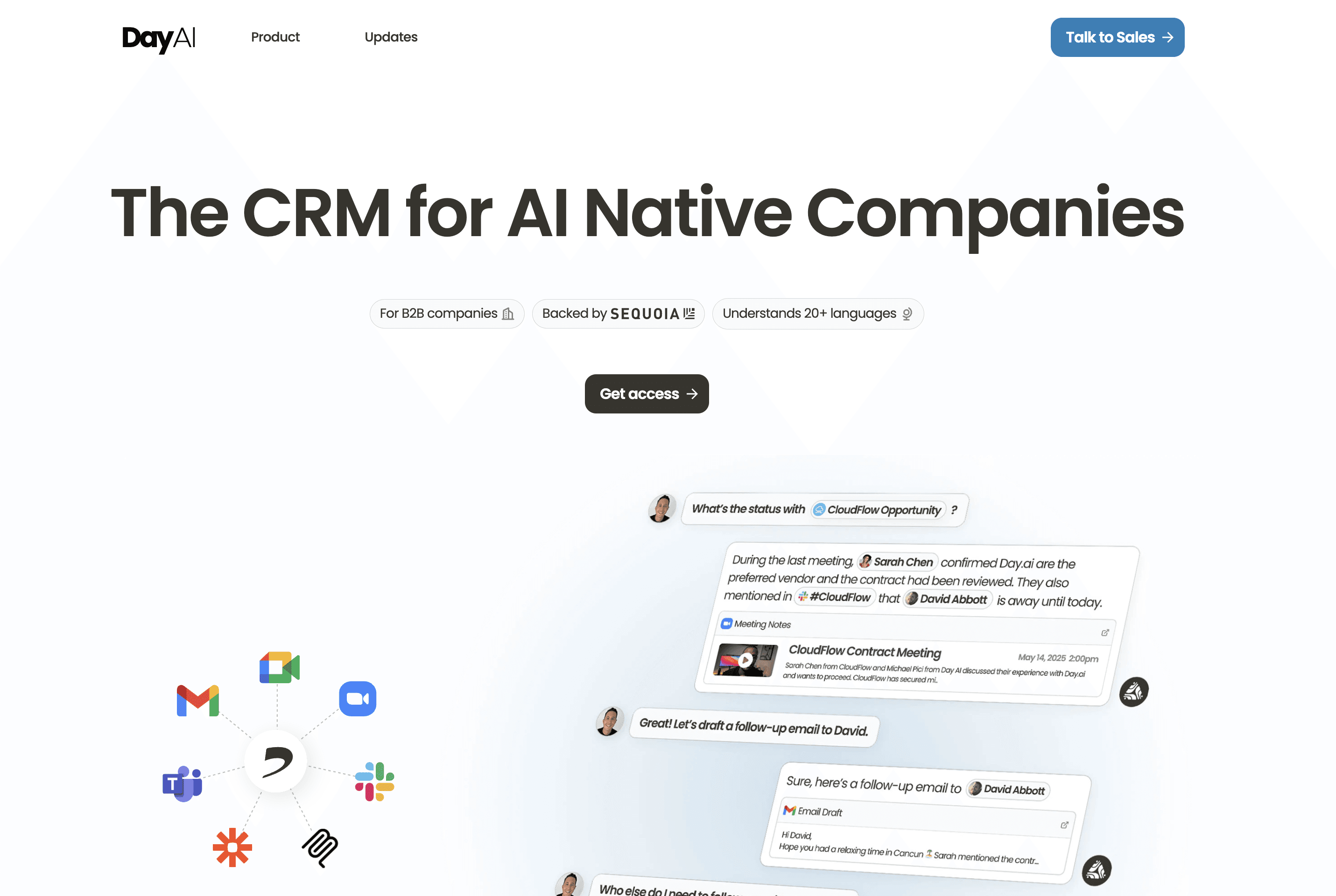
Day AI is one of the new kids on the block alongside Clarify 🌱.
I did not get the chance to try Day AI, so I do not have too much intel, but from what I see on their landing page, they look extremely similar to Clarify. It is the same mindset and approach 🤖.
So it is definitely worth checking out if you are looking for a Clarify alternative 👀.
Close: the best alternative if you need calling features
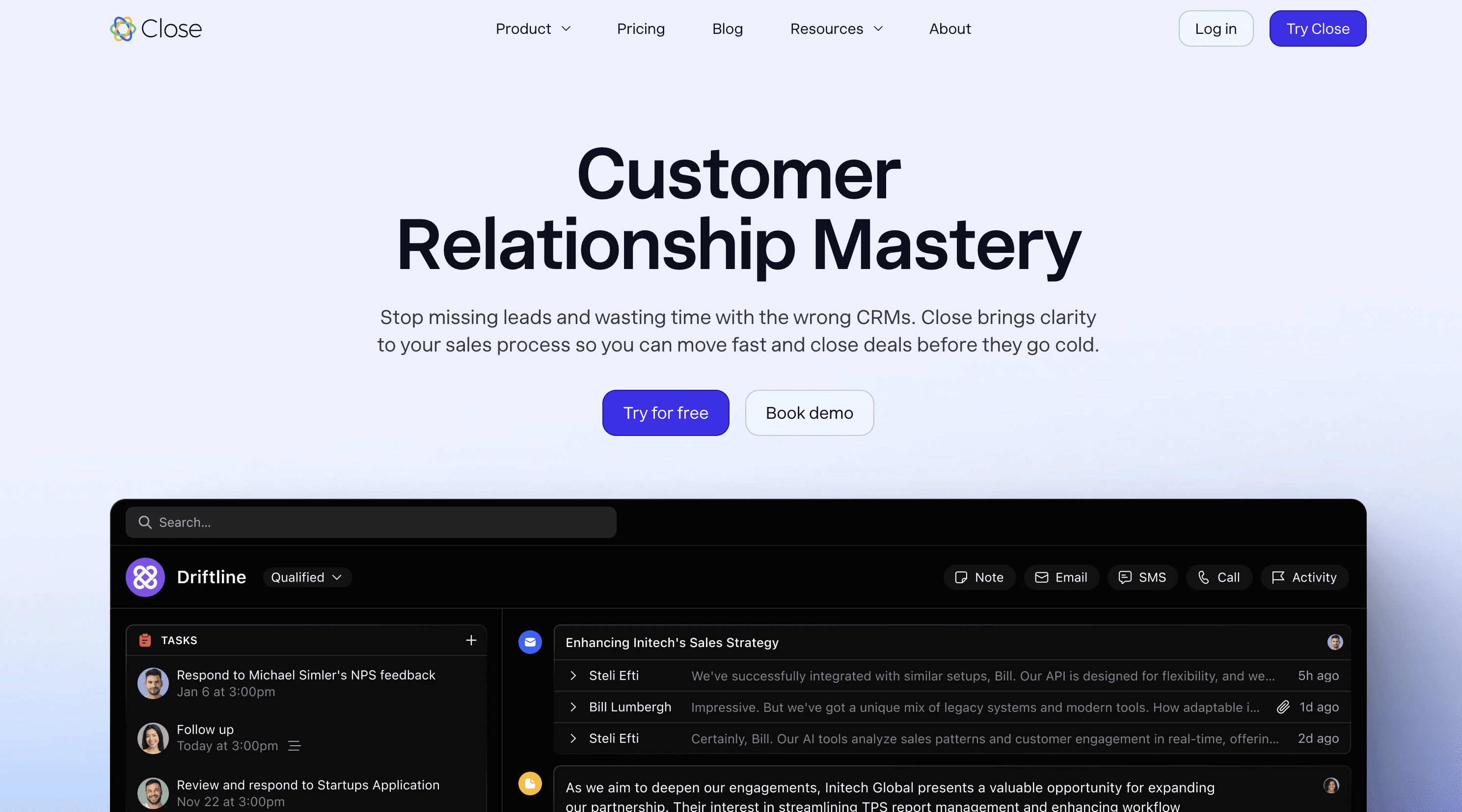
One of the biggest downsides of Clarify is its lack of calling (phone) features 📞.
With Close, you can fix that while also having a built in AI note taker and meeting analysis. For auto movement of leads and task creation, it is not AI native in Close, but you can still achieve it using its CRM workflow feature 🤖⚙️.
Future of Clarify
At the moment, I truly do not know what the future of Clarify will be 🔮.
It seems that they have the basics of a modern AI CRM covered, but it is still very limited if you are a sales team.
Connecting multiple email accounts, having multiple pipelines and more are key for bigger teams 📈.
Unless they want to focus on what I would call solopreneurs plus plus such as lawyers, financial consultants and more, I think the product still needs to evolve a lot 🤔.
Frequently asked questions

Written by
Arnaud Belinga · Co-Founder & CEO at Breakcold
Arnaud is the Co-Founder & CEO of Breakcold, the AI Native CRM for sales teams of 5 to 30+ people.