



7 Best CRM Tools for SaaS in 2026: Grow MRR, Cut Churn
Most SaaS CRM lists ignore how you actually sell in 2026. Here is the honest ranking, scored on multichannel selling and AI doing the admin.
TL;DR: the best CRM for SaaS in 2026 is the one that matches how you actually sell 🏆
🏆 Breakcold: the AI Native CRM for sales teams of 5 to 30+ people. AI agents handle the admin (move deals, log activity, create tasks), it connects to Claude and ChatGPT via native MCP, and it syncs LinkedIn, email, WhatsApp and Telegram into one pipeline. At 5 seats Breakcold is $139/mo, where a traditional CRM runs $300 to $500/mo.
🟢 HubSpot: the all-in-one for SaaS teams that want sales, marketing and service under one roof, if you can stomach the jump to Professional pricing.
🔵 Close: the high-velocity calling CRM for inside-sales SaaS teams that live on the phone.
🟣 Attio: the flexible, data-heavy CRM for ops-led SaaS orgs that want to build their own model and have someone to configure it.
🟠 Paddle and ChartMogul: not CRMs, but the MRR, ARR and churn analytics layer every SaaS should pair with its CRM.
Running a SaaS business is like juggling flaming swords: you are chasing new sign-ups, keeping existing customers happy, and praying churn does not cut into your MRR. Unlike traditional businesses that thrive on one-off transactions, SaaS companies live and die by recurring revenue. That is where a CRM for SaaS companies comes in. It is the central nervous system that helps you scale customers, forecast revenue, and keep churn at bay.
Most "best CRM for SaaS" lists rank the same generic sales tools. The real 2026 question is which CRM matches how SaaS sales teams actually sell now: across LinkedIn, WhatsApp, email, calls and meetings, with AI agents doing the admin in the background. Once you score CRMs on that, the ranking looks very different.
🤔 What is a CRM for SaaS?
A SaaS CRM is customer relationship management software tailored for subscription-based businesses. Unlike traditional CRMs that focus on one-time deals, SaaS CRMs are designed to:
Track monthly recurring revenue (MRR) and annual recurring revenue (ARR).
Monitor free trial sign-ups and conversions.
Predict and reduce customer churn.
Put simply: while a traditional CRM helps close a deal, a SaaS CRM helps you keep that deal paying, month after month.
📈 Why Do SaaS Companies Need a CRM?
SaaS companies need a CRM because their business model depends on retention, not just acquisition. A well-implemented SaaS CRM lets teams:
Track recurring revenue streams (MRR and ARR).
Manage and convert free trials into paying customers.
Forecast churn before it happens.
Nurture customers through the full lifecycle: acquisition, onboarding, retention and upsell.
🛠️ What Features Should a SaaS CRM Have?
Not all CRMs are built equal, and SaaS companies cannot afford to run on a generic, one-size-fits-all tool. The best CRM features for SaaS are designed around recurring revenue, retention and customer health:
✅ Subscription tracking and billing integration
Keep tabs on MRR, ARR and expansion revenue with direct integrations into your financial tools.
✅ Churn prediction and customer health scoring
Spot at-risk accounts early with AI-powered churn alerts and customer health dashboards.
✅ Customer segmentation for upsell and cross-sell
Slice your customer base by usage, plan type or lifecycle stage to trigger the right upsell at the right time.
✅ Multichannel pipeline and trial-to-paid conversion tracking
Follow trial sign-ups across every channel, automate onboarding, and optimize your trial-to-paid funnel.
👉 Simply put: if your CRM cannot tell you who is about to churn, who is ready to upgrade, or how much MRR you are about to add, it is not a true SaaS CRM.
🏆 Best SaaS CRM Tools (2026 Edition)
Choosing a CRM for SaaS is not about "the biggest brand wins." It is about fit. Here are the tools worth a serious look in 2026, starting with the five real CRMs, then the two analytics companions every SaaS should pair with one.
🥇 Breakcold: the AI-native, multichannel CRM for SaaS sales teams
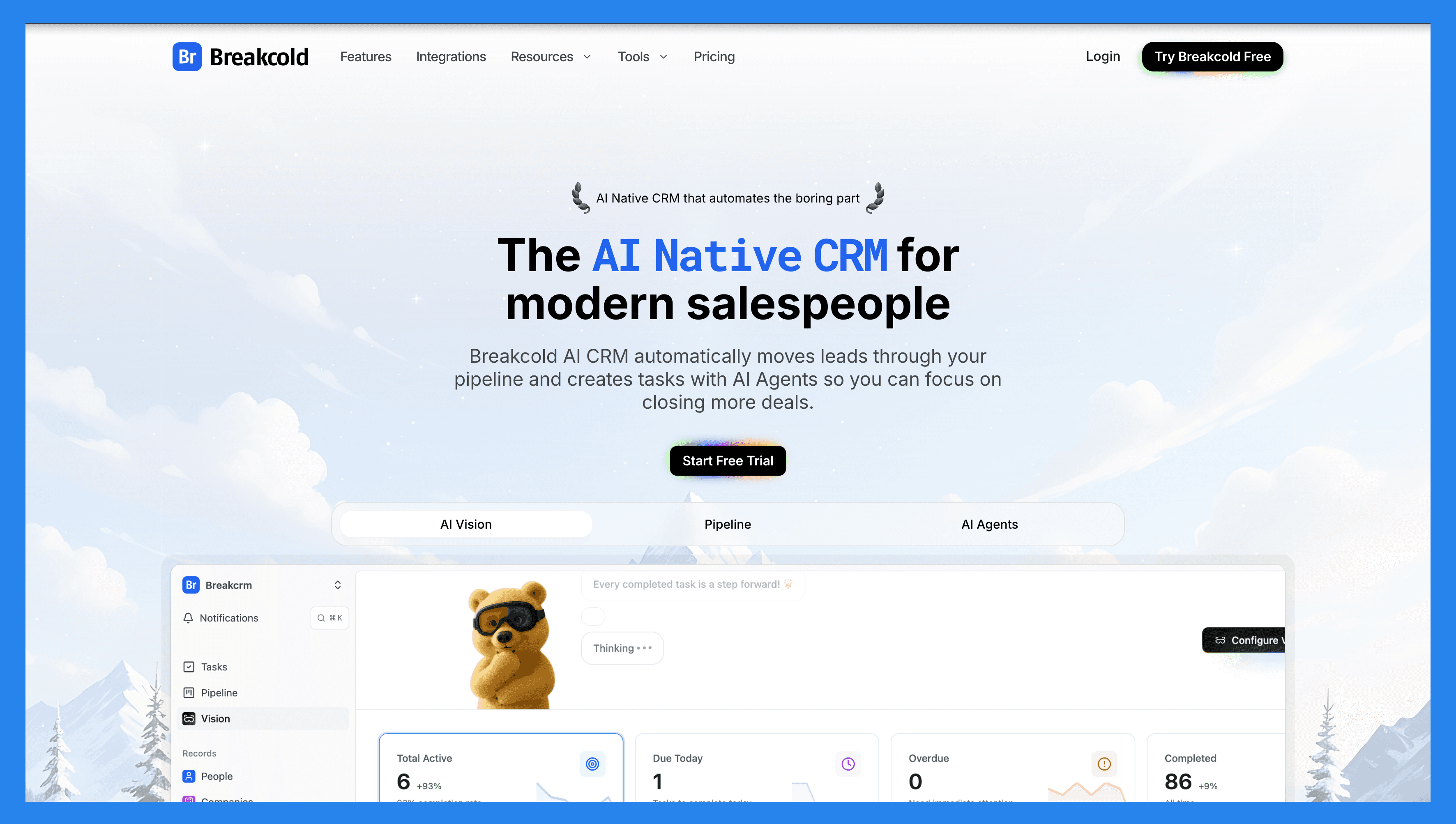
Summary
Breakcold is an AI-native sales CRM built for the way SaaS teams actually sell in 2026. Instead of trapping reps in email threads and clunky dashboards, it pulls LinkedIn, WhatsApp, Telegram, email, calls and meetings into one inbox that auto-syncs every conversation. On top sits a real MCP server, so AI agents like Claude and ChatGPT can read and write your CRM and run the admin for you. It is the modern, easy answer to Pipedrive and HubSpot complexity, and it is best for SaaS sales teams of 5 to 30.
Why SaaS Teams Love It: it is the one CRM that matches a multichannel sales motion, and its AI does the data entry so reps can sell. You can even run the whole thing from the Breakcold MCP or the Chrome extension on any platform.
Key Features
Multichannel unified inbox: email, calls, meetings, LinkedIn, Telegram and WhatsApp in one place, with conversations auto-synced. No Chrome-extension button to click before a message lands in the CRM.
Native MCP server: connect Claude, ChatGPT and other agents to read and write people, companies, deals, tasks and your full inbox.
AI CRM actions: auto-task creation, automatic pipeline movement on inbox signals, and AI reasoning that explains why each task matters today.
Meeting recorder and AI notetaker: record calls or sync Fireflies, Fathom and tl;dv, with summaries and follow-up tasks logged straight to the record.
Waterfall enrichment: verified B2B emails and phone numbers via BetterContact, with unlimited people and company enrichment that never costs tokens.
Custom objects, fields and relations: model your SaaS data such as accounts, subscriptions and trials without needing a GTM engineer.
Roles, permissions and multi-workspace: let teammates engage on your behalf, and manage multiple SaaS brands or agency clients from one login.
Ratings: G2 4.7/5 and Capterra 4.8/5.
Pros
The only sales CRM that natively syncs email, calls, meetings, LinkedIn, Telegram and WhatsApp in one inbox.
AI-native: auto-task creation, auto pipeline movement and deal insights, with no decision-tree building required.
Works with Claude and ChatGPT through a real MCP server, so agents can read and write the CRM.
Custom objects, fields and relations with a data model close to Attio, but easy enough for a non-technical team to set up.
Cheap and scalable: 10 dollar seats and 10 dollar accounts instead of 39 to 59 dollar per-integration add-ons.
Cons
Built for SaaS teams of 5 to 30. A 500-seat enterprise that needs Salesforce-grade governance is not the target fit.
It is a sales CRM, not a billing or revenue-recognition tool. Pair it with Stripe, Paddle or ChartMogul for MRR accounting.
The token-based AI pricing takes a few minutes to wrap your head around if you are used to flat per-seat plans.
Pricing
Breakcold keeps it to one plan at $99/mo that already includes 1 seat and 2 connected accounts, then scales by usage instead of locking features behind tiers:
Base ($99/mo): 1 seat, 2 accounts, multichannel inbox, meeting recorder, Claude and ChatGPT integrations, unlimited contacts, pipelines, custom objects and fields, plus 1,500 AI tokens (around 3,000 AI actions).
Extra seats (+$10/mo each): a new teammate is 10 dollars per month, not another full 59 dollar seat.
Extra accounts (+$10/mo each): add a LinkedIn, Telegram or WhatsApp account for 10 dollars per month instead of the 39 to 59 dollar per-integration add-on other CRMs charge.
Enrichment: unlimited people and company enrichment, free, never costs tokens.
So a 5-person SaaS sales team runs about $99 + 4 x $10 = $139/mo, with AI and every channel included. A team of 5 on Breakcold is $139/mo, where Attio, Pipedrive and HubSpot Sales Hub run about $500/mo for 5 seats with similar features. That is why it sits among the best CRMs under $100/mo for small teams.
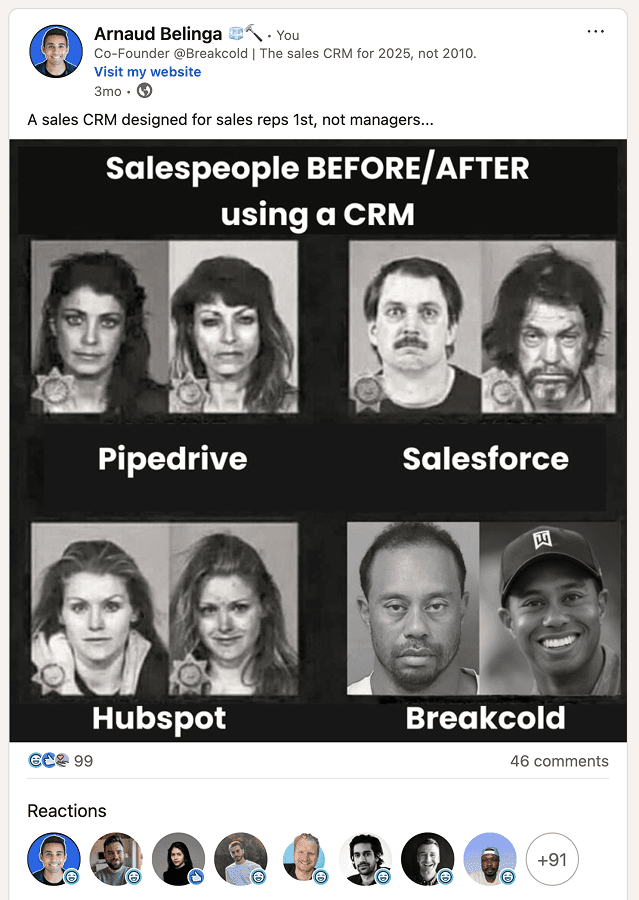
SaaS salespeople before and after Breakcold: same pipeline, minus the tab-switching and busywork.
🥈 HubSpot: the all-in-one for SaaS teams that want sales, marketing and service together
Summary
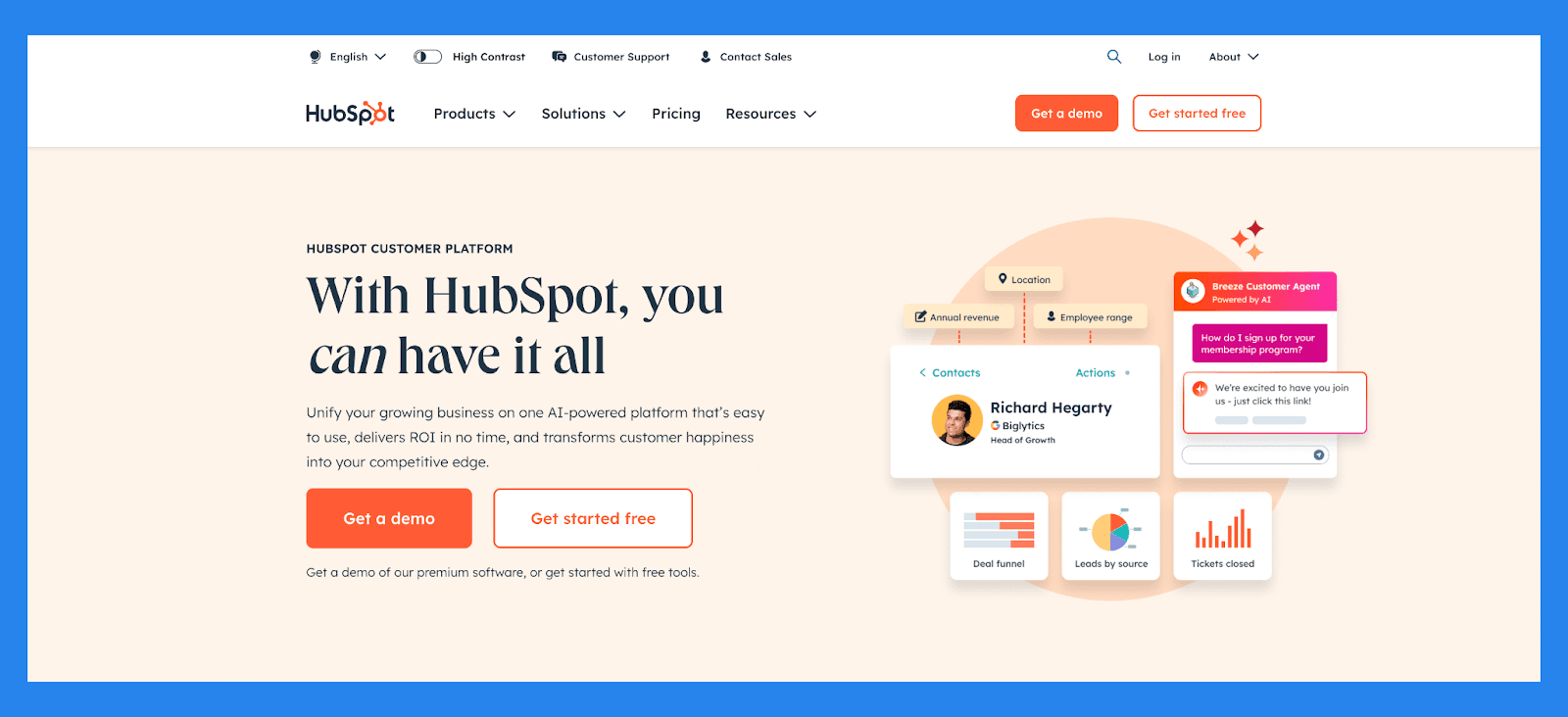
HubSpot is the Swiss Army knife of CRMs: flexible, accessible and packed with features after a decade-plus of building. Its genuinely useful free tier makes it attractive for early SaaS startups, while its ecosystem of sales, marketing and service hubs scales as you grow. The catch is that costs climb fast once you outgrow the free and Starter tiers.
Why SaaS Teams Love It: with built-in automation and a huge integration marketplace, HubSpot can be the one platform that does almost everything, as long as your budget keeps up. If the sales side is the pain point, here are the stronger AI-native alternatives to HubSpot.
Key Features
Contact and deal management: enrich and organize leads with full activity timelines and customizable pipelines.
Lead scoring and segmentation: prioritize leads by behavior, fit and engagement.
Email tracking and sequences: track opens, clicks and replies, and automate follow-ups.
Marketing-to-sales handoff: forms, chatbots and shared workflows to pass qualified leads between teams.
AI-powered insights: surface funnel bottlenecks and high-converting channels.
Ratings: G2 4.4/5 (12,000+ reviews) and Capterra 4.5/5 (4,000+ reviews).
Pros
User-friendly interface that is easy to navigate, even for non-technical teams.
A real all-in-one platform combining marketing, sales and service.
Reliable single source of truth for customer data.
Useful free tier to get started.
Cons
Pricing can be prohibitive for solopreneurs and very small SaaS teams once you need Professional.
Learning curve during onboarding, plus a one-time onboarding fee on higher tiers.
Automation can feel rigid, and reporting lacks depth for advanced analytics.
No native LinkedIn DMs or other social channels, so LinkedIn-led SaaS teams bolt on extra tools.
Pricing
HubSpot has been seat-based since its 2024 pricing change, with no forced seat minimums:
Free tools ($0): contact management, deals and basic email tracking for up to 2 users.
Sales Hub Starter (about $20/seat/mo): everything in Free, plus sequences, simple automation and goals. New-customer promos sometimes drop it to 9 to 15 dollars per seat.
Sales Hub Professional (about $90 to $100/seat/mo): everything in Starter, plus advanced automation, forecasting and custom reporting, with a one-time onboarding fee around $1,500.
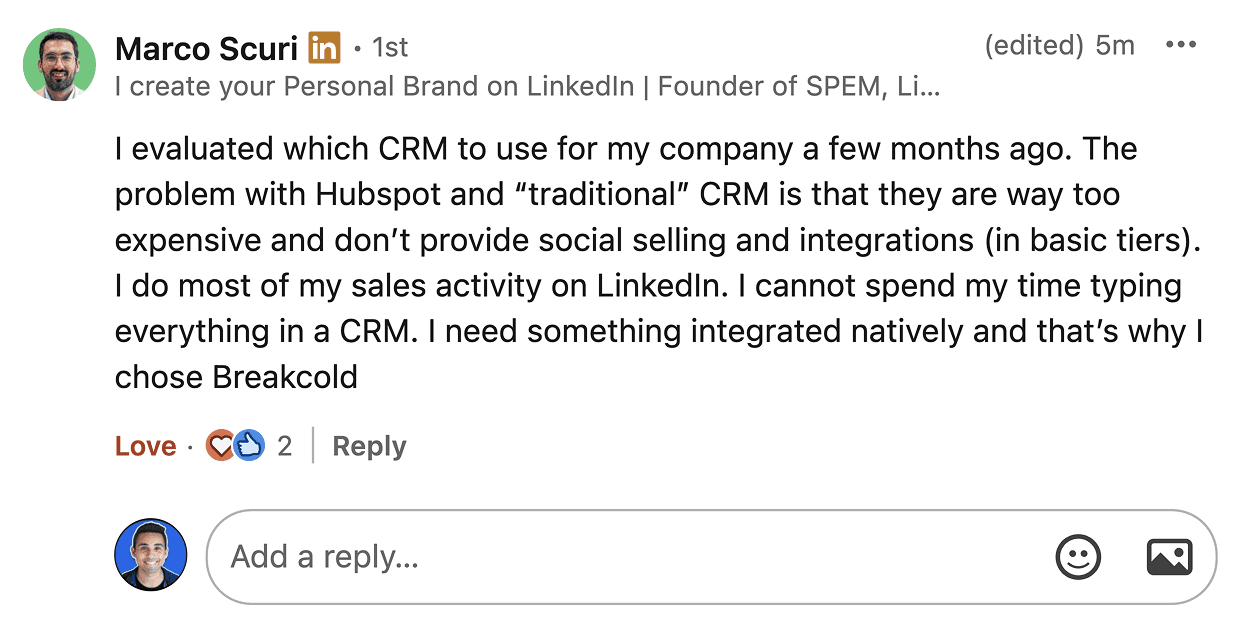
A common reason SaaS founders leave HubSpot: too expensive and no native LinkedIn selling. Marco moved his LinkedIn-led sales to Breakcold.
🥉 Close: the high-velocity calling CRM for inside-sales SaaS teams
Summary
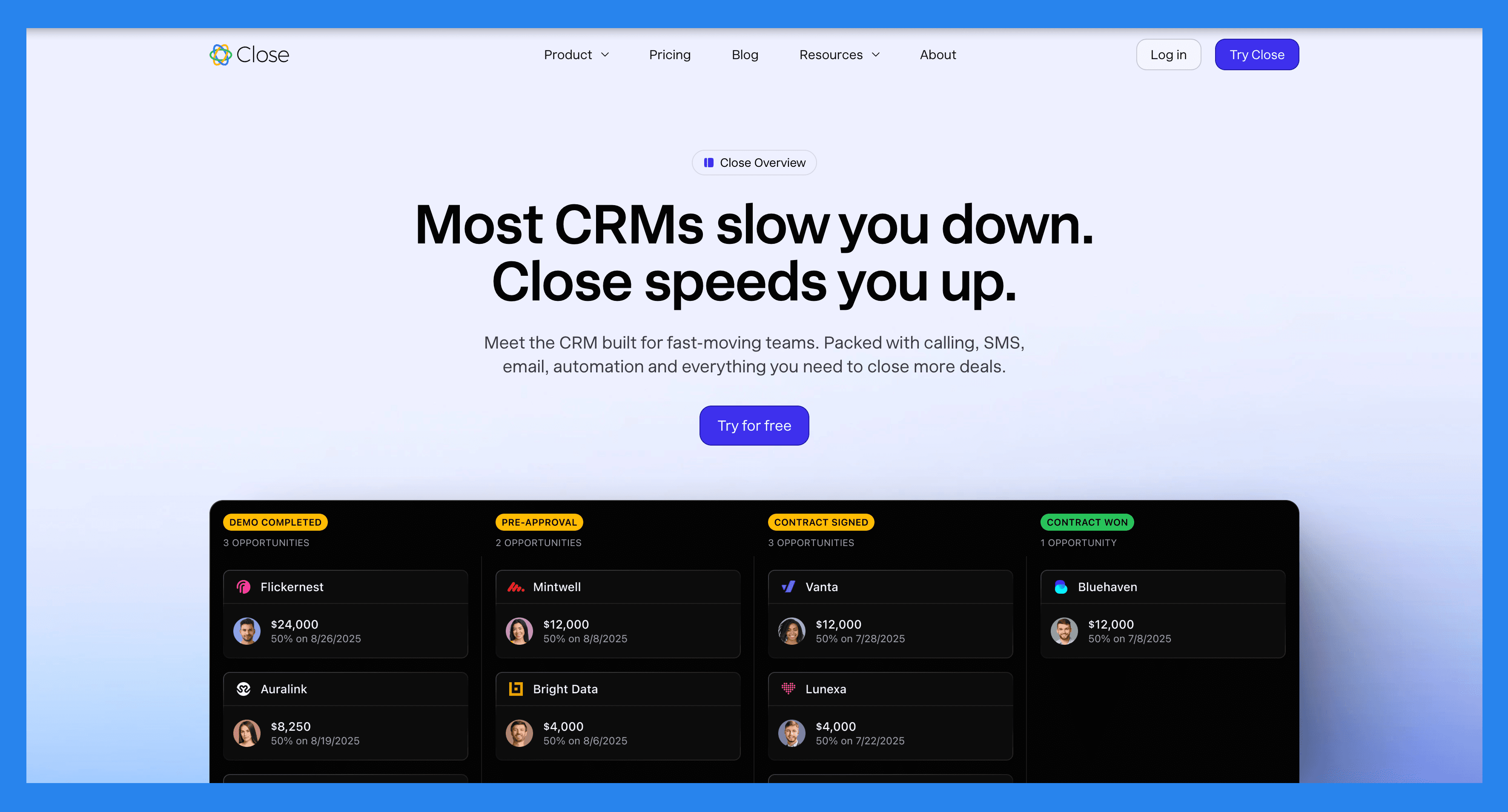
Close is purpose-built for high-velocity SaaS sales teams. With integrated calling, emailing and pipeline management, it removes the need to juggle separate tools. It is optimized for inbound and outbound reps who need speed, and its automation keeps leads from slipping through the cracks. If your SaaS motion is phone-first, Close is hard to beat.
Why SaaS Teams Love It: for fast-paced sales cycles, Close keeps momentum flowing with all-in-one calling, emailing and pipeline management plus its built-in AI assistant.
Key Features
Power Dialer and Predictive Dialer: make far more outbound calls per rep per hour.
Centralized communications hub: email, SMS and calls in one place, logged automatically.
Multi-channel sequences: automated emails, call tasks and follow-up reminders.
Funnel and rep analytics: track sales velocity, conversion rates and team performance.
AI call assistant (Chloe): live transcription, smart notes and automated summaries.
Ratings: G2 4.7/5 (1,000+ reviews) and Capterra 4.7/5.
Pros
Clean, user-friendly interface with a minimal learning curve.
Best-in-class calling and dialer features for outbound SaaS teams.
Two-way email sync and effective outreach workflows.
Highly customizable via an open API.
Cons
No free plan, only a free trial.
No native LinkedIn integration, so LinkedIn selling needs third-party tools.
SMS is restricted to the US, Canada, UK and Australia, and calling and SMS are usage-based add-ons.
Some workflow and view features are gated behind higher tiers.
Pricing
Close prices per user, billed annually, and bundles its Chloe AI agent into every tier:
Solo ($9/user/mo): core CRM for one operator, with 500 AI credits.
Essentials ($35/user/mo): everything in Solo, plus small-team pipelines and 1,000 AI credits.
Growth ($99/user/mo): everything in Essentials, plus automated workflows, Power Dialer and the AI email assistant.
Scale ($139/user/mo): everything in Growth, plus role-based permissions, predictive dialer and unlimited call recording.
Attio: the flexible, data-heavy CRM for ops-led SaaS orgs
Summary
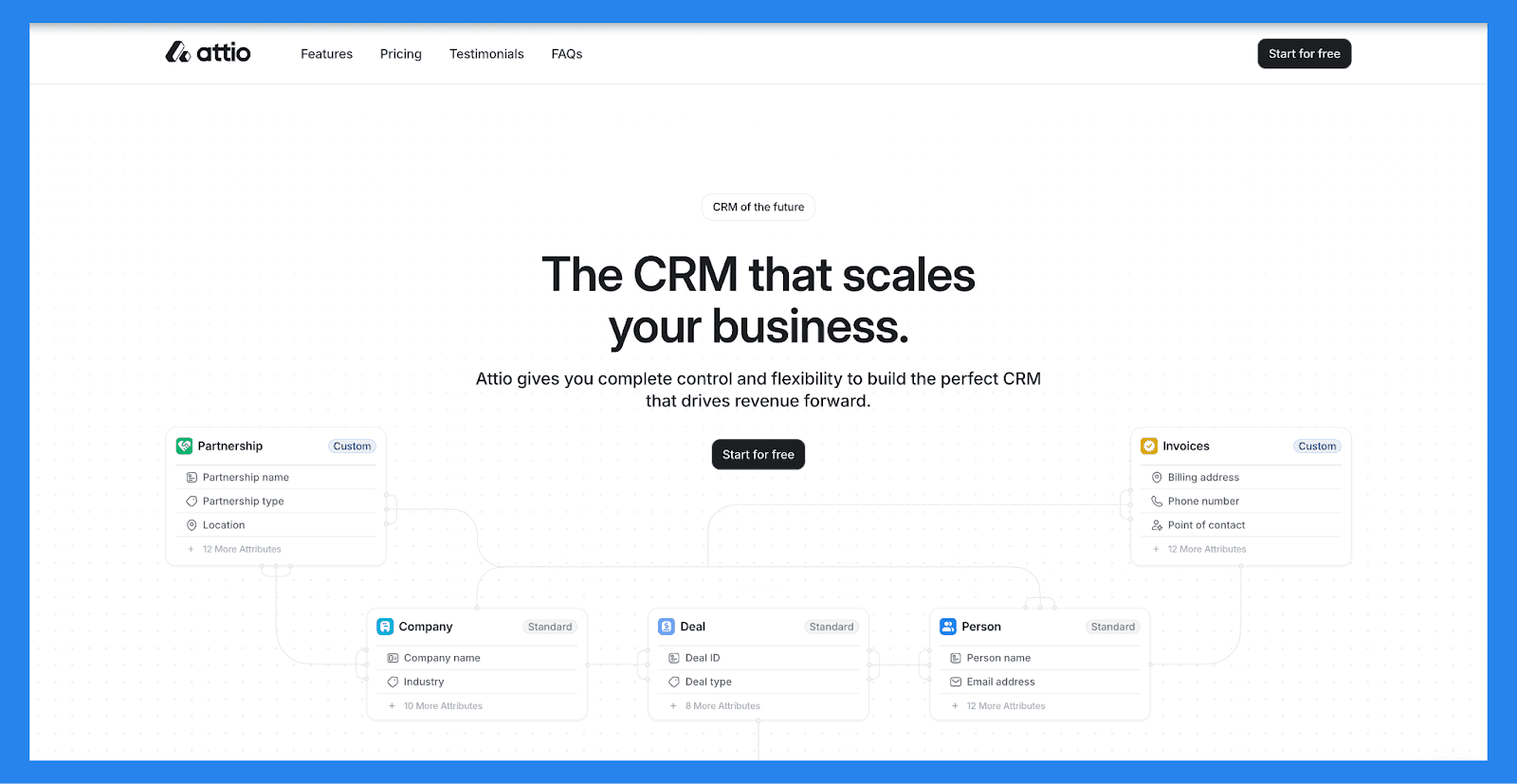
Attio is one of the newest players redefining the CRM space, and data-driven SaaS teams are paying attention. With a sleek interface, data enrichment baked in and highly customizable workflows, Attio adapts to each company's process rather than forcing rigid templates. It is modern, flexible and powerful, which also means it rewards teams that have someone to configure it. Attio is going up-market toward larger orgs, so if you want that data-model depth at SMB scale, look at these Attio alternatives.
Why SaaS Teams Love It: modern design, flexible workflows and built-in enrichment make it a favorite for ops-led and GTM-engineering teams.
Key Features
Dynamic contact and company records: real-time updates, custom fields and relationship tracking.
Data enrichment: pull web data to keep records fresh and complete.
Custom objects and workflows: model deals, partnerships or projects exactly how your team works.
Workflow automations: automate follow-ups, lead scoring and record updates.
AI research agent: gather insights on prospects and companies inside the CRM.
Ratings: G2 4.8/5 and Capterra 4.5/5.
Pros
Extensive customization for fields, views and workflows.
Intuitive, modern, Notion-style interface.
Powerful automation for repetitive tasks.
One of the deepest data models on the market.
Cons
Built for ops-led and larger orgs, so it can be overkill for a small SaaS sales team.
Pricing climbs quickly, and AI plus enrichment draw on a separate credit system.
Social channels and multichannel inbox are not first-class the way they are in a sales-DNA CRM.
Pricing
Attio moved up-market, and its pricing climbs fast once you leave the free tier:
Free ($0): real-time contact sync, automatic enrichment, up to 3 seats.
Plus ($29/seat/mo): everything in Free, plus private lists and no seat limits.
Pro ($69/seat/mo): everything in Plus, plus call intelligence, advanced enrichment and priority support.
Enterprise (custom, often $119+/seat): SSO, SAML and flexible invoicing.
AI features, enrichment and automations also consume a separate credit pool, so real cost usually runs above the headline seat price.
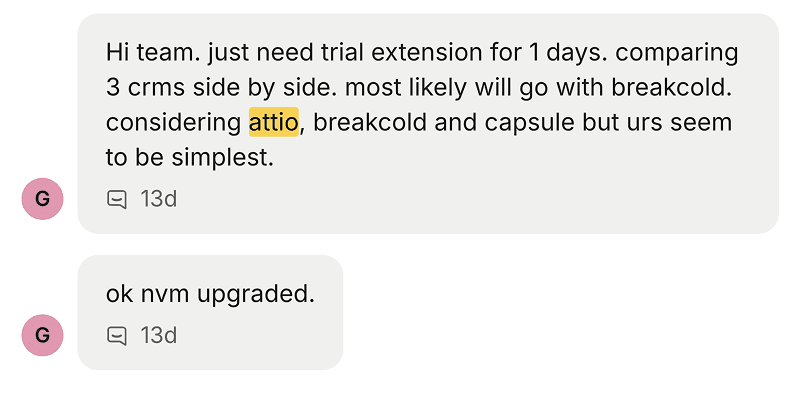
A SaaS buyer comparing Attio, Breakcold and Capsule side by side chose Breakcold for being the simplest to actually run.
Pipedrive: the lightweight pipeline CRM for lean SaaS startups
Summary
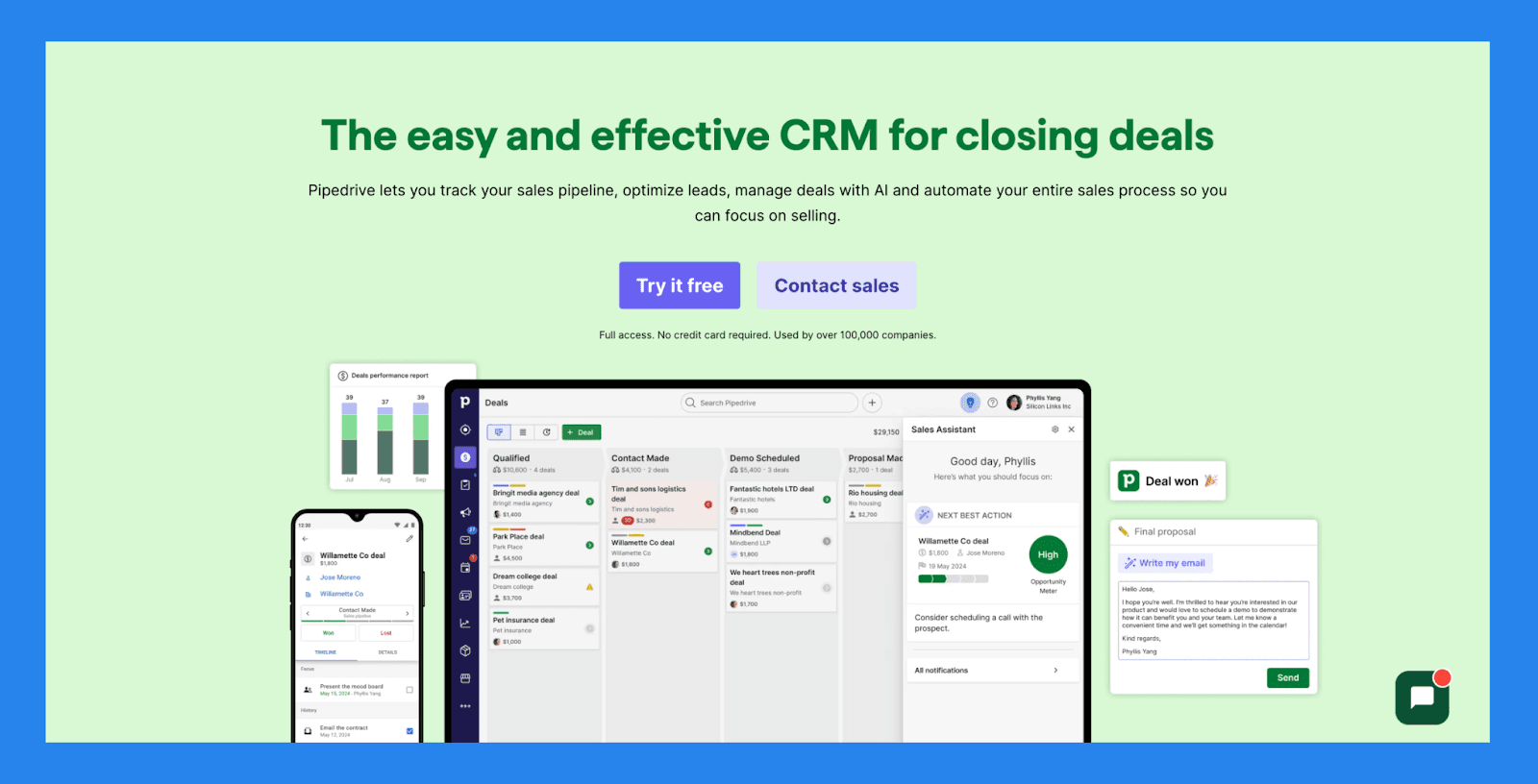
Pipedrive has long been a favorite for lean SaaS startups. Its intuitive pipeline view makes deal management straightforward, and its lower tiers stay accessible to small teams. It will not match the analytics depth of ChartMogul, but for early-stage SaaS focused on getting organized and closing faster, it is a solid pick. The honest caveat: since its 2020 acquisition its AI has stayed thin, which is why many SaaS teams now compare it against modern, AI-native Pipedrive alternatives.
Why SaaS Teams Love It: simple pipelines, fast setup and approachable entry pricing.
Key Features
Visual pipeline control: drag-and-drop deal stages with scheduled next actions.
Sales task automation: cut repetitive data entry and follow-up reminders.
Custom forecasting and reports: track revenue trends, deal health and conversion rates.
AI deal guidance: win-probability scores and prompts based on CRM activity.
400+ integrations: connect Gmail, Slack, Zoom and the rest of your stack.
Ratings: G2 4.3/5 (2,400+ reviews) and Capterra 4.5/5 (3,000+ reviews).
Pros
Quick, easy setup with a minimal learning curve.
Wide range of third-party integrations.
Well-structured onboarding materials.
Affordable entry tier for early startups.
Cons
The interface and AI features can feel dated next to newer CRMs.
No free plan, and the better features sit in upper tiers.
No native LinkedIn integration for lead importing.
Support can be slow, and some users report occasional bugs.
Pricing
Pipedrive reshuffled its tiers in 2025, but the spread, billed annually, is roughly:
Entry (around $14/user/mo): lead, calendar and pipeline management with 400+ integrations.
Mid (around $25 to $49/user/mo): full email sync, automation builder and meeting scheduling.
Top self-serve (around $75 to $79/user/mo): AI sales assistant, lead routing, revenue forecasts and tighter team controls.
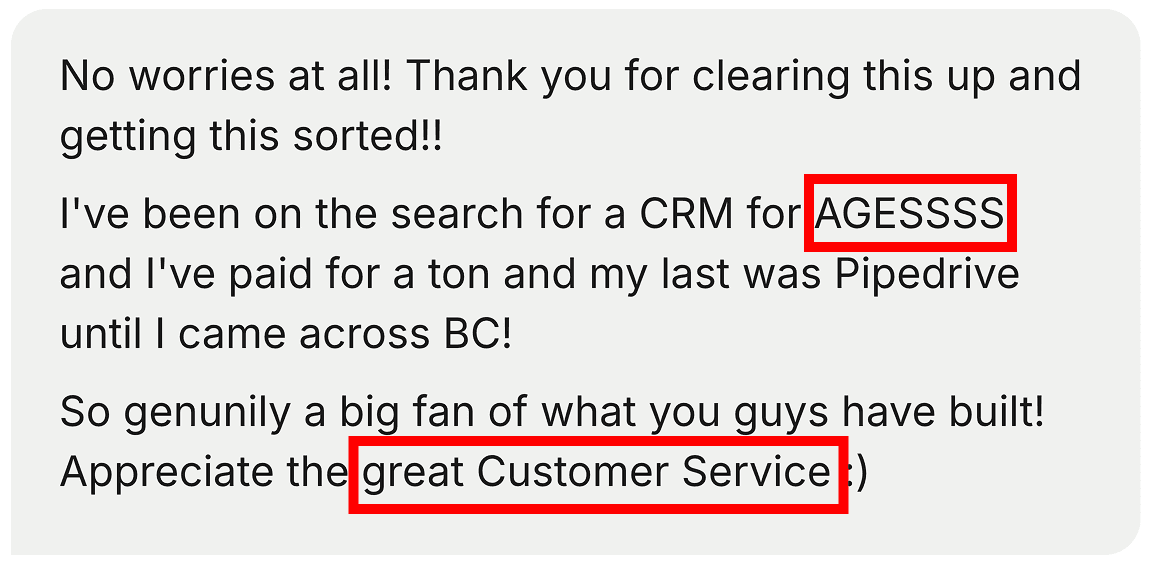
After paying for a ton of CRMs, this team's last stop before Breakcold was Pipedrive.
📊 The analytics layer: Paddle and ChartMogul
These two are not CRMs, but no SaaS stack is complete without an analytics layer reading your MRR, ARR, churn and LTV. Pair either with your CRM rather than choosing between them.
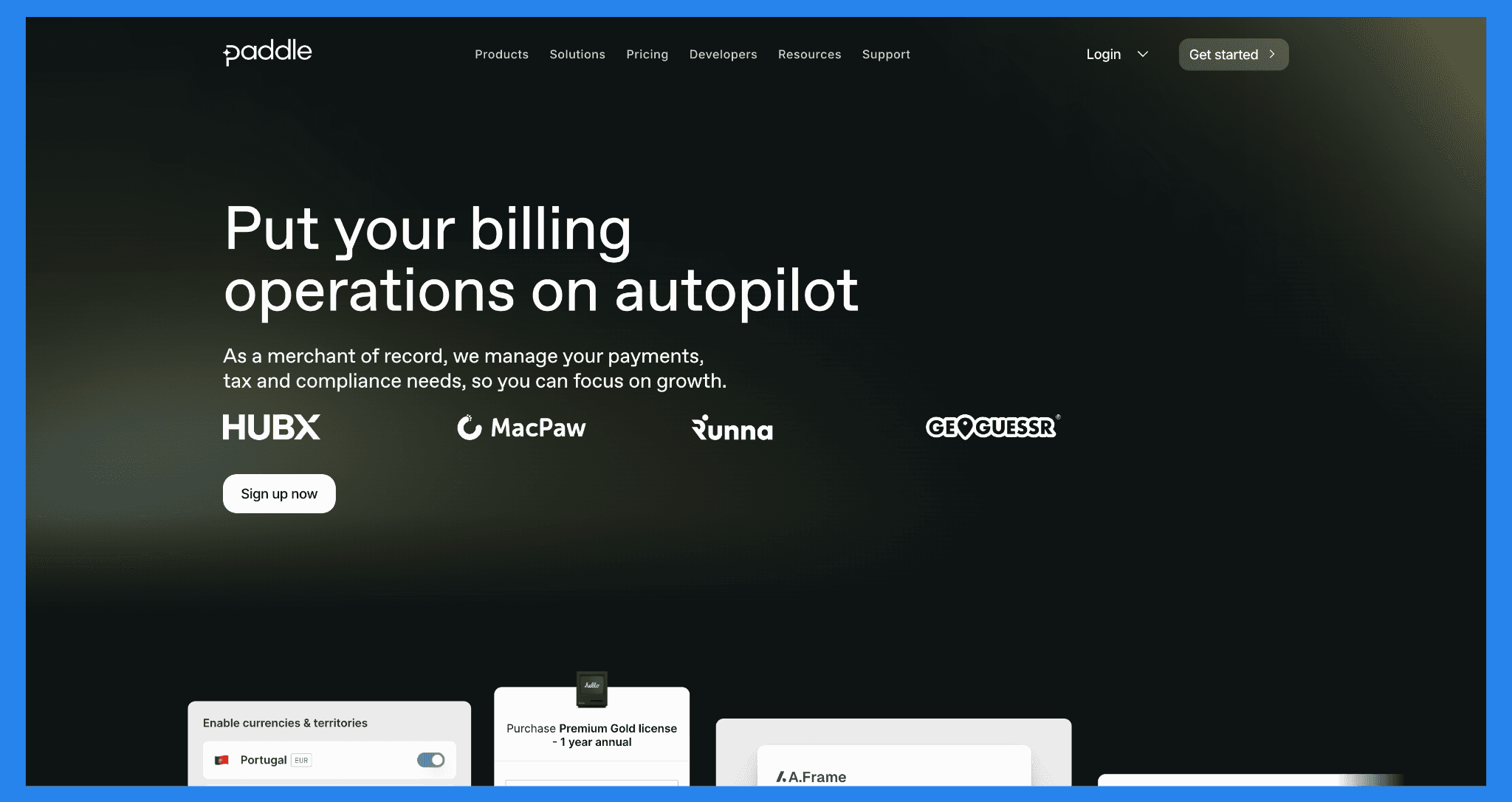
Paddle (with ProfitWell)
Paddle calls itself a "merchant of record," handling payments, sales-tax compliance and billing for SaaS companies. Its analytics arm, ProfitWell, delivers real-time insight into MRR, ARR, churn and retention, plus retention tools like dunning and win-back campaigns. Pricing is pay-as-you-go, roughly 5% + 50 cents per transaction, with custom pricing at volume. ProfitWell Metrics is free. Ratings: G2 4.5/5.
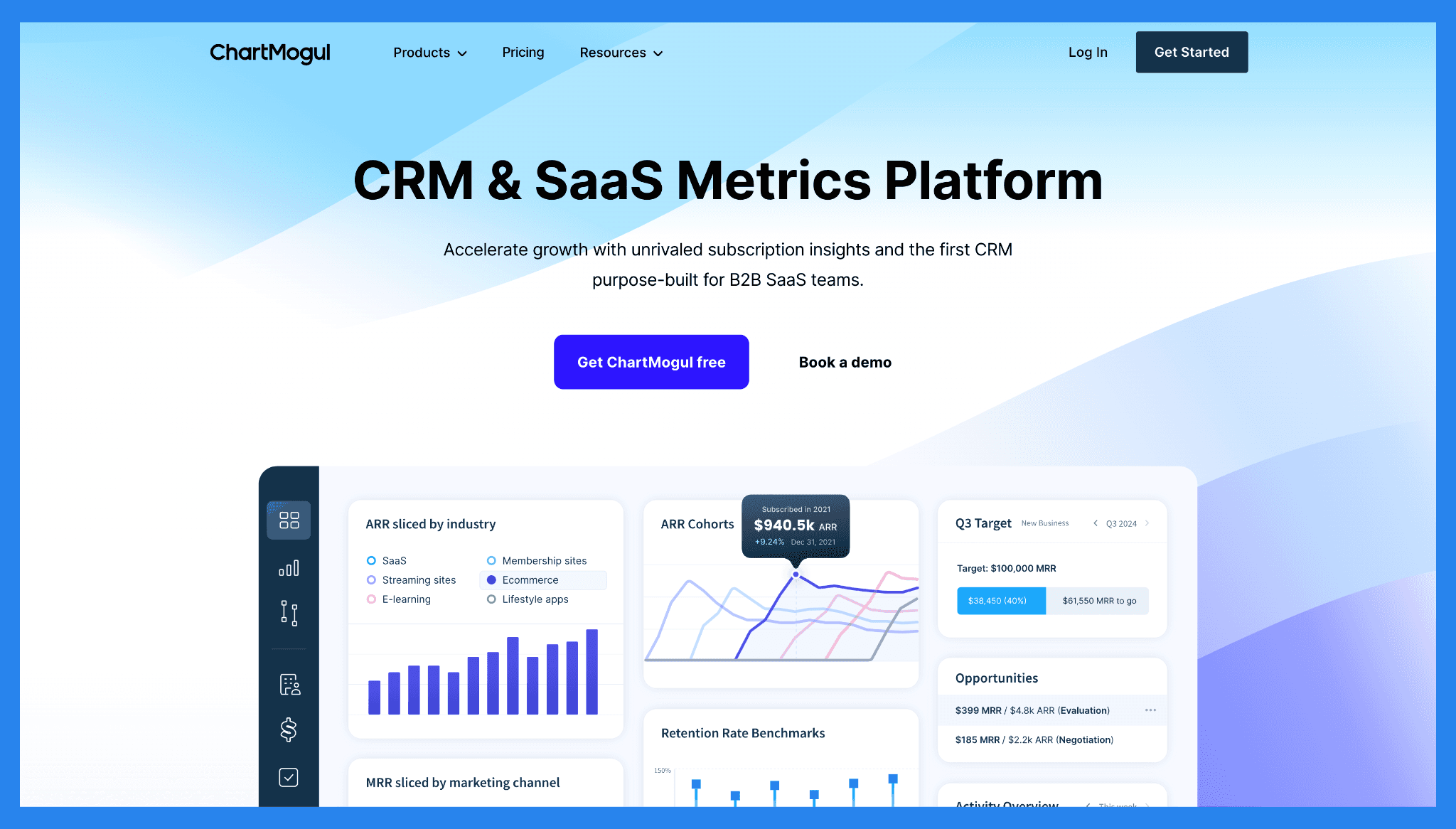
ChartMogul
ChartMogul is a data buff's dream: subscription analytics, cohort analysis and revenue recognition that turn raw Stripe or Paddle data into investor-ready insight. It is billing-agnostic, with strong visualization. Pricing starts free for founders under roughly $120K ARR, then scales with revenue volume into custom Enterprise plans. Ratings: G2 4.6/5 and Capterra 4.7/5.
🎯 How to Choose the Right CRM for a SaaS Business
Choosing the right CRM is not about chasing the biggest brand name. It is about fit. A lean SaaS startup with five people does not need the same setup as a scale-up racing toward IPO.
Here is a quick framework:
How you sell: if your motion runs across LinkedIn, WhatsApp, email and calls, pick a CRM that syncs all of them natively instead of bolting on connectors.
Team size: early-stage teams thrive with lighter tools, while ops-heavy orgs may want the configurability of Attio or HubSpot.
Budget: watch for pricing that balloons as you add users or integrations. The best SaaS CRMs scale with you, not against you.
AI and reporting: do not settle for "deal won or lost." A true SaaS CRM tracks MRR, ARR and churn, and increasingly lets an AI agent do the admin.
The bottom line: choose a CRM that removes friction and surfaces the metrics that actually matter in SaaS.
❌ Common SaaS CRM Mistakes (and Fixes)
Even the best tools flop if they are used poorly. The most common SaaS CRM missteps:
Over-customizing workflows: too many tweaks leave your team drowning in complexity. Start simple, then expand.
Ignoring churn and retention metrics: if you are not tracking churn, you are flying blind. Choose a CRM that puts retention front and center.
Treating the CRM as a sales-only tool: in SaaS, customer success matters as much as acquisition. Extend CRM usage into onboarding, support and renewals.
Doing the admin by hand: in 2026 there is no reason to type updates a CRM can write itself. Let AI agents log activity and create follow-ups.
A CRM should make life easier, not harder. If it feels like a burden, you are either using the wrong one, or using the right one the wrong way.
🚀 Future of SaaS CRM (2026 and Beyond)
If the past few years were about all-in-one platforms, the future of SaaS CRMs is about intelligence. Expect AI-native tools that:
Flag accounts at risk of churn before they cancel.
Suggest upsells based on usage patterns.
Read and write the CRM through agents and MCP, not just dashboards.
Act less like a database and more like a sales and success copilot.
In other words: the next wave of SaaS CRMs will not just track your customers, they will think alongside you. Breakcold is already building for exactly this.
💭 Final Thoughts
For SaaS companies, a CRM is not optional. It is the system that keeps MRR flowing, churn in check and growth on track. Whether you are a scrappy startup or a scaling powerhouse, the right CRM gives you visibility, predictability and control.
So take a look at the options, match them to how you actually sell, and pick the one that will help you grow, not just store your contacts.
👉 Ready to see what a modern AI-native CRM can do? Take Breakcold for a test drive and feel how effortless SaaS sales get when your CRM finally works the way you do.
Frequently asked questions

Written by
Arnaud Belinga · Co-Founder & CEO at Breakcold
Arnaud is the Co-Founder & CEO of Breakcold, the AI Native CRM for sales teams of 5 to 30+ people.