



15 Lead Management Tools That Actually Close More Deals
TL;DR: the best lead management tool is the one that matches how your team actually sells 🏆
🏆 Breakcold: the AI Native CRM for sales teams of 5 to 30+ people. AI agents handle the admin (move deals, log activity, create tasks), it connects to Claude and ChatGPT via native MCP, and it syncs LinkedIn, email, WhatsApp and Telegram into one pipeline. At 5 seats Breakcold is $139/mo, where a traditional CRM runs $300 to $500/mo.
🟢 Pipedrive / Capsule / Salesflare: clean, affordable visual pipelines for teams that want simple sales tracking without heavy automation.
🔵 GoHighLevel / Monday / ClickUp: all-in-one stacks for agencies juggling multiple clients (white-labeling, client portals), at the cost of more setup.
🟣 HubSpot / Freshsales / Mailchimp: strong picks for marketing-led teams that want lead capture tied to campaigns and nurture flows, plus Leadfeeder for website-visitor intent and Lemlist for cold outreach and sequencing.
⚠️ Not every CRM is a lead tool: lead management tools capture, qualify, route and nurture fast, while broad CRMs and marketing automation solve different jobs, so a 5-person team can pay $300 to $500/mo on some CRMs versus closer to $139 on flat-rate options.
✅ How to choose: match the tool to your channels and volume. If your team lives in email, LinkedIn, WhatsApp and follow-ups, an AI Native tool like Breakcold prevents lead leaks without enterprise complexity (14-day free trial, no card required).
Lead management isn’t sexy, but neither is missing quota. In a world where every click, call, and DM can turn into pipeline, the real winners are the teams that can actually keep track of it all. That’s where modern lead management tools come in: they capture, organize, score, and route leads automatically, so you’re not stuck playing digital detective.
And yes, you can try to run it all on spreadsheets or half-baked “CRM-lite” setups… until volume hits and everything catches fire.
This guide is for the sales teams, agencies, consultants, and scrappy startups who want fewer dropped leads, faster follow-ups, and a system that scales without melting down. Let’s dive in.
📖 What Is a Lead Management Tool?
A lead management tool is software that helps businesses capture, track, qualify, distribute, and nurture leads from first touch to closed deal. Instead of juggling spreadsheets or ad-hoc systems, it centralizes every interaction so sales teams can work faster and convert more.
What Lead Management Tools Typically Do
Capture leads from forms, ads, social, email, and outbound
Track every touchpoint and update lead status automatically
Score and qualify leads based on fit or intent
Route leads to the right rep instantly
Automate follow-ups, reminders, and nurturing sequences
Provide visibility into pipeline, performance, and bottlenecks
Lead Management Tools vs. CRMs vs. Marketing Automation Software
Tool Type | Primary Purpose | Best For | What It Doesn’t Do Well |
|---|---|---|---|
Lead Management Tool | Capture, qualify, distribute, and nurture leads efficiently | Sales teams, agencies, consultants, startups that need clarity and speed | Deep account management, complex sales workflows |
CRM (Customer Relationship Management) | Manage full customer relationships post-lead stage (contacts, accounts, deals, support) | Sales orgs with structured pipelines and multi-stage deal cycles | Early-stage lead capture, quick qualification, fast routing |
Marketing Automation Software | Automate campaigns, nurture sequences, and audience segmentation | Marketing teams running email workflows, lifecycle campaigns, lead scoring | Rep-facing workflow, routing, pipeline visibility, sales actions |
🛠️ Must-Have + Nice-to-Have / Advanced Features of Lead Management Tools
Before you pick a lead management tool, it helps to know which features actually move the needle. Most platforms promise “end-to-end lead tracking,” but the best ones give you visibility, speed, and automation without adding admin bloat. Here’s a breakdown of the essentials vs. the value-adds.
🔑 Must-Have Features 🔑
These are the non-negotiables — if a tool doesn’t have these, it’s going to slow you down:
Lead capture: Forms, imports, scraping tools, enrichment, or integrations that ensure no lead slips through the cracks.
Pipeline & status tracking: Clear visibility into where each lead stands, what’s next, and what’s stuck.
Lead assignment & ownership: Rules or manual controls to ensure every lead has a clear owner—no inbox black holes.
Notes, activity history & reminders: A full engagement timeline with tasks and nudges so follow-ups happen on time.
** 🚀 Nice-to-Have / Advanced Features 🚀**
These aren’t strictly required, but they dramatically improve efficiency and conversion rates:
**Lead scoring: **Prioritize high-intent leads automatically.
Automation & workflows: Auto-assign tasks, trigger sequences, or update statuses without manual clicks.
AI insights: Predictive recommendations, summaries, follow-up suggestions, or automated next steps.
**Data enrichment: **Automatically fill in missing lead and company data to reduce research time.
🏆 Top Lead Management Tools (Ranked)
Below, we’ve ranked the top lead management tools based on how well they handle real-world sales workflows: capturing leads, tracking conversations, automating follow-ups, and helping teams close faster.
🥇 Breakcold – Best for: sales teams, agencies, AI-native workflows
Summary
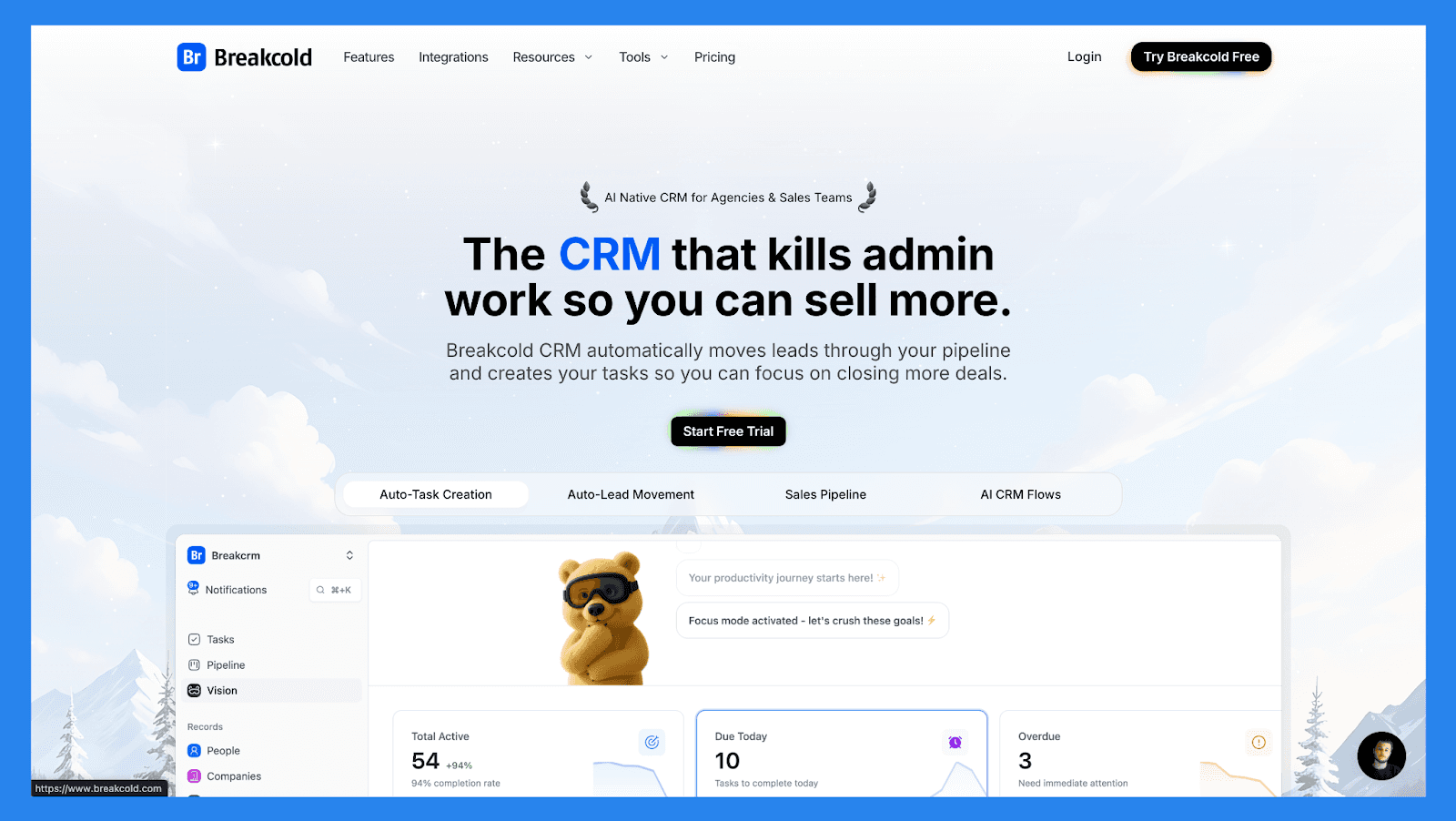
Breakcold is the AI-native CRM for modern salespeople and AI agents. Instead of logging activity manually or juggling tabs, AI agents move leads through the pipeline, assign tags, and create follow-up tasks on their own, while unlimited enrichment surfaces verified emails and phone numbers for every prospect. With a native MCP server, agents like Claude and ChatGPT can read and update the CRM directly.
Built for agencies, startups and small sales teams, Breakcold delivers smarter follow-ups and cleaner pipelines, without the bloat or complexity of traditional enterprise CRMs.
Breakcold Lead Management Checklist
Category | Item | Status |
|---|---|---|
Core Lead Management Features | ||
Lead capture | ✅ | Forms, imports, multi-channel capture (email/LinkedIn) |
Pipeline / lead stage tracking | ✅ | Kanban + automated stage movement |
Lead assignment / routing | ✅ | Rule-based |
Follow-up tracking | ✅ | Tasks, AI-reasoned daily actions & reminders |
Duplicate management | ✅ | Built-in de-duplication & enrichment |
Centralization & Visibility | ||
Unified lead workspace | ✅ | Single prospect profile with cross-channel context |
Activity timeline | ✅ | Email, LinkedIn, WhatsApp, notes, calls |
Dashboard / reporting | ✅ | Funnel analytics + AI insights |
Communication Channels | ||
✅ | Native send & tracking | |
Phone / Calling | ✅ | Call logging (via integrations) |
SMS | ✅ | Via integrations |
Social (LinkedIn) | ✅ | Native integration & tracking |
✅ | Native integration | |
Multi-channel inbox | ✅ | Unified feed for lead nurturing |
AI & Automation | ||
Lead scoring | ✅ | Behavior + AI signals |
AI insights | ✅ | Next-best action, AI reasoning for tasks |
AI enrichment | ✅ | Phone + email contact data |
Workflow automation | ✅ | Visual flows + auto-movement |
Auto lead movement | ✅ | AI & rule driven |
Support | ||
Email support | ✅ | Standard |
Live chat | ✅ | Standard |
Phone support | ✅ | Schedule calls to trouble-shoot ongoing issues |
Onboarding resources | ✅ | Knowledge-base, templates, Breakcold Vision, and videos |
Key Features | ||
Multi-channel outreach + inbox | ✅ | Email, LinkedIn, WhatsApp, Telegram |
AI-driven workflows | ✅ | Auto tasks + reasoning |
Data enrichment & dedupe | ✅ | Native enrichment |
Social feed & prospecting | ✅ | LinkedIn engagement focus |
Integrations | ✅ | CRM, outreach, calling tools |
Pricing & Ratings | ||
Free plan | ❌ | |
Free trial | ✅ | 14-day free trial, no credit card required |
Starting price | $99/mo | Single plan (1 seat, 2 connected accounts, 1,500 AI tokens, unlimited enrichment) |
G2 Rating | ⭐ 4.8/5 | |
Capterra Rating | ⭐ 4.9/5 |
A team of 5 on Breakcold is $139/mo, where Attio, Pipedrive and HubSpot Sales Hub run about $500/mo for 5 seats with similar features.
🥈 NoCRM.io – Best for: Sales teams that hate CRMs
Summary
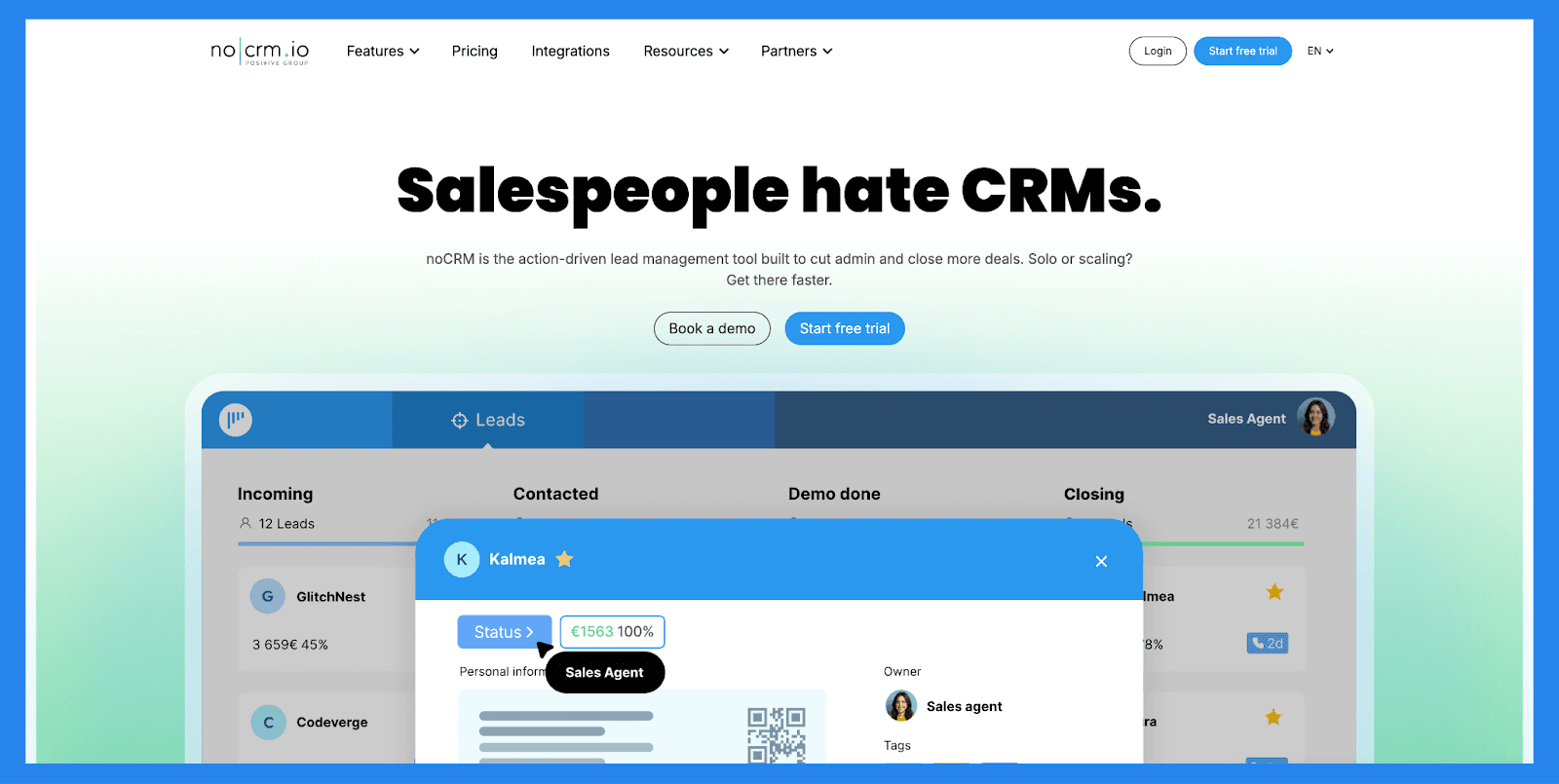
noCRM strips lead management down to its essentials. There are no bloated dashboards or overly complex objects — just leads, pipelines, reminders, and follow-ups. The tool is intentionally opinionated, prioritizing speed and action over data perfection.
It’s a strong fit for sales reps and managers who want to focus on closing deals instead of maintaining a CRM. However, teams needing advanced automation, enrichment, or deep analytics may outgrow it quickly.
NoCRM Lead Management Checklist
Category | Item | Status |
|---|---|---|
Core Lead Management Features | ||
Lead capture | ✅ | Web forms, imports, prospect lists |
Pipeline / lead stage tracking | ✅ | Sales-opportunity focused pipelines |
Lead assignment / routing | ✅ | Manual & simple rules |
Follow-up tracking | ✅ | Tasks & reminders |
Duplicate management | ✅ | Basic detection & merges |
Centralization & Visibility | ||
Unified lead workspace | ✅ | Lead-centric (not contact heavy) |
Activity timeline | ✅ | Emails, calls, notes |
Dashboard / reporting | ✅ | Pipeline conversion metrics |
Communication Channels | ||
✅ | Native sending & templates | |
Phone / Calling | ⚠️ | Integrates with calling providers |
SMS | ⚠️ | Via integrations |
Social (LinkedIn) | ❌ | Not native |
❌ | Needs integration | |
Multi-channel inbox | ❌ | No single unified inbox |
AI & Automation | ||
Lead scoring | ❌ | Manual tagging / filters |
AI insights | ❌ | Not native |
AI enrichment | ❌ | Integrations required |
Workflow automation | ✅ | Task automation & triggers |
Auto lead movement | ✅ | Rule-based progression |
Support | ||
Email support | ✅ | Standard |
Live chat | ✅ | Standard |
Phone support | ❌ | N/A |
Onboarding resources | ✅ | Templates, guides, knowledge-base, webinars, and academies |
Key Features | ||
Simplicity & speed | ✅ | Purpose-built for reps who hate CRMs |
Lead-focused UX | ✅ | Minimal data entry |
Task management | ✅ | Sales task centric |
Team collaboration | ✅ | Shared pipelines & reports |
Pricing & Ratings | ||
Free plan | ❌ | No permanent free tier |
Free trial | ✅ | Trial available |
Starting price | $25/mo | Affordable per-user pricing |
G2 Rating | ⭐4.7/5 | 103 reviews |
Capterra Rating | ⭐4.6/5 | 481 reviews |
🥉 GoHighLevel – Best for: Agencies and service-based businesses managing multiple clients
Summary
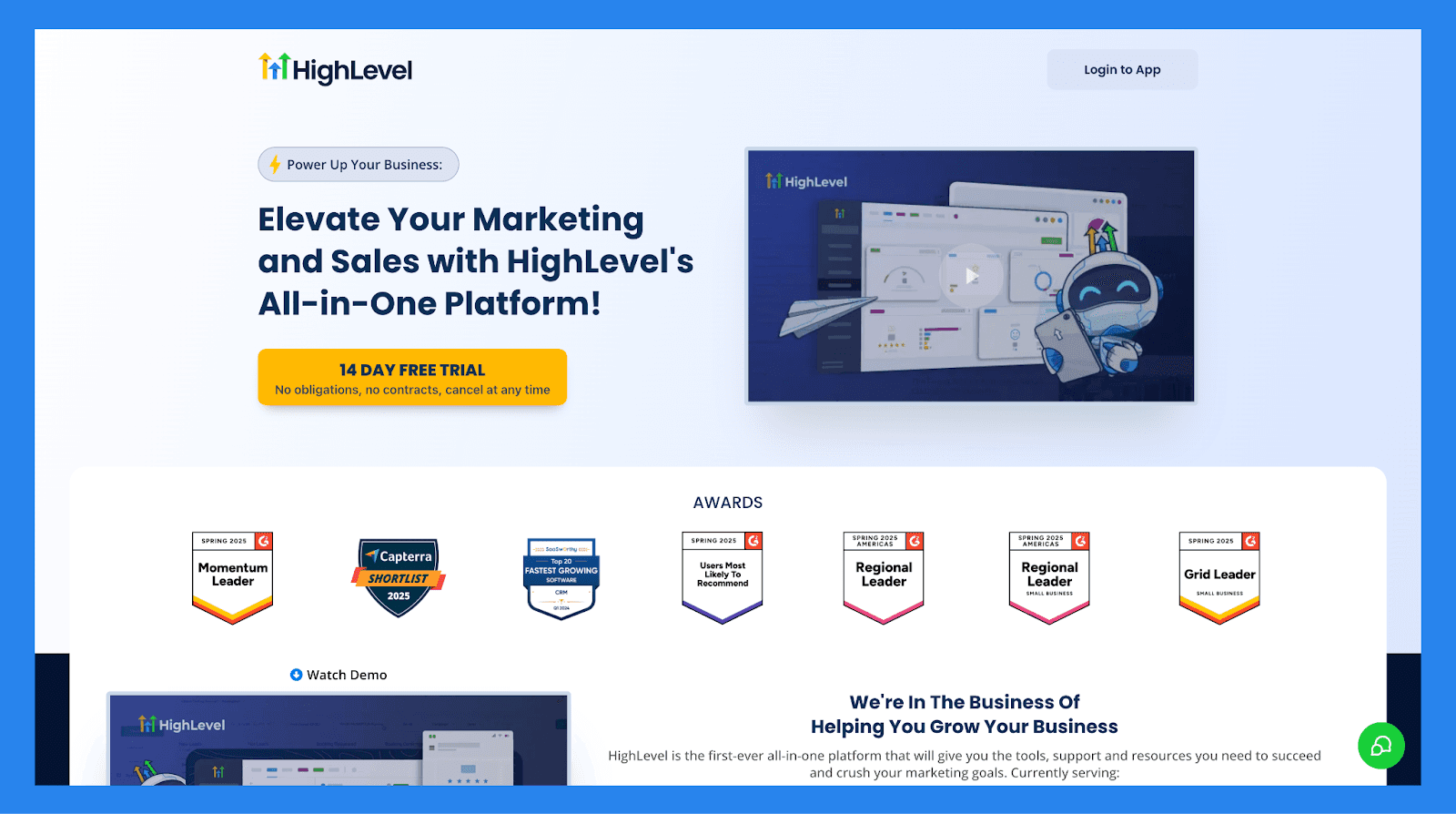
GoHighLevel positions itself as an “all-in-one” solution for customer acquisition and retention, allowing users to capture leads, nurture prospects, close deals, and continue engagement post-sale.
Its strongest appeal lies in its ability to centralize both sales and marketing operations — making it especially attractive to service-based businesses and agencies that manage multiple clients and want to simplify their tech stack.
GoHighLevel Lead Management Checklist
Category | Item | Status |
|---|---|---|
Core Lead Management Features | ||
Lead capture | ✅ | Forms, funnels, landing pages |
Pipeline / lead stage tracking | ✅ | Kanban-style pipelines |
Lead assignment / routing | ✅ | Round-robin, rule-based |
Follow-up tracking | ✅ | Tasks + automated reminders |
Duplicate management | ❌ | Limited; depends on workflows |
Centralization & Visibility | ||
Unified lead workspace | ✅ | Single client or multi-client mode |
Activity timeline | ✅ | Email/SMS/notes/calls |
Dashboard / reporting | ✅ | Funnel analytics + attribution |
Communication Channels | ||
✅ | Native | |
Phone / Calling | ❌ | Requires Twilio |
SMS | ✅ | Works via Twilio |
Social (LinkedIn) | ❌ | Not native |
❌ | Needs integration | |
Multi-channel inbox | ❌ | Inbox is fragmented |
AI & Automation | ||
Lead scoring | ❌ | Manual only |
AI insights | ❌ | Not native |
AI enrichment | ❌ | Not available |
Workflow automation | ✅ | Powerful visual automation builder |
Auto lead movement | ❌ | Must build logic manually |
Support | ||
Email support | ✅ | Standard |
Live chat | ❌ | Not standard |
Phone support | ❌ | Not available |
Onboarding resources | ✅ | Tutorials, templates, snapshots |
Key Features | ||
All-in-one CRM + marketing suite | ✅ | CRM, pipelines, forms, surveys, calendars, funnels, emails, SMS |
Marketing automation builder | ✅ | Multi-step workflows: nurture, re-engagement, retention |
White-labeling | ✅ | Agencies can resell with full custom branding |
Landing page & funnel builder | ✅ | Replaces ClickFunnels/Leadpages |
Built-in email & SMS marketing | ✅ | Broadcasts, drips, automations |
Reputation management | ✅ | Review requests + Google review tracking |
Client portals | ✅ | Multi-account management, permissions, reporting |
Unified inbox | ⚠️ Partial | View SMS/email/chat, but not fully unified |
Pricing & Ratings | ||
Free plan | ❌ | No free plan |
Free trial | ✅ | 14-day trial |
Starting price | $97/mo | Tiered; agency/unlimited options |
G2 Rating | ⭐ 4.6/5 | 552 reviews |
Capterra Rating | ⭐ 4.1/5 | 83 reviews |
🏅 Attio - Best for: Modern startups and RevOps-driven teams
Summary
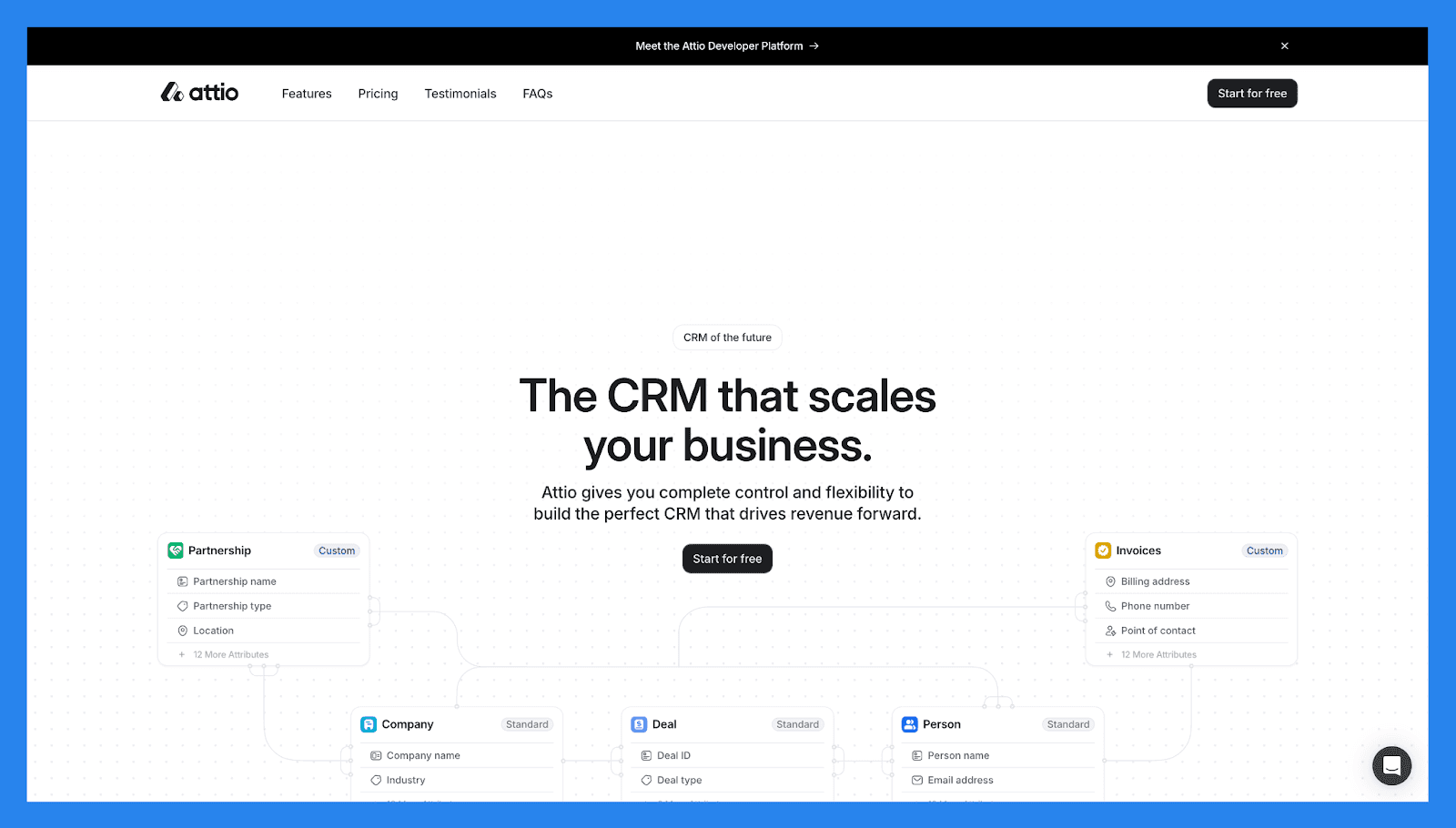
Attio reimagines lead management as a flexible, data-first system. Instead of rigid CRM structures, it offers customizable objects, dynamic views, and real-time syncing — making it ideal for teams that want to build their own lead workflows from scratch.
It excels at organizing and segmenting leads across multiple dimensions, but relies more on integrations than native communication tools. Attio is a strong choice for fast-moving startups that care about clean data and modern UX.
Attio Lead Management Checklist
Category | Item | Status |
|---|---|---|
Core Lead Management Features | ||
Lead capture | ✅ | Forms, imports, APIs |
Pipeline / lead stage tracking | ✅ | Custom pipelines & properties |
Lead assignment / routing | ✅ | Rule & manual assignment |
Follow-up tracking | ✅ | Tasks, reminders, sequences |
Duplicate management | ✅ | Smart matching & merges |
Centralization & Visibility | ||
Unified lead workspace | ✅ | Highly customizable records |
Activity timeline | ✅ | Emails, meetings, notes |
Dashboard / reporting | ✅ | Custom views & reports |
Communication Channels | ||
✅ | Two-way sync & templates | |
Phone / Calling | ⚠️ | Integrations required |
SMS | ⚠️ | Via integrations |
Social (LinkedIn) | ❌ | Not native |
❌ | Needs integration | |
Multi-channel inbox | ❌ | Not unified |
AI & Automation | ||
Lead scoring | ✅ | Custom scoring fields |
AI insights | ⚠️ | Some AI features / forthcoming |
AI enrichment | ⚠️ | Integrations available |
Workflow automation | ✅ | Automations & triggers |
Auto lead movement | ✅ | Rule-based movement |
Support | ||
Email support | ✅ | Standard |
Live chat | ✅ | Business hours |
Phone support | ❌ | N/A |
Onboarding resources | ✅ | Docs & templates |
Key Features | ||
Flexible data model | ✅ | Great for non-standard pipelines |
Collaboration & shared views | ✅ | Team centric |
Developer-friendly | ✅ | API + integrations |
Pricing & Ratings | ||
Free plan | ✅ | Free forever |
Free trial | ❌ | No free trials for paid plans |
Starting price | $36/mo | Tiered per user / workspace |
G2 Rating | ⭐4.4/5 | 18 reviews |
Capterra Rating | ⭐ 4.5/5 | 5 reviews |
🏅 Hubspot (Sales Hub) – Best for: Teams that want lead management tightly connected to marketing
Summary
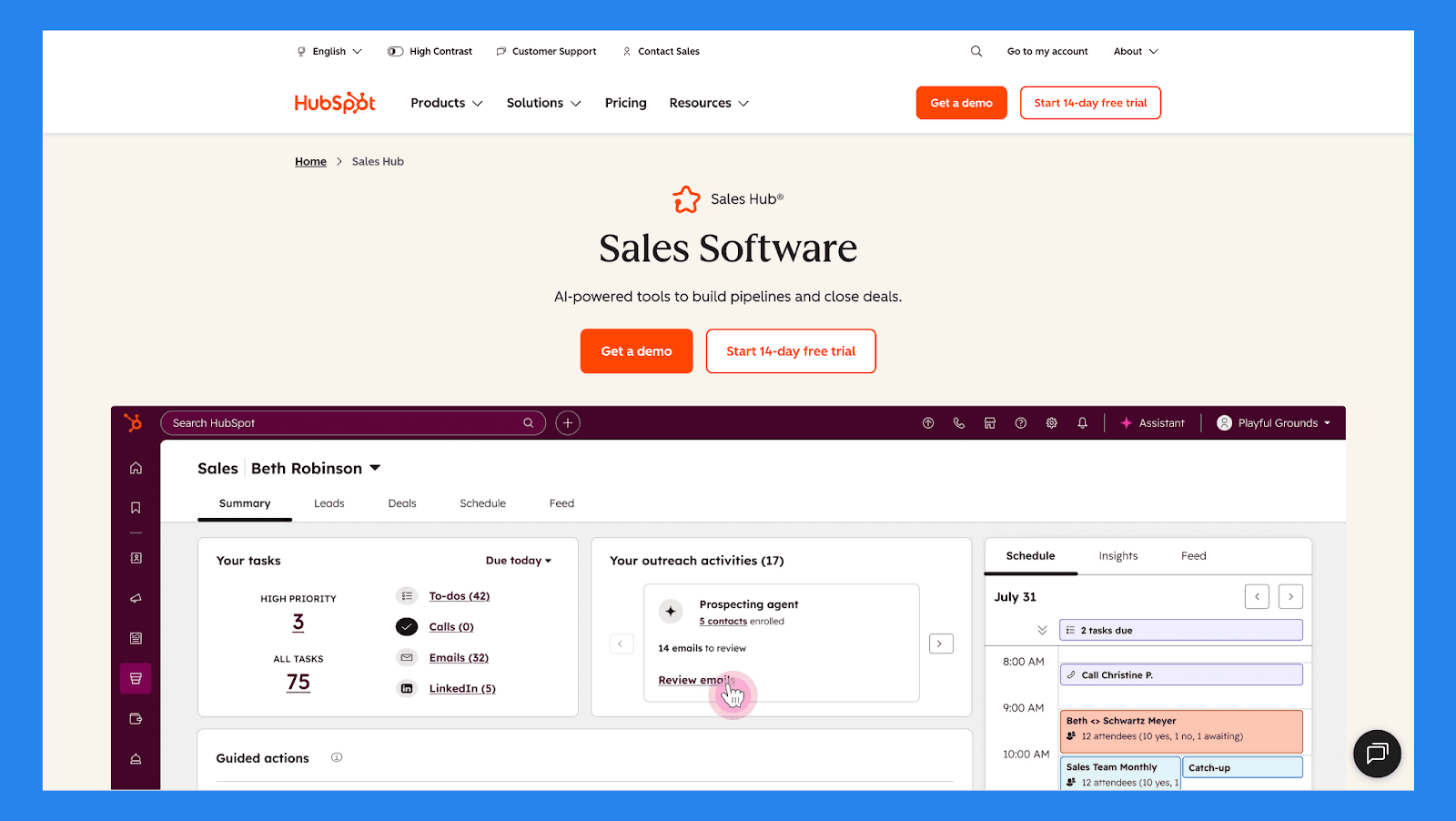
HubSpot is one of the most recognizable names in the SaaS game — and for good reason. Its CRM sits at the center of a broader ecosystem that includes marketing automation, email campaigns, analytics, and customer support.
Lead capture, tracking, nurturing, and reporting are tightly integrated, making HubSpot ideal for inbound-focused teams. The free tier is accessible, but more advanced lead management features require upgrades as teams scale.
Hubspot (Sales Hub) Lead Management Checklist
Category | Item | Status |
|---|---|---|
Core Lead Management Features | ||
Lead capture | ✅ | Forms, chat, ads, imports |
Pipeline / lead stage tracking | ✅ | Visual pipelines + tasks |
Lead assignment / routing | ✅ | Round-robin, rules |
Follow-up tracking | ✅ | Tasks, sequences, meeting scheduler |
Duplicate management | ✅ | Auto-dedupe & merge suggestions |
Centralization & Visibility | ||
Unified lead workspace | ✅ | Contact timeline + company data |
Activity timeline | ✅ | Email, calls, meetings, notes |
Dashboard / reporting | ✅ | Robust analytics & attribution |
Communication Channels | ||
✅ | Native & sequences | |
Phone / Calling | ✅ | Built-in calling credits / integrations |
SMS | ⚠️ | Via integrations |
Social (LinkedIn) | ✅ | Social tools in Marketing Hub |
⚠️ | Via partners/integrations | |
Multi-channel inbox | ✅ | Conversations inbox (chat, email, social) |
AI & Automation | ||
Lead scoring | ✅ | Behavioral + properties |
AI insights | ✅ | Breeze AI (conversational AI) |
AI enrichment | ✅ | HubSpot Prospects & partner enrichers |
Workflow automation | ✅ | Powerful automation engine |
Auto lead movement | ✅ | Workflows + sequences |
Support | ||
Email support | ✅ | Yes (tier dependent) |
Live chat | ✅ | Yes (paid tiers) |
Phone support | ✅ | Paid plans |
Onboarding resources | ✅ | Extensive academy, knowledge-base & docs |
Key Features | ||
All-in-one growth platform | ✅ | CRM + marketing + sales + service + more |
Deep reporting & attribution | ✅ | Strong analytics |
Strong ecosystem | ✅ | App Marketplace & partners |
Free CRM core | ✅ | Great for small teams |
Pricing & Ratings | ||
Free plan | ✅ | Robust free CRM |
Free trial | ✅ | 14-day trials for paid hubs |
Starting price | $100/mo | Free → paid hub tiers |
G2 Rating | ⭐4.5/5 | 14,221 reviews |
Capterra Rating | ⭐4.5/5 | 4,414 reviews |
🏅 Pipedrive – Best for: Sales-led teams that want clear pipeline visibility
Summary
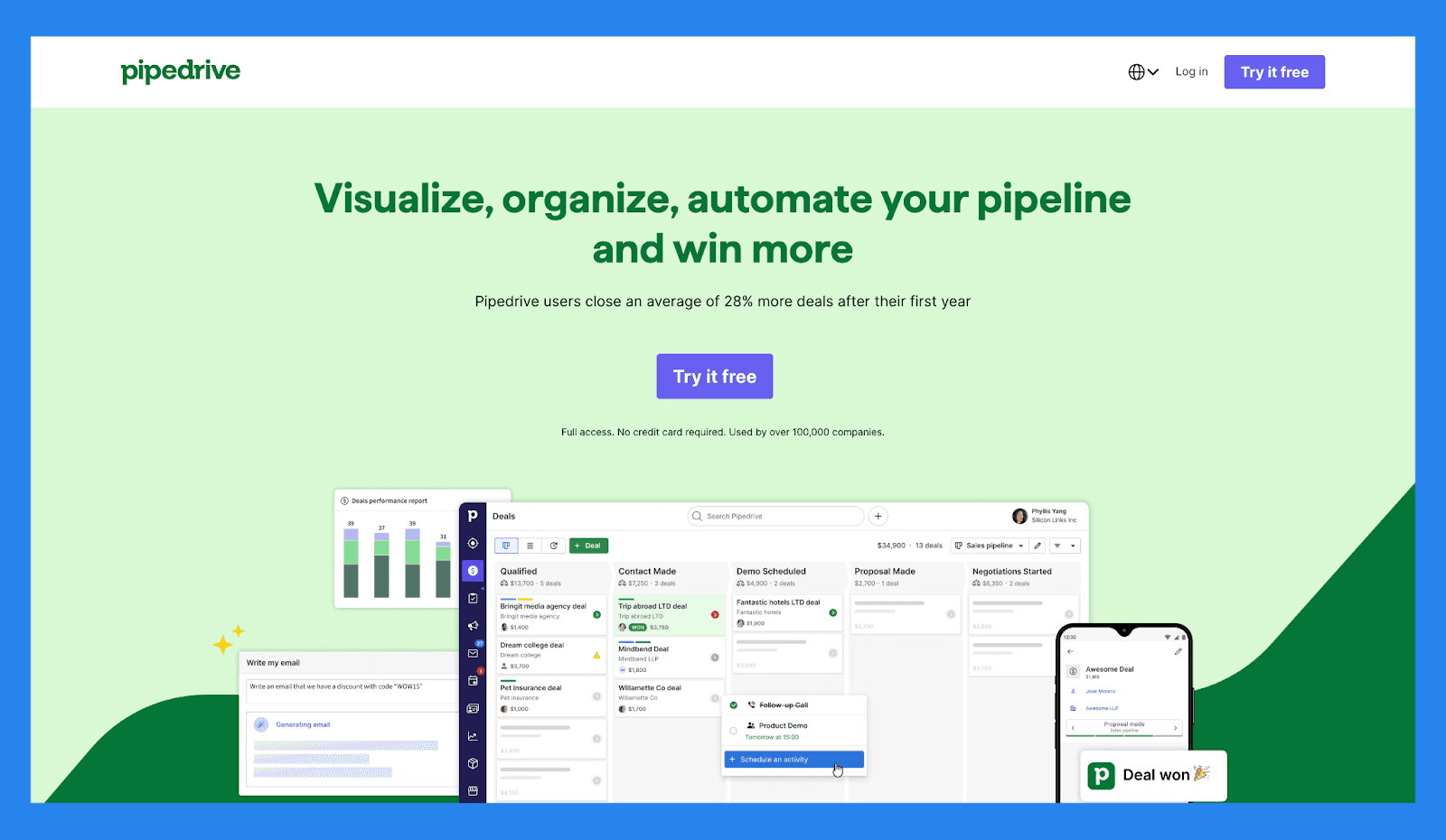
Pipedrive is built around one core idea: visual pipelines that make it easy to see where every lead and deal stands. Lead management is intuitive, fast to adopt, and heavily focused on action — calls, emails, and follow-ups.
While it doesn’t offer deep marketing automation or AI-heavy features out of the box, Pipedrive excels at keeping sales teams organized and accountable. It’s a strong option for SMBs that want clarity without complexity.
Pipedrive Lead Management Checklist
Category | Item | Status |
|---|---|---|
Core Lead Management Features | ||
Lead capture | ✅ | Web forms, imports, APIs |
Pipeline / lead stage tracking | ✅ | Strong visual Kanban pipelines |
Lead assignment / routing | ✅ | Manual & rule-based |
Follow-up tracking | ✅ | Activities, reminders, timeline |
Duplicate management | ✅ | Merge & cleanup tools |
Centralization & Visibility | ||
Unified lead workspace | ✅ | Deal & person-centric views |
Activity timeline | ✅ | Email sync, calls, notes |
Dashboard / reporting | ✅ | Sales metrics & goals |
Communication Channels | ||
✅ | Two-way sync & templates | |
Phone / Calling | ✅ | Native calling (paid) / integrations |
SMS | ⚠️ | Via integrations |
Social (LinkedIn) | ❌ | Not native |
❌ | Needs integration | |
Multi-channel inbox | ❌ | Not fully unified |
AI & Automation | ||
Lead scoring | ✅ | Add-on tools / custom fields |
AI insights | ⚠️ | Marketplace add-ons |
AI enrichment | ⚠️ | Integrations available |
Workflow automation | ✅ | Automations & triggers |
Auto lead movement | ✅ | Rule-based |
Support | ||
Email support | ✅ | Standard |
Live chat | ✅ | Business hours |
Phone support | ✅ | Paid plans |
Onboarding resources | ✅ | Rich docs & webinars |
Key Features | ||
Pipeline usability | ✅ | Fast adoption |
Activity-based selling | ✅ | Task focus |
Marketplace & integrations | ✅ | Large ecosystem |
Pricing & Ratings | ||
Free plan | ❌ | No permanent free plan (trial available) |
Free trial | ✅ | 14-day trial |
Starting price | $19/mo | Tiered per user |
G2 Rating | ⭐4.3/5 | 2,445 reviews |
Capterra Rating | ⭐4.5/5 | 3,047 reviews |
🏅 Salesforce – Best for: Enterprises with complex lead workflows
Summary
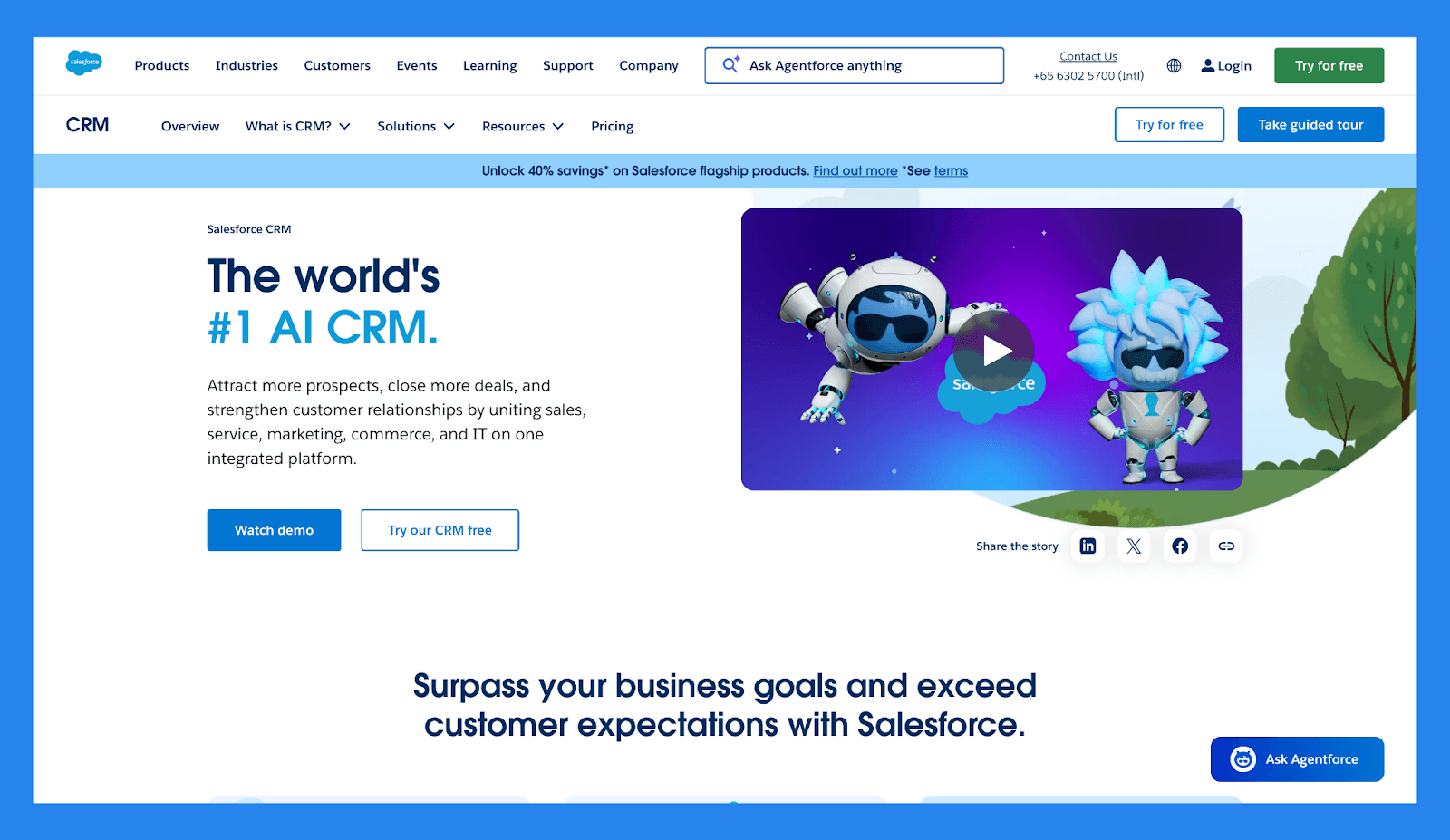
Salesforce is one of the most powerful (and most complex) lead management platforms on the market. It supports advanced routing, scoring, automation, reporting, and customization at virtually any scale. That power, does however, come at the cost of setup time and ongoing maintenance.
Salesforce is best suited for large organizations with dedicated ops teams and highly customized sales processes rather than lean startups or small teams.
Salesforce Lead Management Checklist
Category | Item | Status |
|---|---|---|
Core Lead Management Features | ||
Lead capture | ✅ | Forms, web-to-lead, APIs |
Pipeline / lead stage tracking | ✅ | Highly customizable |
Lead assignment / routing | ✅ | Advanced rules & territories |
Follow-up tracking | ✅ | Tasks, workflows, reminders |
Duplicate management | ✅ | Advanced dedupe & matching |
Centralization & Visibility | ||
Unified lead workspace | ✅ | Contact/Account/Opportunity model |
Activity timeline | ✅ | Full activity logging |
Dashboard / reporting | ✅ | Enterprise reporting & BI |
Communication Channels | ||
✅ | Integrated email & templates | |
Phone / Calling | ✅ | CTI integrations, native features |
SMS | ✅ | Via partners |
Social (LinkedIn) | ✅ | Sales Navigator integration |
✅ | Via partners | |
Multi-channel inbox | ✅ | Service/Sales clouds + integrations |
AI & Automation | ||
Lead scoring | ✅ | Einstein lead scoring |
AI insights | ✅ | Einstein AI for predictions & recommendations |
AI enrichment | ✅ | Partner enrichers |
Workflow automation | ✅ | Flow Builder + Process Builder |
Auto lead movement | ✅ | Workflow & AI triggers |
Support | ||
Email support | ✅ | Standard (paid tiers) |
Live chat | ✅ | Available |
Phone support | ✅ | Paid support tiers |
Onboarding resources | ✅ | Extensive Trailhead & partners |
Key Features | ||
Extreme customizability | ✅ | Enterprise grade |
Ecosystem & partners | ✅ | Massive app marketplace |
Advanced AI & analytics | ✅ | Einstein platform |
Pricing & Ratings | ||
Free plan | ❌ | No free plan |
Free trial | ✅ | 30-day trial |
Starting price | $25/mo | Higher (enterprise focus) |
G2 Rating | ⭐4.4/5 | 25,246 reviews |
Capterra Rating | ⭐4.4/5 | 18,730 reviews |
🏅 Capsule – Best for: Small businesses that want simple lead tracking
Summary
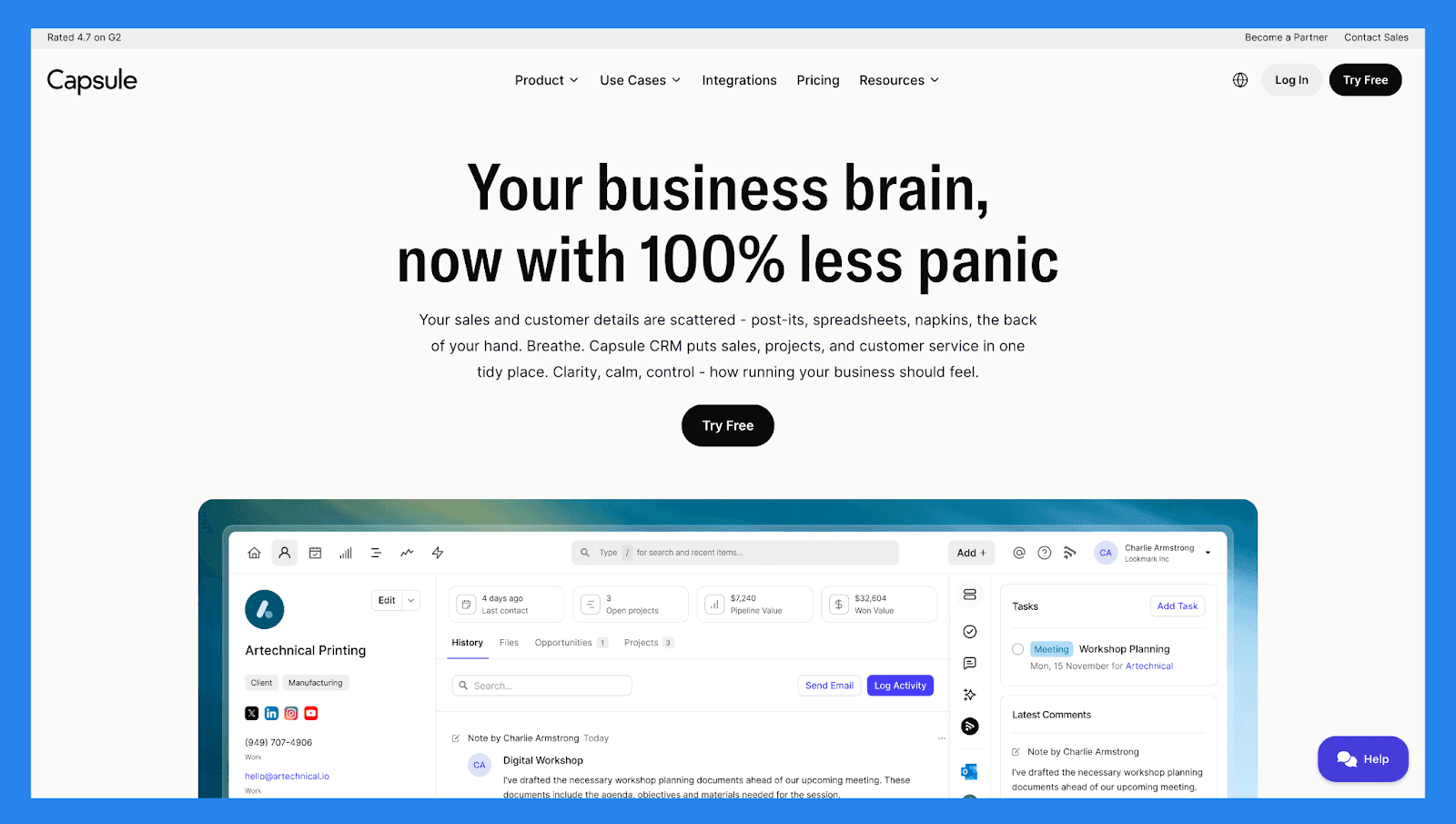
Capsule offers lightweight lead and contact management without the intimidation factor of enterprise CRMs. It covers the basics (pipelines, notes, tasks, and reminders) with a clean, user-friendly interface.
It’s a good fit for small teams that want structure without heavy automation. However, teams looking for advanced workflows, AI insights, or deep integrations may find it limiting over time.
Capsule Lead Management Checklist
Category | Item | Status |
|---|---|---|
Core Lead Management Features | ||
Lead capture | ✅ | Forms, imports, integrations |
Pipeline / lead stage tracking | ✅ | Simple pipelines |
Lead assignment / routing | ✅ | Manual assignment, team sharing |
Follow-up tracking | ✅ | Tasks & reminders |
Duplicate management | ✅ | Merge & cleanup |
Centralization & Visibility | ||
Unified lead workspace | ✅ | Contact + case history |
Activity timeline | ✅ | Emails, notes, tasks |
Dashboard / reporting | ✅ | Sales reports & KPIs |
Communication Channels | ||
✅ | Two-way sync | |
Phone / Calling | ⚠️ | Integrations required |
SMS | ❌ | Not native |
Social (LinkedIn) | ❌ | Not native |
❌ | Needs integration | |
Multi-channel inbox | ❌ | No |
AI & Automation | ||
Lead scoring | ❌ | Not native |
AI insights | ❌ | Not native |
AI enrichment | ⚠️ | Via integrations |
Workflow automation | ✅ | Basic automation & reminders |
Auto lead movement | ✅ | Rule based |
Support | ||
Email support | ✅ | Standard |
Live chat | ❌ | Not standard |
Phone support | ⚠️ | Limited |
Onboarding resources | ✅ | Docs & guides |
Key Features | ||
Lightweight CRM | ✅ | Easy to use for small teams |
Affordability | ✅ | Simple pricing |
Clean UI | ✅ | Fast onboarding |
Pricing & Ratings | ||
Free plan | ✅ | Maximum 2 users (free forever) |
Free trial | ✅ | 14-day trial |
Starting price | $21/mo | Lower-cost tiers |
G2 Rating | ⭐4.7/5 | 452 reviews |
Capterra Rating | ⭐4.5/5 | 167 reviews |
🏅 LeadFeeder – Best for: B2B teams focused on website intent data
Summary
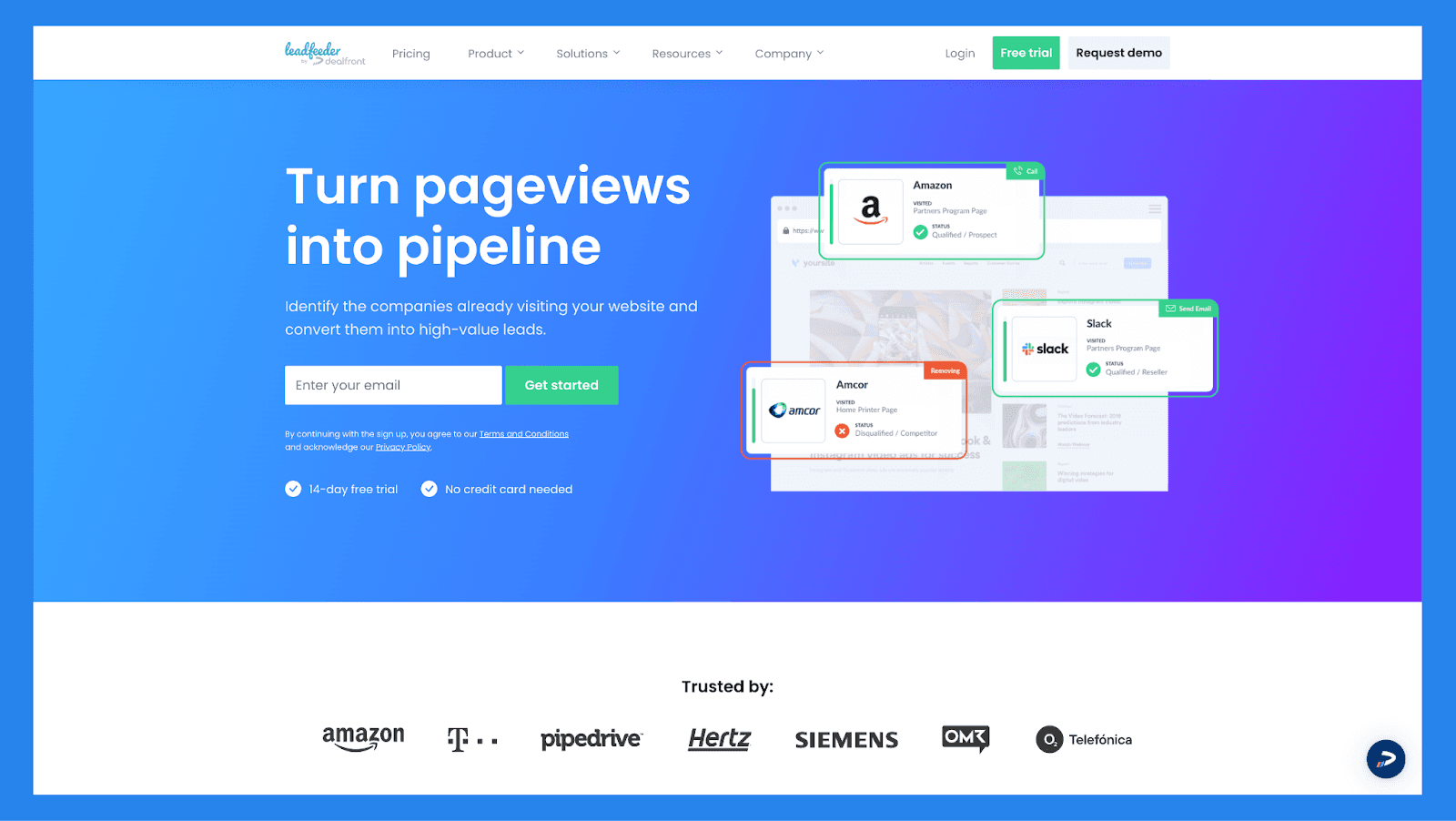
Leadfeeder flips lead management on its head by starting with anonymous website visitors. It identifies companies visiting your site, tracks behavior, and surfaces high-intent leads for sales teams to follow up with.
It’s best used alongside a CRM rather than as a standalone lead management tool. For B2B companies running content- or traffic-driven acquisition, Leadfeeder adds valuable intent signals to the top of the funnel.
LeadFeeder Lead Management Checklist
Category | Item | Status |
|---|---|---|
Core Lead Management Features | ||
Lead capture | ✅ | Website visitor identification (IP → company) |
Pipeline / lead stage tracking | ⚠️ | Integrates with CRMs for pipeline work |
Lead assignment / routing | ⚠️ | Via CRM integrations |
Follow-up tracking | ⚠️ | Depends on CRM |
Duplicate management | ⚠️ | CRM side |
Centralization & Visibility | ||
Unified lead workspace | ❌ | Focused on intent/visitors; pairs with CRM |
Activity timeline | ✅ | Website activity (pages, visits) |
Dashboard / reporting | ✅ | Traffic → company lead insights |
Communication Channels | ||
❌ | Not a communication tool | |
Phone / Calling | ❌ | No |
SMS | ❌ | No |
Social (LinkedIn) | ❌ | No |
❌ | No | |
Multi-channel inbox | ❌ | No |
AI & Automation | ||
Lead scoring | ✅ | Behavior/engagement scoring (visitor intent) |
AI insights | ⚠️ | Pattern detection & intent signals |
AI enrichment | ⚠️ | Adds company data (limited personal contact) |
Workflow automation | ✅ | Integrations trigger workflows in CRMs |
Auto lead movement | ⚠️ | CRM handles movement |
Support | ||
Email support | ✅ | Standard |
Live chat | ✅ | Business hours |
Phone support | ❌ | N/A |
Onboarding resources | ✅ | Setup guides & integrations |
Key Features | ||
Website visitor-to-company intelligence | ✅ | Great for B2B intent capture |
Integrations with CRMs & tools | ✅ | Tight CRM connections |
Lead intent scoring | ✅ | Prioritize companies visiting your site |
Pricing & Ratings | ||
Free plan | ✅ | Free tier with limited data |
Free trial | ✅ | Trial available for paid tiers |
Starting price | €141/mo | One pricing plan |
G2 Rating | ⭐4.3/5 | 742 reviews |
Capterra Rating | ⭐4.2/5 | 134 reviews |
🏅 Mailchimp – Best for: Email-first lead nurturing
Summary
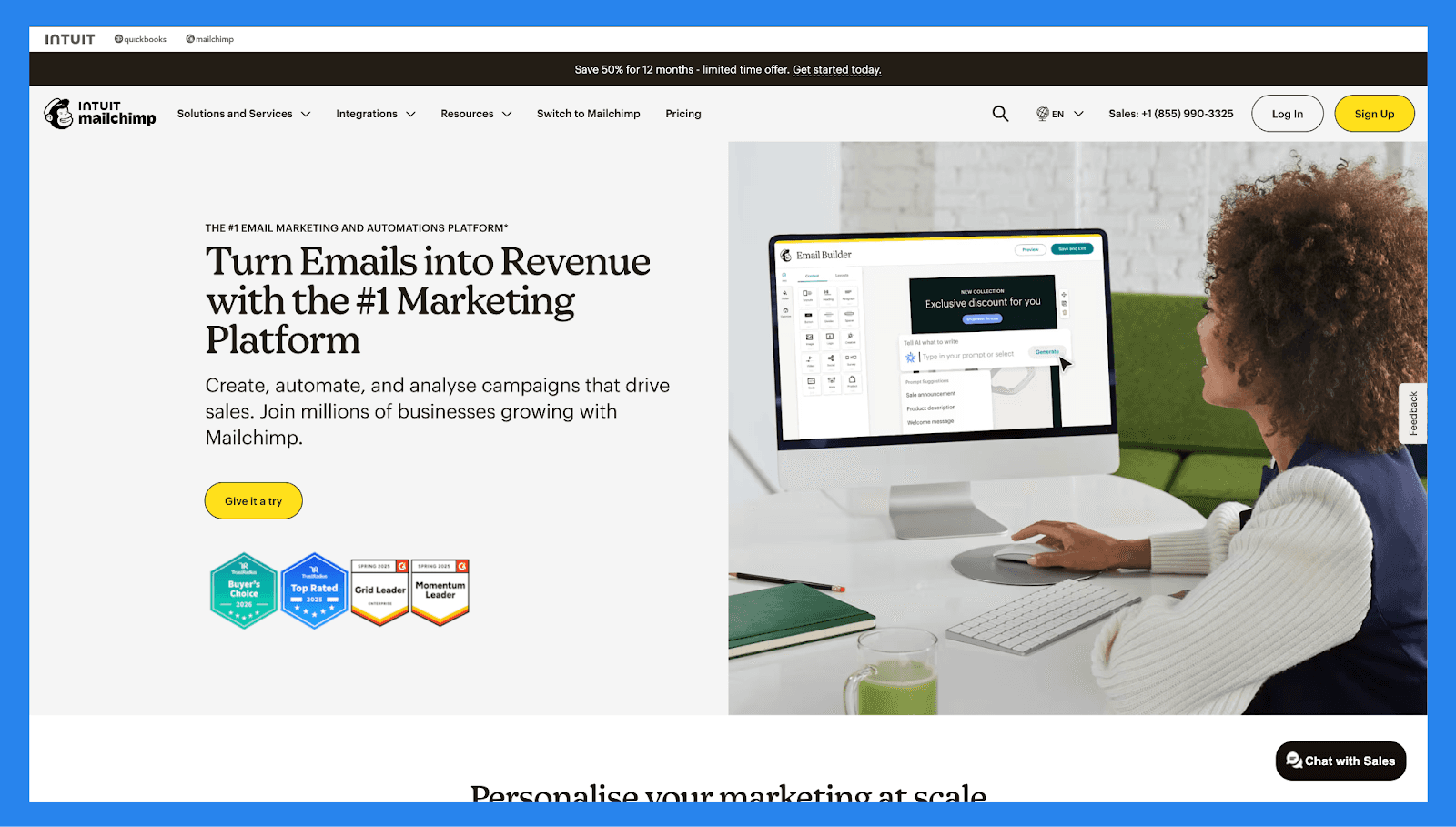
Mailchimp began as an email marketing tool and has gradually expanded into light CRM and lead management territory. It handles lead capture, segmentation, and email-based nurturing well, especially for small businesses.
That said, it’s not designed for complex sales pipelines or multi-rep lead ownership. Mailchimp works best when email is the primary channel and sales processes are relatively simple.
MailChimp Lead Management Checklist
Category | Item | Status |
|---|---|---|
Core Lead Management Features | ||
Lead capture | ✅ | Forms, landing pages, signups |
Pipeline / lead stage tracking | ❌ | Not a deal pipeline CRM |
Lead assignment / routing | ❌ | Not native |
Follow-up tracking | ✅ | Email automations & journeys |
Duplicate management | ✅ | Audience management tools |
Centralization & Visibility | ||
Unified lead workspace | ⚠️ | Audience-centric (marketing) |
Activity timeline | ✅ | Email engagement, campaigns |
Dashboard / reporting | ✅ | Campaign analytics & audience reports |
Communication Channels | ||
✅ | Core strength: campaigns & automations | |
Phone / Calling | ❌ | No |
SMS | ✅ | SMS add-on available |
Social (LinkedIn) | ✅ | Ads & social posting integrations |
❌ | Not native | |
Multi-channel inbox | ❌ | No |
AI & Automation | ||
Lead scoring | ⚠️ | Basic engagement scoring |
AI insights | ✅ | Content & send-time suggestions (limited) |
AI enrichment | ❌ | Not native |
Workflow automation | ✅ | Customer journeys & automations |
Auto lead movement | ❌ | Not applicable |
Support | ||
Email support | ✅ | Standard |
Live chat | ✅ | Paid tiers |
Phone support | ✅ | Paid tiers |
Onboarding resources | ✅ | Guides & templates |
Key Features | ||
Email marketing & automation | ✅ | Best-in-class for campaigns |
Audience segmentation | ✅ | Robust segments & tags |
Landing pages & forms | ✅ | Built-in capture |
Pricing & Ratings | ||
Free plan | ❌ | Flexible entry-level pricing |
Free trial | ❌ | |
Starting price | $10/mo | Tiered by plans and contact size |
G2 Rating | ⭐4.4/5 | 5,364 reviews |
Capterra Rating | ⭐4.5/5 | 17,490 reviews |
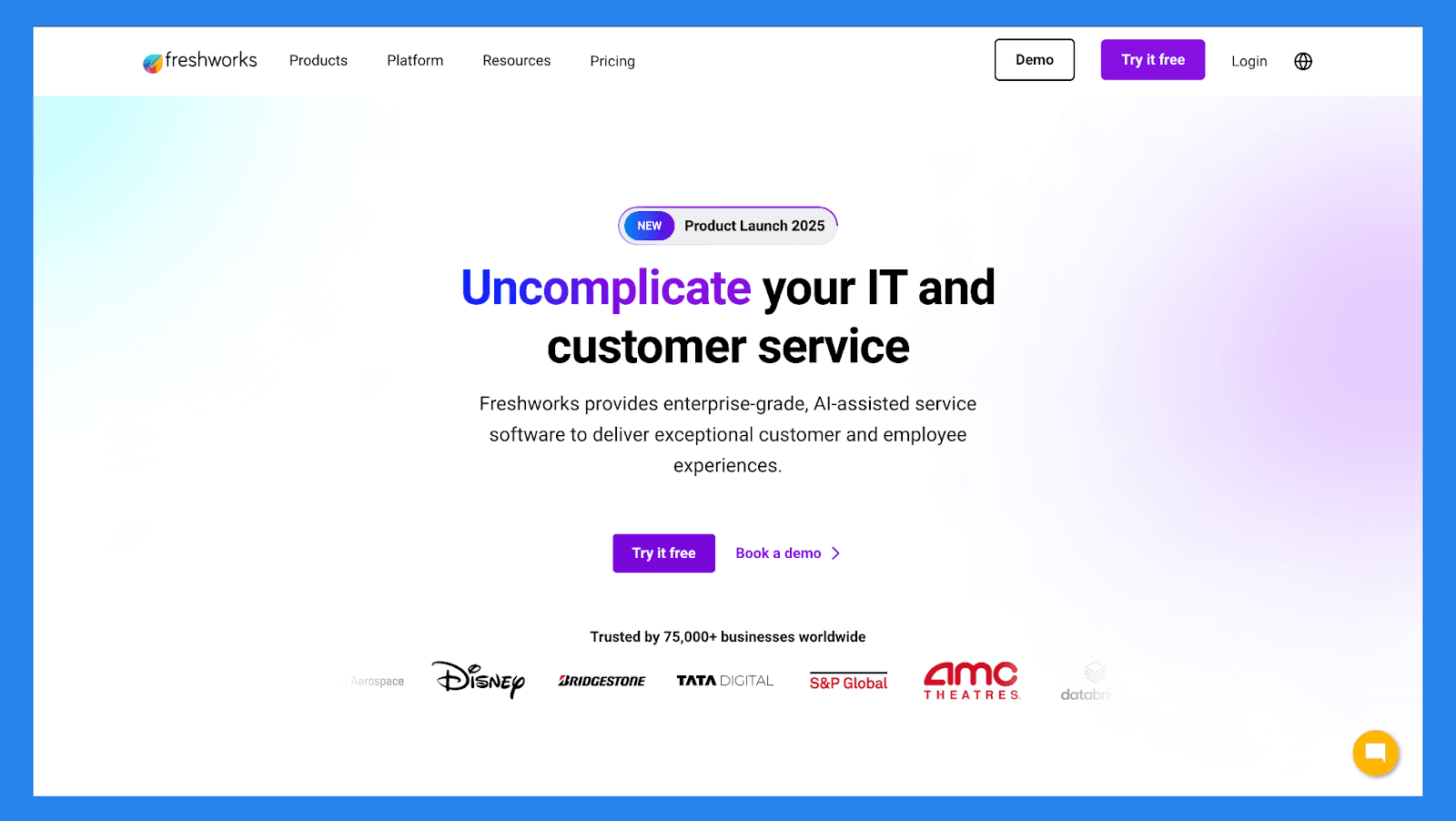
🏅 Freshsales (Freshworks CRM) – Best for: Growing teams that want built-in intelligence
Summary
Freshsales blends traditional CRM functionality with lead scoring, automation, and communication tools. It offers a good balance between ease of use and advanced features like behavior tracking and prioritization.
For teams graduating from spreadsheets or basic CRMs, Freshsales provides structure without overwhelming users — making it a strong mid-market lead management option.
Freshsales (Freshworks CRM) Lead Management Checklist
Category | Item | Status |
|---|---|---|
Core Lead Management Features | ||
Lead capture | ✅ | Forms, imports, APIs |
Pipeline / lead stage tracking | ✅ | Deal pipelines + stages |
Lead assignment / routing | ✅ | Rules & auto assign |
Follow-up tracking | ✅ | Tasks, sequences, reminders |
Duplicate management | ✅ | Deduplication features |
Centralization & Visibility | ||
Unified lead workspace | ✅ | Contact + activity timeline |
Activity timeline | ✅ | Emails, calls, notes |
Dashboard / reporting | ✅ | Sales & funnel reports |
Communication Channels | ||
✅ | Native & tracking | |
Phone / Calling | ✅ | Built-in telephony |
SMS | ⚠️ | Via integrations |
Social (LinkedIn) | ⚠️ | Integrations |
⚠️ | Partners/integrations | |
Multi-channel inbox | ✅ | Conversations hub |
AI & Automation | ||
Lead scoring | ✅ | Predictive scoring available |
AI insights | ✅ | Freddy AI insights |
AI enrichment | ✅ | Partner enrichers |
Workflow automation | ✅ | Flow automation |
Auto lead movement | ✅ | Rules & AI triggers |
Support | ||
Email support | ✅ | Yes |
Live chat | ✅ | Yes |
Phone support | ✅ | Paid tiers |
Onboarding resources | ✅ | Docs & academy |
Key Features | ||
Built-in telephony | ✅ | Useful for call-heavy teams |
AI assistant (Freddy) | ✅ | Insights & recommendations |
Good mid-market fit | ✅ | Balance of features & usability |
Pricing & Ratings | ||
Free plan | ❌ | No |
Free trial | ✅ | 21-day trial |
Starting price | $11/mo | Tiered plans |
G2 Rating | ⭐4.5/5 | 1,216 reviews |
Capterra Rating | ⭐4.5/5 | 620 reviews |
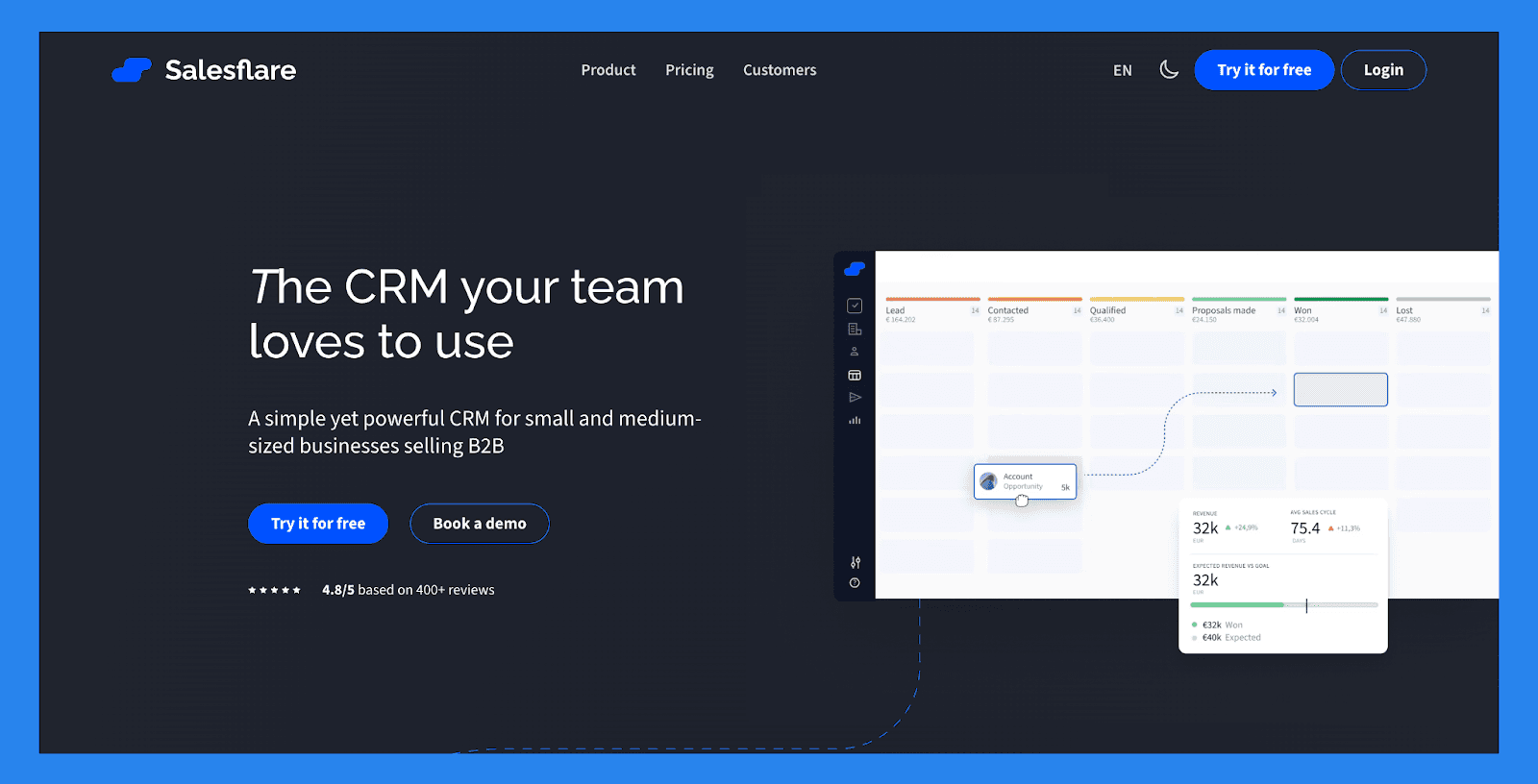
🏅 Salesflare – Best for: Small B2B teams that want minimal data entry
Summary
Salesflare focuses on automating the busywork behind lead management. It automatically enriches contacts, tracks interactions, and keeps pipelines up to date with minimal manual input.
The result is a CRM that quietly manages leads in the background while sales reps focus on relationships. It’s particularly appealing for lean B2B teams with limited time for admin tasks.
Salesflare Lead Management Checklist
Category | Item | Status |
|---|---|---|
Core Lead Management Features | ||
Lead capture | ✅ | Email parsing, imports, integrations |
Pipeline / lead stage tracking | ✅ | Visual pipelines |
Lead assignment / routing | ✅ | Manual & team sharing |
Follow-up tracking | ✅ | Automated follow-ups & tasks |
Duplicate management | ✅ | Auto-match & merge |
Centralization & Visibility | ||
Unified lead workspace | ✅ | Auto-built contact profiles |
Activity timeline | ✅ | Auto-captured emails, meetings |
Dashboard / reporting | ✅ | Revenue & pipeline reporting |
Communication Channels | ||
✅ | Deep email automation & tracking | |
Phone / Calling | ⚠️ | Integrates with calling tools |
SMS | ❌ | Not native |
Social (LinkedIn) | ❌ | Not native |
❌ | Needs integration | |
Multi-channel inbox | ❌ | No unified inbox |
AI & Automation | ||
Lead scoring | ⚠️ | Basic scoring via fields |
AI insights | ✅ | Auto-capture intelligence (semi-AI) |
AI enrichment | ✅ | Auto-enrichment of profiles |
Workflow automation | ✅ | Automatic task creation & sequences |
Auto lead movement | ✅ | Rule & trigger driven |
Support | ||
Email support | ✅ | Standard |
Live chat | ✅ | Business hours |
Phone support | ❌ | N/A |
Onboarding resources | ✅ | Guides & templates |
Key Features | ||
Zero-entry data capture | ✅ | Minimal manual input |
Smart automation | ✅ | Auto follow-ups & reminders |
B2B focus | ✅ | Great for small B2B teams |
Pricing & Ratings | ||
Free plan | ❌ | No free plan (trial available) |
Free trial | ✅ | 30-day trial |
Starting price | $39/mo | Mid-tier pricing |
G2 Rating | ⭐4.8/5 | 296 reviews |
Capterra Rating | ⭐4.7/5 | 139 reviews |
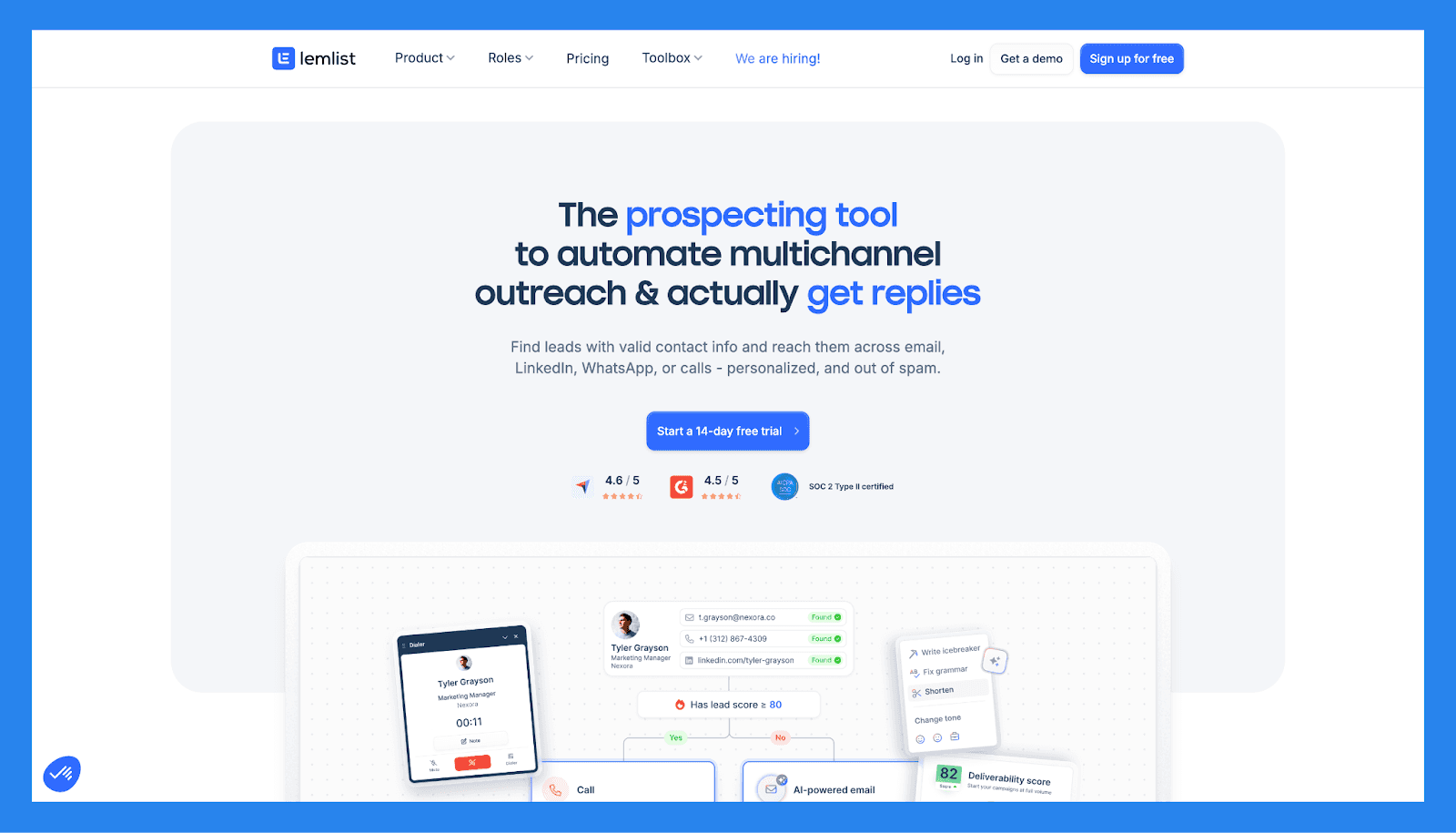
🏅 Lemlist – Best for: Outbound email-driven lead generation
Summary
Lemlist is not a traditional CRM, but it plays a critical role in outbound lead management. It excels at personalized cold email campaigns, follow-ups, and sequence-based outreach.
When paired with a CRM, Lemlist becomes a powerful engine for generating and warming leads. On its own, it’s best viewed as a lead activation tool rather than a full management system.
Lemlist Lead Management Checklist
Category | Item | Status |
|---|---|---|
Core Lead Management Features | ||
Lead capture | ✅ | Email campaign replies & imports |
Pipeline / lead stage tracking | ❌ | Not a full CRM pipeline |
Lead assignment / routing | ❌ | Limited; integrates with CRMs |
Follow-up tracking | ✅ | Sequenced email follow-ups |
Duplicate management | ❌ | Campaign-level features only |
Centralization & Visibility | ||
Unified lead workspace | ❌ | Focused on outreach lists |
Activity timeline | ✅ | Email opens, replies, link clicks |
Dashboard / reporting | ✅ | Campaign performance metrics |
Communication Channels | ||
✅ | Core strength: personalized cold email | |
Phone / Calling | ❌ | Not native |
SMS | ❌ | Not native |
Social (LinkedIn) | ✅ | Integrations / sequences via add-ons |
❌ | No | |
Multi-channel inbox | ❌ | No |
AI & Automation | ||
Lead scoring | ❌ | Not native |
AI insights | ✅ | Personalization suggestions (templates) |
AI enrichment | ❌ | Integrations possible |
Workflow automation | ✅ | Campaign sequences & triggers |
Auto lead movement | ❌ | Via CRM integrations |
Support | ||
Email support | ✅ | Standard |
Live chat | ✅ | Business hours |
Phone support | ❌ | N/A |
Onboarding resources | ✅ | Templates & guides |
Key Features | ||
Cold email personalization | ✅ | Dynamic images & variables |
Deliverability tools | ✅ | Warmup & domain guidance |
Campaign automation | ✅ | Sequences + A/B testing |
Pricing & Ratings | ||
Free plan | ❌ | No free plan (trial available) |
Free trial | ✅ | 14-day trial |
Starting price | $69/mo | Per campaign / per user tiers |
G2 Rating | ⭐4.5/5 | 968 reviews |
Capterra Rating | ⭐4.6/5 | 386 reviews |
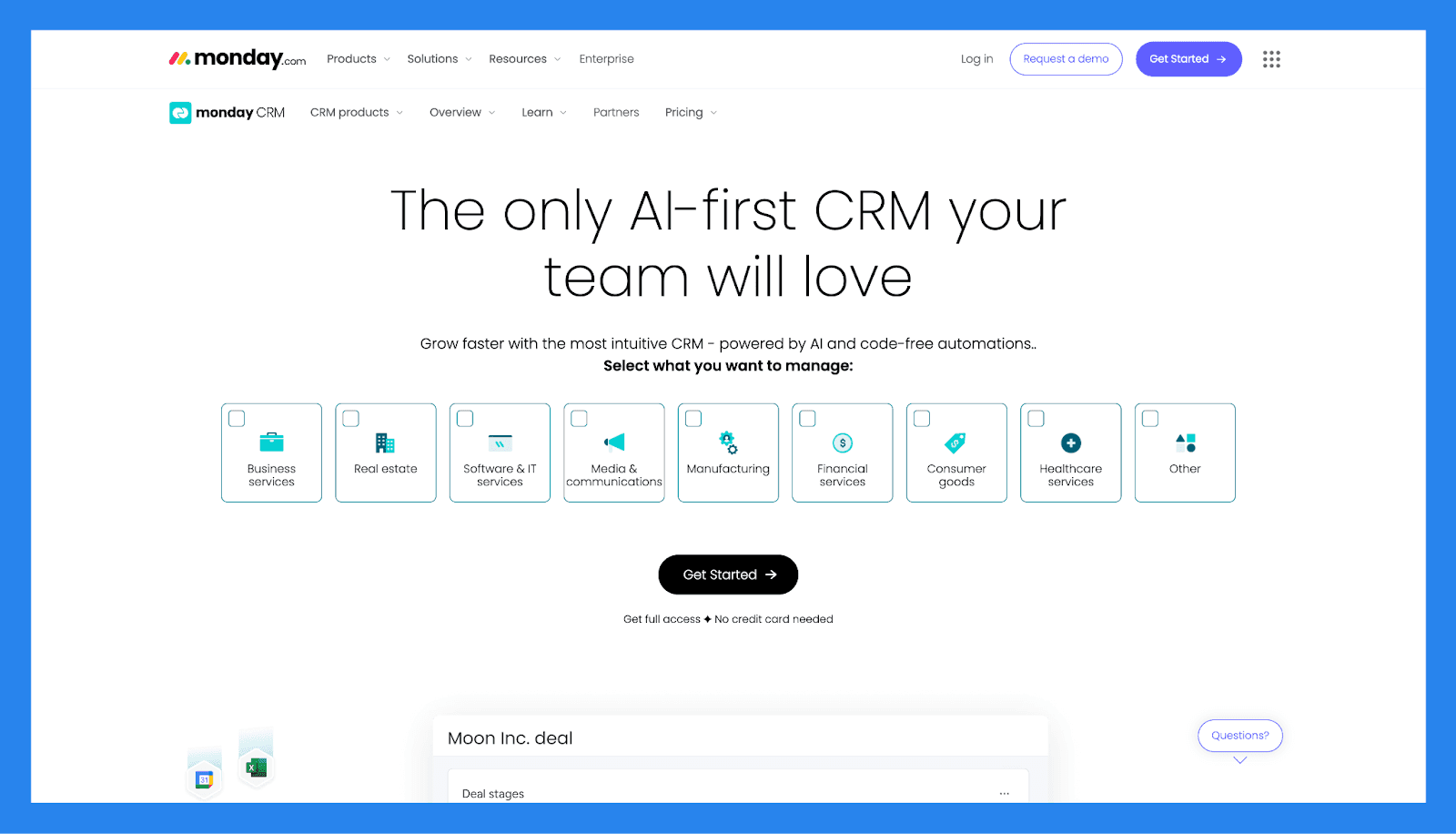
🏅 MondayCRM – Best for: Teams that want customizable workflows
Summary
Built on the monday.com work OS, Monday CRM offers flexible lead tracking that can be customized to almost any workflow. Pipelines, automations, and dashboards are highly configurable.
It’s ideal for teams that want lead management to mirror their internal processes exactly, though it may require more setup than purpose-built sales CRMs.
MondayCRM Lead Management Checklist
Category | Item | Status |
|---|---|---|
Core Lead Management Features | ||
Lead capture | ✅ | Forms, automations, imports |
Pipeline / lead stage tracking | ✅ | Highly customizable boards |
Lead assignment / routing | ✅ | Automations & assignments |
Follow-up tracking | ✅ | Tasks, reminders, automations |
Duplicate management | ⚠️ | Manual/automation-based |
Centralization & Visibility | ||
Unified lead workspace | ✅ | Boards + dashboards |
Activity timeline | ✅ | Updates, notes, file attachments |
Dashboard / reporting | ✅ | Dashboards + widgets |
Communication Channels | ||
✅ | Integrations & automations | |
Phone / Calling | ⚠️ | Integrations required |
SMS | ⚠️ | Integrations / apps |
Social (LinkedIn) | ❌ | Not native |
❌ | Third-party apps | |
Multi-channel inbox | ❌ | No |
AI & Automation | ||
Lead scoring | ⚠️ | Custom formula fields possible |
AI insights | ⚠️ | Apps / integrations |
AI enrichment | ⚠️ | Via integrations |
Workflow automation | ✅ | Strong automation builder |
Auto lead movement | ✅ | Automations handle movement |
Support | ||
Email support | ✅ | Standard |
Live chat | ✅ | Business hours |
Phone support | ⚠️ | Limited |
Onboarding resources | ✅ | Templates & academy |
Key Features | ||
Customizability | ✅ | Build almost any workflow |
Visual boards & dashboards | ✅ | Great for process visibility |
Integrations & apps | ✅ | Marketplace for add-ons |
Pricing & Ratings | ||
Free plan | ❌ | Free tier (limited boards/users) |
Free trial | ✅ | 14-day trial |
Starting price | $15/mo | Tiered per seat / team size |
G2 Rating | ⭐4.6/5 | 1,057 reviews |
Capterra Rating | ⭐4.7/5 | 452 reviews |
🏅 Clickup – Best for: Teams managing leads alongside projects
Summary
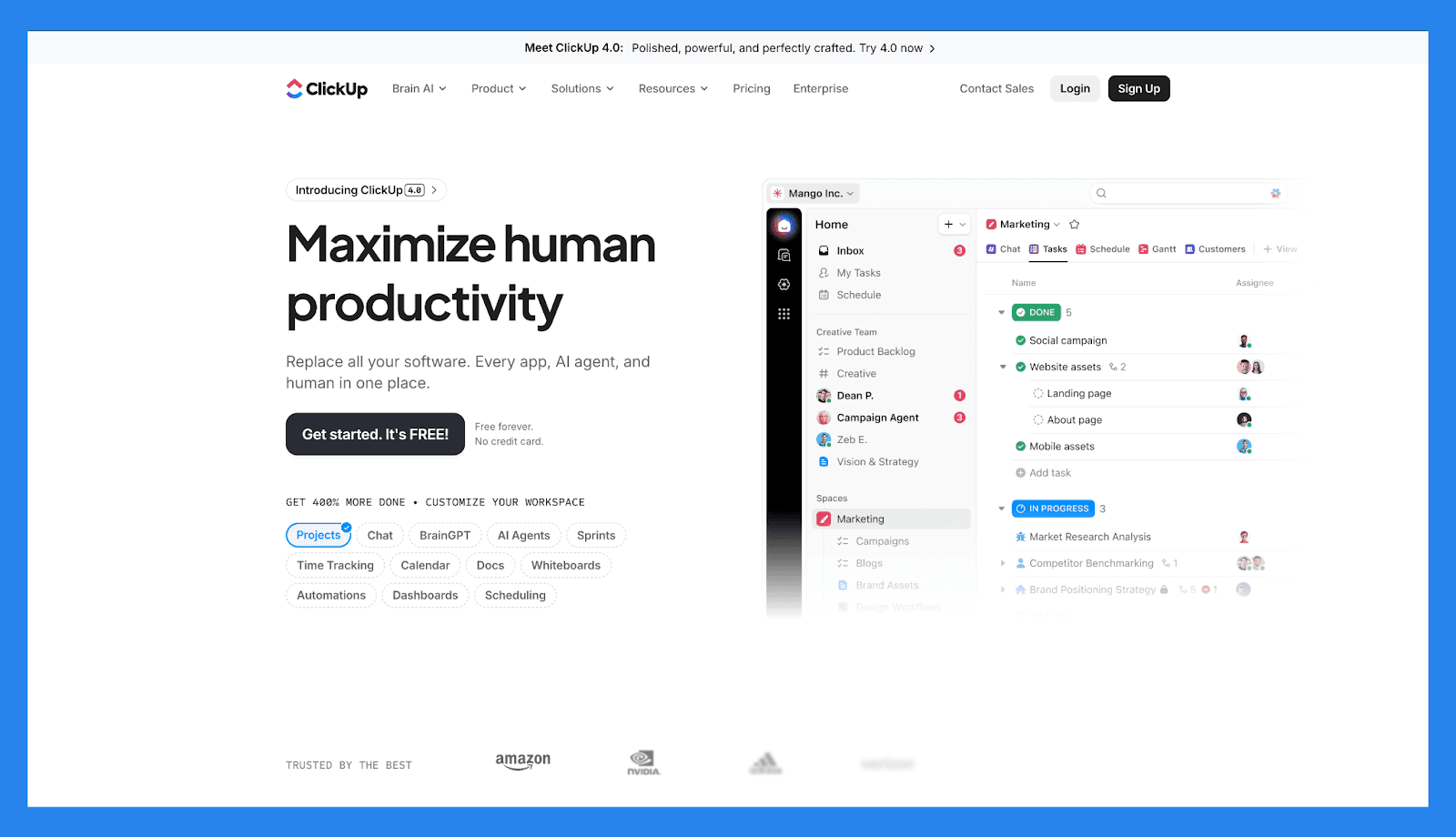
ClickUp approaches lead management through the lens of tasks and workflows. While not a native CRM, it can be configured to track leads, stages, owners, and follow-ups within a broader productivity system.
It’s best suited for teams that want everything (leads, deals, delivery, and projects) in one workspace, rather than a dedicated sales-only tool.
Clickup Lead Management Checklist
Category | Item | Status |
|---|---|---|
Core Lead Management Features | ||
Lead capture | ✅ | Forms, imports, automations |
Pipeline / lead stage tracking | ✅ | Custom Lists/Board views |
Lead assignment / routing | ✅ | Automations & workloads |
Follow-up tracking | ✅ | Tasks, reminders, dependencies |
Duplicate management | ⚠️ | Manual / automations |
Centralization & Visibility | ||
Unified lead workspace | ✅ | Tasks + Docs + Emails (via inbox) |
Activity timeline | ✅ | Task history & comments |
Dashboard / reporting | ✅ | Custom dashboards & widgets |
Communication Channels | ||
✅ | Email integrations & native "Email in ClickUp" | |
Phone / Calling | ❌ | Integrations required |
SMS | ❌ | Integrations |
Social (LinkedIn) | ❌ | Not native |
❌ | Integrations | |
Multi-channel inbox | ⚠️ | Inbox for email; not full omnichannel |
AI & Automation | ||
Lead scoring | ⚠️ | Custom fields / formulas can emulate scoring |
AI insights | ✅ | AI features available (summaries, tasks) depending on plan |
AI enrichment | ❌ | Not native |
Workflow automation | ✅ | Powerful automation builder |
Auto lead movement | ✅ | Automations move items between lists/boards |
Support | ||
Email support | ✅ | Standard |
Live chat | ✅ | Business hours |
Phone support | ❌ | N/A |
Onboarding resources | ✅ | Extensive docs & templates |
Key Features | ||
All-in-one workspace | ✅ | Tasks, docs, dashboards, goals |
Highly customizable | ✅ | Build custom lead workflows |
Affordable at scale | ✅ | Broad functionality per seat |
Pricing & Ratings | ||
Free plan | ✅ | Strong free tier |
Free trial | ✅ | Yes |
Starting price | $10/mo | Tiered per user / add-ons |
G2 Rating | ⭐4.7/5 | 10,814 reviews |
Capterra Rating | ⭐4.6/5 | 4,524 reviews |
🏁 Final Verdict: Which Lead Management Tool Is Best?
At the end of the day, the best lead management tool isn’t the one with the longest feature list — it’s the one that actually fits how your team captures, works, and closes leads day to day.
Different tools shine in different scenarios. Here’s the simple breakdown:
**If you’re a solo founder or small team: **You’ll likely want something lightweight, affordable, and easy to adopt without weeks of setup. Tools like Pipedrive, Capsule, or Salesflare are solid choices for straightforward pipeline tracking and basic follow-ups.
**If you’re a sales-led startup or outbound-focused team: **This is where tools built specifically for modern selling stand out. Breakcold is designed for teams that live in email, LinkedIn, WhatsApp, and social channels — combining lead management, multichannel communication, and AI-driven next steps in one focused platform, without enterprise bloat.
**If you’re an agency or service-based business managing multiple clients: **Platforms like GoHighLevel, Monday CRM, or ClickUp can work well if you need heavy customization, client portals, and process flexibility — though they often require more manual setup and ongoing maintenance.
**If you’re a marketing-first team or enterprise organization: **Larger, all-in-one ecosystems such as HubSpot or Salesforce make sense when you need advanced reporting, complex workflows, and deep integrations — and have the budget and resources to support them.
The Bottom Line
Lead management isn’t just about storing contacts, it’s about moving the right leads forward at the right time, with the least amount of friction.
If your growth depends on AI-native workflows, relationship-driven selling and fast follow-ups across multiple channels, Breakcold is built specifically for that reality — helping modern teams spend less time managing leads and more time closing them.
👉 Want to see what AI-native lead management looks like in practice? Breakcold is a great place to start.
Frequently asked questions

Written by
Arnaud Belinga · Co-Founder & CEO at Breakcold
Arnaud is the Co-Founder & CEO of Breakcold, the AI Native CRM for sales teams of 5 to 30+ people.