



4 Ways AI CRMs Kill Admin Work
TL;DR: how AI CRMs remove admin work 🏆
🏆 Breakcold: the AI Native CRM for sales teams of 5 to 30+ people. AI agents handle the admin (move deals, log activity, create tasks), it connects to Claude and ChatGPT via native MCP, and it syncs LinkedIn, email, WhatsApp and Telegram into one pipeline. At 5 seats Breakcold is $139/mo, where a traditional CRM runs $300 to $500/mo. Best AI native pick for SMBs.
🏢 Attio: the enterprise pick, with powerful AI-enabled workflows for complex teams that want to build their own logic.
🚫 HubSpot and Pipedrive: mostly offer AI summaries and small shortcuts, without removing the actual grunt work of moving leads and creating tasks.
✅ The 4 ways AI kills admin: auto-move leads from real conversations, auto-create follow-up tasks, auto-tag and update fields, and auto-create deals with the right value for accurate reporting.
AI CRMs are eating the world.
Why?
Because they allow salespeople to kill admin work, more specifically CRM updates, so they get more time back to focus on selling ⚡️. But how are AI CRMs actually killing admin work? It seems that many people still have a hard time grasping what an AI native CRM really does 🤔.
So in this blog post, I will explain what is actually possible 🚀.
Way #1: AI CRMs eliminate admin work with auto-movement of leads
Updating leads in a CRM is the MOST boring thing ever 😴.
Salespeople hate it and it is probably because of that, that CRM adoption is so low across all types of organizations 🤷♂️.
The video below shows you how to stop managing leads manually and start doing it with an AI native CRM 🚀.
Loading YouTube sends it your IP address and may enable cookies. This applies to this content only.
So how does it work?
Let's take the example of Breakcold, my AI Sales CRM.
In Breakcold, depending on how you named your CRM lists and sales pipeline stages, the CRM will be able to move leads into the right bucket automatically 🤖.
For example, if you have 3 CRM lists named:
Partnerships
Customers
Prospects
Then let's say that on LinkedIn you have a conversation thread with a lead named Joseph Franker about how he can become an affiliate to sell your service. You also have another conversation with Joseph via email where he is asking questions about your service because he wants to buy it 💬.
The CRM will pick up both conversations and figure out that Joseph needs to go into the Partnerships list at the Potential Partner stage (because he is a potential affiliate) and will also put Joseph in the Prospects list at the Convo Started stage (because he wants to buy but has not booked a call yet).
If Joseph were to book a call later, or upgrade to become a customer, the lead would be auto updated accordingly by the CRM 🚀.
Way #2 AI CRMs eliminate admin work with auto-task creation
The 2nd biggest thing that AI CRMs do to eliminate admin work is to create your CRM tasks automatically 🤖.
Before turning my sales CRM into an AI one, I remember having endless conversations with customers and prospects complaining that the CRM was giving them more work because they had to constantly create, mark as done and re create tasks 😩.
This problem is now solved, so let’s see together how. I also made this video to show you how it is done 🎥.
Loading YouTube sends it your IP address and may enable cookies. This applies to this content only.
Let's continue with our Joseph one.
Imagine you're talking with Joseph via email and that down the line he doesn't answer you anymore. In a regular CRM you won’t be notified by it you’ll have to create a follow-up task and then jump between multiple platforms to carry on that task 😵💫
On a proper AI-native CRM, the software will understand that you forgot to send a follow-up if the person didn’t reply, and a task will be automatically created at the right time according to your preferences (eg. every 7 days or every X weeks ⚙️).
You don’t need to think about task creation, the CRM does it for you and even deletes tasks automatically if you completed them outside the CRM (eg. Joseph replies to your message eventually, so there’s no need for a follow-up anymore ✔️).
Usually, you can use a CRM agent to design how the CRM tasks created by the AI should be carried on.
Way #3 AI CRMs eliminate admin work with auto-tagging & Fields Updates
In a CRM, moving leads into different sales pipeline stages and creating tasks are the main things.
But if you want to have an organized CRM, you must use tags and custom fields to differentiate your leads 🗂️.
For example, some people use tags to categorize CRM contacts as startups and others as agencies. Tags can be used for anything depending on your needs. The same goes for custom fields. Every business is different, so you create dedicated fields adapted to the reality of your business, for example custom fields related to the products you are selling.
The problem is that the more sophisticated your business becomes, the more time you will spend updating everything manually 😩.
Not with an AI CRM.
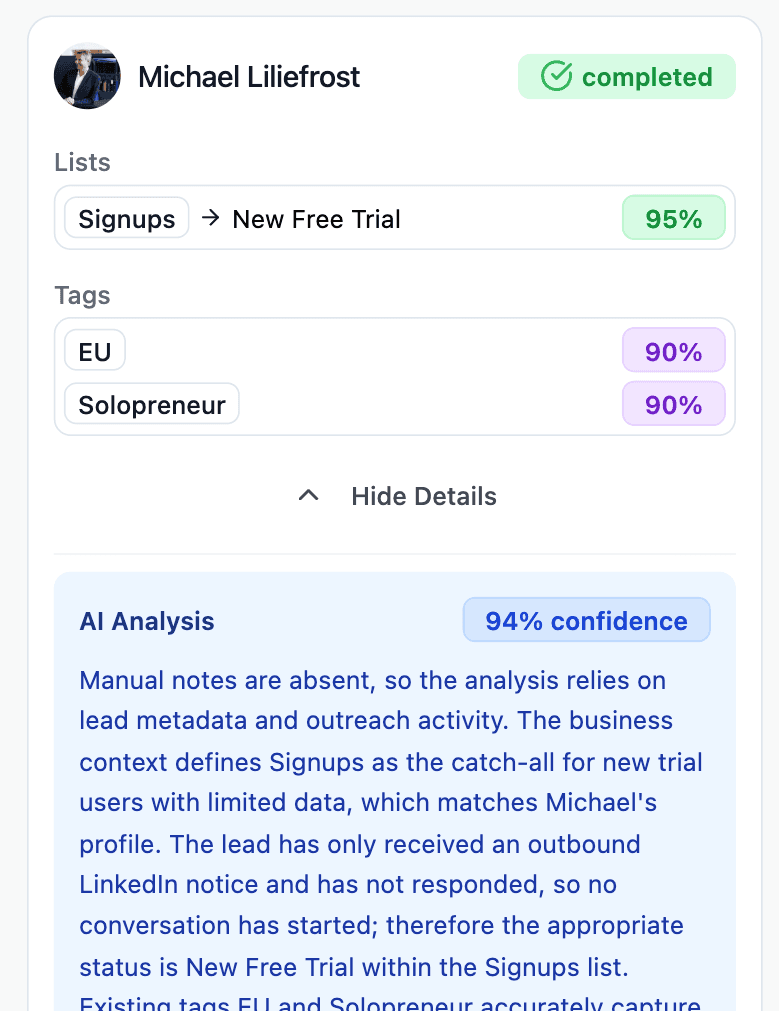
Again, simply based on how you named your tags and custom fields, the CRM will be able to update your CRM contacts automatically.
In our example, if the CRM detects that Joseph is from Chicago and is running a B2B startup, the CRM will auto attribute the Startup and US tags, as well as assign the Startup Package in the Product dropdown custom field 🚀.
Way #4 AI CRMs eliminate admin work with deal-creation
Finally, AI CRMs eliminate admin work by auto creating deals 🤖.
Normally, you work on your leads and once there is a proper sales opportunity you create a deal in the pipeline. In some CRMs, contacts can move in the pipeline but deals are the real thing that quantify how much you have in the pipeline and how much you will close.
By knowing your business, AI CRMs are able to create deals automatically, assign the right deal value and link it to the correct product 💼.
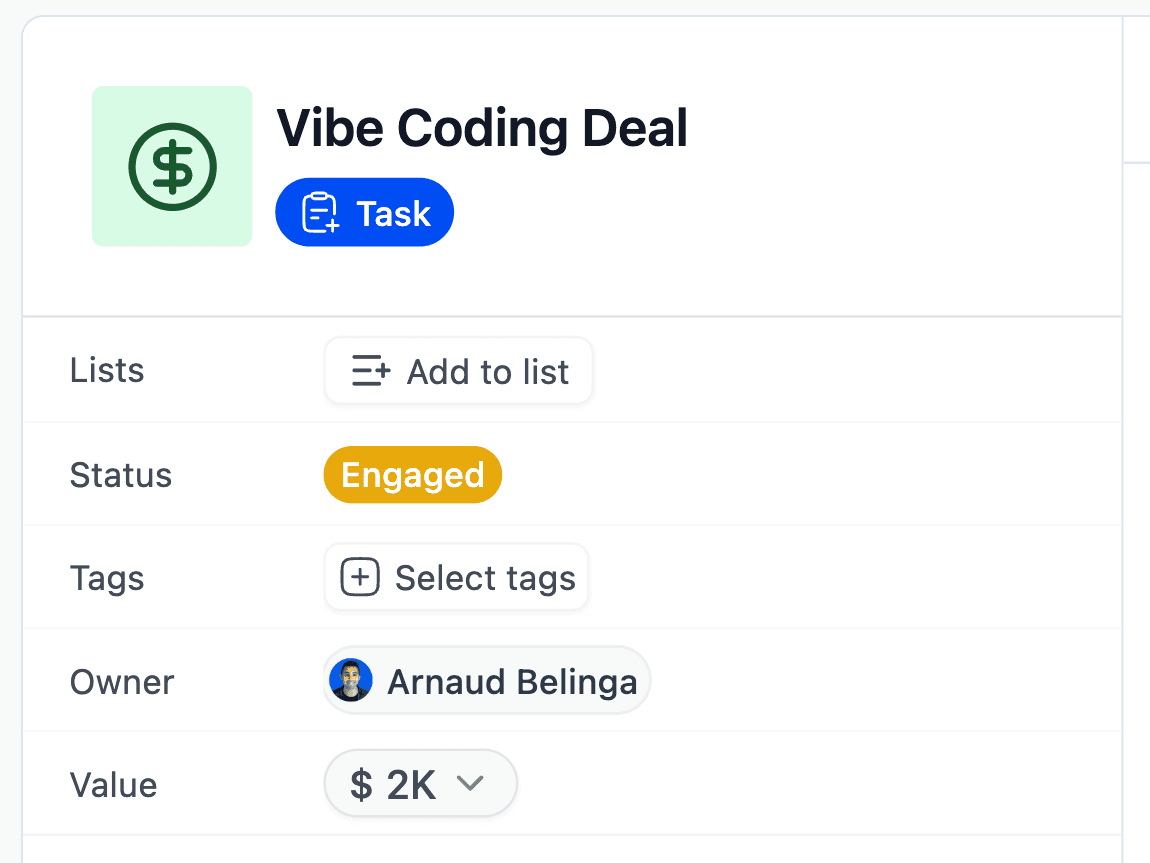
Therefore, your sales CRM analytics are always up to date and you will not end up like the CRM memes we see all over the internet where
• the salesperson is delighted to close a deal and
• the manager is not happy and says "Have you logged it in the CRM?" 😅
With such a system, both parties are happy. Best AI Native CRMs to eliminate admin work.
To be fair, right now there aren't many AI CRMs that allow you to properly eliminate admin work.
There are only 2 that are doing it seriously, 1 for SMBs and 1 for Enterprises.
Breakcold: The AI Native CRM for Modern SMBs
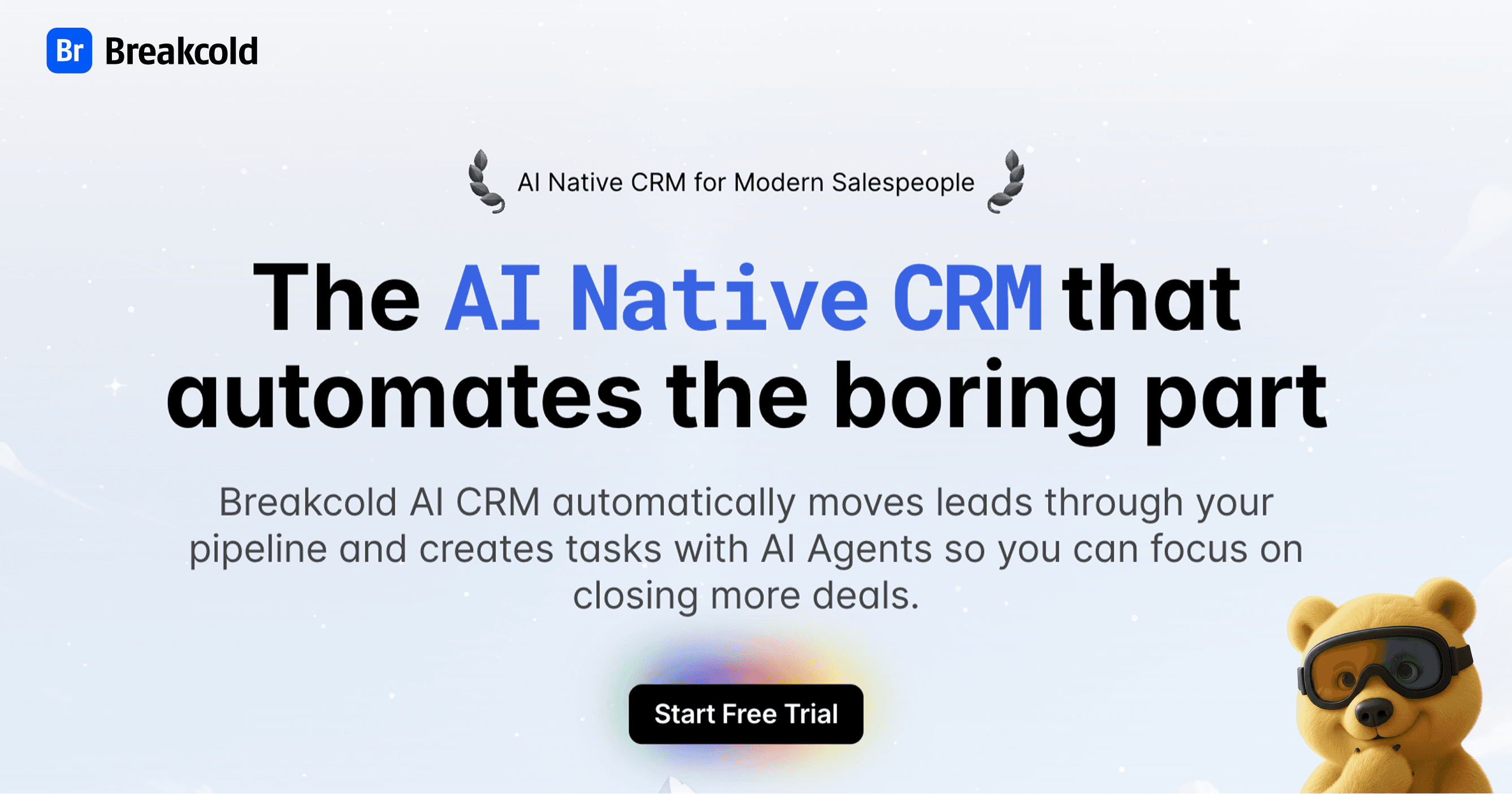
Breakcold describes itself as the "CRM that automates the boring stuff while you sell". Its designed for SMBs, usually service businesses like agencies and startups that want to focus on selling.
Pros
Beyond its AI features that cover everything described in this article, Breakcold also integrates with many communication channels such as LinkedIn, Telegram, WhatsApp and many others 📡.
Therefore, you get a much stronger single source of truth inside the CRM, which allows it to make almost perfect decisions when it comes to moving leads automatically and handling many other tasks 🤖✨.
Cons
Breakcold is not cheap, like any other AI CRMs really.
Breakcold runs on a single plan at $99/mo, which includes 1 seat and 2 connected accounts. Extra seats and connected accounts are +$10/mo each.
A team of 5 on Breakcold is $139/mo, where Attio, Pipedrive and HubSpot Sales Hub run about $500/mo for 5 seats with similar features.
Other Key Features of Breakcold AI Native CRM |
|---|
Auto-lead movement: Leads move automatically in Breakcold’s CRM based on your interactions with them. No setup required, the AI understands everything on its own. Auto-task creation: Monitors your interactions with leads and automatically creates follow-up tasks so you never lose momentum. This lets you focus on chatting with leads, not on admin work. Vision Builder – by default, leads move automatically by how you named your lists and sales pipeline stages (zero setup). But if you want to control the AI, you can by using natural language to build advanced AI CRM workflows. AI-Powered CRM Dashboard – A self-updating dashboard that highlights your most important tasks so you always know what to focus on. AI Contact Management – Automatically organizes leads into the right lists and groups by analyzing your conversations, notes, and activities. AI Personalities (AI Agents) – Choose an AI personality aligned with your business goals. Your dashboard then adapts, serving you daily tasks tailored to that persona. AI Reasoning – Every suggested task comes with context, so you’ll know exactly why it’s important and why it matters today. AI-Suggested Messages – Get personalized next-message suggestions that match both your tone of voice and your AI personality. Works for email & social conversations. AI Rules – Add rules to each step of your workflow for deeper customization and smarter automation. AI-Powered Contact Deduplication – Automatically identifies and merges duplicate contacts, eliminating hours of manual data cleanup and keeping your CRM lean and accurate. Advanced Data Enrichment – Powered by BetterContact, Breakcold now uses waterfall enrichment to surface verified B2B emails and phone numbers, enhancing the quality and precision of your outreach. AI Notetaker – Breakcold integrates with tools like Otter, Fireflies, TL;DV, and Fathom to auto-generate and log call summaries directly into the CRM — complete with transcript links and follow-up tasks based on what was discussed. All-in-One Unified Inbox – Manage conversations from LinkedIn, email, WhatsApp, and Telegram in one place, so you can respond faster and never miss a follow-up. Social Engagement Stream – Like, comment, and engage with your leads’ posts without leaving the CRM — build relationships through meaningful and consistent interactions. 20+ native integrations: including Slack, Apollo, Smartlead, Instantly, Lemlist & many other sales tools. |
Attio: The AI CRM for Enterprise companies
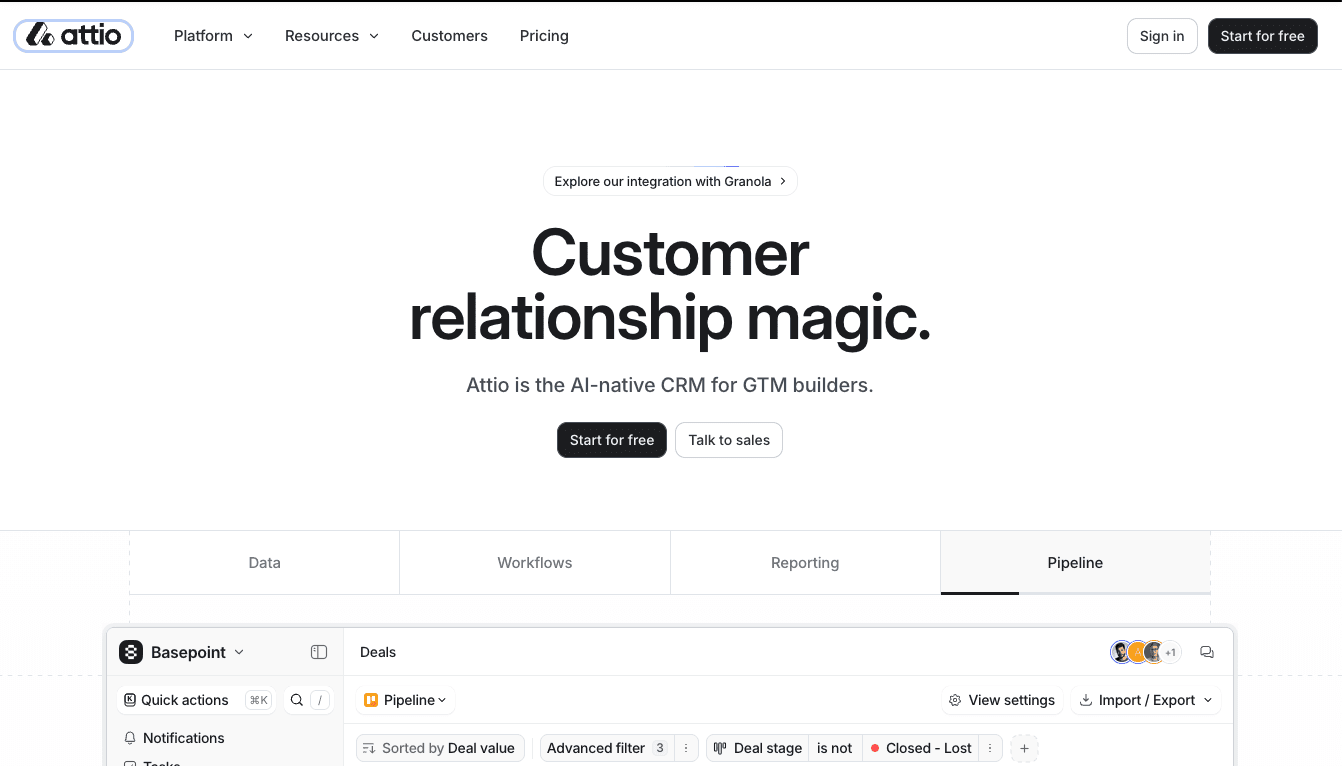
Unlike Breakcold, Attio targets bigger companies 🏢.
I often say that Breakcold is the new Pipedrive and Attio is the new Salesforce 🤝✨.
Pros
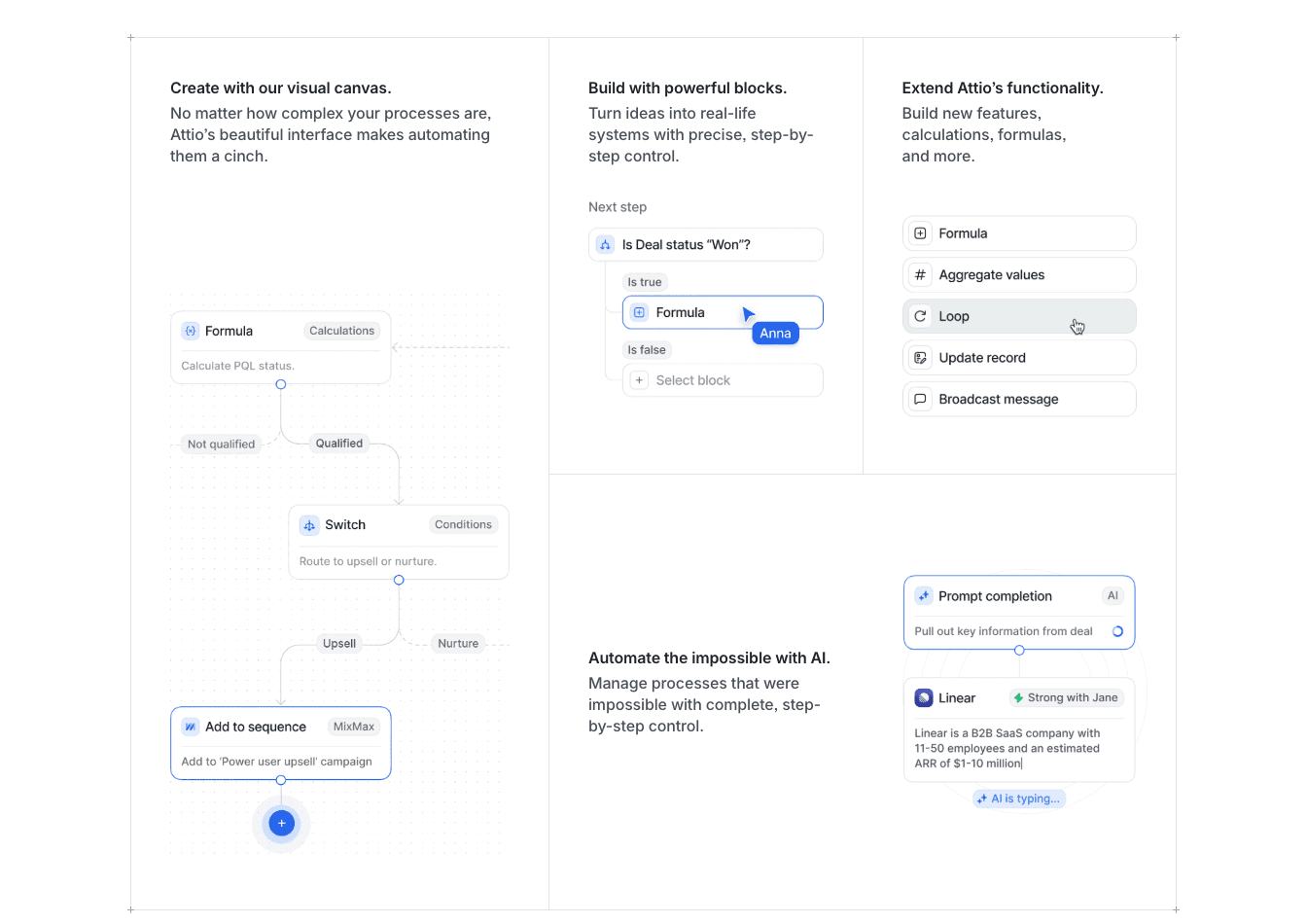
With Attio, you can build state of the art CRM workflows with AI blocks built in 🤖.
For example, you can push leads automatically to Attio via webhook and Attio will make sure those leads are qualified for your ICP before pushing them into the right CRM list ⚙️.
Attio is less AI native than Breakcold but it takes a different approach to AI with its workflow engine.
Cons
Attio is a very complex software.
Back in the days, we used to lose some customers to Attio because they were more focused on SMBs, but these days it is the opposite. We are getting people coming from Attio to us because Attio is a big machine 🚂.
So if you are at an enterprise level, it is perfect. Otherwise, it is not the best pick.
What about Pipedrive, Hubspot & others?
Well, they have AI features right?
Well, then they should be the PERFECT CRMs to kill admin work right? 🤔
Well, no haha.
Long story short, Pipedrive, HubSpot and other decades-old players in the industry decided to add what I call "AI fluff" features, mostly around AI summaries of leads ✨.
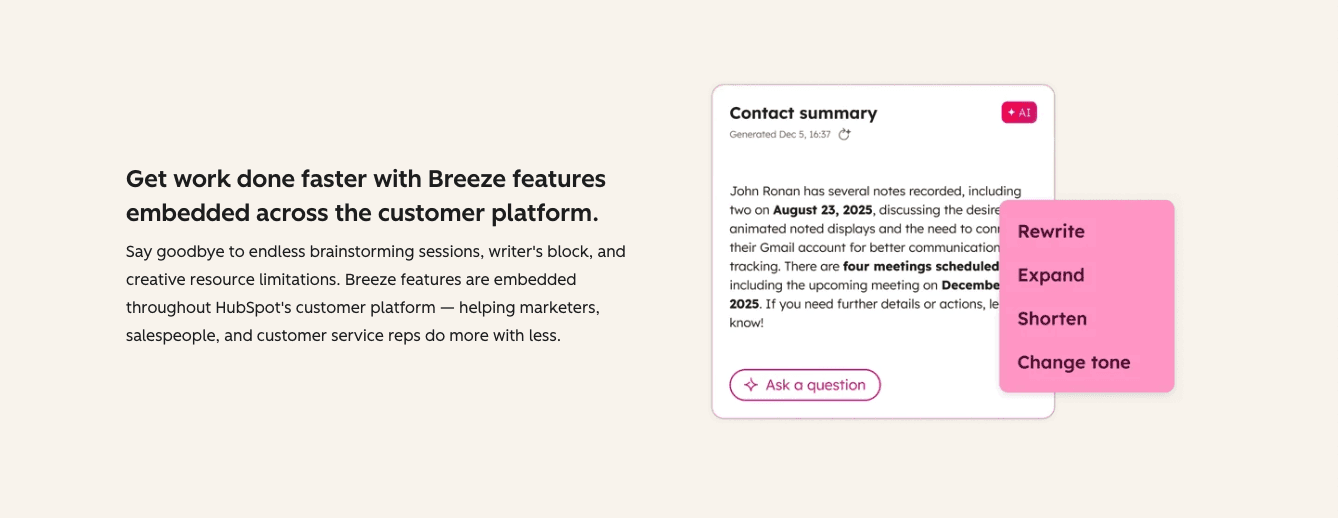
But fundamentally, those AI CRM features are not useful. They help you save a bit of time when preparing for calls, but they will not eliminate the grunt work of moving leads manually in the CRM, creating tasks and so on.
Technically, you could already automate task creation and lead movement in a CRM with what are called "CRM workflows", but the problem is that these tools are so complex to learn that most sales teams never benefit from them unless there is a big budget to hire CRM experts or integrators 😵💫.
Frequently asked questions

Written by
Arnaud Belinga · Co-Founder & CEO at Breakcold
Arnaud is the Co-Founder & CEO of Breakcold, the AI Native CRM for sales teams of 5 to 30+ people.