
15 verktøy for ledelse av potensielle kunder som faktisk lukker flere avtaler
Lead management er ikke sexy, men det er heller ikke å gå glipp av kvoten. I en verden der hvert klikk, samtale og DM kan bli en pipeline, er de virkelige vinnerne de teamene som faktisk kan holde oversikt over det hele. Det er der moderne lead management-verktøy kommer inn: de fanger, organiserer, scorer og ruter leads automatisk, slik at du ikke blir sittende fast som en digital detektiv.
Og ja, du kan prøve å drive alt på regneark eller halvveis "CRM-lite" oppsett... inntil volumet øker og alt tar fyr.
Denne guiden er for salgsteam, byråer, konsulenter, og oppstartsbedrifter som vil ha færre bortfalte leads, raskere oppfølginger, og et system som skalerer uten å bryte sammen. La oss dykke inn.
Oversikt over Lead Management-verktøy (Kort Oppsummert) |
|---|
Lead management-verktøy hjelper deg med å fange, spore, kvalifisere, tildele, og følge opp leads — uten å stole på rotete regneark eller sammenlimte systemer. Imidlertid er ikke alle lead management-verktøy CRMer. Noen fokuserer kun på lead-flow og oppfølginger, mens andre inneholder markedsføring, automatisering, og kundeadministrasjon samlet i en plattform. Det beste verktøyet avhenger av hvordan du selger, ikke hvem som har den lengste funksjonslisten. Raske valg etter brukstilfelle: 🥇 Beste totalt (AI-native & salgsfokusert): Breakcold, multi-kanal innboks, AI-drevne neste steg, og null administrasjonsarbeid. 📊 Best for enkle salgspipeline: Pipedrive, Capsule, Salesflare. 🏢 Best for byråer & alt-i-ett løsninger: GoHighLevel, Monday CRM, ClickUp (krever mer oppsett). 📣 Best for markedsføringsledede team: HubSpot, Mailchimp, Freshsales. 👀 Best for intensjonsbaserte & nettsidebesøksleads: Leadfeeder. 📬 Best for kald henvendelse & sekvensering: Lemlist. Konklusjon: Hvis teamet ditt lever i e-post, LinkedIn, WhatsApp, og oppfølginger, vil et AI-nativt lead management verktøy som Breakcold spare tid, forhindre lead-lekkasjer, og hjelpe deg med å lukke raskere — alt uten kompleksiteten til enterprise CRMer. |
📖 Hva er et Lead Management-verktøy?
Et lead management-verktøy er programvare som hjelper bedrifter med å fange, spore, kvalifisere, distribuere, og nære leads fra første kontakt til avsluttet avtale. I stedet for å sjonglere med regneark eller ad-hoc-systemer, sentraliserer det alle interaksjoner slik at salgsteam kan jobbe raskere og konvertere mer.
Hva Lead Management-verktøy vanligvis gjør
Fange leads fra skjemaer, annonser, sosiale medier, e-post, og utgående prosesser
Sporer hvert kontaktpunkt og oppdaterer leadstatus automatisk
Scorer og kvalifiserer leads basert på form eller intensjon
Ruter leads til riktig representant umiddelbart
Automatiserer oppfølginger, påminnelser, og næringssekvenser
Gir innsikt i pipeline, ytelse, og flaskehalser
Lead Management-verktøy vs. CRMer vs. Marketing Automatiseringsprogramvare
Verktøytype | Primært formål | Best for | Hva det ikke gjør bra |
|---|---|---|---|
Lead Management-verktøy | Fange, kvalifisere, distribuere, og nære leads effektivt | Salgsteam, byråer, konsulenter, oppstartsselskaper som trenger klarhet og hastighet | Dyp kontoadministrasjon, komplekse salgstrakter |
CRM (Kunde Relasjons Administrasjon) | Administrere hele kundeforholdet etter lead-stadie (kontakter, kontoer, avtaler, støtte) | Salgsteam med strukturerte pipelines og flertrinns salgsomløp | Tidlig leadfangst, hurtig kvalifisering, rask ruting |
Markedsføringsautomatiseringsprogramvare | Automatisere kampanjer, næringssekvenser, og publikumsegmentering | Markedsføringsteam som kjører e-post arbeidsflyter, livssyklus kampanjer, lead scoring | Rep-facing workflow, routing, pipeline-innsikt, salgsaktiviteter |
🛠️ Må-ha + Nice-to-Have / Avanserte funksjoner i Lead Management-verktøy
Før du velger et lead management-verktøy, er det viktig å vite hvilke funksjoner som faktisk betyr noe. De fleste plattformer lover "ende-til-ende" lead tracking, men de beste gir deg synlighet, hastighet, og automatisering uten å legge til administrativt oppblåsthet. Her er en gjennomgang av det essensielle versus det som tilfører verdi.
🔑 Må-ha funksjoner 🔑
Disse er ikke-forhandlingsbare - hvis et verktøy ikke har disse, vil det sinke deg:
Leadfangst: Skjemaer, import, skrapeverktøy, berikelse, eller integrasjoner som sikrer at ingen leder glir mellom hendene på deg.
Pipeline & statussporing: Klar synlighet i hvor hver leder står, hva som kommer neste, og hva som er fastlåst.
Lead tilordning & eierskap: Regler eller manuelle kontroller for å sikre at hver leder har en klar eier—ikke noen innboks sorte hull.
Notater, aktivitetslogg & påminnelser: En full engasjementstidslinje med oppgaver og påminnelser slik at oppfølgninger skjer i tide.
** 🚀 Nice-to-Have / Avanserte funksjoner 🚀**
Disse er ikke strengt nødvendige, men de forbedrer effektivitet og konverteringsrater dramatisk:
Lead scoring: Prioriter høye intensjons leads automatisk.
Automatisering & arbeidsflyt: Auto-tildele oppgaver, utløse sekvenser, eller oppdatere status uten manuelle klikk.
AI-innsikt: Prediktive anbefalinger, sammendrag, oppfølgingsforslag eller automatiske neste trinn.
Data berikelse: Automatiser fylling av manglende leder- og bedriftsdata for å redusere forskningstid.
🏆 Topp Lead Management-verktøy (Rangert)
Nedenfor har vi rangert de beste lead management-verktøyene basert på hvor godt de håndterer salgsomløpet i den virkelige verden: fanger leads, sporer samtaler, automatiserer oppfølginger, og hjelper team med å lukke raskere.
🥇 Breakcold – Best for: salgsteam, byråer, AI-native arbeidsflyter
Sammendrag
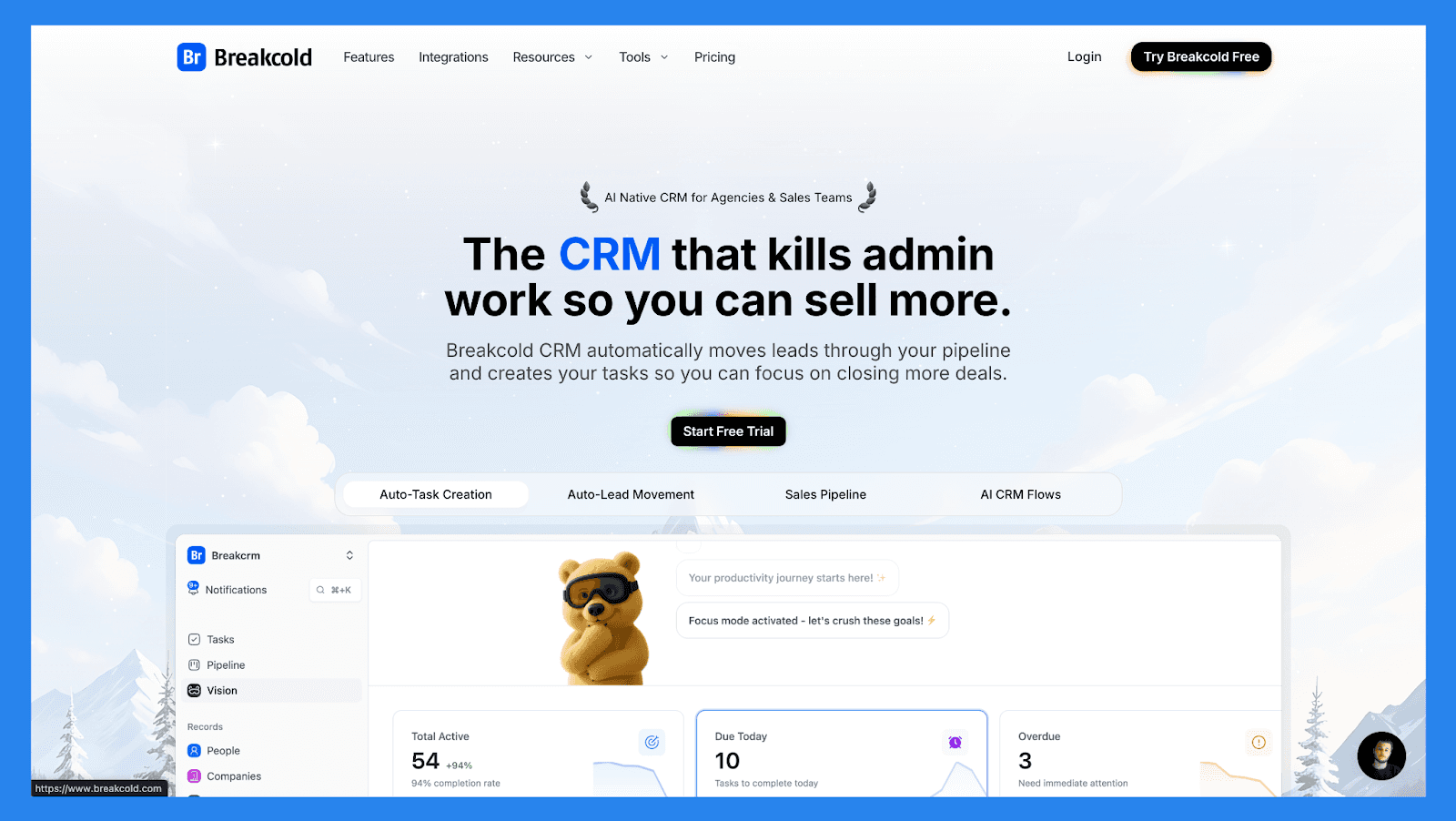
Breakcold moderniserer lead management-gamet ved å gjøre sosial salg til en AI-native arbeidsflyt. I stedet for å logge aktivitet manuelt eller håndtere faner, beriker det automatisk ledere, sporer engasjement, og foreslår det neste beste tiltak for hver prospekt.
Bygget for soloprenører og små salgsteam, Breakcold leverer smartere oppfølginger og renere pipelines, uten oppblåsthet eller kompleksitet fra tradisjonelle enterprise CRMer.
Breakcold Lead Management Sjekkliste
Kategori | Element | Status |
|---|---|---|
Kjerne Lead Management Funksjoner | ||
Leadfanger | ✅ | Skjemaer, import, multi-kanal fangst (e-post/LinkedIn) |
Pipeline / leadstadiummonitorering | ✅ | Kanban + automatisk stadiumbevegelse |
Tilvisning / ruting av leder | ✅ | Regelbasert |
Oppfølgingssporing | ✅ | Oppgaver, AI-rimmede daglige handlinger & påminnelser |
Duplikathåndtering | ✅ | Innebygd deduplikasjon & berikelse |
Sentralisering & Synlighet | ||
Enhetlig lederarbeidsområde | ✅ | Enkelt prospektprofil med tverr-kanal sammenheng |
Aktivitet tidslinje | ✅ | E-post, LinkedIn, WhatsApp, notater, samtaler |
Dashboard / rapportering | ✅ | Traktanalytikk + AI innsikt |
Kommunikasjonskanaler | ||
E-post | ✅ | Innebygd sending & sporing |
Telefon / Samtaler | ✅ | Samtalelogg (via integrasjoner) |
SMS | ✅ | Via integrasjoner |
Sosialt (LinkedIn) | ✅ | Innebygd integrasjon & sporing |
✅ | Innebygd integrasjon | |
Multi-kanal innboks | ✅ | Enhetlig feed for leder næring |
AI & Automatisering | ||
Lead scoring | ✅ | Adferd + AI-signaler |
AI innsikt | ✅ | Neste beste tiltak, AI-rimede oppgaver |
AI berikelse | ✅ | Telefon + e-post kontaktdata |
Arbeidsflytautomasjoner | ✅ | Visuelle flyter + automatisk bevegelse |
Automatisk lederbevegelse | ✅ | AI & regelstyrt |
Støtte | ||
E-poststøtte | ✅ | Standard |
Direkte chat | ✅ | Standard |
Telefonstøtte | ✅ | Planlegg samtaler for å løse pågående problemer |
Innføringsressurser | ✅ | Kunnskapsbase, maler, Breakcold Vision, og videoer |
Nøkkelfunksjoner | ||
Multi-kanal outreach + innboks | ✅ | E-post, LinkedIn, WhatsApp, Telegram |
AI-drevne arbeidsflyter | ✅ | Automatiske oppgaver + resonnering |
Data berikelse & dedupe | ✅ | Innebygd berikelse |
Sosial feed & prospektering | ✅ | Fokus på sosialt salg |
Integrasjoner | ✅ | CRM, outreach, samtaleverktøy |
Prissetting & Vurderinger | ||
Gratis plan | ❌ | |
Gratis prøveversjon | ✅ | 2-ukers gratis prøveversjon |
Start pris | $29/mnd | Nivåbasert prisplan |
G2 Rating | ⭐ 4.7/5 | 118 anmeldelser |
Capterra Rating | ⭐ 4.8/5 | 92 anmeldelser |
🥈 NoCRM.io – Best for: Salgsteam som hater CRMer
Sammendrag
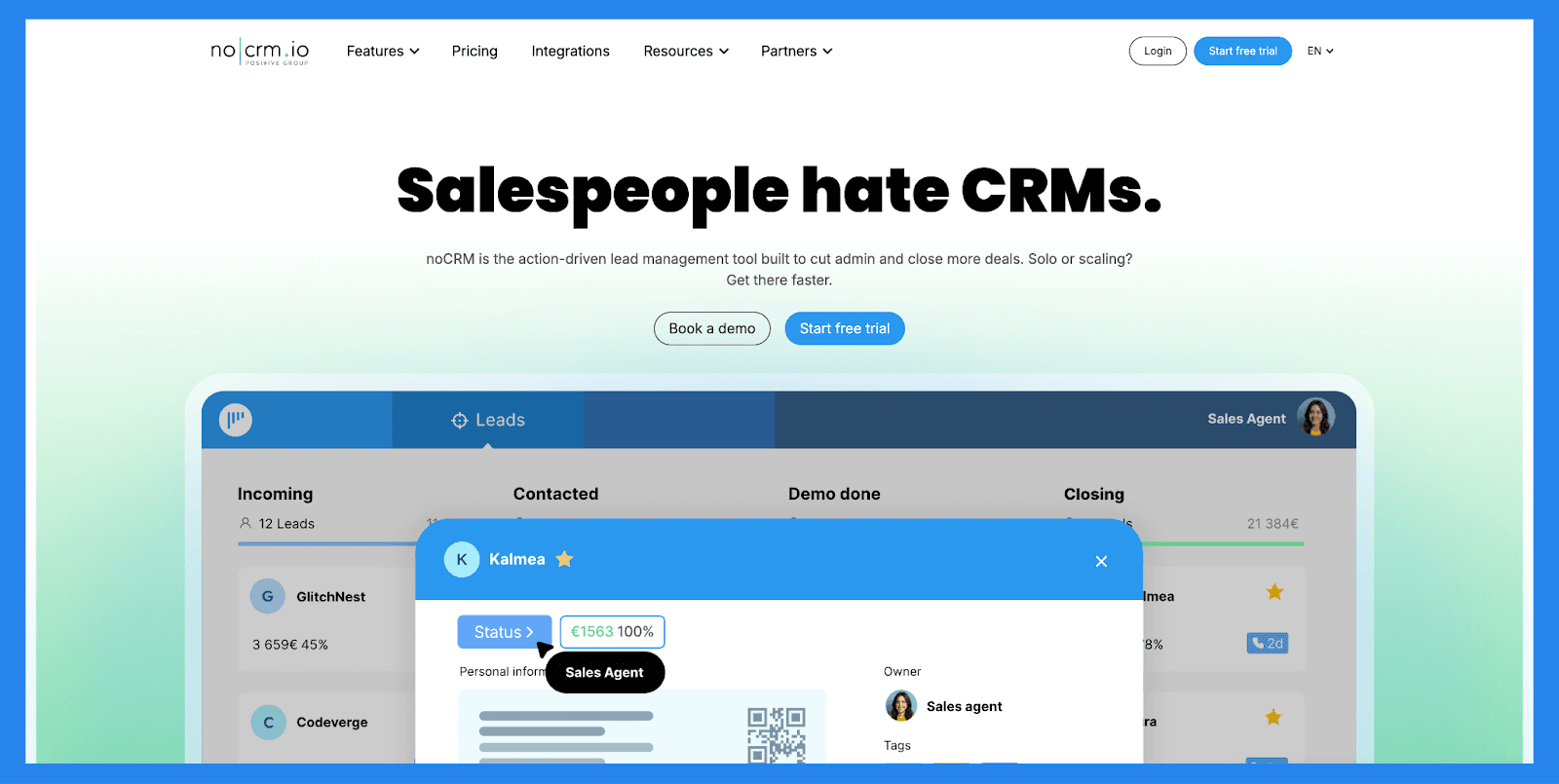
noCRM stripper lead management ned til det essensielle. Det finnes ingen opphøyde dashbord eller altfor komplekse objekter — bare ledere, pipelines, påminnelser, og oppfølgninger. Verktøyet er bevisst opinionert, prioriterer hastighet og handling over datapresisjon.
Det er en sterk passform for salgskonsulenter og ledere som vil fokusere på å lukke avtaler i stedet for å vedlikeholde en CRM. Men team som trenger avansert automatisering, berikelse, eller dype analyser kan vokse raskt ut av det.
NoCRM Lead Management Sjekkliste
Kategori | Element | Status |
|---|---|---|
Kjerne Lead Management Funksjoner | ||
Leadfanger | ✅ | Nettforms, imports, prospektlister |
Pipeline / leadstadiummonitorering | ✅ | Salgsmulighetsfokuserte pipelines |
Tilvisning / ruting av leder | ✅ | Manuell & enkle regler |
Oppfølgingssporing | ✅ | Oppgaver & påminnelser |
Duplikathåndtering | ✅ | Enkel deteksjon & sammenslåing |
Sentralisering & Synlighet | ||
Enhetlig lederarbeidsområde | ✅ | Leder-sentrisk (ikke kontakt tung) |
Aktivitet tidslinje | ✅ | E-poster, samtaler, notater |
Dashboard / rapportering | ✅ | Pipeline-konverteringsmålinger |
Kommunikasjonskanaler | ||
E-post | ✅ | Innebygd sending & maler |
Telefon / Samtaler | ⚠️ | Integreres med ringetjenesteleverandører |
SMS | ⚠️ | Via integrasjoner |
Sosialt (LinkedIn) | ❌ | Ikke innebygd |
❌ | Trenger integrasjon | |
Multi-kanal innboks | ❌ | Ingen samlet innboks |
AI & Automatisering | ||
Lead scoring | ❌ | Manuell tagging / filtre |
AI innsikt | ❌ | Ikke innebygd |
AI berikelse | ❌ | Integrasjoner kreves |
Arbeidsflytautomasjoner | ✅ | Oppgaveautomatisering & utløser |
Automatisk lederbevegelse | ✅ | Regelbasert progresjon |
Støtte | ||
E-poststøtte | ✅ | Standard |
Direkte chat | ✅ | Standard |
Telefonstøtte | ❌ | N/A |
Innføringsressurser | ✅ | Maler, guider, kunnskapsbase, webinarer, og akademier |
Nøkkelfunksjoner | ||
Enkelhet & hastighet | ✅ | Formålbygd for salgskonsulenter som hater CRMs |
Lead-fokuserte UX | ✅ | Minimal dataoppføring |
Oppgavehåndtering | ✅ | Salgssentrisk oppgave |
Team samarbeid | ✅ | Delte pipelines & rapporter |
Prissetting & Vurderinger | ||
Gratis plan | ❌ | Ingen permanent gratis plan |
Gratis prøveversjon | ✅ | Prøve tilgjengelig |
Start pris | $25/mnd | Rimelig brukerpris |
G2 Rating | ⭐4.7/5 | 103 anmeldelser |
Capterra Rating | ⭐4.6/5 | 481 anmeldelser |
🥉 GoHighLevel – Best for: Byråer og tjenestebaserte virksomheter som håndterer flere kunder
Sammendrag
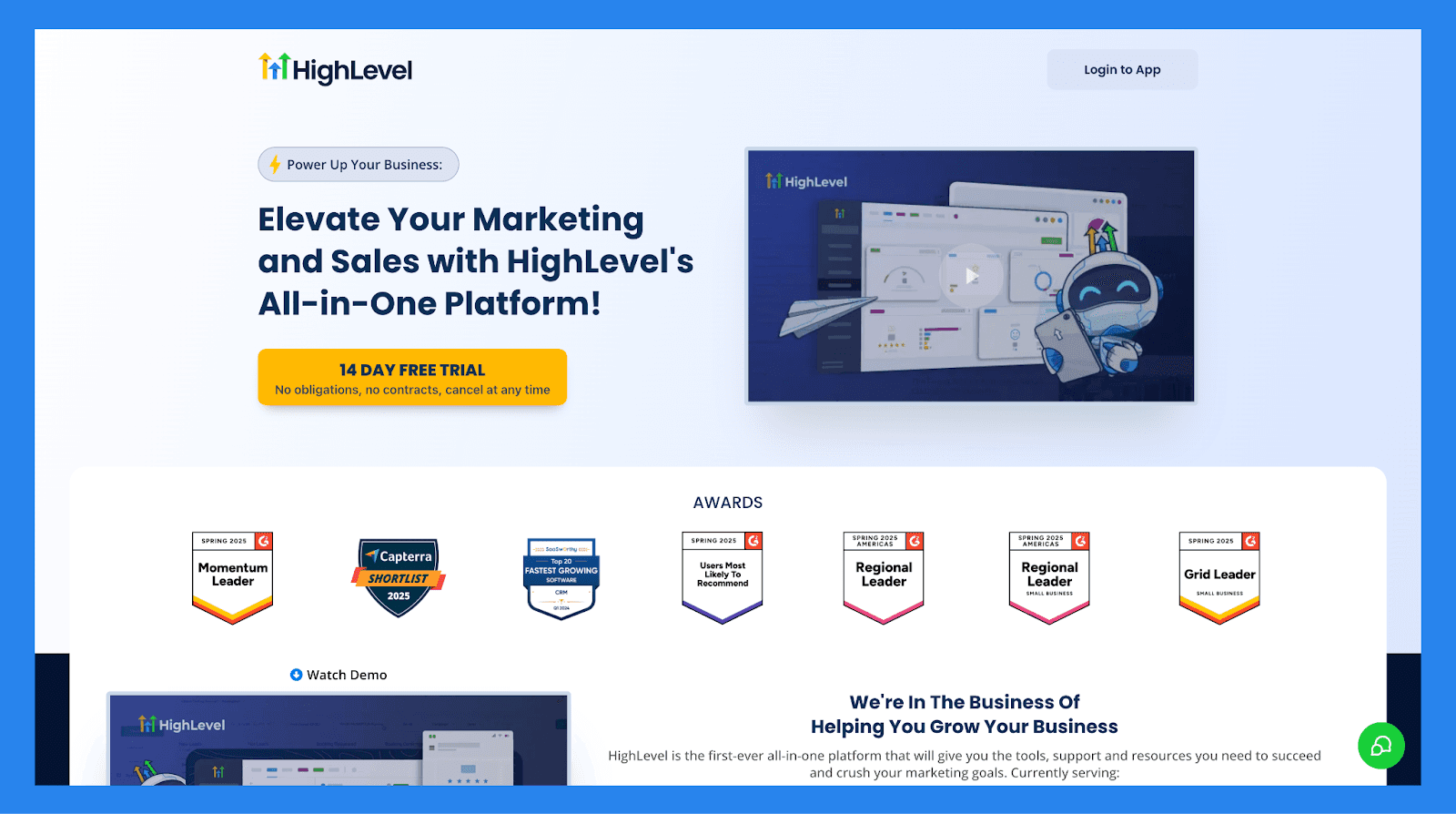
GoHighLevel posisjonerer seg som en "alt-i-ett" løsning for kundeanskaffelse og opprettholdelse, og lar brukerne fange leads, pleie prospekter, lukke avtaler, og fortsette engasjement etter salget.
Dens største appell ligger i evnen til å sentralisere både salgs- og markedsføringsoperasjoner — noe som gjør det spesielt attraktivt for tjenestebaserte virksomheter og byråer som styrer flere kunder og vil forenkle sin teknologiske plattform.
GoHighLevel Lead Management Sjekkliste
Kategori | Element | Status |
|---|---|---|
Kjerne Lead Management Funksjoner | ||
Leadfanger | ✅ | Forms, trakter, landingssider |
Pipeline / leadstadiummonitorering | ✅ | Kanban-stil pipelines |
Tildeling / ruting av ledere | ✅ | Round-robin, regelbasert |
Oppfølgingssporing | ✅ | Oppgaver + automatiske påminnelser |
Duplikathåndtering | ❌ | Begrenset; avhenger av arbeidsflyter |
Sentralisering & Synlighet | ||
Enhetlig lederarbeidsområde | ✅ | Enkeltkundemodus eller flerbrukermodus |
Aktivitet tidslinje | ✅ | Email/SMS/notater/samtaler |
Dashboard / rapportering | ✅ | Traktanalytikk + attribusjon |
Kommunikasjonskanaler | ||
E-post | ✅ | Innebygd |
Telefon / Samtaler | ❌ | Krever Twilio |
SMS | ✅ | Fungerer via Twilio |
Sosialt (LinkedIn) | ❌ | Ikke innebygd |
❌ | Trenger integrasjon | |
Multi-kanal innboks | ❌ | Innboks er fragmentert |
AI & Automatisering | ||
Lead scoring | ❌ | Kun manuell |
AI innsikt | ❌ | Ikke innebygd |
AI berikelse | ❌ | Ikke tilgjengelig |
Arbeidsflytautomasjoner | ✅ | Kraftig visuelt automasjonsskap |
Automatisk lederbevegelse | ❌ | Må bygge logikk manuelt |
Støtte | ||
E-poststøtte | ✅ | Standard |
Direkte chat | ❌ | Ikke standard |
Telefonstøtte | ❌ | Ikke tilgjengelig |
Innføringsressurser | ✅ | Veiledninger, maler, øyeblikksbilder |
Nøkkelfunksjoner | ||
Alt-i-ett CRM + markedsføringssuite | ✅ | CRM, pipelines, skjemaer, undersøkelser, kalendere, trakter, e-poster, SMS |
Markedsføringsautomasjonsbygger | ✅ | Flere trinns arbeidsflyter: pleie, re-engasjement, opprettholdelse |
White-labeling | ✅ | Byråer kan videreselge med fullt tilpasset branding |
Landingsside & traktbygger | ✅ | Erstatter ClickFunnels/Leadpages |
Innebygd e-post & SMS markedsføring | ✅ | Broadcasts, dryppkampanjer, automatiseringer |
Omdømmehåndtering | ✅ | Anmeldelsesforespørsler + Google anmeldelsessporing |
Kundeportaler | ✅ | Flerkontobehandling, tillatelser, rapportering |
Enhetlig innboks | ⚠️ Delvis | Se SMS/e-post/chat, men ikke fullstendig samlet |
Prissetting & Vurderinger | ||
Gratis plan | ❌ | Ingen gratis plan |
Gratis prøveversjon | ✅ | 14-dagers prøveversjon |
Start pris | $97/mnd | Nivåbasert; byrå/ubegrensede alternativer |
G2 Rating | ⭐ 4.6/5 | 552 anmeldelser |
Capterra Rating | ⭐ 4.1/5 | 83 anmeldelser |
🏅 Attio - Best for: Moderne oppstartsselskaper og RevOps-drevne team
Sammendrag
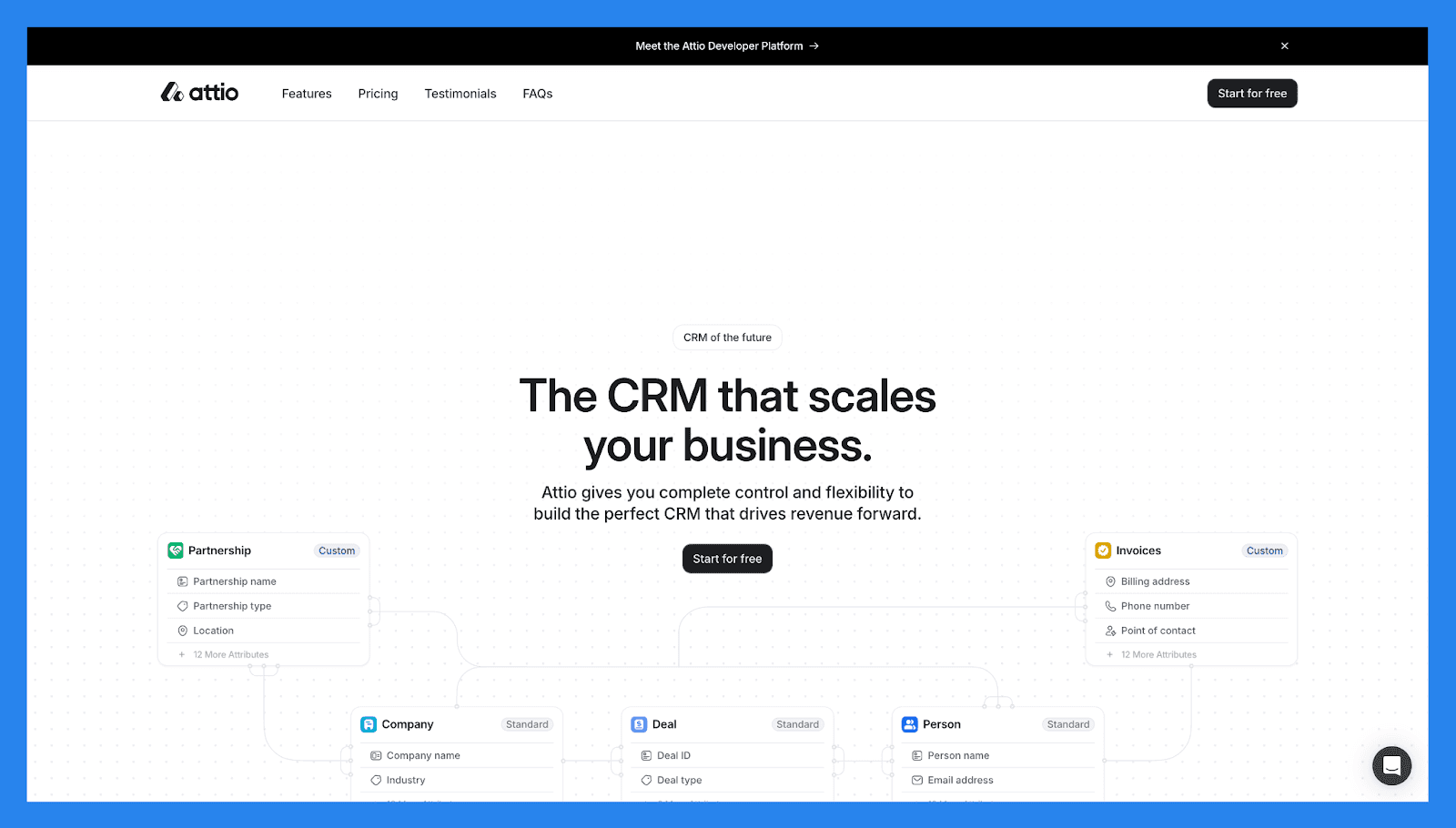
Attio omdefinerer lead management som et fleksibelt, data-første system. I stedet for stive CRM-strukturer, tilbyr det tilpassbare objekter, dynamiske visninger, og sanntidssynkronisering — noe som gjør det ideelt for team som ønsker å bygge deres egne lederarbeidsflyter fra bunnen av.
Det utmerker seg ved organisering og segmentering av ledere på tvers av flere dimensjoner, men er mer avhengig av integrasjoner enn innebygde kommunikasjonsverktøy. Attio er et sterkt valg for raskt voksende oppstartsbedrifter som bryr seg om rene data og moderne brukeropplevelse.
Attio Lead Management Sjekkliste
Kategori | Element | Status |
|---|---|---|
Kjerne Lead Management Funksjoner | ||
Leadfanger | ✅ | Forms, import, APIs |
Pipeline / leadstadiummonitorering | ✅ | Tilpassede pipelines & egenskaper |
Tildeling / ruting av ledere | ✅ | Regler & manuell tildeling |
Oppfølgingssporing | ✅ | Oppgaver, påminnelser, sekvenser |
Duplikathåndtering | ✅ | Smart matching & sammenslåing |
Sentralisering & Synlighet | ||
Enhetlig lederarbeidsområde | ✅ | Høyt tilpassbare poster |
Aktivitet tidslinje | ✅ | E-poster, møter, notater |
Dashboard / rapportering | ✅ | Tilpassede visninger & rapporter |
Kommunikasjonskanaler | ||
E-post | ✅ | Toveis synkronisering & maler |
Telefon / Samtaler | ⚠️ | Integrasjoner kreves |
SMS | ⚠️ | Via integrasjoner |
Sosialt (LinkedIn) | ❌ | Ikke innebygd |
❌ | Trenger integrasjon | |
Multi-kanal innboks | ❌ | Ikke samlet |
AI & Automatisering | ||
Lead scoring | ✅ | Tilpassede score-felter |
AI innsikt | ⚠️ | Noen AI-funksjoner / kommende |
AI berikelse | ⚠️ | Integrasjoner tilgjengelig |
Arbeidsflytautomasjoner | ✅ | Automasjoner & utløser |
Automatisk lederbevegelse | ✅ | Regelbasert bevegelse |
Støtte | ||
E-poststøtte | ✅ | Standard |
Direkte chat | ✅ | Kontortid |
Telefonstøtte | ❌ | N/A |
Innføringsressurser | ✅ | Dok & maler |
Nøkkelfunksjoner | ||
Fleksibel datamodell | ✅ | Flott for ikke-standard pipelines |
Samarbeid & delte visninger | ✅ | Teamsentrisk |
Utviklervennlig | ✅ | API + integrasjoner |
Prissetting & Vurderinger | ||
Gratis plan | ✅ | Gratis for alltid |
Gratis prøveversjon | ❌ | Ingen gratis prøveversjoner for betalte planer |
Start pris | $36/mnd | Nivåbasert per bruker / arbeidsområde |
G2 Rating | ⭐4.4/5 | 18 anmeldelser |
Capterra Rating | ⭐ 4.5/5 | 5 anmeldelser |
🏅 Hubspot (Sales Hub) – Best for: Team som ønsker lead management tett tilknyttet markedsføring
Sammendrag
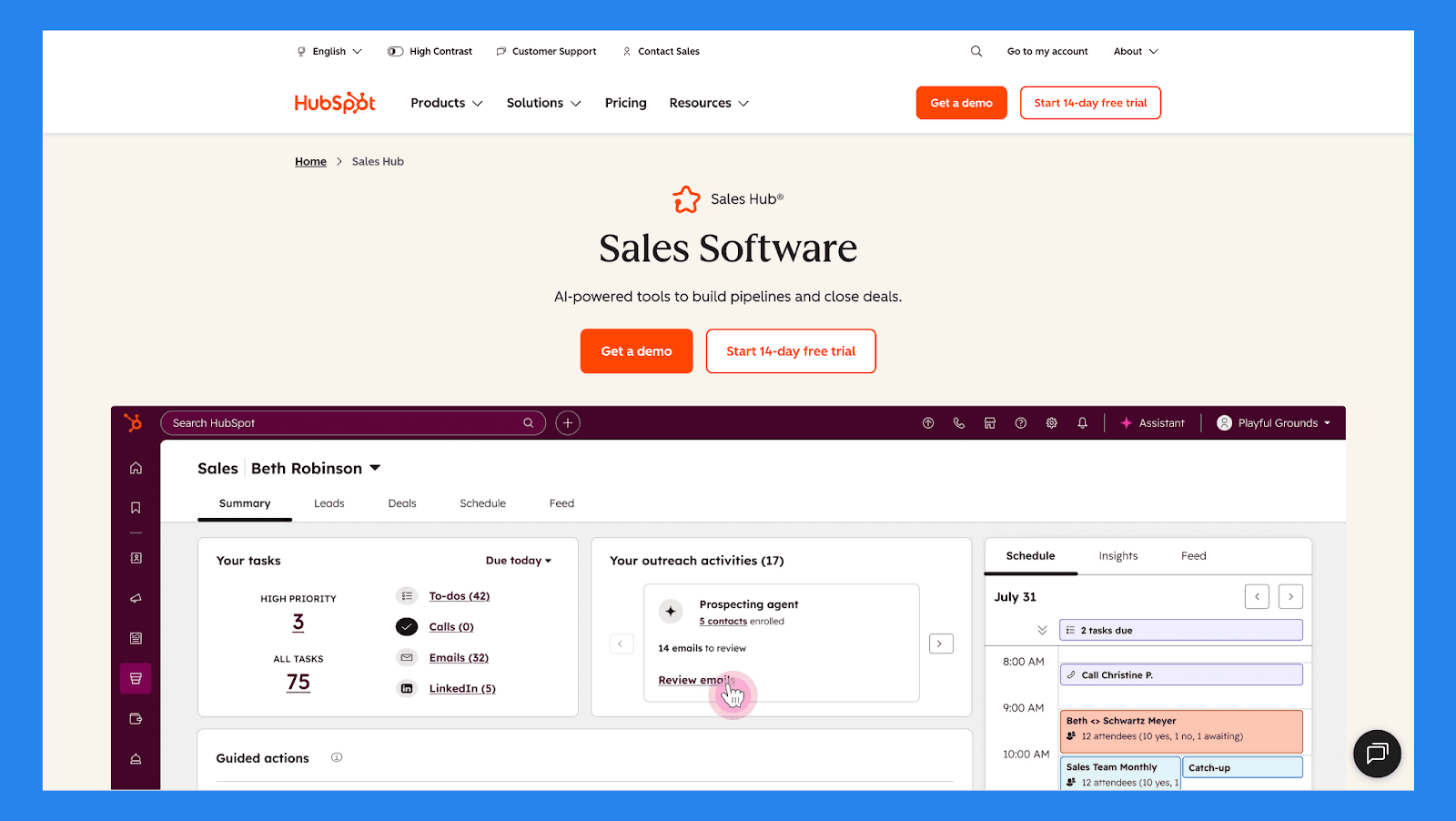
HubSpot er ett av de mest gjenkjennelige navnene i SaaS-spillet — og med god grunn. Dets CRM sitter i sentrum av et bredere økosystem som inkluderer markedsføringsautomatisering, e-postkampanjer, analyser og kundestøtte.
Leadfangst, sporing, nurturing og rapportering er tett integrert, noe som gjør HubSpot ideell for innbound-fokuserte team. Den gratisnivået er tilgjengelig, men mer avanserte lead management-funksjoner krever oppgraderinger etter hvert som teamene vokser.
Hubspot (Sales Hub) Lead Management Sjekkliste
Kategori | Element | Status |
|---|---|---|
Kjerne Lead Management Funksjoner | ||
Leadfanger | ✅ | Skjemaer, chat, ads, imports |
Pipeline / leadstadiummonitorering | ✅ | Visuelle pipelines + oppgaver |
Tildeling / ruting av ledere | ✅ | Round-robin, regler |
Oppfølgingssporing | ✅ | Oppgaver, sekvenser, møtescheduler |
Duplikathåndtering | ✅ | Auto-dedupe & sammenslåingsforespørsler |
Sentralisering & Synlighet | ||
Enhetlig lederarbeidsområde | ✅ | Kontakt tidslinje + selskapsdata |
Aktivitet tidslinje | ✅ | E-post, samtaler, møter, notater |
Dashboard / rapportering | ✅ | Robust analytikk & attribusjon |
Kommunikasjonskanaler | ||
E-post | ✅ | Innebygd & sekvenser |
Telefon / Samtaler | ✅ | Innebygd ringe kreditt / integrasjoner |
SMS | ⚠️ | Via integrasjoner |
Sosialt (LinkedIn) | ✅ | Sosiale verktøy i Marketing Hub |
⚠️ | Via partnere/integrasjoner | |
Multi-kanal innboks | ✅ | Samtalers innboks (chat, e-post, samfunn) |
AI & Automatisering | ||
Lead scoring | ✅ | Adferd + egenskaper |
AI innsikt | ✅ | Breeze AI (konversasjons AI) |
AI berikelse | ✅ | HubSpot Prospects & partner enrichers |
Arbeidsflytautomasjoner | ✅ | Kraftig automasjonsmotor |
Automatisk lederbevegelse | ✅ | Arbeidsflyter + sekvenser |
Støtte | ||
E-poststøtte | ✅ | Ja (nivåavhengig) |
Direkte chat | ✅ | Ja (betalte nivåer) |
Telefonstøtte | ✅ | Betalte planer |
Innføringsressurser | ✅ | Omfattende akademi, kunnskapsbase & doks |
Nøkkelfunksjoner | ||
Alt-i-ett vekstplattform | ✅ | CRM + markedsføring + salg + tjeneste + mer |
Dyp rapportering & attribusjon | ✅ | Sterk analytikk |
Sterkt økosystem | ✅ | App Marketplace & partnere |
Gratis CRM-kjerne | ✅ | Flott for små team |
Prissetting & Vurderinger | ||
Gratis plan | ✅ | Robust gratis CRM |
Gratis prøveversjon | ✅ | 14-dagers prøver for betalte hubs |
Start pris | $100/mnd | Gratis → betalte hub nivåer |
G2 Rating | ⭐4.5/5 | 14,221 anmeldelser |
Capterra Rating | ⭐4.5/5 | 4,414 anmeldelser |
🏅 Pipedrive – Best for: Salgsledede team som ønsker klar pipeline-synlighet
Sammendrag
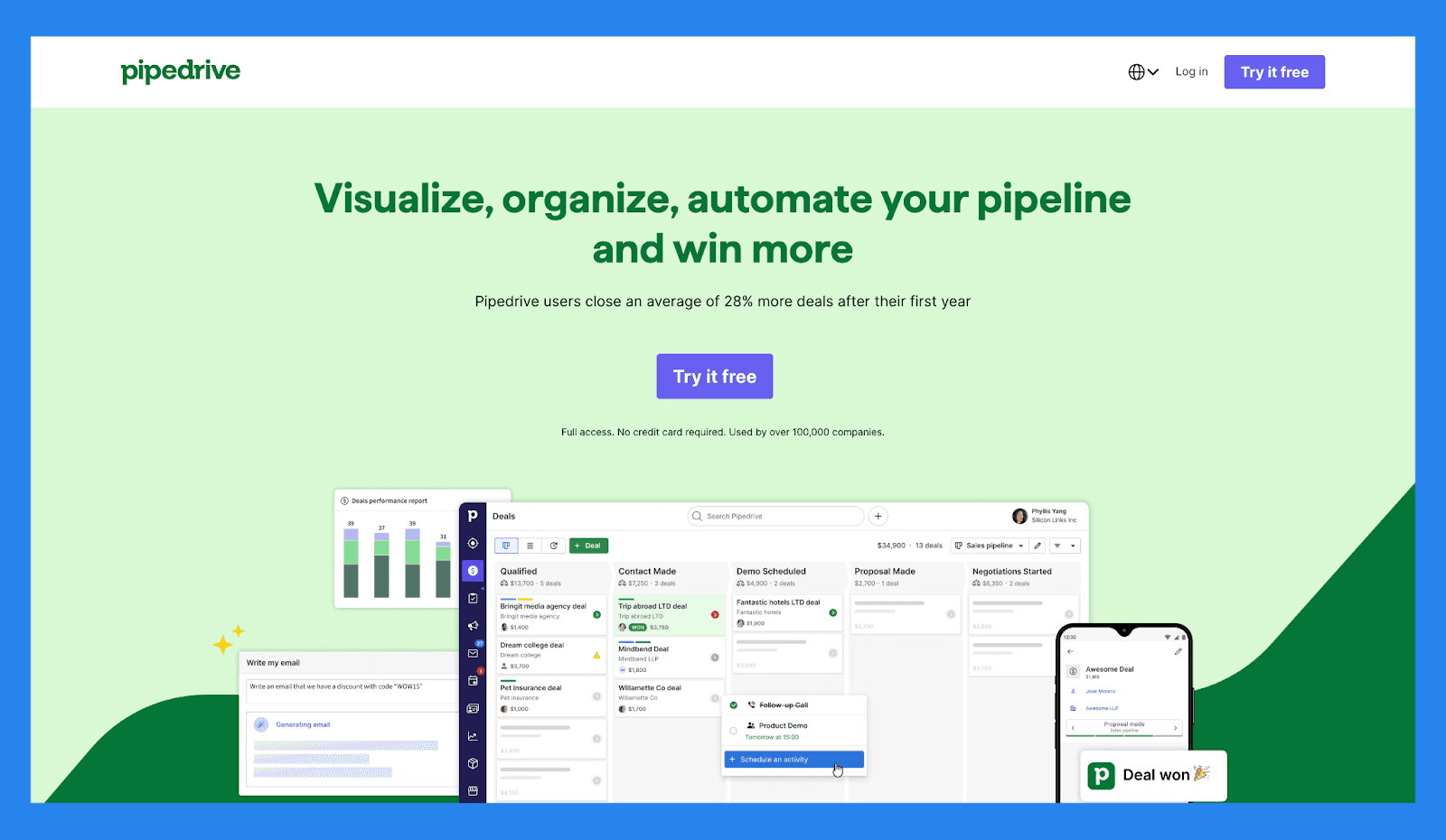
Pipedrive er bygget rundt en kjerneidé: visuelle pipelines som gjør det enkelt å se hvor hver lead og deal står. Lead management er intuitivt, raskt å ta i bruk, og sterkt fokusert på handling — samtaler, e-poster, og oppfølgninger.
Mens det ikke tilbyr dyp markedsføringsautomatisering eller AI-tunge funksjoner direkte ut av boksen, Pipedrive utmerker seg i å holde salgsteam organisert og ansvarlig. Det er et sterkt alternativ for SMBer som ønsker klarhet uten kompleksitet.
Pipedrive Lead Management Sjekkliste
Kategori | Element | Status |
|---|---|---|
Kjerne Lead Management Funksjoner | ||
Leadfanger | ✅ | Nettforms, imports, APIs |
Pipeline / leadstadiummonitorering | ✅ | Sterke visuelle Kanban pipelines |
Tildeling / ruting av ledere | ✅ | Manuell & regelbasert |
Oppfølgingssporing | ✅ | Aktiviteter, påminnelser, tidslinje |
Duplikathåndtering | ✅ | Sammenslåing & rengjøringsverktøy |
Sentralisering & Synlighet | ||
Enhetlig lederarbeidsområde | ✅ | Deal & person-fokuserte visninger |
Aktivitet tidslinje | ✅ | E-post synk, samtaler, notater |
Dashboard / rapportering | ✅ | Salgsmålinger & mål |
Kommunikasjonskanaler | ||
E-post | ✅ | Toveis synk & maler |
Telefon / Samtaler | ✅ | Innebygd ringing (betalt) / integrasjoner |
SMS | ⚠️ | Via integrasjoner |
Sosialt (LinkedIn) | ❌ | Ikke innebygd |
❌ | Trenger integrasjon | |
Multi-kanal innboks | ❌ | Ikke fullt samlet |
AI & Automatisering | ||
Lead scoring | ✅ | Tilleggsverktøy / tilpassede felt |
AI innsikt | ⚠️ | Markedstillegg |
AI berikelse | ⚠️ | Integrasjoner tilgjengelig |
Arbeidsflytautomasjoner | ✅ | Automasjoner & utløser |
Automatisk lederbevegelse | ✅ | Regelbasert |
Støtte | ||
E-poststøtte | ✅ | Standard |
Direkte chat | ✅ | Kontortid |
Telefonstøtte | ✅ | Betalte planer |
Innføringsressurser | ✅ | Rike doks & webinarer |
Nøkkelfunksjoner | ||
Pipeline-brukervennlighet | ✅ | Rask adopsjon |
Aktivitetsbasert salg | ✅ | Oppgave fokus |
Marketplace & integrasjoner | ✅ | Stort økosystem |
Prissetting & Vurderinger | ||
Gratis plan | ❌ | Ingen permanent gratis plan (prøve tilgjengelig) |
Gratis prøveversjon | ✅ | 14-dagers prøve |
Start pris | $19/mnd | Nivåbasert per bruker |
G2 Rating | ⭐4.3/5 | 2,445 anmeldelser |
Capterra Rating | ⭐4.5/5 | 3,047 anmeldelser |
🏅 Salesforce – Best for: Bedrifter med komplekse leidarbeidsflyter
Sammendrag
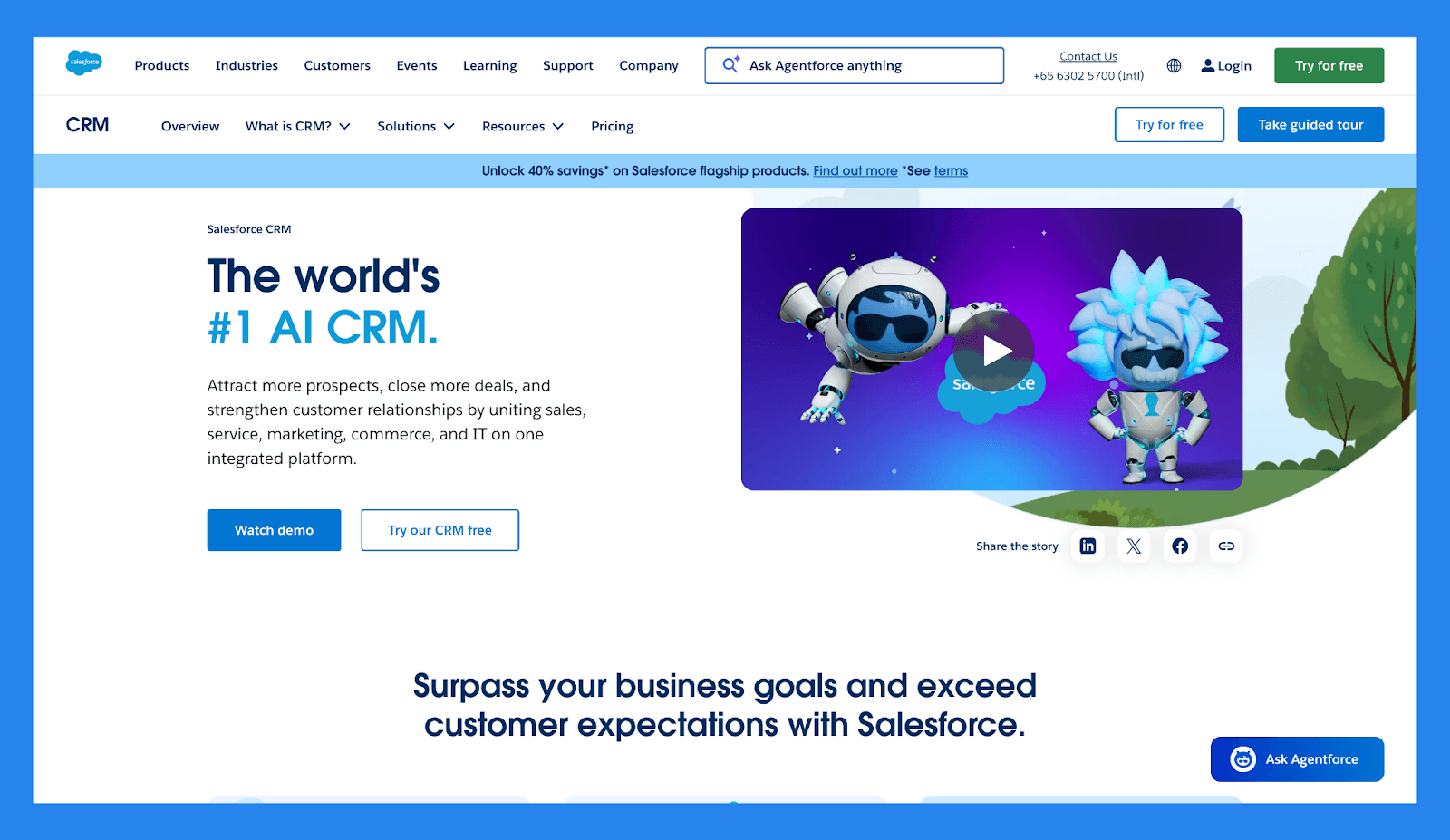
Salesforce er en av de mest kraftfulle (og mest komplekse) lead management-plattformene på markedet. Det støtter avansert ruting, scoring, automatisering, rapportering, og tilpassing på praktisk talt hvilken som helst skala. Den kraften kommer imidlertid på kostnaden av oppsettstid og løpende vedlikehold.
Salesforce passer best for store organisasjoner med dedikerte operative team og høyt tilpassede salgsprosesser heller enn slanke oppstartsselskaper eller små team.
Salesforce Lead Management Sjekkliste
Kategori | Element | Status |
|---|---|---|
Kjerne Lead Management Funksjoner | ||
Leadfanger | ✅ | Forms, web-til-lead, APIs |
Pipeline / leadstadiummonitorering | ✅ | Høyt tilpassbar |
Tildeling / ruting av ledere | ✅ | Avanserte regler & territorier |
Oppfølgingssporing | ✅ | Oppgaver, arbeidsflyter, påminnelser |
Duplikathåndtering | ✅ | Avansert dedupe & matching |
Sentralisering & Synlighet | ||
Enhetlig lederarbeidsområde | ✅ | Kontakt/Konto/Mulighet modell |
Aktivitet tidslinje | ✅ | Full aktivitet logging |
Dashboard / rapportering | ✅ | Enterprise rapportering & BI |
Kommunikasjonskanaler | ||
E-post | ✅ | Innebygd e-post & maler |
Telefon / Samtaler | ✅ | CTI integrasjoner, innebygde funksjoner |
SMS | ✅ | Via partnere |
Sosialt (LinkedIn) | ✅ | Sales Navigator integrasjon |
✅ | Via partnere | |
Multi-kanal innboks | ✅ | Service/Salgsskyer + integrasjoner |
AI & Automatisering | ||
Lead scoring | ✅ | Einstein lead scoring |
AI innsikt | ✅ | Einstein AI for prediksjoner & anbefalinger |
AI berikelse | ✅ | Partner enrichers |
Arbeidsflytautomasjoner | ✅ | Flow Builder + Process Builder |
Automatisk lederbevegelse | ✅ | Arbeidsflyt & AI utløser |
Støtte | ||
E-poststøtte | ✅ | Standard (betalte nivåer) |
Direkte chat | ✅ | Tilgjengelig |
Telefonstøtte | ✅ | Betalte supportnivåer |
Innføringsressurser | ✅ | Omfattende Trailhead & partnere |
Nøkkelfunksjoner | ||
Ekstrem tilpassbar |
Written by Arnaud Belinga