



17 Best Lead Tracking Tools in 2026: 14 CRMs + 3 Apps
The best CRMs and standalone tools to capture, track and convert leads in 2026, ranked for real sales teams.
Video Summary 👇
Loading YouTube sends it your IP address and may enable cookies. This applies to this content only.
Lead tracking can feel like herding cats: messy, time-consuming and frustratingly unpredictable. Finding leads and getting them in the door is one thing. Figuring out which ones will actually close is a whole different beast.
That is where lead tracking software comes in. These are the tools that help you monitor, organize and prioritize leads so your team can focus on what matters most, which is converting. In 2026 the best of them go further: they auto-capture conversations across every channel and use AI to move leads through the pipeline for you.
In this guide we break down what lead tracking software is, rank the best CRMs with built-in tracking, and cover the top standalone lead management tools outside a CRM. Spoiler: the AI-native, multichannel approach wins for most sales teams this year.
TL;DR: the best lead tracking software in 2026, ranked for real sales teams 🏆
🏆 Breakcold: the one CRM that auto-tracks every lead across email, calls, meetings, LinkedIn, Telegram and WhatsApp, then lets AI move them through the pipeline, so you stop manually logging activity or gluing Surfe onto Pipedrive. One flat plan from $99/mo (+$10/seat), built for humans and AI agents.
🟢 Salesflare: best hands-off tracking for small B2B teams that hate data entry, though it is light on social channels.
🔵 HubSpot: best all-in-one if you also need full marketing automation, but the bill climbs fast with add-ons.
🟣 Attio: best fully customizable data model for technical, data-heavy startups, at the cost of technical setup.
🟠 Folk and Clarify: the freshest AI-native picks, Folk for solopreneurs (LinkedIn sync is manual), Clarify for credit-based automation of one pipeline.
🟡 lemlist and Clay: the best standalone apps for multichannel outreach and AI-powered enrichment when you want lead tracking outside a CRM.
🤔 What Is Lead Tracking Software & How It Works?
Lead tracking is the process of monitoring a lead's behavior and interactions with your business across multiple touchpoints: like email, website visits, phone calls, or ad clicks. It gives your team real-time visibility into where a lead is in the sales funnel and how engaged they are.
Examples of lead tracking activities:
Tracking when a lead opens an email or clicks a link
Logging a sales call or meeting
Monitoring which web pages a lead visits
Recording a form submission or demo request
🧩 Benefits of a Lead Tracking System
While there are a wide range of touchpoints that sales teams and businesses can glean from, the benefits are universally the same, and they include:
Shorter sales cycles. Quickly identify and prioritize high-intent leads to close deals faster.
Higher ROI on sales and marketing efforts. Focus resources on the leads most likely to convert.
Improved conversion rates. Nurture leads more effectively with timely follow-ups and personalized outreach.
Better sales performance and reporting. Gain real-time insights into pipeline activity and team effectiveness.
Deeper insights into customer behavior. Understand how leads interact with your brand across channels.
🆚 Lead Tracking vs Lead Scoring?
While often used together in modern sales and marketing workflows, lead tracking and lead scoring serve very different purposes. Understanding the distinction between the two can help your team better qualify, prioritize, and convert leads.
Feature | Lead Tracking | Lead Scoring |
|---|---|---|
Function | Monitors actions and behaviors of leads | Quantifies lead quality and sales-readiness |
Focus | Engagement history and timeline | Priority ranking based on score |
Goal | Improve timing and personalization of outreach | Help sales focus on the most promising leads |
Tools | CRMs, marketing automation platforms, tracking pixels | Scoring models, CRM systems, predictive analytics |
When used together, lead tracking and lead scoring can give your team a full picture of each lead: what they've done and how valuable they are. Tracking tells you the "when" and "how," while scoring helps you decide the "who."
🏆 Top CRMs With Built-in Lead Tracking Tools (Ranked & Reviewed)
🗂️ Lead Tracking CRM Comparison Table
CRM | Best For | Starting Price | Main Drawback | Free Plan? |
|---|---|---|---|---|
Breakcold | Best AI-native multichannel CRM for teams of 5-30 | $99/mo flat (+$10/seat) | Not a full marketing suite | ❌ (14-day trial) |
Salesflare | Best hands-off CRM for small B2B teams | $29/user/mo | Light on social channels | ❌ |
HubSpot | Best all-in-one CRM with marketing | $20/seat/mo | Costs climb fast with add-ons | ✅ |
Pipedrive | Best for simple visual pipelines | $14/user/mo | AI is thin, add-ons add up | ❌ |
Close | Best for outbound calling teams | $9/user/mo | Calling tiers get pricey | ❌ |
Attio | Best customizable data model for data-heavy startups | $0 free, then $29/seat | Needs technical setup | ✅ |
Folk | Best Notion-style CRM for solopreneurs | $24/member/mo | LinkedIn sync is manual | ❌ |
Clarify | Best autonomous, credit-based CRM | $0 (1,000 credits) | AI automates one pipeline | ✅ |
Salesforce | Best enterprise lead management at scale | $25/user/mo | Complex and costly to scale | ❌ |
Nimble | Best for relationship-driven small teams | $24.90/user/mo | Lighter pipeline depth | ❌ |
Monday CRM | Best for workflow-heavy teams | $12/user/mo | 3-seat minimum | ✅ |
Nutshell | Best for small teams wanting CRM + email marketing | $13/user/mo | Fewer native integrations | ❌ |
Copper | Best for Google Workspace users | $12/user/mo | Tied to Google ecosystem | ❌ |
noCRM.io | Best for simple, focused lead management | $24/user/mo | Not a full CRM by design | ❌ |
🥇 Breakcold: Best AI-Native Lead Tracking CRM for Sales Teams of 5-30
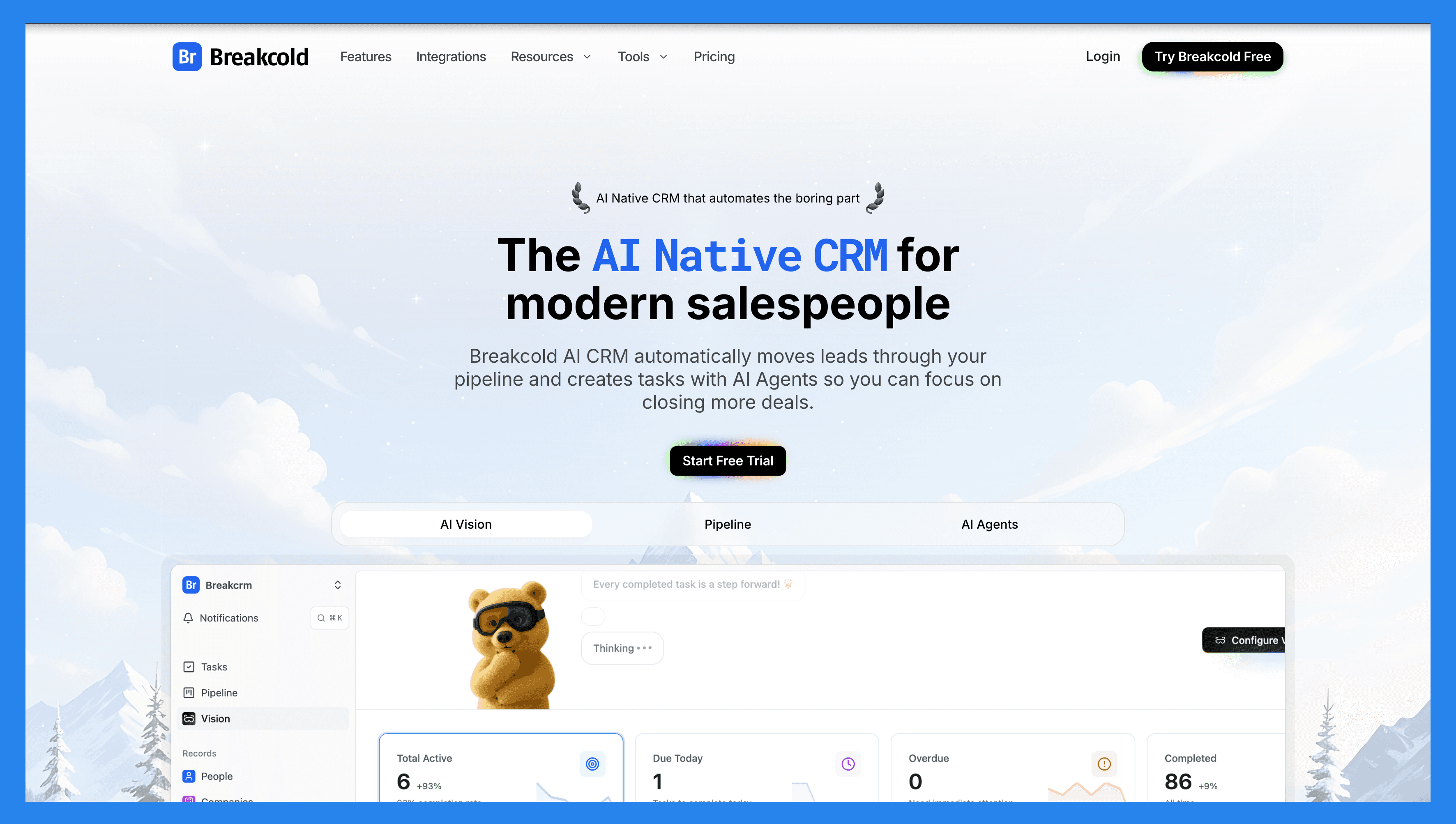
Summary
Breakcold is a CRM that kills admin work so you can sell more. We call ourselves an AI-native sales CRM for digital SMBs: startups, agencies and consultants. It works for solopreneurs all the way up to teams of 30-50, but it is genuinely best for teams of 5-30 people who live in their inbox and their DMs.
Here is how we think about positioning in 2026. Attio is trying to become the new Salesforce, so it keeps going up-market and getting more complex. Breakcold is the modern Pipedrive. Pipedrive used to be the best CRM for SMBs, but it never adapted to how salespeople actually work now, across LinkedIn, WhatsApp, Telegram and AI. We fix that.
For lead tracking specifically, the unlock is that Breakcold is the only sales CRM I know of that natively integrates email, calls, meetings, LinkedIn, Telegram and WhatsApp in one place. Every reply, DM, call and meeting auto-syncs onto the lead record, so you are not gluing Surfe or LeadJet onto Pipedrive to fake it. Then the AI watches those conversations and moves leads forward, creates follow-up tasks, and tells you which deals are actually warm.
Key features for lead tracking
Multichannel unified inbox: track every lead conversation from Gmail, Outlook, LinkedIn, Telegram and WhatsApp in one inbox, with the full thread auto-logged on the record.
AI that moves leads automatically: set a plain-language rule and the AI advances a lead to the next pipeline stage, never backward, when a real buying signal lands in the inbox.
Auto-task creation: stalled conversations turn into follow-up tasks on their own, so nothing slips through the cracks.
Native MCP for AI agents: our MCP server ships 55 tools across every channel, so Claude, ChatGPT and Cursor can read your inbox and write to the CRM. Ask "is this deal at the right stage?" and the agent reasons over the actual LinkedIn and email threads.
LinkedIn engagement feed: see a lead's posts, comments and activity inside the CRM and engage without leaving the record.
Unlimited enrichment: people and company enrichment never costs tokens, and email or phone waterfall enrichment (BetterContact, Apollo, Findymail, Wiza) is built in.
Meeting recorder: a native notetaker logs call summaries, transcripts and follow-up tasks straight onto the lead.
Full data model: unlimited contacts, pipelines, custom objects, custom fields and custom relations. The depth is comparable to Attio, right-sized so an SMB does not need a GTM engineer to configure it.
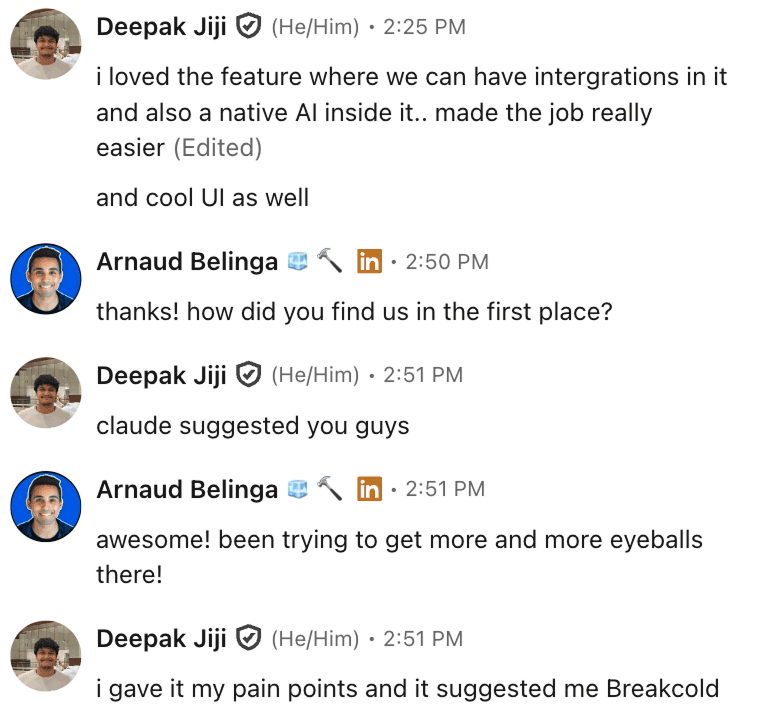
Real proof of the AI-native angle: prospects keep telling us their LLM recommended Breakcold when they described their pain points.
Ratings
Ratings: G2 4.7/5 · Capterra 4.8/5.
Pros
The only sales CRM that natively syncs email, calls, meetings, LinkedIn, Telegram and WhatsApp.
Built for humans and AI agents, with a real MCP server and a packaged Agent Skill.
Custom objects, fields and relations, so the data model scales without enterprise overhead.
Flat, predictable pricing: one plan, cheap seats and cheap accounts, free enrichment.
Fast, responsive support and a deep library of onboarding videos and flows.
Cons
Reporting is solid for SMB sales, but not as deep as enterprise tools like Salesforce.
We do not try to replace HubSpot on the full marketing-automation side.
Pricing
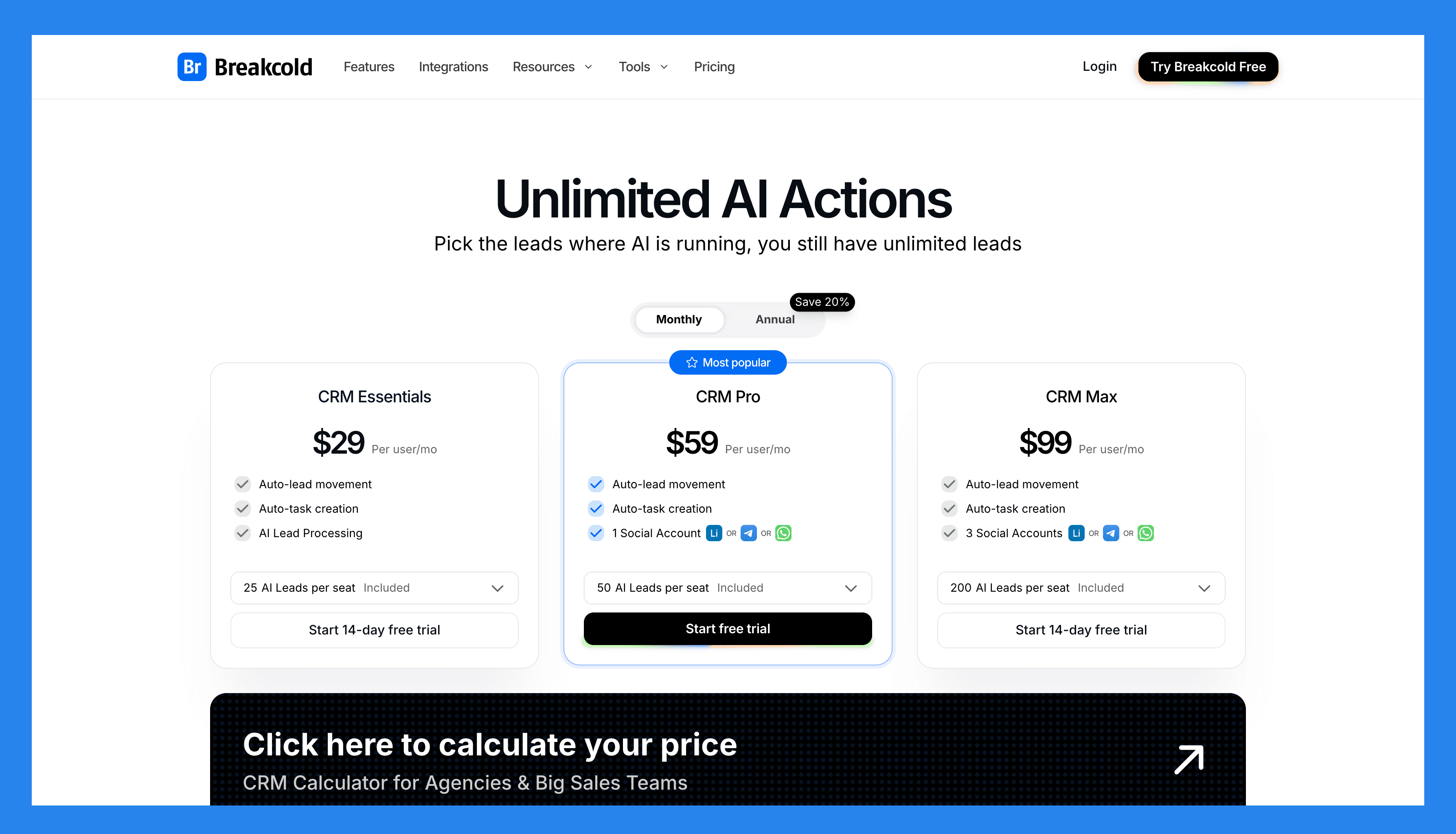
Breakcold killed the seat-and-add-on tax that makes other CRMs expensive. There is one plan, and you move sliders to see what you would pay.
The Only Plan ($99/mo): 1 seat and 2 accounts included, meeting recorder, Claude and ChatGPT integrations, multichannel inbox, auto-sync across Gmail, Outlook, LinkedIn, Telegram and WhatsApp, roles and permissions, unlimited contacts, pipelines, custom objects and fields, and 1,500 AI tokens (about 3,000 AI CRM actions).
Extra seats (+$10/mo each): every new teammate is $10, not $99.
Extra accounts (+$10/mo each): add a LinkedIn, Telegram or WhatsApp account for $10, instead of the $39 to $59 per-integration fee other CRMs charge.
Enrichment (free): people and company enrichment never burns tokens.
Run the math: a team of 5 is $99 + 4 x $10 = $139/mo total. Compare that to roughly $100 per seat on HubSpot Sales Hub Professional. A team of 5 on Breakcold is $139/mo, where Attio, Pipedrive and HubSpot Sales Hub run about $500/mo for 5 seats with similar features. There is a 14-day free trial, no credit card needed.
Demo Video
Loading YouTube sends it your IP address and may enable cookies. This applies to this content only.
🥈Salesflare: Best for Small B2B Teams That Want Smart, Hands-Off Lead Management
Summary
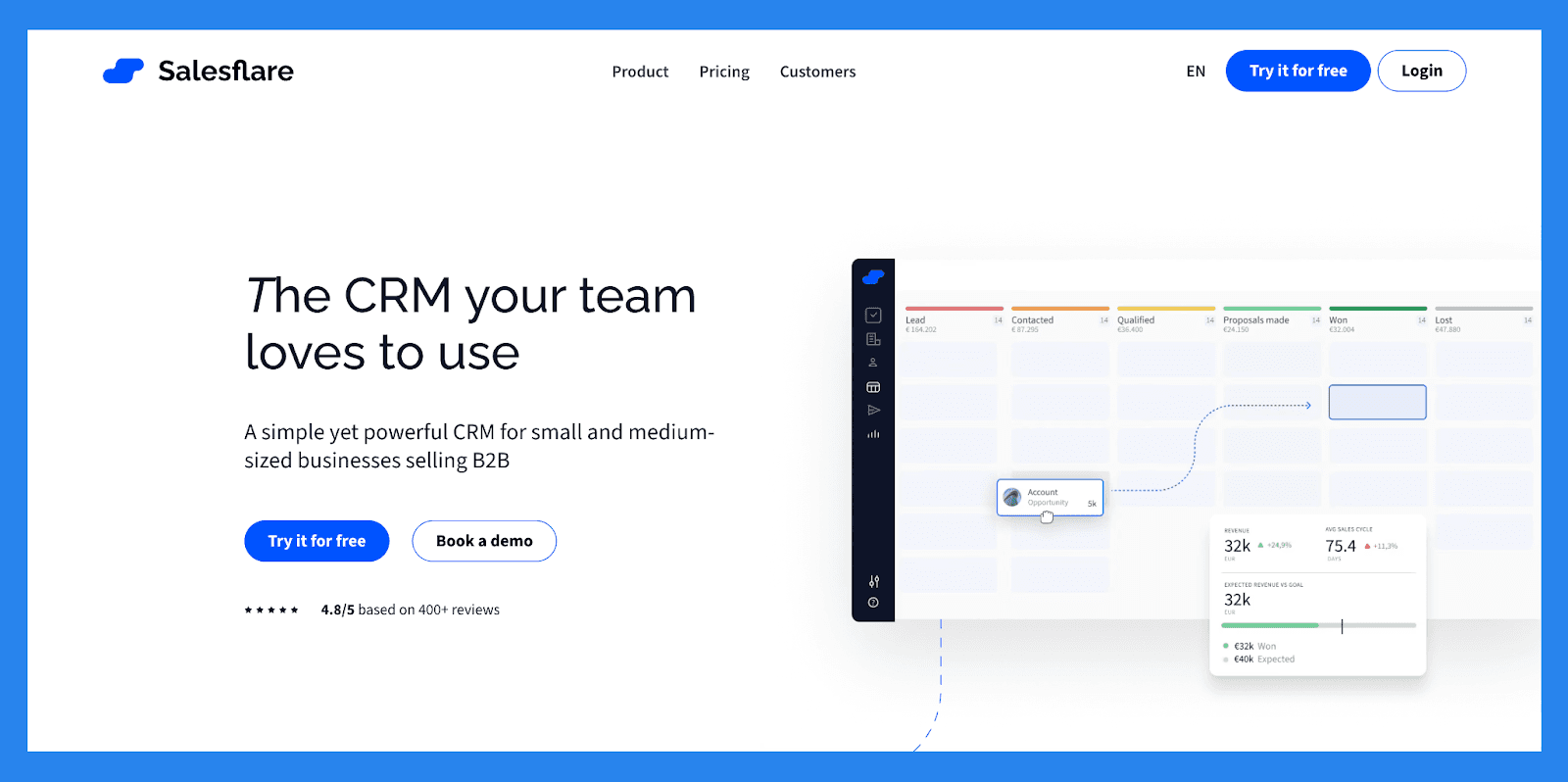
Salesflare is built to eliminate tedious manual tasks through powerful automation and seamless integration with your existing workflows. The goal? To help teams spend less time on data entry and more time on meaningful client engagement and strategy.
Salesflare is widely praised for its ease of use and effectiveness in managing sales pipelines : especially for small businesses and B2B startups seeking a lightweight yet intelligent CRM solution. But where Salesflare truly stands out is in its commitment to offering 100% of its CRM features via its mobile app. This makes it an ideal choice for agencies focused on field sales, where having the full power of a CRM on the go is essential.
Key features for lead tracking
Automated Data Entry. Saleflare automatically pulls data from email, calendar, phone, LinkedIn, company databases, and social media: then organizes it into clean, automated customer timelines so your team is always in the loop.
Contact Management. Keep all your contact data in one place: complete with conversation history, engagement tracking, and company-level insights to help your team close more deals, faster.
Full-Fledged Mobile App. Ideal for on-the-go teams who need full CRM functionality at their fingertips, Salesflare works wherever you work (desktop, mobile, or directly from your Gmail, Outlook, or LinkedIn sidebar).
Integration Options. Connect Salesflare with over 5,000+ tools via Zapier: including Google Workspace, Mailchimp, Trello, Slack, and more: to streamline your workflows and scale effortlessly.
Collaboration-Focused. Salesflare is designed with teams in mind. Share contacts, pipelines, timelines, and communication history across your team to stay coordinated, reduce duplicate work, and close more deals together.
Ratings: G2 - 4.8/5 (289) · Capterra - 4.7/5 (139).
Pros
Intuitive, modern interface makes managing customer relationships smooth and efficient
Automatic email integration and interaction tracking saves time and helps sales reps focus on high-impact tasks
Responsive and knowledgeable customer support provides fast, tailored assistance
Cons
While there's a free trial, there's no fully free version for users to explore long-term
Limited omnichannel capabilities. Salesflare excels with email but lacks support for SMS, live chat, or social messaging
Less suited for B2C use cases, as it requires fields like company name, which may not apply to individual consumers
Pricing Plans
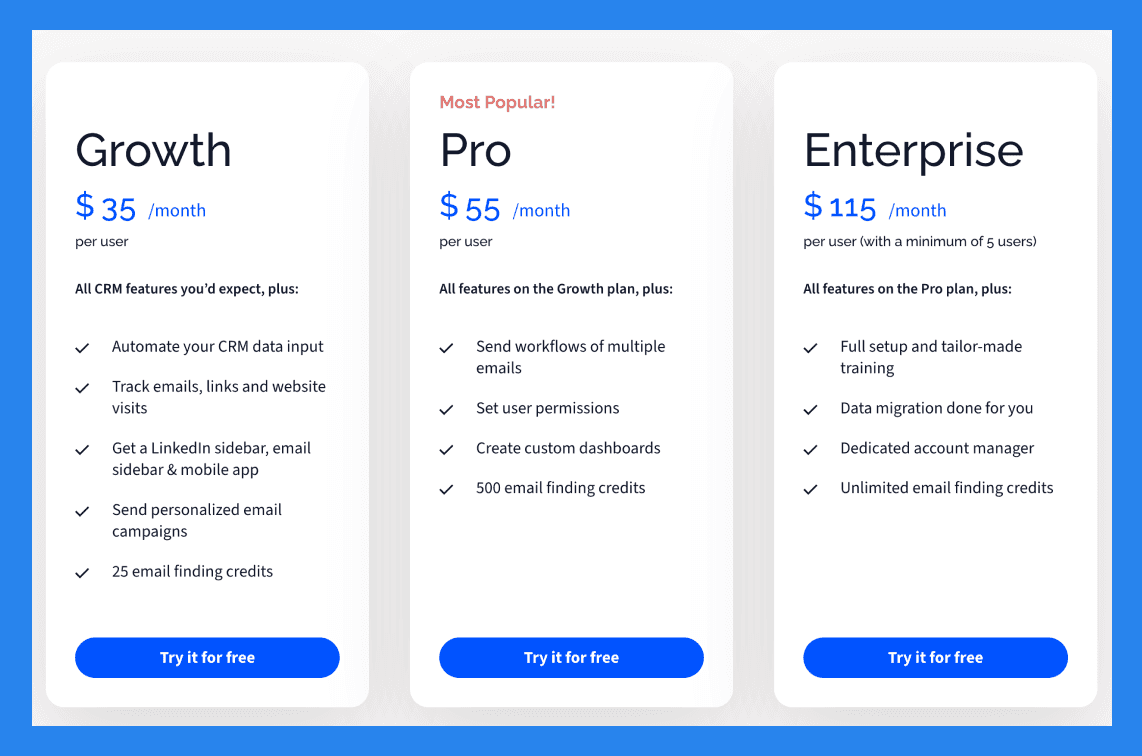
Growth ($35/user/mo): Automate your CRM data input, Track emails, links and website visits, Get Linked sidebar, email sidebar & mobile app, Send personalized email campaigns. Plus 1 more.
Pro ($55/user/mo): everything in Growth, plus Send workflows of multiple emails, Set user permissions, Create custom dashboards, 500 email finding credits.
Enterprise ($115/user/mo): everything in Pro, plus Full setup and tailor-made training, Data migration done for you, Dedicated account manager, Unlimited email finding credits.
Demo Video
Loading YouTube sends it your IP address and may enable cookies. This applies to this content only.
🥉HubSpot: Best for All-in-One CRM With Powerful Lead Management
Summary
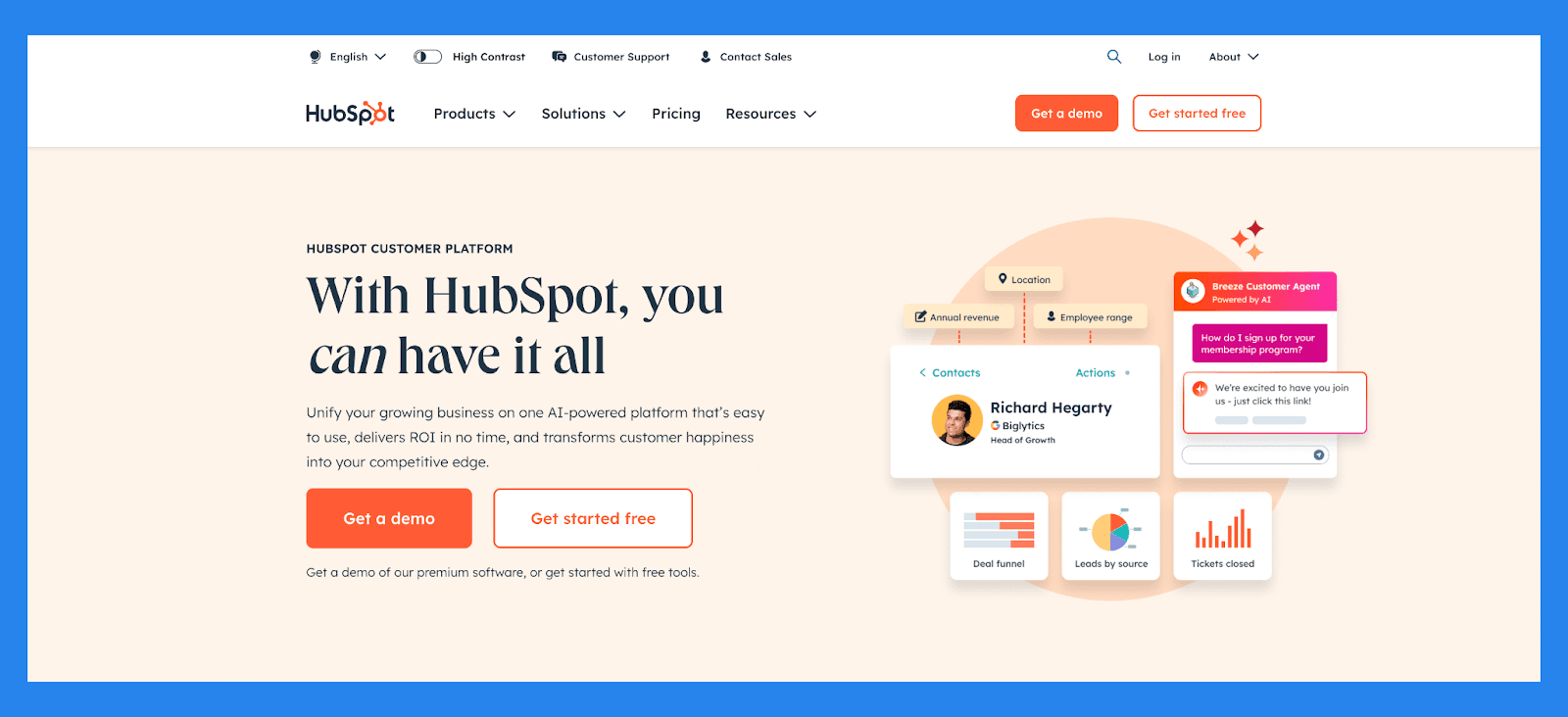
HubSpot is a powerhouse CRM designed to unify sales, marketing, and service: all-in-one solution. Originally built as a marketing platform, HubSpot has evolved into a flexible, AI-enhanced CRM that helps businesses capture, qualify, track, and nurture leads at every stage of the funnel.
From automated lead capture to real-time engagement tracking and customizable pipelines, HubSpot gives teams full visibility into the buyer journey: all within a user-friendly interface. Its deep integration between sales and marketing tools ensures that leads are never lost in handoffs and follow-ups happen at exactly the right time.
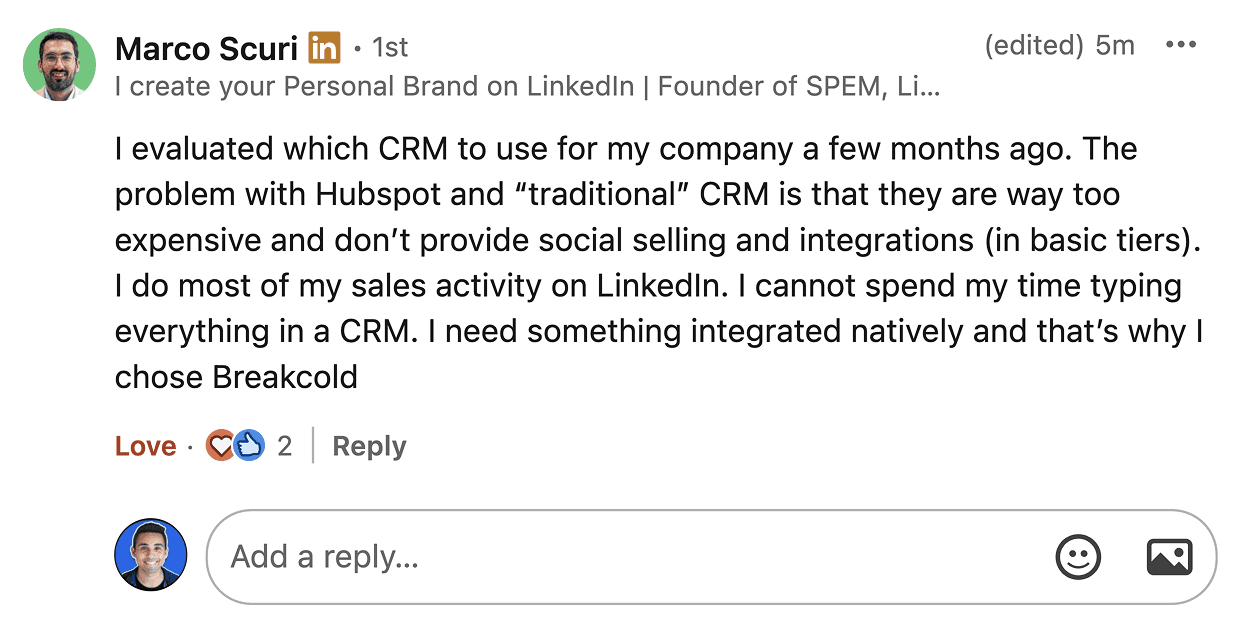
Marco left HubSpot because it was too expensive and had no native LinkedIn selling.
Key features for lead tracking
Contact Management. Automatically enrich and organize lead data with full activity timelines and engagement history
Deal & Pipeline Management. Visualize and customize your lead stages to track progress from initial interest to closed deal
Lead Scoring & Segmentation. Automatically prioritize leads based on behavior, demographic fit, and engagement level
Email Tracking & Sequences. Track opens, clicks, replies, and automate follow-ups based on lead actions
Form & Chatbot Lead Capture. Convert website visitors into leads with dynamic forms, chat, and pop-ups
AI-Powered Insights. Identify bottlenecks in the sales funnel and surface high-converting channels
Marketing-to-Sales Handoff. Seamlessly pass qualified leads between teams with shared data and workflows
Ratings: G2 - 4.4/5 (12,404) · Capterra - 4.5/5 (4362).
Pros
User-friendly interface, ideal for those who aren't tech-savvy
Clean, intuitive platform that's easy to navigate
Flexible pricing plans with customizable options
Serves as a reliable single source of truth for customer data
All-in-one platform that combines marketing, sales, and service tools
Cons
Pricing may be prohibitive for solopreneurs or very small businesses
Some users report a learning curve during onboarding
Automation features can be rigid, limiting customization
Reporting tools lack depth for advanced analytics
Pricing Plans
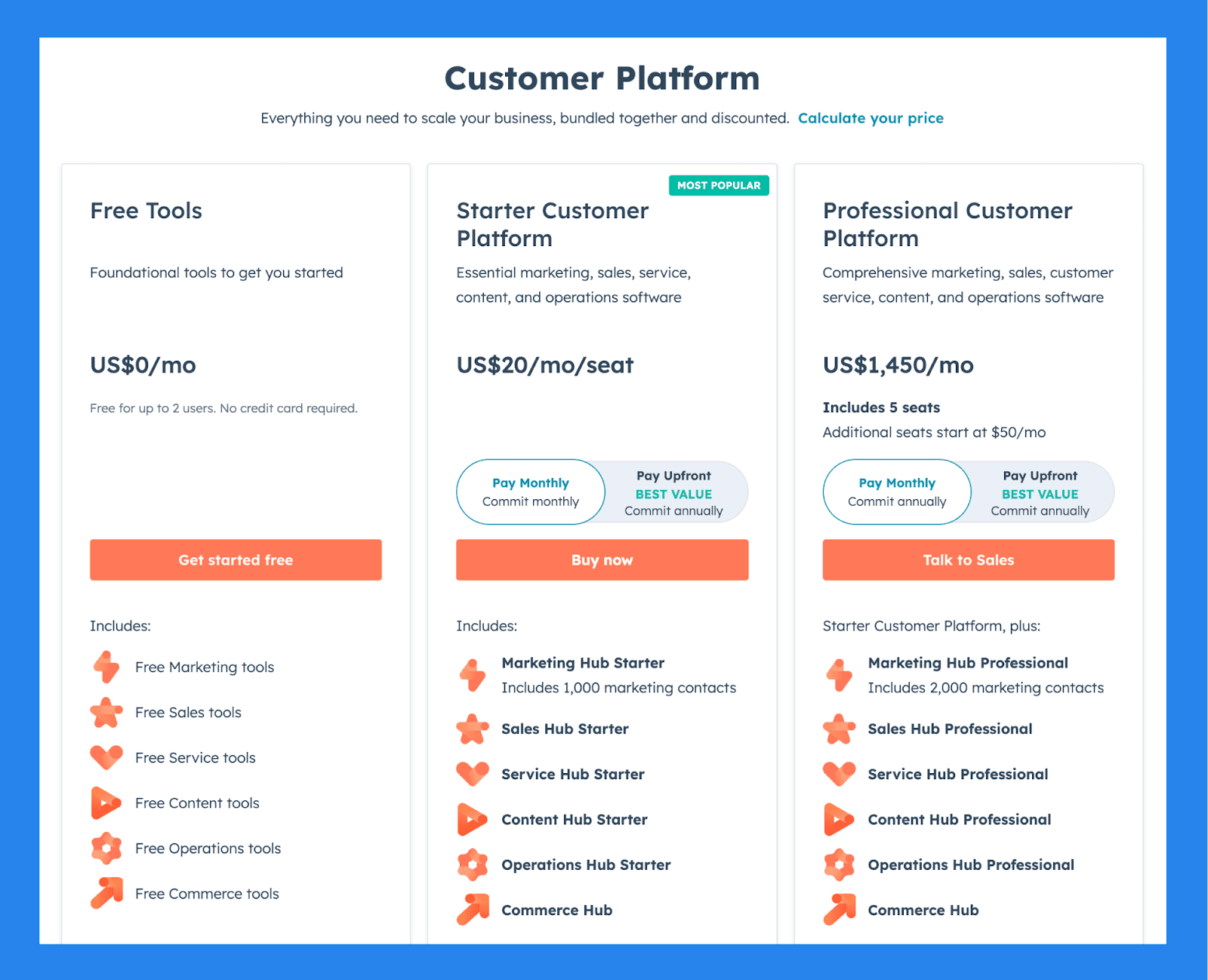
For Individuals & Small Teams
Free Tools ($0/mo): Free for up to 2 users, No credit card required, Free Marketing tools, Free Sales tools. Plus 4 more.
Starter Customer Platform ($20/user/mo): everything in Free Tools, plus Marketing Hub Starter, Includes 1,000 marketing contacts, Sales Hub Starter, Service Hub Starter. Plus 3 more.
Professional Customer Platform ($1,450/mo): everything in Starter Customer Platform, plus Includes 5 seats, Additional seats start at $50/mo, Marketing Hub Professional, Includes 2,000 marketing contacts. Plus 4 more.
Demo Video
Loading YouTube sends it your IP address and may enable cookies. This applies to this content only.
Pipedrive: Best for Visual Sales Pipelines and Simplicity
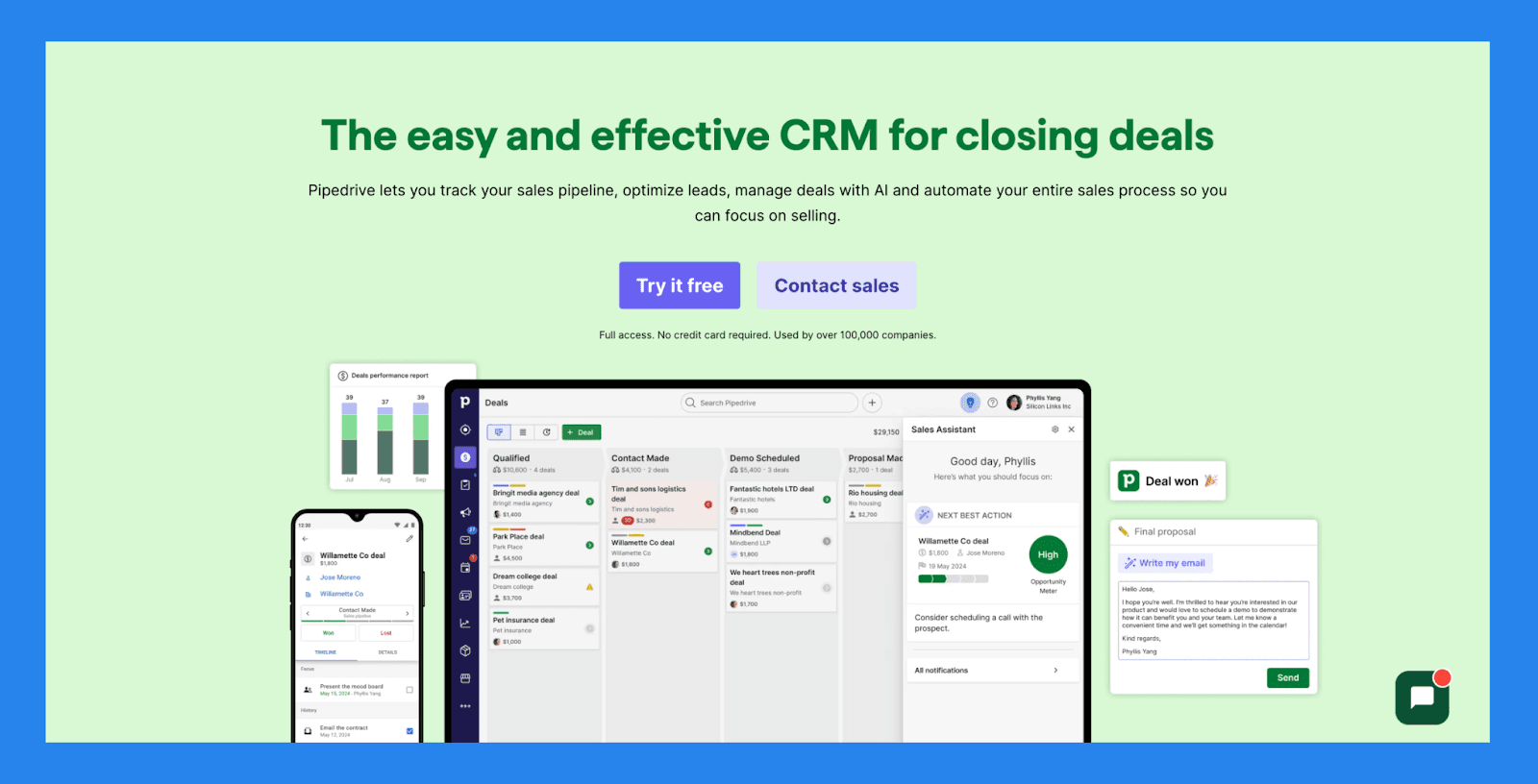
Summary
Pipedrive is a user-friendly CRM that helps businesses streamline their sales pipeline, automate repetitive tasks, and track customer interactions with ease. It's especially well-suited for teams that need a clear, bird's-eye view of their pipeline to ensure the right leads are being prioritized and nothing slips through the cracks.
While Pipedrive offers strong reporting and analytics to highlight bottlenecks in your sales process, it lacks certain key automations found in more advanced CRMs: such as automated email sequences, inactivity alerts, and live activity tracking. As a result, users may need to be a bit more hands-on to keep deals moving forward efficiently.
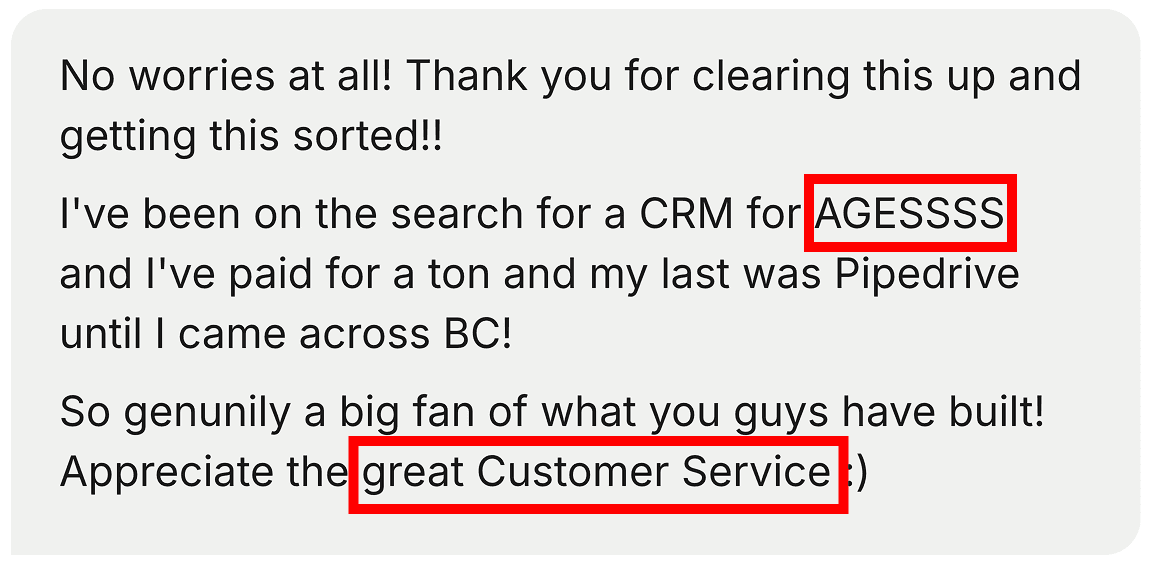
A common story: years on Pipedrive, then a switch to something built for how sales works now.
Key features for lead tracking
Advanced Forecasting & Reporting. Access customizable reports on deal performance, sales activities, win rates, and future revenue projections based on pipeline data.
**Goal & Performance Tracking **. Set individual or team goals (e.g., calls made, deals closed) and track progress with visual dashboards and reports.
Pipeline Management. Visualize deal stages, set activity reminders, and use real-time data to ensure deals stay on track: no guesswork required.
Lead Management with Progress Tracking. Monitor lead status, set priorities, and track all touchpoints for better visibility into your conversion funnel.
Workflow Automation. Automate admin tasks like data entry, email follow-ups, and pipeline updates: all while collecting data for performance reporting.
Integrations. Connect with Gmail, Zoom, Slack, and over 350 tools to ensure seamless data syncing and unified reporting across platforms.
Mobile App with Reporting Access. Stay connected and check deal status or team performance while on the go: with reporting tools built into the mobile experience.
Ratings: G2 - 4.3/5 (2,445) · Capterra - 4.5/5 (3047).
Pros
Well-structured onboarding materials, including FAQs and videos
Offers a wide range of integrations with third-party tools
Strong automation and AI features that boost productivity
Quick and easy setup with minimal learning curve
Cons
User interface can feel dated or unintuitive for some users
No free plan available: paid tiers start quickly
Customer support can be slow or inconsistent.
No native LinkedIn integration for lead importing
Some users report occasional bugs and performance issues
Pricing Plans
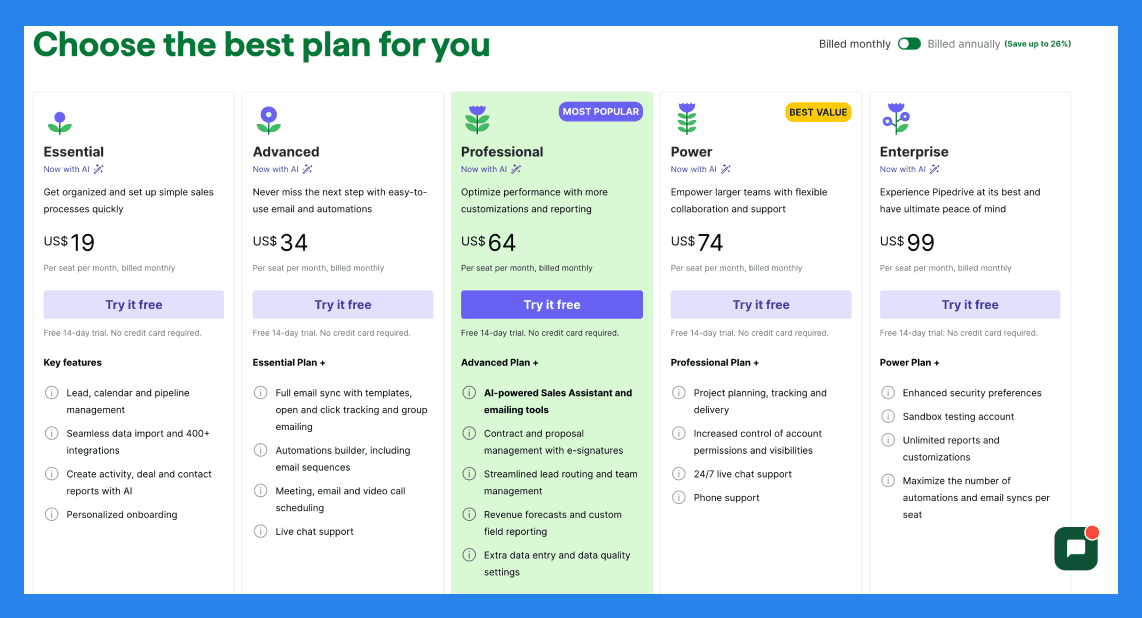
Lite ($14/user/mo): core pipeline management, lead and deal tracking, email integration.
Growth ($39/user/mo): everything in Lite, plus AI sales assistant, automations and richer reporting.
Premium ($49/user/mo): everything in Growth, plus project management and advanced reporting.
Ultimate ($79/user/mo): everything in Premium, plus advanced security, admin controls and priority support.
Prices are billed annually. Pipedrive rebranded its tiers in 2025. There is no free plan, only a 14-day trial.
Close: Best for Outbound Sales Teams That Want Built-In Calling, SMS, and Email
Summary
Close (formerly Close.io) is a sales-focused CRM built specifically for small and medium-sized businesses that want to turn into outbound sales-powerhouse. It unifies essential sales channels like email, calling, and SMS in a single, streamlined interface, eliminating the need to juggle multiple platforms.
What sets Close apart is its laser focus on lead tracking and engagement. Features like Search Views and Smart Views make it easy to segment and surface the right leads at the right time, so reps can prioritize high-value opportunities and follow up with precision. Combined with built-in calling, power dialers, and activity tracking, Close empowers sales teams to move faster and close deals more efficiently.
Key features for lead tracking
Sales Funnel Reporting. Analyze sales velocity, conversion rates, and pipeline health to uncover bottlenecks and optimize your sales process.
**Performance Reports **. Track individual and team performance with customizable reports and leaderboards that spotlight top performers and highlight areas for coaching.
Unified Communication. Handle email, SMS, and calls from one platform, with automatic logging and tracking.
**Sales Automation **. Build and deploy multi-channel outreach sequences with email follow-ups and task reminders.
Workflow Tools. Automate repetitive tasks, create custom workflows, and keep your sales pipeline moving efficiently.
Lead Management. Easily track lead progress, prioritize high-value contacts, and assign follow-ups to your team.
**Power Dialer **. Make high-volume outbound calls quickly with the built-in power dialer to boost team productivity.
Call Assistant. Use real-time transcription and note-taking tools to improve call quality and reduce admin work.
Ratings: G2-4.7/5 (1,044) · Capterra - 4.7/5 (161).
Pros
Clean, user-friendly interface with a minimal learning curve
Robust calling features and automation tools, including Power Dialer
Two-way email sync for seamless communication tracking
Effective and intuitive email outreach workflows
Cost-effective compared to many competitors with similar features
Helps streamline productivity and team communication
Highly customizable via open API for advanced use cases
Cons
No free version available: only a free trial
No native integration with LinkedIn, requiring third-party tools
Smart View filters can be overwhelming or tedious to set up
Workflow features are more limited compared to top competitors
SMS functionality restricted to the US, Canada, UK, and Australia
Some features are gated behind higher-tier pricing plans
Users report occasional slow load times and connectivity issues with calling
Pricing Plans
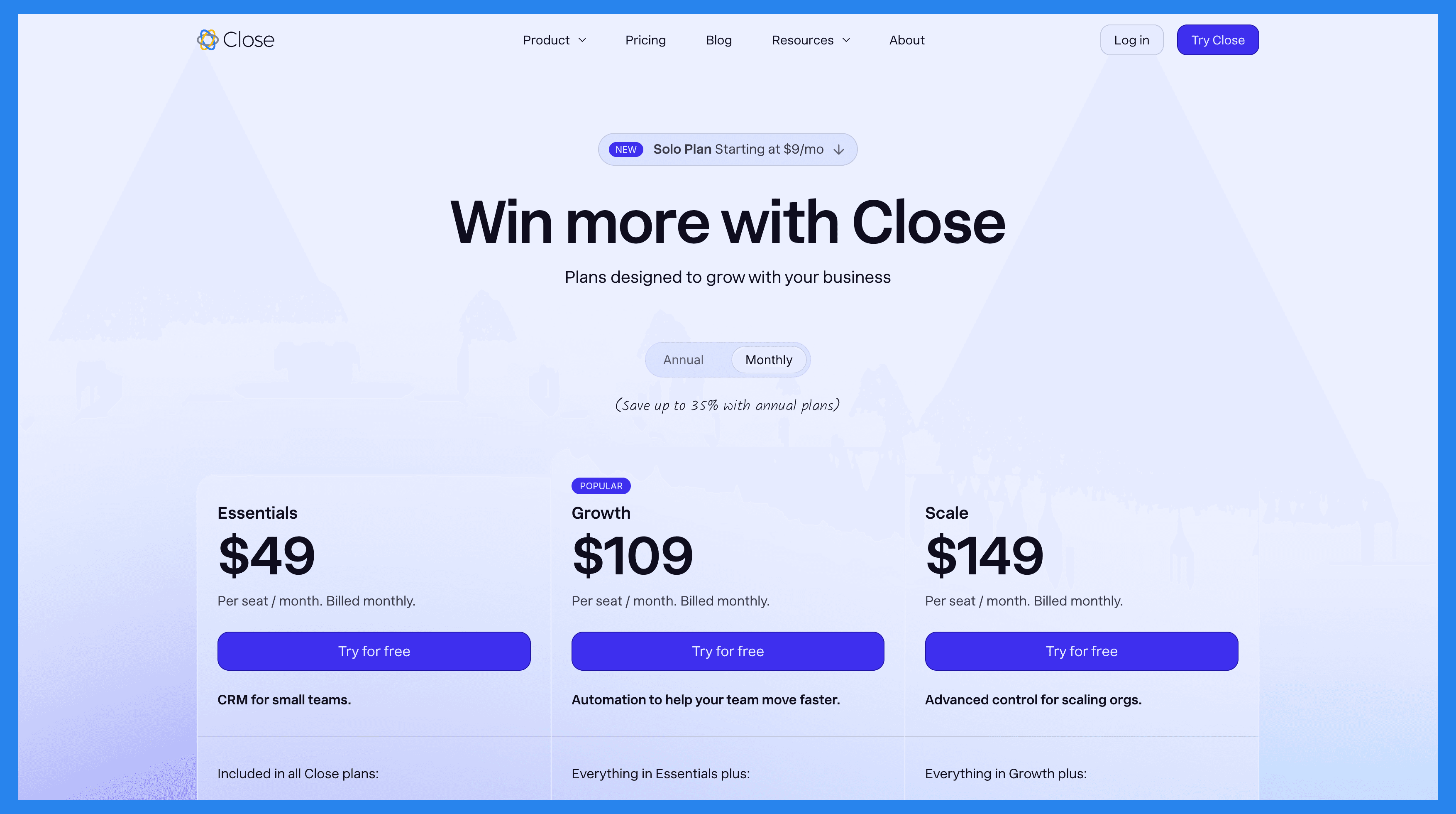
Solo ($19/mo): Limited to 1 user, Limited to 10k leads, Workflows not included.
Base ($49/user/mo): everything in Solo, plus Unlimited contacts & leads, Multiple pipelines, Advanced lead & activity filters, Built-in email, calling & SMS. Plus 1 more.
Professional ($109/user/mo): everything in Base, plus Automated workflows, Power Dialer, AI Email Assistant, Custom Activities.
Enterprise ($149/user/mo): everything in Professional, plus Role-based access & permissions, Lead visibility rules, Predictive Dialer, Unlimited call recording.
Attio: Best for Data-Heavy Startups That Want a Fully Customizable CRM
Summary
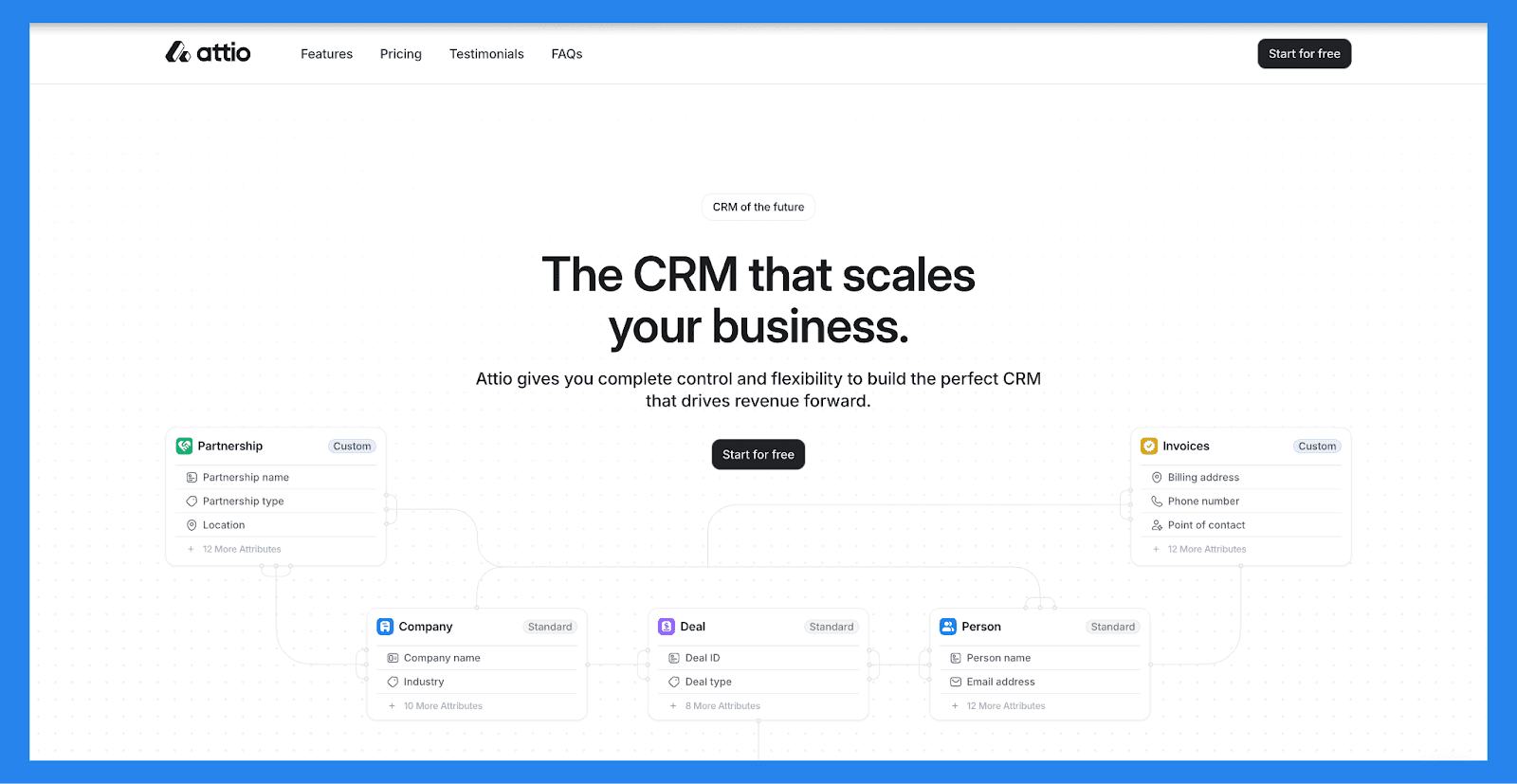
Attio is the gold standard for a flexible CRM data model. If you have a GTM engineer and you want to model leads, accounts and relationships exactly your way, nothing on this list beats it for raw structure. It is genuinely powerful, and the interface is sleek.
The honest 2026 read: Attio is trying to become the new Salesforce, so it keeps going up-market. It is built for high-end, tech-savvy startups handling a large volume of data, not for a salesperson who lives on LinkedIn. The workflows are deep, but it is not as integrated with social channels and AI as the marketing suggests, and you usually need someone technical to configure it. That is exactly why we win deals here for teams of 5-30 who want similar data-model depth without the overhead. If that is you, it is worth reading our take on the best Attio alternatives for real salespeople.
Key features for lead tracking
Custom data model: objects, attributes and relationships you can shape to any lead-tracking workflow.
Automations: trigger-based sequences and workflows once you invest the setup time.
Email and calendar sync: activity logging across your team's inboxes.
Reporting: strong dashboards and pipeline analytics at higher tiers.
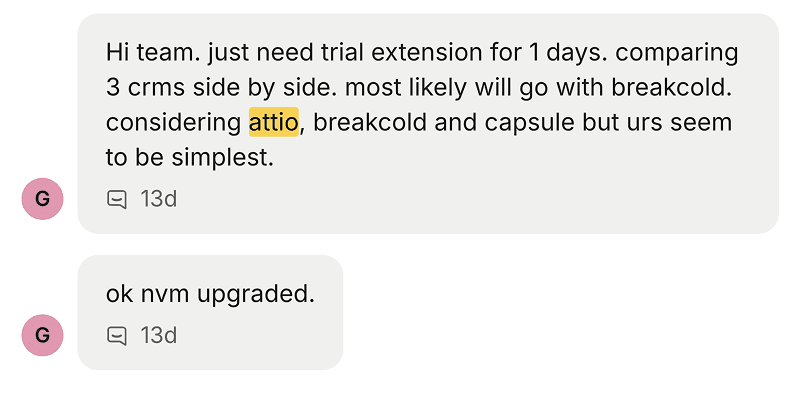
One detail worth noting: enough teams compare the two side by side that we see it constantly, and the simpler option keeps winning for SMB sales.
Ratings
Ratings: G2 4.8/5 · Capterra 4.7/5.
Pros
The most flexible, powerful data model of any modern CRM.
Clean, fast interface that engineering-minded teams love.
Strong reporting and workflow automation at scale.
Cons
Built for ops-heavy teams, often needs a specialist to set up.
No native LinkedIn, Telegram or WhatsApp inbox for social-first sellers.
Pricing climbs fast as you move up-market.
Pricing
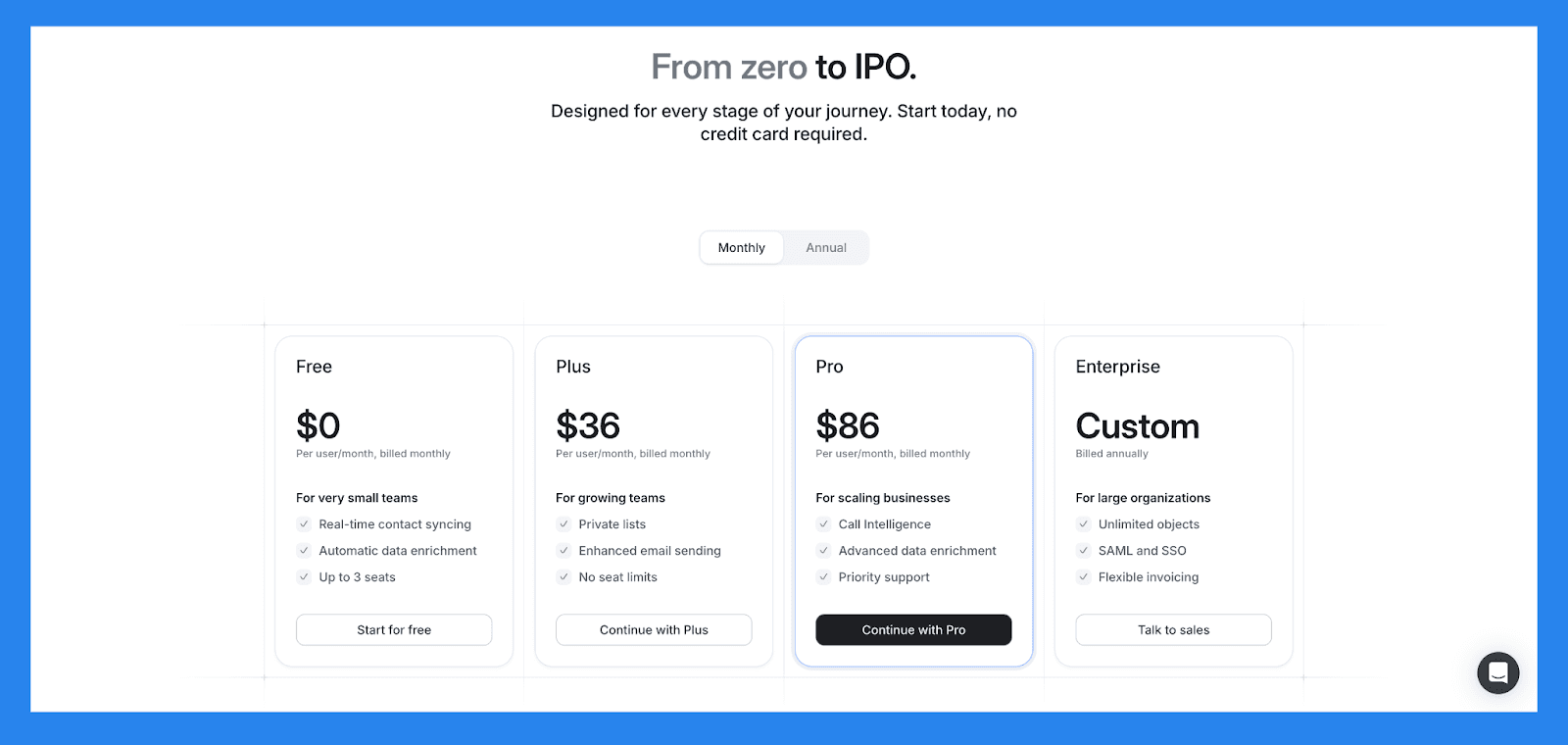
Free ($0): up to 3 seats, core CRM, email and calendar sync, basic lists.
Plus ($29/seat/mo): everything in Free, plus no seat limits and enhanced email features.
Pro ($59/seat/mo): everything in Plus, plus advanced workflows, permissions and priority support.
Enterprise ($119/seat/mo): everything in Pro, plus unlimited reporting, SAML SSO and admin controls.
Prices are billed annually. Monthly billing runs about 20% higher.
Folk: Best for Solopreneurs Who Want a Notion-Style CRM
Summary
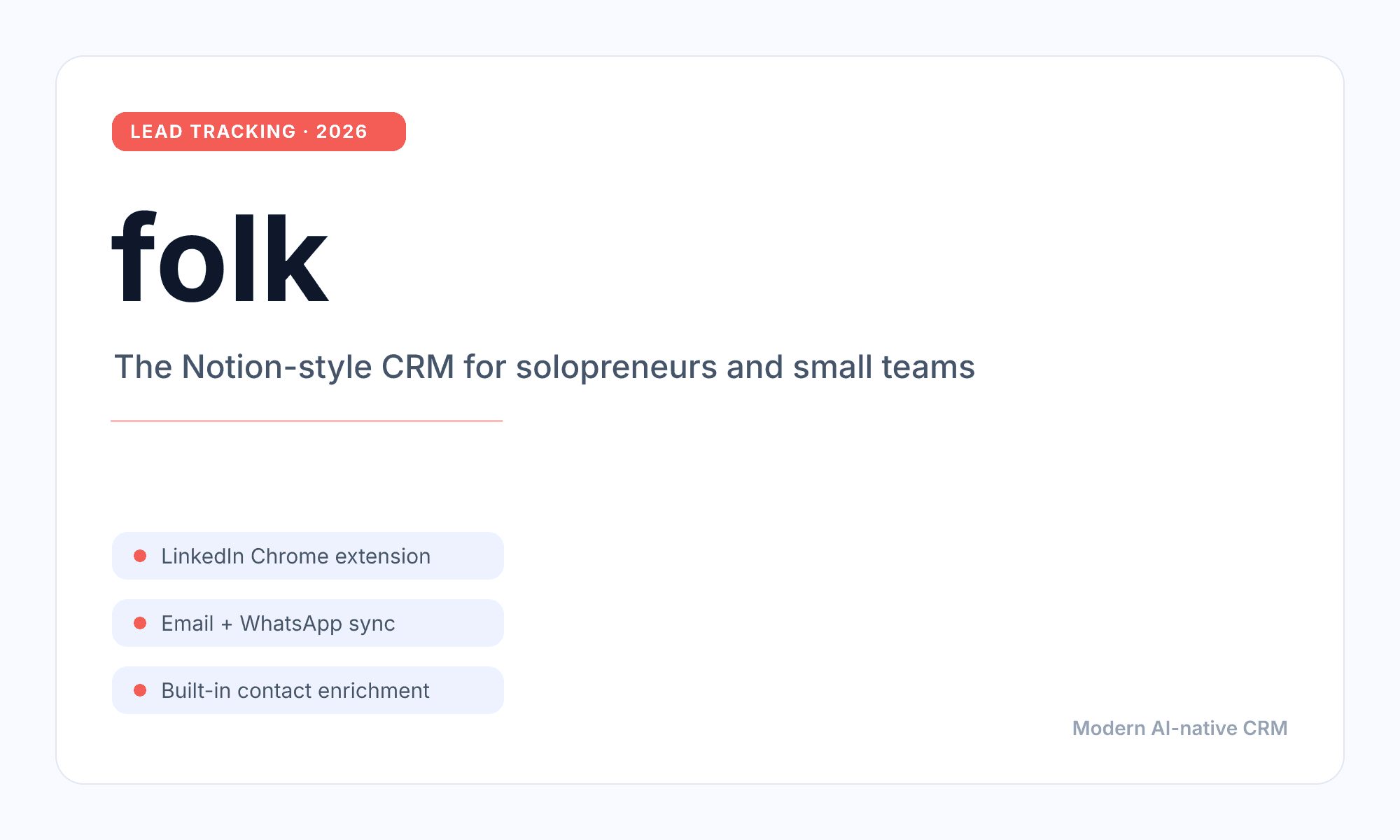
Folk is the clean, Notion-style CRM that a lot of solopreneurs love. It started as an Attio-style product and repositioned into a lightweight relationship CRM for small teams, with a LinkedIn Chrome extension and built-in enrichment. For light contact management it feels great.
The catch for lead tracking is the LinkedIn story. Folk frames itself as LinkedIn-friendly, but you have to click a button to sync each conversation into the CRM. That manual step is the difference between a CRM that tracks your leads and one you have to feed by hand. Breakcold auto-syncs LinkedIn, Telegram, WhatsApp and email with no clicking, and the Chrome extension lets you run the CRM from anywhere. Folk is built for solopreneurs, Breakcold is built for proper salespeople, which is why teams keep moving over. If you are weighing it up, here is our full list of Folk alternatives for real salespeople.
Key features for lead tracking
LinkedIn Chrome extension: capture contacts and push conversations into Folk, manually, one at a time.
Email, calendar and WhatsApp sync: log activity across connected channels.
Pipelines and email campaigns: simple deal tracking plus light outreach.
Contact enrichment and AI assistants: credit-based enrichment and AI helpers on every paid tier.
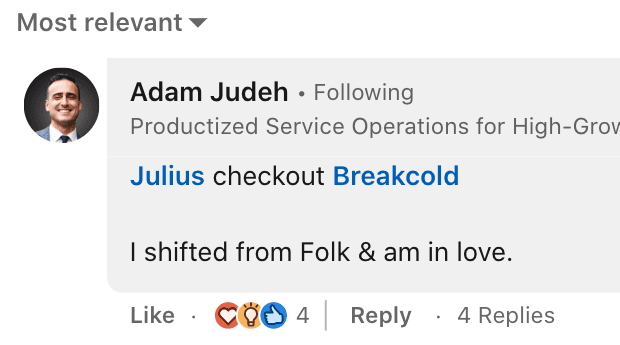
It is telling how often people describe the move once they outgrow it.
Ratings
Ratings: G2 4.6/5 · Capterra 4.7/5.
Pros
Beautiful, simple interface that is fast to adopt.
Good built-in enrichment and a handy LinkedIn extension.
Fair entry pricing for solopreneurs.
Cons
LinkedIn and messaging conversations need manual, click-to-sync, not automatic.
No native Telegram inbox or call tracking for multichannel sellers.
Lighter on automation and AI than a proper sales CRM.
Pricing
Standard ($24/member/mo): pipelines, email campaigns, contact enrichment, AI assistants, LinkedIn extension, email, calendar and WhatsApp sync.
Premium ($48/member/mo): everything in Standard, plus custom objects, email sequences, advanced permissions, dashboards and API access.
Enterprise (from $80/member/mo): everything in Premium, plus custom limits and dedicated support.
Prices are billed annually. There is a 14-day free trial with no credit card required.
Clarify: Best for Teams That Want an Autonomous, Credit-Based CRM
Summary
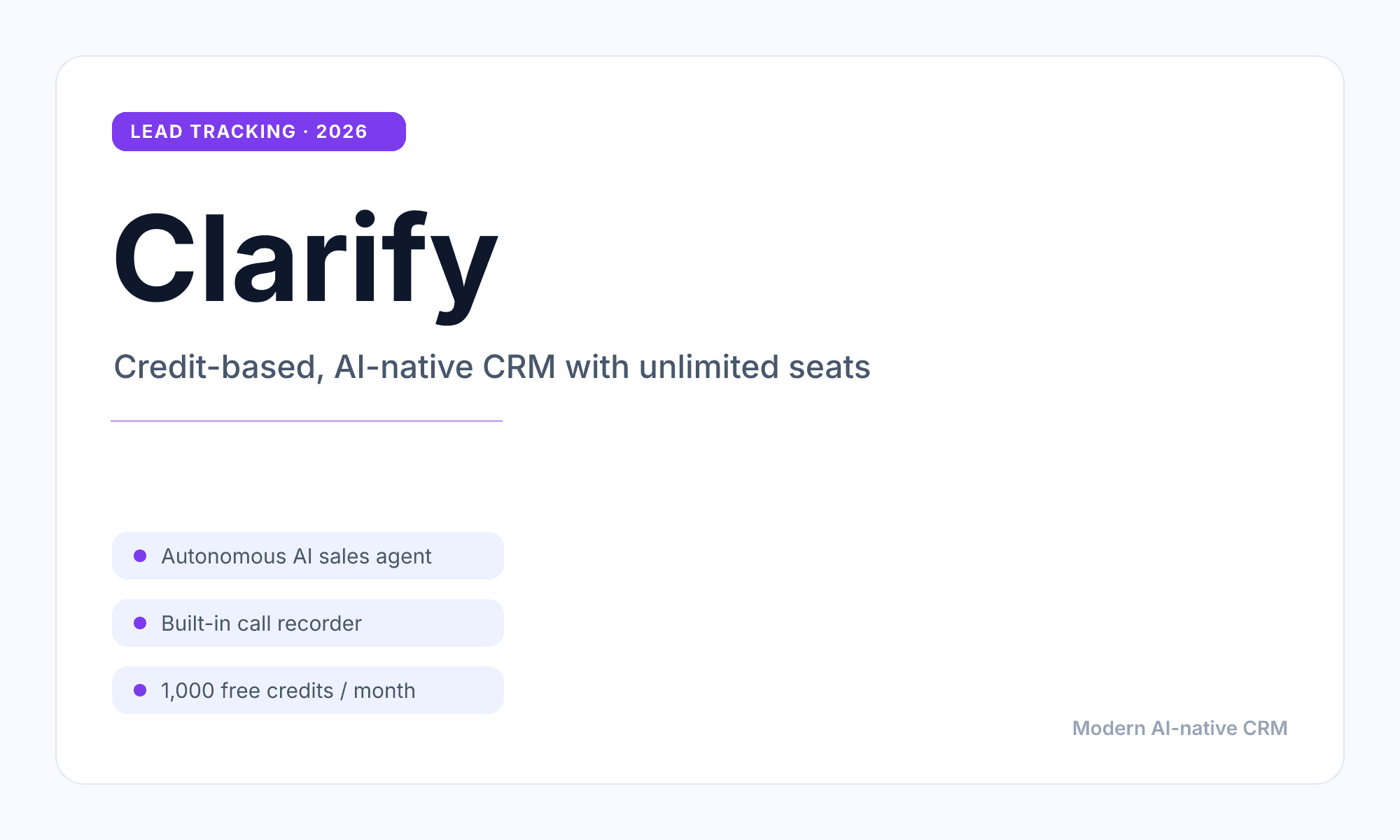
Clarify is one of the most interesting new AI-native CRMs, and it is close to Breakcold in philosophy. Both of us charge for outcomes through a credits or tokens system instead of pure per-seat pricing, so you can predict exactly what you will pay. Clarify leans hard into an autonomous sales agent that enriches, records calls and updates records for you, with unlimited seats on every plan.
Where it falls short for lead tracking today is breadth. From testing it, Clarify's AI really automates one pipeline well, and most sales teams run several. It is also heavily VC-backed and still early, so coverage outside that core loop is thin compared to a multichannel CRM. We rate the direction, we just think most SMB sales teams need more than one automated pipeline and a fuller inbox.
Key features for lead tracking
Autonomous sales agent: enriches contacts, logs activity and nudges deals forward on credits.
Built-in call recorder: meeting and call intelligence attached to records.
Lead finder and campaigns: prospecting and sequences inside the CRM.
Unlimited seats: you pay for the AI work, not for headcount.
One more signal that this category respects what works: employees from competing CRMs, Clarify included, keep signing up to try Breakcold themselves.
Ratings
Ratings: too new for a meaningful G2 or Capterra average yet.
Pros
Predictable, outcome-based pricing with unlimited seats.
Strong autonomous agent for enrichment and call recording.
Genuinely modern, AI-first product direction.
Cons
AI realistically automates one pipeline, while most teams run several.
Early product, lighter multichannel and ecosystem coverage.
Credit burn can climb once the agent is doing real volume.
Pricing
Free ($0): up to 1,000 credits per month, unlimited seats, personal sales agent, call recorder, lead finder, campaigns and reporting.
Starter ($50/mo): everything in Free, plus 5,000 credits, advanced enrichment and AI fields. Extra credits are $50 per 5,000.
Growth (custom): everything in Starter, plus workflows, CRM migration, SAML or OIDC and a dedicated account manager.
Salesforce: Best for Enterprise-Grade Lead Management at Scale
Summary
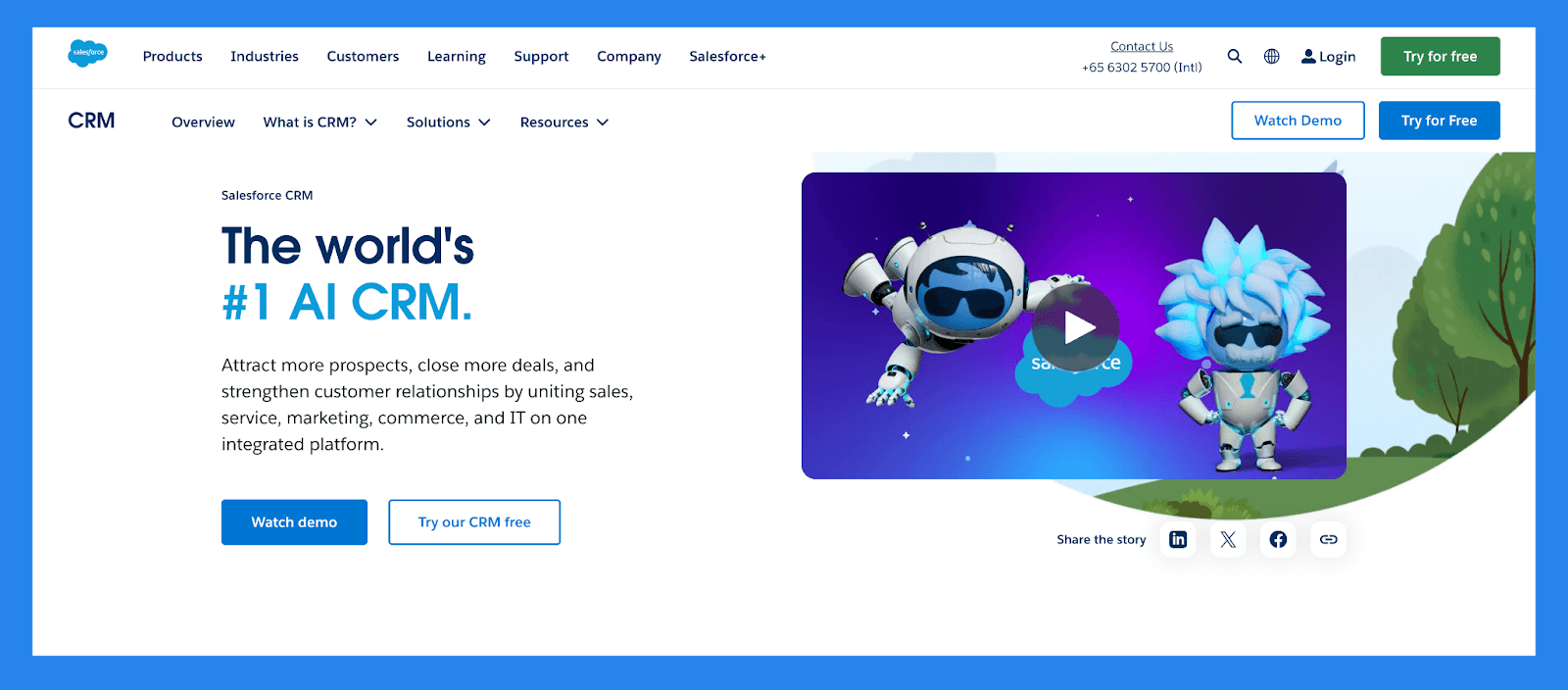
Salesforce is the original CRM giant and remains the gold standard for managing customer relationships at scale. Since leading the CRM movement in the early 2000s, it has evolved into a comprehensive platform for sales, marketing, and service teams.
While it's not ideal for small businesses or those focused solely on lead management, Salesforce stands out for its extensive customization and enterprise-grade capabilities. It offers powerful tools for managing complex sales processes, including flexible workflows, advanced automation, and deep reporting features: all tailored to support large, data-driven teams.
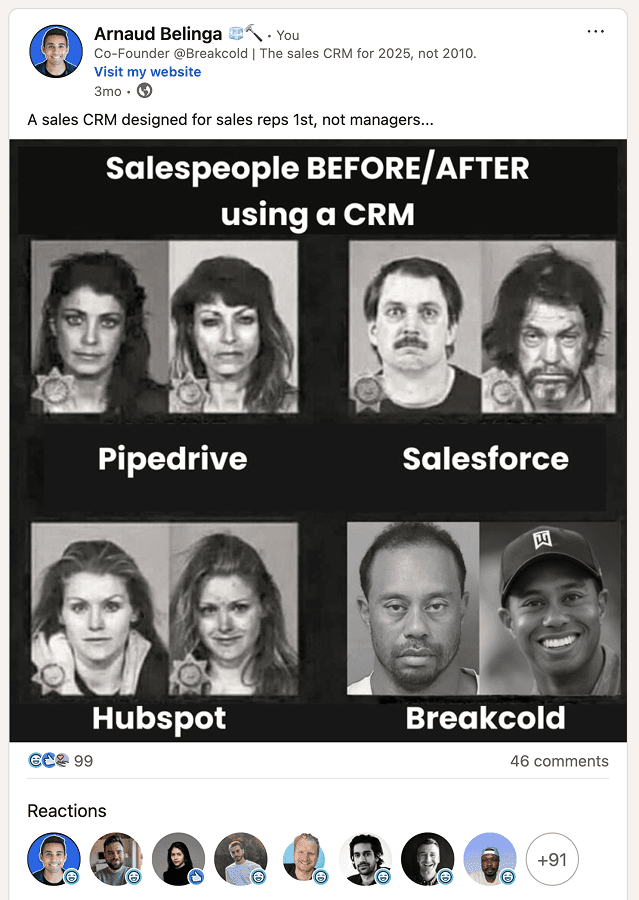
Enterprise tools like Salesforce are overkill for most SMB sales teams.
Key features for lead tracking
Lead & Opportunity Management. Capture, qualify, assign, and track leads through custom sales stages, ensuring no opportunity slips through the cracks.
Sales Automation. Automate repetitive tasks like follow-ups, lead routing, and task assignments to help reps focus on selling, not admin work.
Customizable Pipelines. Build visual pipelines tailored to your sales process, with drag-and-drop functionality and detailed deal tracking.
Contact & Account Management. Centralize customer and prospect data with complete activity histories, notes, and communication records.
Built-In Communication Tools. Log emails, calls, and meetings directly within Salesforce or connect tools like Gmail and Outlook.
Workflow Rules & Approvals. Automate complex business processes with custom workflows, approval chains, and trigger-based alerts.
AppExchange Integrations. Extend Salesforce with thousands of third-party apps and integrations: from marketing tools to finance platforms.
Mobile CRM. Access full CRM functionality on the go with Salesforce's robust mobile app, perfect for field sales teams.
Einstein AI. Get intelligent lead scoring, opportunity insights, and next-step suggestions to boost rep productivity and deal conversion.
Chatter Collaboration. Share updates, tag teammates, and collaborate on deals within Salesforce's built-in social feed.
Ratings: G2 - 4.4/5 (23,272) · Capterra - 4.4/5 (18817).
Pros
Optimizes lead management and improves conversion rates
Excels at data organization and cleanliness
Integration-rich with a vast app ecosystem
Responsive customer support and helpful community resources
Cons
Complex implementation process that requires time and resources
Expensive, especially for solopreneurs or small businesses
Steep learning curve, particularly for non-technical users
User interface can be unintuitive and hard to navigate
Pricing Plans
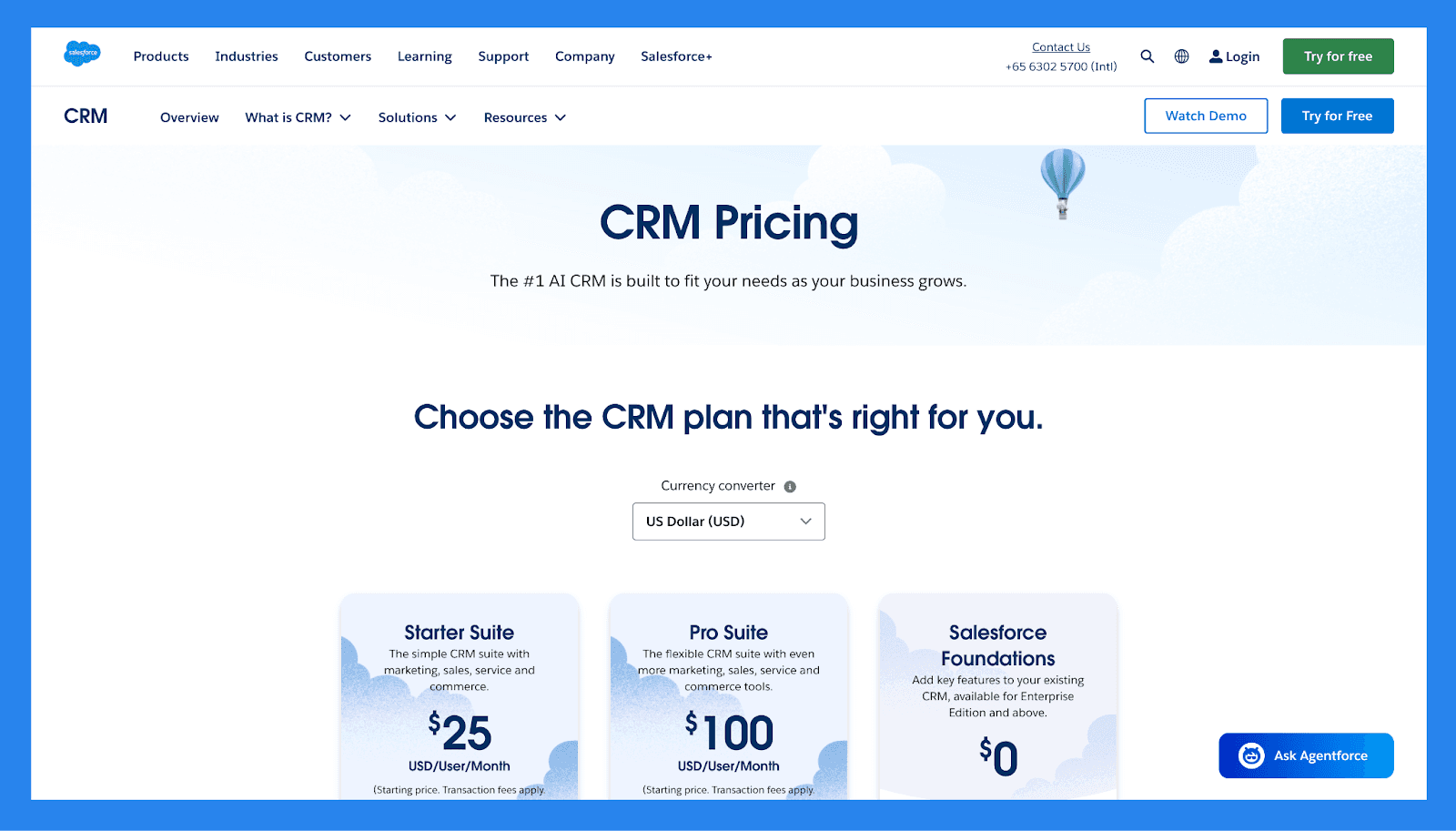
For SMBs
Starter Suite ($25/user/mo): Users (325 max), Custom reports, Generative AI features.
Pro Suite ($100/user/mo): everything in Starter Suite, plus Users (Unlimited), Lead scoring, API ($15/user/month).
Enterprise ($165/user/mo): everything in Pro Suite, plus API.
For Enterprises
Unlimited ($330/user/month): Users (Unlimited), Lead scoring, API, Custom reports. Plus 2 more.
Einstein 1 Sales ($500/user/month): same scope, higher limits.
Nimble: Best for Relationship-Driven Professionals and Small Teams
Summary
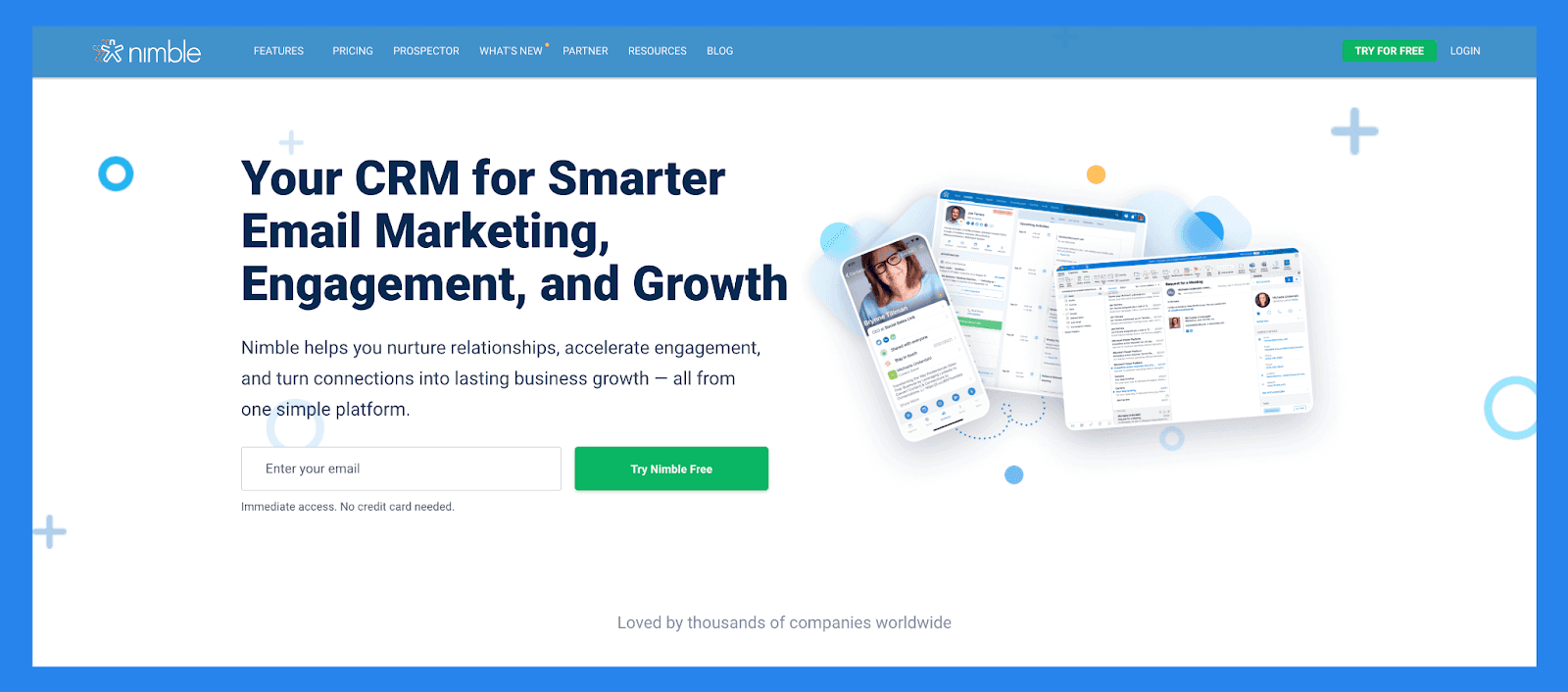
Nimble is a lightweight, lead management CRM designed to help small teams, freelancers, and consultants stay on top of relationships and sales opportunities. It focuses on simplifying lead tracking by automatically building and enriching contact profiles through email, social media, and web activity: giving you the context you need without the data overload.
While it doesn't offer enterprise-level functions, Nimble excels at helping relationship-focused users capture, organize, and follow up with leads at the right time. If you're looking for a streamlined CRM that makes lead nurturing feel personal and manageable, Nimble is a strong choice.
Key features for lead tracking
Lead Prospecting - Nimble can automatically capture contact data from email signatures, business cards (via its mobile app), or even just a person's name or company name: pulling up associated social media profiles and contact details it finds online.
Communication Management. Store up to 25,000 contact records and create rich profiles for people and companies. These profiles can be automatically updated as you browse the web or interact on social media.
Social Media & Email Integrations. Access all email conversations, past or present, from Nimbles Unified Inbox.
Nimble Prospector. This browser extension works outside the Nimble app, enabling you to gather contact and company info directly from anywhere on the web by simply hovering over names.
Email Marketing. Nimble includes email-focused features like templates, tracking, and automated sequences to help you engage leads and clients more effectively.
Mobile App. Available for both iOS and Android, Nimble's mobile app brings essential CRM functionality to your phone, so you can manage relationships on the go.
Ratings: G2 - 4.5/5 (1,102) · Capterra - 4.4/5 (1883).
Pros
Easy to learn and use, with** full customization** for different industries and workflows
Makes it simple to find and organize contacts using tags
Clean, user-friendly interface with a mobile app available for iOS and Android
Quick to set up and integrates smoothly with email and social media accounts
Cons
The in-browser widget can be buggy or inconsistent at times
Customer support is helpful but not always easy to reach
Lead enrichment features are somewhat limited and may require manual updates
Some essential features are locked behind higher-tier pricing plans
Pricing Plans
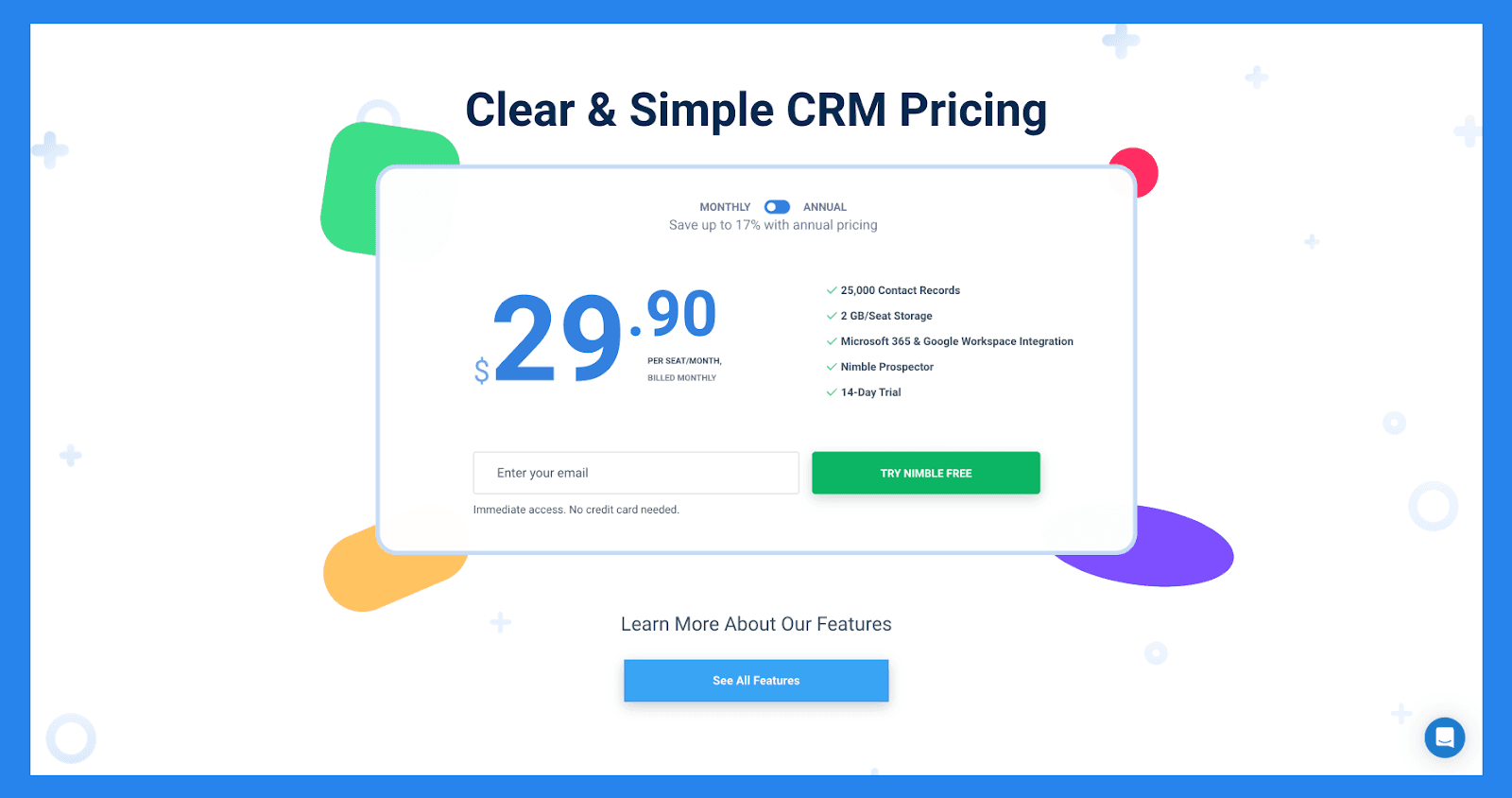
Nimble Business ($29.90/user/mo, or $24.90 billed annually): contact management, pipeline and deal tracking, email and social enrichment, group messaging and 25,000 contacts.
Nimble keeps it simple with a single all-in plan and a 14-day free trial.
Monday CRM: Best for Workflow-Heavy Sales Teams
Summary
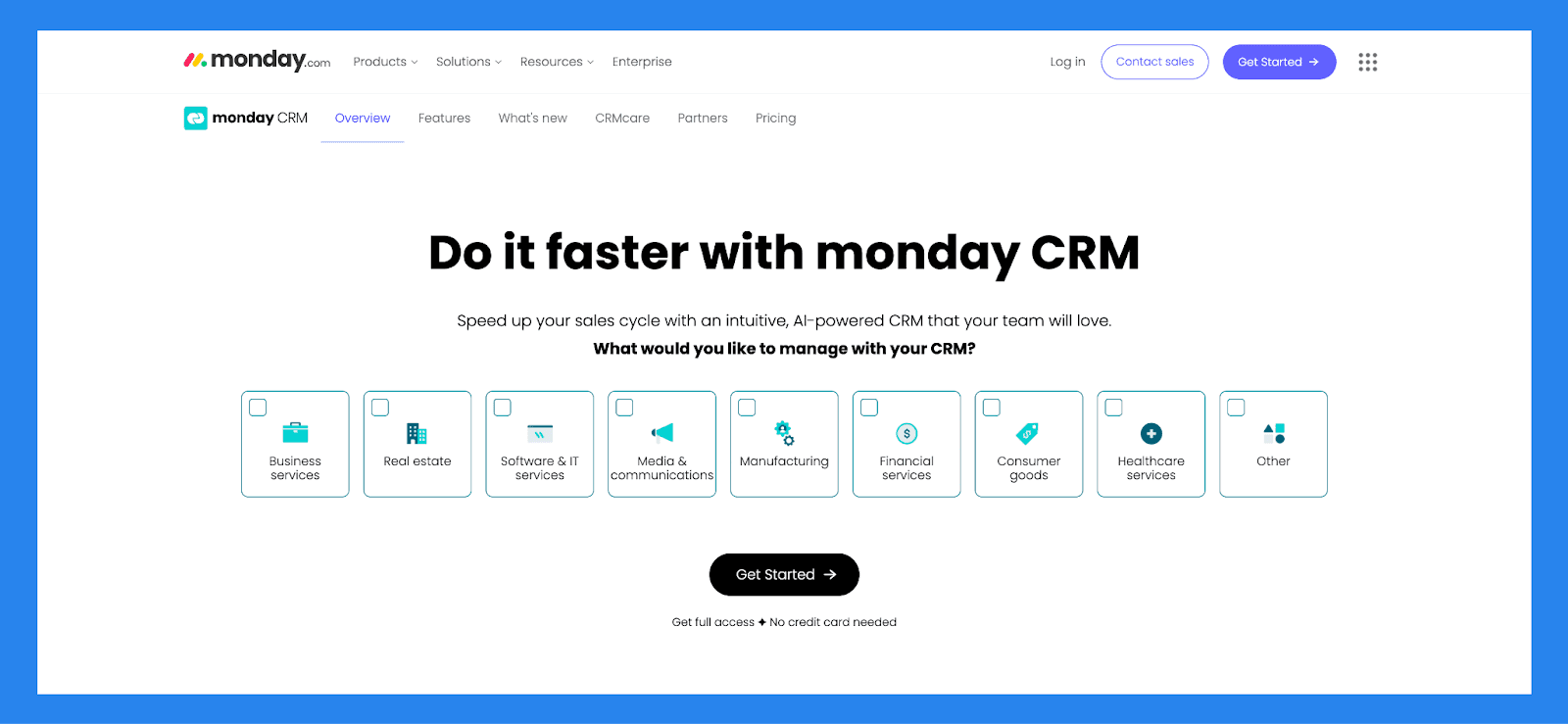
Built on Monday.com: a flexible Work OS known for its project and task management: Monday Sales CRM is a fully customizable, no-code platform designed to help businesses manage and automate every stage of the sales process, from lead generation** to post-sale follow-up**.
But with great flexibility comes the great risk of being overwhelmed. Much like standing in a grocery store faced with too many choices, Monday's endless customization options can leave users bogged down in setup, instead of focusing on what they came for: closing deals and moving leads forward.
Key features for lead tracking
Lead Management. Capture, organize, and track leads throughout the sales cycle.
Activity Tracking. Log calls, emails, and meetings to maintain a clear interaction history.
Pipeline Management. Visualize and manage deals at every stage of the sales funnel.
Guided Selling Tools. Use prompts and automation to streamline sales tasks and improve conversion rates.
Data Visualization & Analytics. Gain insights through customizable dashboards and performance reports.
Opportunity Management. Track sales opportunities and forecast potential revenue.
Forecasting & Data Management. Use historical and real-time data to predict sales trends and outcomes.
Account & Contract Management. Organize key account details and manage contracts from one place.
Proposal & Quotation Tools. Create, send, and track quotes or proposals directly from the CRM.
Seamless Platform Integrations. Connect with tools like Slack, Gmail, Zoom, and others to unify workflows.
Cross-Team Collaboration. Share updates, assign tasks, and communicate with team members across departments.
Ratings: G2 - 4.6 /5 (921) · Capterra - 4.7/5 (406).
Pros
Highly customizable & flexible
Powerful task management and the lead management system
The interface is simple and easy to use while being pleasant to interact with
Rich integration marketplace
Cons
There are growing pains to setting up the platform to suit your needs
Essential features locked behind higher paywalls
There are too many features sometimes the UI looks cluttered and overwhelming to use
Pricing Plans
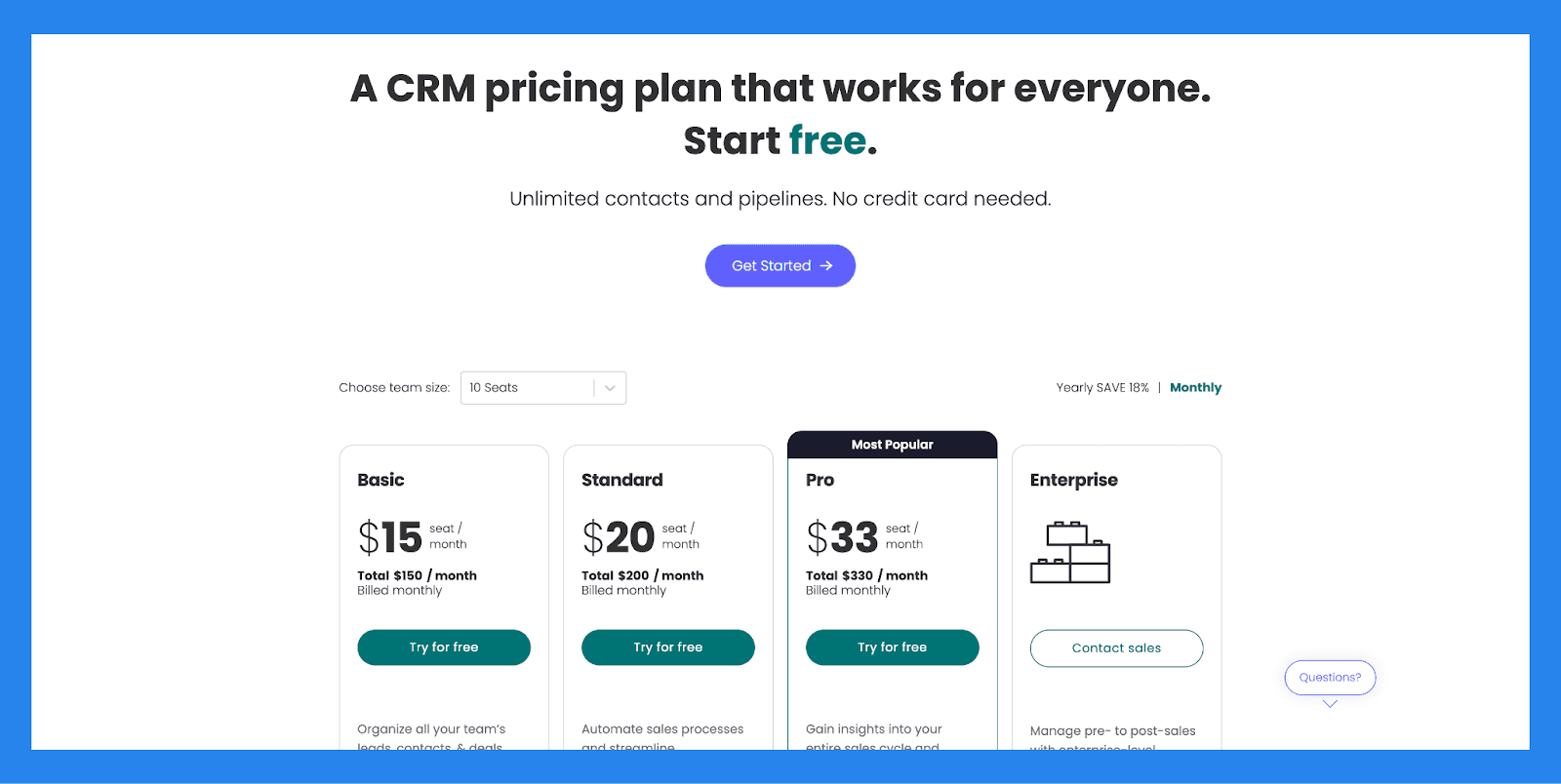
Basic ($15/user/mo): Unlimited customizable pipelines, Unlimited contacts, Unlimited boards, Templates for lead, contact & deal management. Plus 3 more.
Standard ($20/user/mo): everything in Basic, plus Advanced account, contact, & deal management, 2-way email integration with Gmail and Outlook, AI email generator, Activity management. Plus 5 more.
Pro ($33/user/mo): Sales forecasting, Email templates, Email tracking & automations, Sequences. Plus 8 more.
Enterprise (Contact sales): everything in Pro, plus Lead scoring, Mandatory fields, Team goals, Advanced analytics (dashboards up to 50 boards). Plus 6 more.
Nutshell CRM: Best for Small Teams That Want CRM + Email Marketing
Summary
Nutshell is a simple yet powerful CRM built to help small businesses and solo users track leads with ease and clarity. It combines contact management, pipeline tracking, and built-in email marketing to give users full visibility into every stage of the customer journey: from first touch to final deal.
With its intuitive interface and automatic activity tracking, Nutshell makes it easy to stay on top of lead progress, follow-ups, and engagement history. Whether you're qualifying new prospects or managing long-term opportunities, Nutshell keeps your sales pipeline organized and moving forward: all without the complexity of enterprise CRMs.
Key features for lead tracking
Contact Management. Centralizes customer information and tracks communication history to keep teams organized and aligned.
Pipeline Management. Customizable sales pipelines to track leads and deals at every stage of the sales process.
Email Marketing. Built-in campaign tools for targeted outreach and engagement with prospects and customers.
Activity Tracking. Automatically logs interactions like calls, emails, and meetings, helping teams stay on top of follow-ups.
Reporting & Analytics. Offers insights into sales performance, forecasting, and team activity to support data-driven decisions.
Ratings: G2 - 4.3/5 (1,248) · Capterra - 4.3/5 (551).
Pros
Reliable data imports with excellent attention to detail, reducing onboarding friction
Highly customizable, adaptable to the needs of different sales teams
Effective follow-up tracking, making it easy to manage each client and sales stage
User-friendly interface with a clean design and a robust set of features
Cons
No built-in canned responses or pre-set email templates, which could speed up outreach
Slow customer support, with chat responses typically taking up to a day
Pricing may be high for smaller teams or early-stage businesses
Pricing Plans
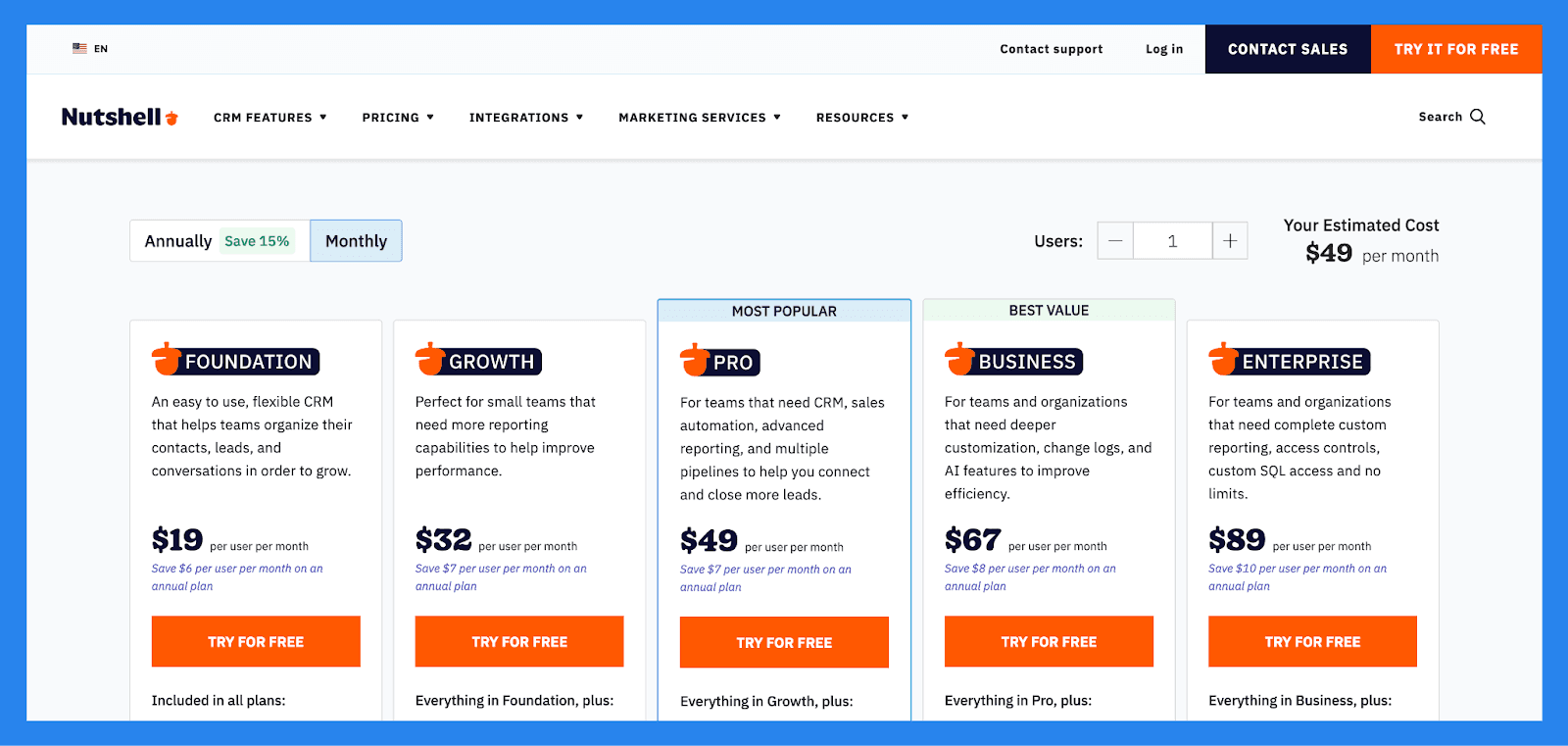
Foundation ($19/user/mo): Unlimited storage, contacts & accounts, Contact management and communication timelines, Email and calendar sync, Customizable single sales pipeline. Plus 2 more.
Growth ($32/user/mo): everything in Foundation, plus Activity and Email reports, Sales and Activity quotas, Pipeline stage goals, Up to 25 custom fields. Plus 1 more.
Pro ($49/user/mo): everything in Growth, plus 5 customizable pipelines, Sales automation, Personal email sequences, Full reporting suite, including. Plus 2 more.
Business ($67/user/mo): Increased pipelines, territories, markets, teams and more, Unlimited Notetaker usage (AI powered speech-to-text transcription), Meeting scheduling software (full version), Audit log and changelog. Plus 1 more.
Enterprise ($89/user/mo): everything in Business, plus Unlimited pipelines, Unlimited custom fields, teams, currencies and territories, Read-only SQL access, Multiple currencies. Plus 2 more.
Copper CRM: Best for Google Workspace Users

Summary
Copper CRM is purpose-built for Google Workspace users, offering seamless integration with Gmail, Google Calendar, and Google Drive. It stands out by embedding essential CRM tools directly into the Google ecosystem, helping teams manage contacts, track leads, and automate workflows without leaving their inbox.
Its Chrome extension is a highlight, giving users quick access to contact data and sales pipelines inside Gmail: perfect for teams that prioritize simplicity and speed. Copper is ideal for startups, small businesses, and agencies looking for a lightweight CRM that feels like a natural extension of their daily tools.
Key features for lead tracking
Gmail Integration. Manage leads and customers directly inside your inbox.
Google Calendar & Drive Sync. Keep meetings, files, and tasks fully aligned with your CRM.
Chrome Extension. Access pipeline and contact details without leaving Gmail.
Automated Data Entry. Copper auto-fills contact info and updates activity logs.
Sales Pipeline Management. Visualize and manage deal stages with drag-and-drop simplicity.
Workflow Automation. Trigger follow-ups, task assignments, and email templates automatically.
Mobile CRM App. Stay productive on-the-go with full mobile functionality.
Ratings: G2-4.5/5 (1,135) · Capterra - 4.4/5 (619).
Pros
User-friendly interface with a low learning curve
Deep Google Workspace integration
Powerful Chrome extension for Gmail-based workflows
Automated workflows and smart reminders
Seamless data syncing across tools
Clean and intuitive mobile app
Cons
Occasional buggy performance
Limited compatibility with non-Google platforms
Customization options can be overwhelming for beginners
Pricing can be aggressive for smaller teams
Clunky API compared to more developer-friendly CRMs
Lacks scalability for larger organizations with complex needs
Pricing Plans
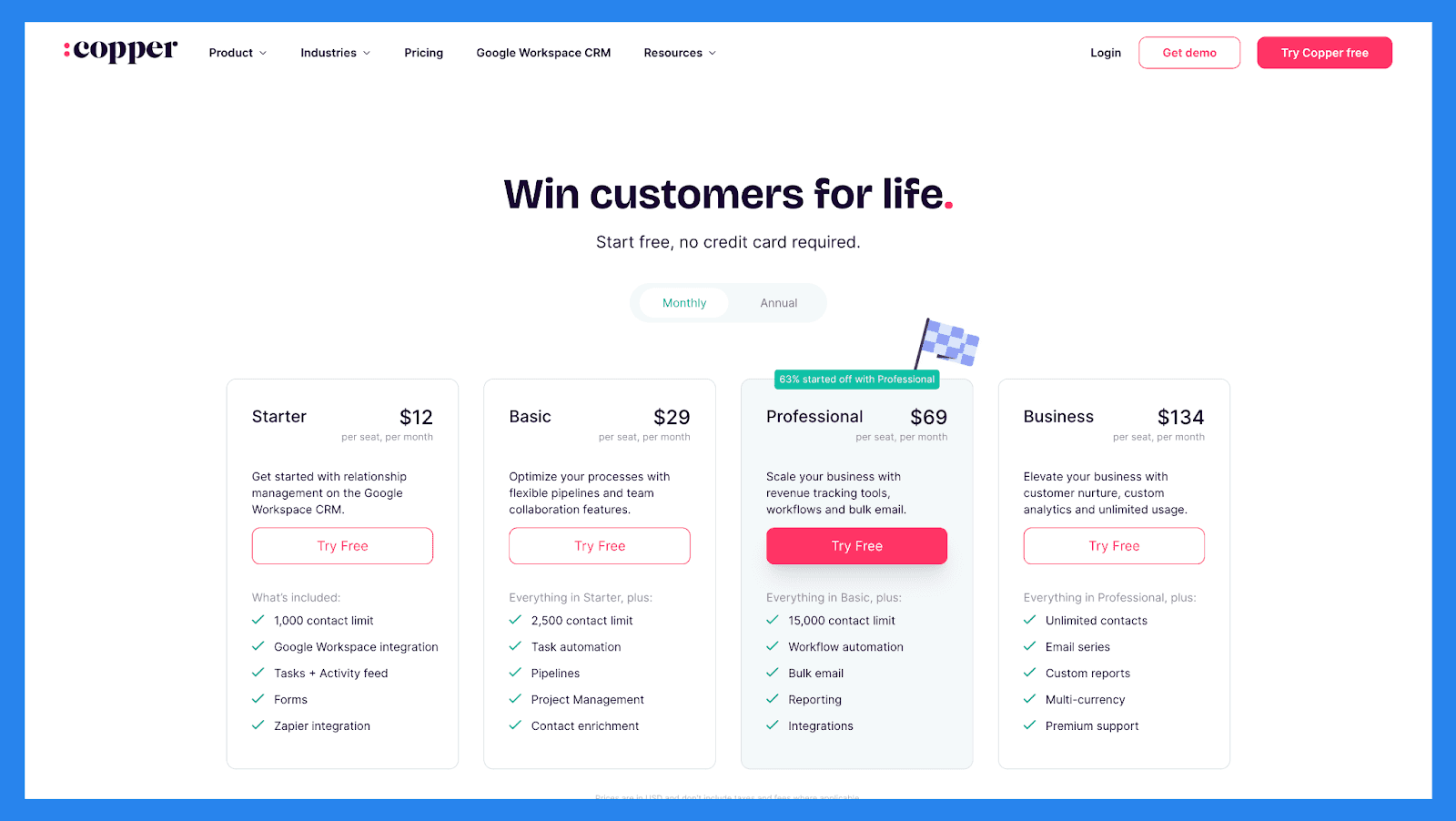
Starter ($12/user/mo): 1,000 contact limit, Google Workspace integration, Tasks + Activity feed, Forms. Plus 1 more.
Basic ($29/user/mo): everything in Starter, plus 2,500 contact limit, Task automation, Pipelines, Project Management. Plus 1 more.
Professional ($69/user/mo): 15,000 contact limit, Workflow automation, Bulk email, Reporting. Plus 1 more.
Business ($134/user/mo): everything in Professional, plus Unlimited contacts, Email series, Custom reports, Multi-currency. Plus 1 more.
noCRM.io: Best for Simplicity and Focused Lead Management
Summary
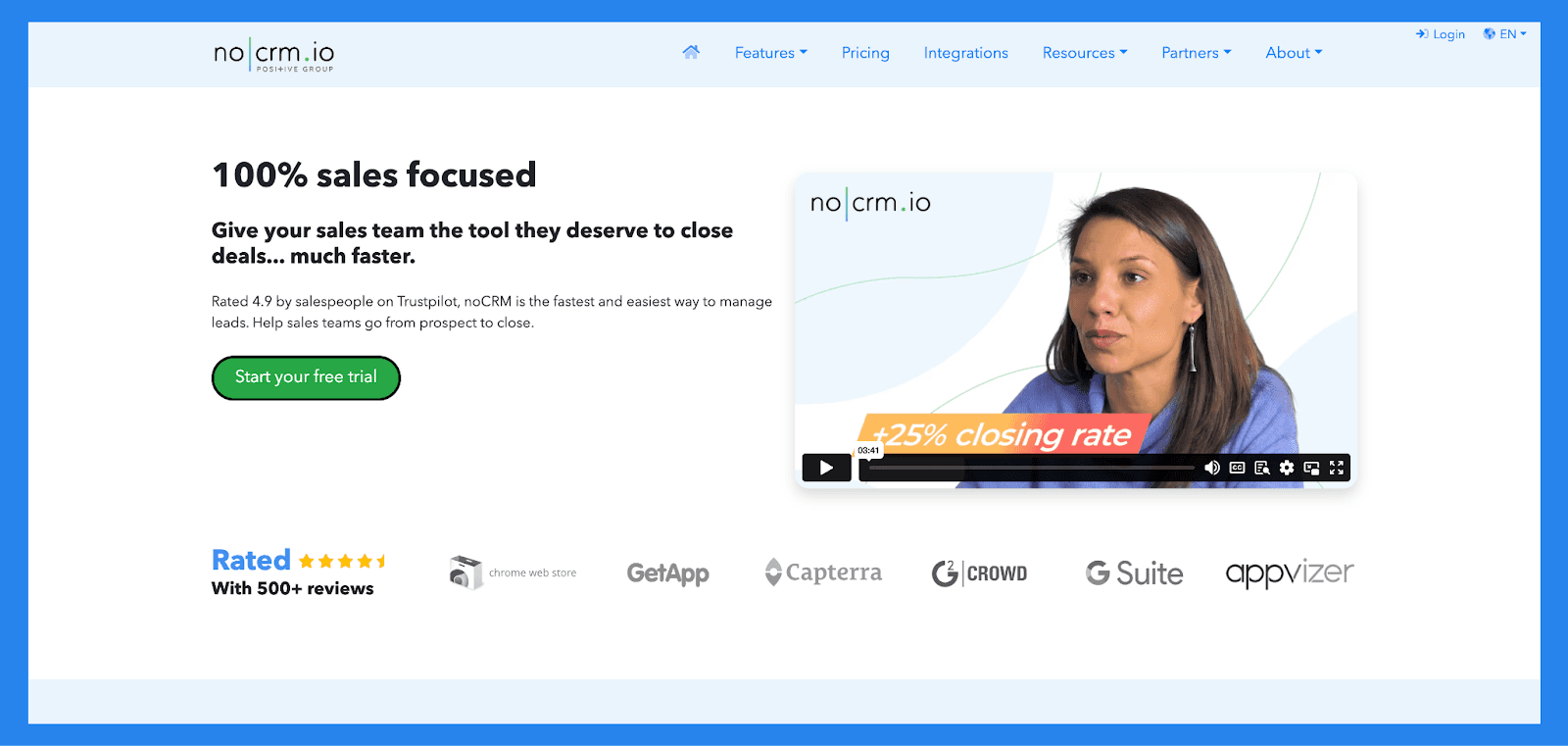
noCRM.io is a lightweight lead management software built specifically for salespeople who want to focus on closing deals rather than managing data. Unlike traditional CRMs, which can be bloated and complex, noCRM.io prioritizes lead activity over contact databases, offering a streamlined, customizable interface that ensures no sales opportunity slips through the cracks.
Designed to fit seamlessly into daily sales workflows, noCRM.io helps teams capture, qualify, and convert leads faster, making it a great fit for small to mid-sized sales teams that value simplicity and efficiency.
Key features for lead tracking
Lead Capture. Quickly add leads from emails, web forms, business cards, or manual entry.
Sales Pipeline Management. Visual pipelines to track lead progress and stay organized.
To-Do Based Workflow. Focused task system that helps reps know exactly what to do next.
Customizable Sales Scripts. Build and embed structured outreach templates for consistency.
Collaboration Tools. Share notes, assign leads, and monitor team activity in real time.
Mobile App. Access pipelines and manage leads on the go.
Integrations. Connect with tools like Google Workspace, Zapier, Slack, and more.
Ratings: G2 - 4.6 /5 (921) · Capterra - 4.7/5 (406).
Pros
Offers a range of sales-specific features like goal tracking, email synchronization, and sales scripts
Flexible lead tracking with metrics such as pipeline stage, status, activity notes, and more
Easy to set up and use, even for non-technical users
Streamlined interface that focuses on actionable tasks instead of data entry
Strong collaboration tools for small and mid-sized sales teams
Cons
Requires manual input when setting up sales campaigns, which can slow down onboarding
Some key metrics are missing, despite having solid overall data visibility
Reporting and analytics are limited, making it harder to extract deep performance insights
Not ideal for larger teams that need advanced customization or enterprise-level features
Pricing Plans
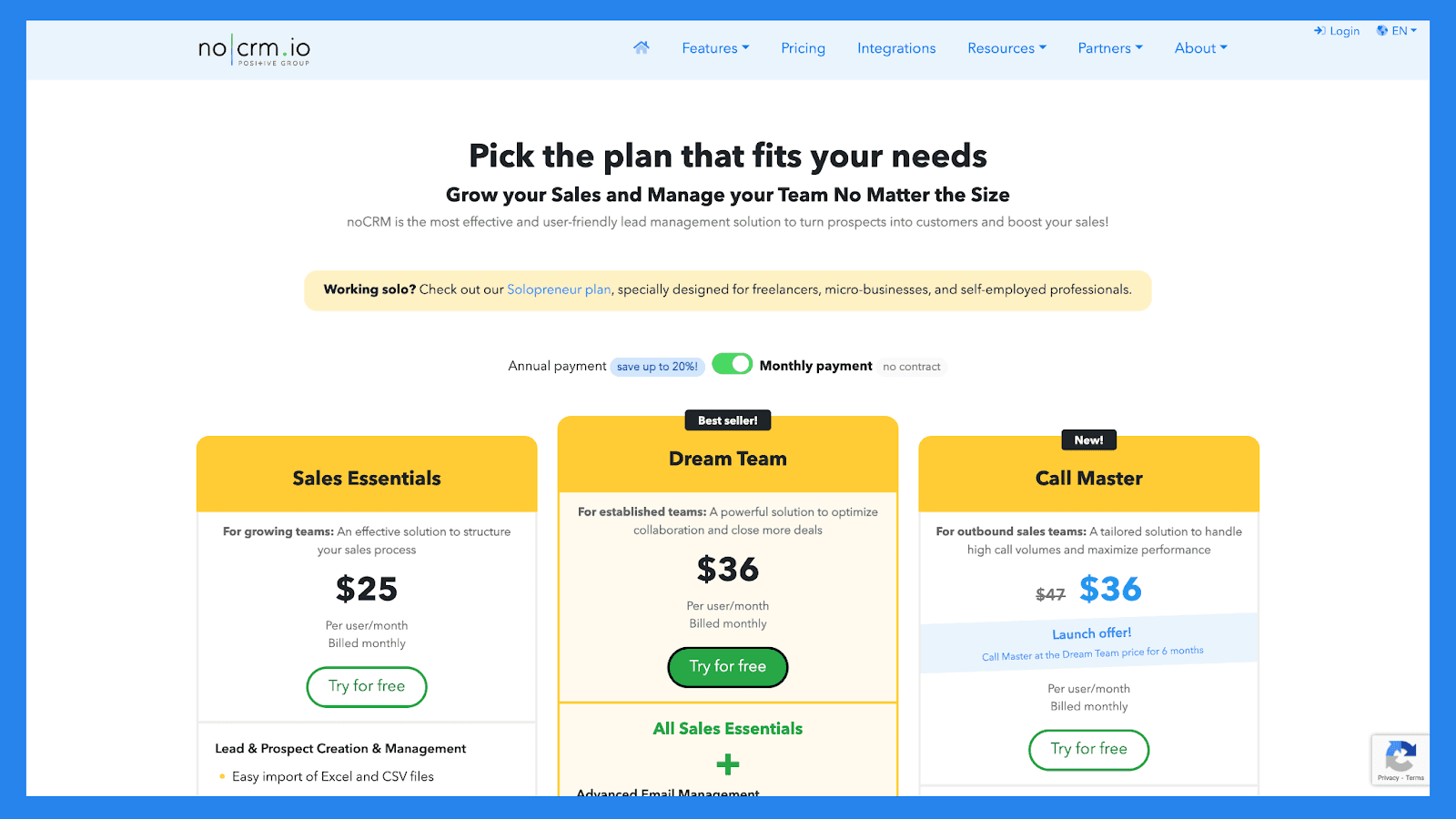
Sales Essentials ($25/user/mo): Easy import of Excel and CSV files, Lead generation through multiple channels: email, business card scanning, or connected forms, Smart classification and prioritization, Duplicate detection. Plus 17 more.
Dream Team ($36/user/mo): everything in Sales Essentials, plus Email sync : send, receive, and schedule emails directly from noCRM, Customizable email templates and signatures, Performance tracking (opening, click, and response rates), CloudTalk, JustCall, Aircall, etc. : integration with the best VoIP solutions on the market to make calls directly from noCRM. Plus 20 more.
Call Master ($36/user/mo): everything in Dream Team, plus Multiple files import, Advanced settings: lead source, operating conditions, automation triggers based on call outcomes, Ongoing, stopped or completed campaigns visualization, Detailed tracking of call results and outcomes. Plus 8 more.
🔁 The Best Lead Tracking Software Outside CRMs
While CRMs offer built-in lead tracking features, they're not always the best fit for every business: especially if you're looking for something leaner, more specialized, or easier to integrate with your existing tools. Whether you're working with spreadsheets, landing page builders, or marketing automation platforms, there are plenty of non-CRM lead tracking tools that can help you capture, monitor, and follow up with leads effectively.
Below, we've rounded up some of the best lead tracking software outside traditional CRMs: perfect for teams who want flexibility without the overhead of a full CRM system.
🗂️ Standalone Lead Tracking Tools Comparison Table
CRM | Best For | Starting Price | Main Drawback | Free Plan? |
|---|---|---|---|---|
lemlist | Best for multichannel outreach and deliverability | $63/user/mo | Real cost climbs with add-ons | ❌ |
Clay | Best for AI prospecting and enrichment | $0 free, then $185/mo | Credit costs add up fast | ✅ |
ClickPoint | Best for speed-to-lead and field sales | Custom | Less flexible automations | ✅ |
🥇lemlist: Best for Multi-Channel Outreach and Deliverability
Summary
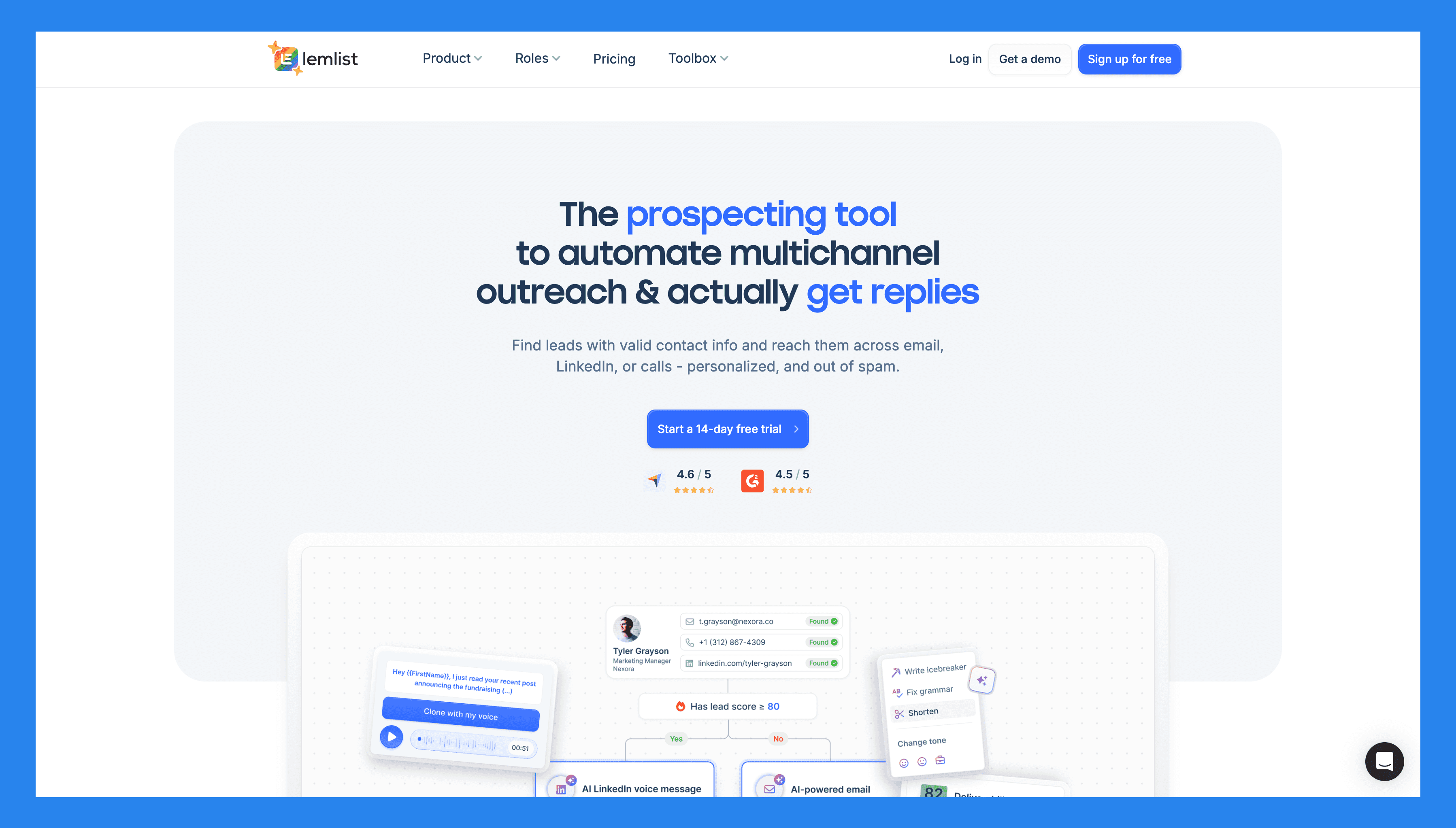
lemlist is a powerful sales engagement and multi-channel outreach automation platform built for teams that want to scale outbound efforts without sacrificing personalization. Geared toward sales leaders, outbound teams, and agency owners within small to medium-sized businesses (SMBs), lemlist helps users create highly personalized email campaigns, automate follow-ups, and track lead engagement: all in one place.
With a strong focus on conversion-driven outreach, lemlist makes it easy to manage cold leads, warm them up through smart sequencing, and ultimately turn prospects into paying customers. Whether you're running cold email campaigns or LinkedIn outreach, lemlist gives you the tools to track what matters and improve outreach at scale.
Key features for lead tracking
Personalized Outreach at Scale. Send highly customized emails using dynamic text, images, and videos
Automated Follow-Ups. Set up multi-step sequences that continue outreach based on lead behavior
Image & Video Personalization. Add dynamic visuals to boost engagement and stand out in crowded inboxes
A/B Testing. Test subject lines, content, and timing to optimize campaign performance
Campaign Analytics. Get real-time insights into open rates, replies, clicks, and bounce rates
lemwarm. Built-in email warm-up tool to improve deliverability and inbox placement
Lead Database. Import, organize, and manage leads directly within the platform
Email & Phone Finder. Discover verified contact details to enrich your outreach list
Chrome Extension. Easily capture leads and add them to campaigns while browsing LinkedIn or websites
Ratings: G2 - 4.3/5 (3,461) · Capterra - 4.4/5 (301).
Pros
Personalization at scale with dynamic text, images, and videos
Robust lead database for managing and enriching contact lists
Multichannel outreach across email, phone, and social platforms
lemwarm tool improves email deliverability and inbox placement
Advanced campaign sequences with behavior-based automation
Extensive support resources including tutorials, templates, and guides
Cons
Expensive compared to similar tools targeting SMBs
Clunky or confusing UI may hinder workflow efficiency
Steep learning curve for beginners or non-technical users
Limited CRM integrations, especially with niche platforms
Inconsistent customer support with slow or unhelpful responses
Occasional bugs or performance issues, particularly at scale
Pricing Plans
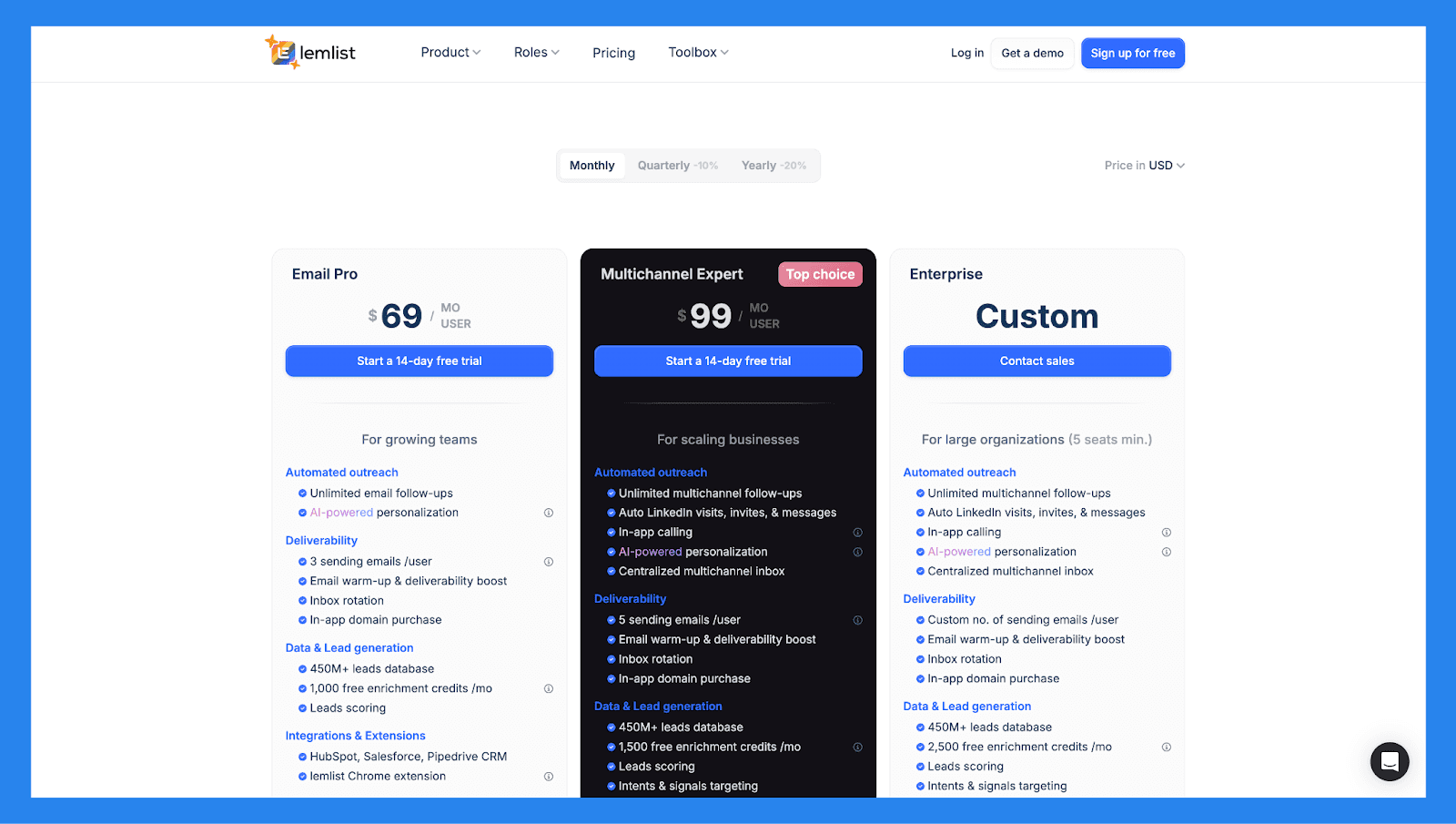
Email Pro ($63/user/mo): cold email, 3 sending addresses per user, warmup and deliverability tools.
Multichannel Expert ($87/user/mo): everything in Email Pro, plus LinkedIn steps, calls, 5 senders and the lead database.
Enterprise (custom): everything in Multichannel Expert, plus advanced security, dedicated support and onboarding.
Prices are billed annually. The real bill usually runs higher once you add mailboxes and lead-finder credits.
🥈Clay: Best for AI-Powered Prospecting and Data Enrichment
Summary
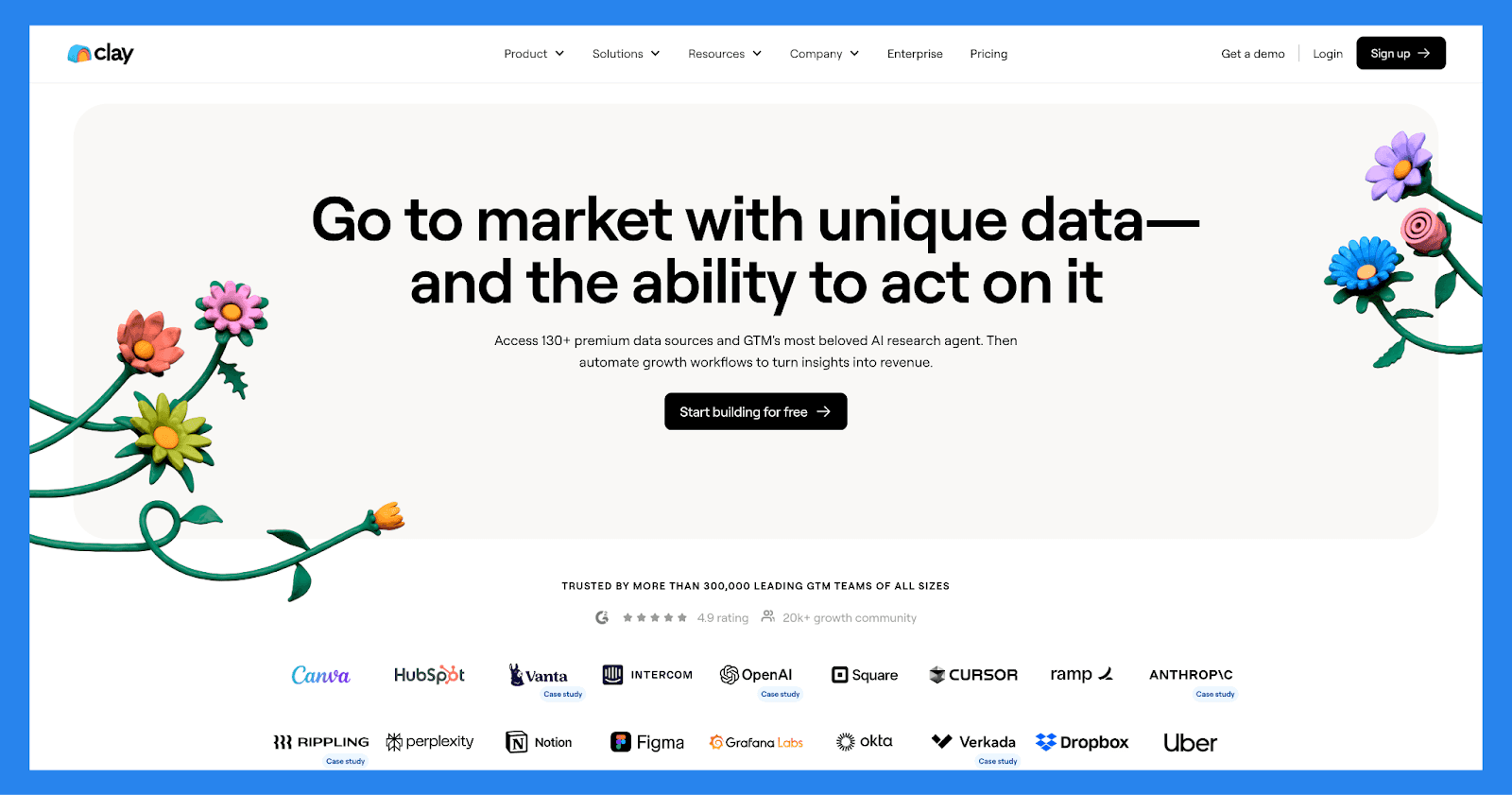
As the name suggests, Clay is something of a shapeshifter in the SaaS world. While it's often positioned as a sales intelligence platform that helps professionals manage relationships, that description only scratches the surface. By integrating with over 100 external enrichment tools and leveraging powerful AI algorithms, Clay helps teams not only identify high-value prospects but also enrich, score, and segment leads with remarkable precision.
Powered by integrations with over 100 enrichment sources and its own AI research agent, Clay automates the most time-consuming parts of lead management: research, segmentation, prioritization, and list building. It's an ideal fit for growth teams, SDRs, and revenue ops looking to streamline how leads are captured, qualified, and handed off: all without jumping between tools.
Key features for lead tracking
Waterfall Enrichment. Automatically pulls the most accurate data from multiple sources to enrich lead profiles
Account & Lead Scoring. Prioritize prospects based on firmographic data, behavior, and buying signals
Intent Data. Identify leads actively researching your solution or related topics
AI Research Agent (Claygent). AI tool that automates manual research by pulling relevant insights from across the web
AI-Powered Lead List Building. Generate targeted lead lists using filters, intent signals, and enrichment criteria
Personalized Outreach. Customize emails and campaigns with dynamic data to boost response rates
Ratings: G2 - 4.9/5 (150) · Capterra - N/A.
Pros
Expansive integration library for syncing with CRMs, enrichment tools, and outbound platforms
Claygent AI agent saves time on manual lead research
Freemium plan available for small teams or testing
Robust data enrichment for building accurate, high-quality lead profiles
Cons
Premium pricing may be too high for small businesses
Steep learning curve, especially for new users
Overwhelming UX for those unfamiliar with data-heavy tools
Action token system can become costly without proper usage management
Pricing Plans
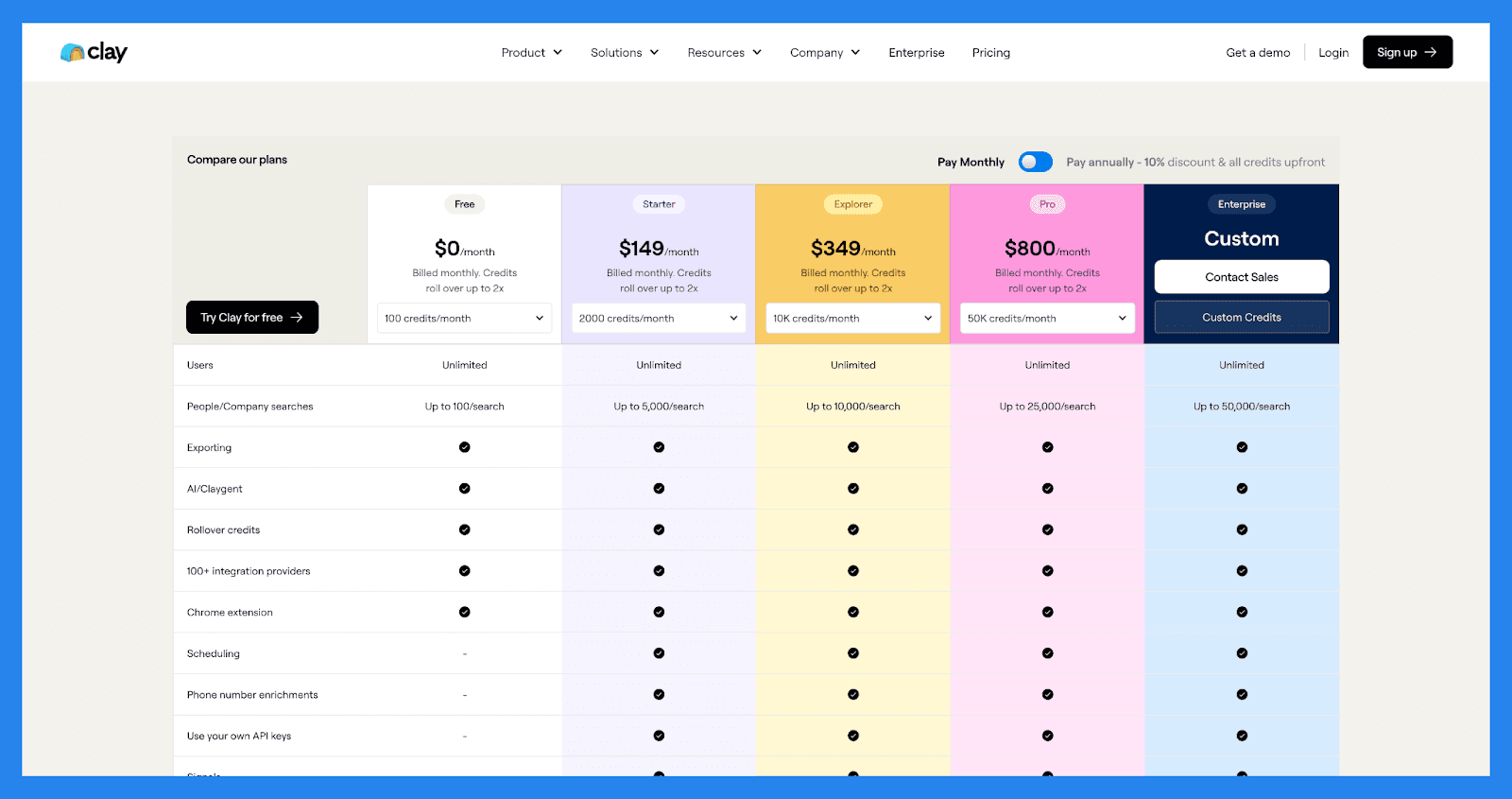
Free ($0): 100 monthly credits, unlimited users, core enrichment and table building.
Launch ($185/mo): everything in Free, plus more credits, integrations and AI research agents.
Growth ($495/mo): everything in Launch, plus higher credit volumes, conditional formulas and rollover credits.
Enterprise (custom): everything in Growth, plus SSO, advanced support and bespoke volume.
Clay restructured its self-serve plans in March 2026. Legacy Starter, Explorer and Pro plans stay available for existing customers.
🥉ClickPoint: Best for Speed-to-Lead and Field Sales Teams
Summary
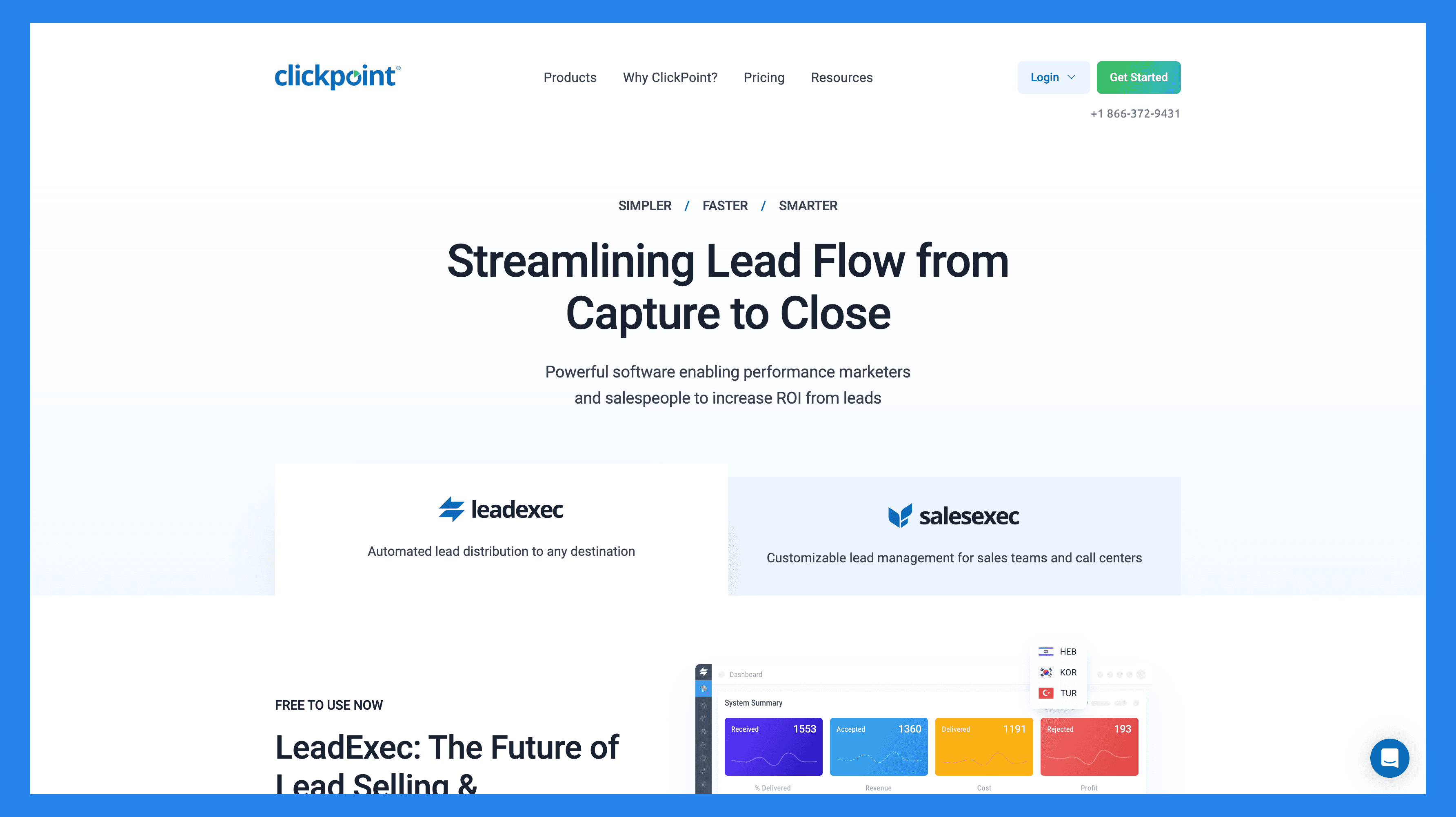
Designed for sales teams both in the office and out in the field, ClickPoint helps businesses improve prospect outreach and automatically prioritize high-value leads. The platform offers two integrated solutions: LeadExec, for lead distribution and capture, and SalesExec, for lead follow-up, engagement, and closing.
Together, these tools support the entire lead management lifecycle: from capturing and routing inbound leads to nurturing them through automated workflows and intelligent prioritization. ClickPoint is ideal for businesses that rely on speed-to-lead, multi-channel engagement, and field sales coordination to stay competitive.
Key features for lead tracking
Calendar Reminders. Stay on top of follow-ups and appointments with built-in scheduling alerts
Call Logging. Automatically track call activity and link it to specific leads and opportunities
Auto-Dialer. Speed up outbound calling with a power dialer that connects reps to leads efficiently
Marketing Automation. Trigger follow-ups, emails, and workflows based on lead behavior and status
Field Sales Management. Coordinate on-the-go reps with tools for tracking activities, appointments, and updates in real time
Ratings: G2. N/A · Capterra - N/A.
Pricing Plans
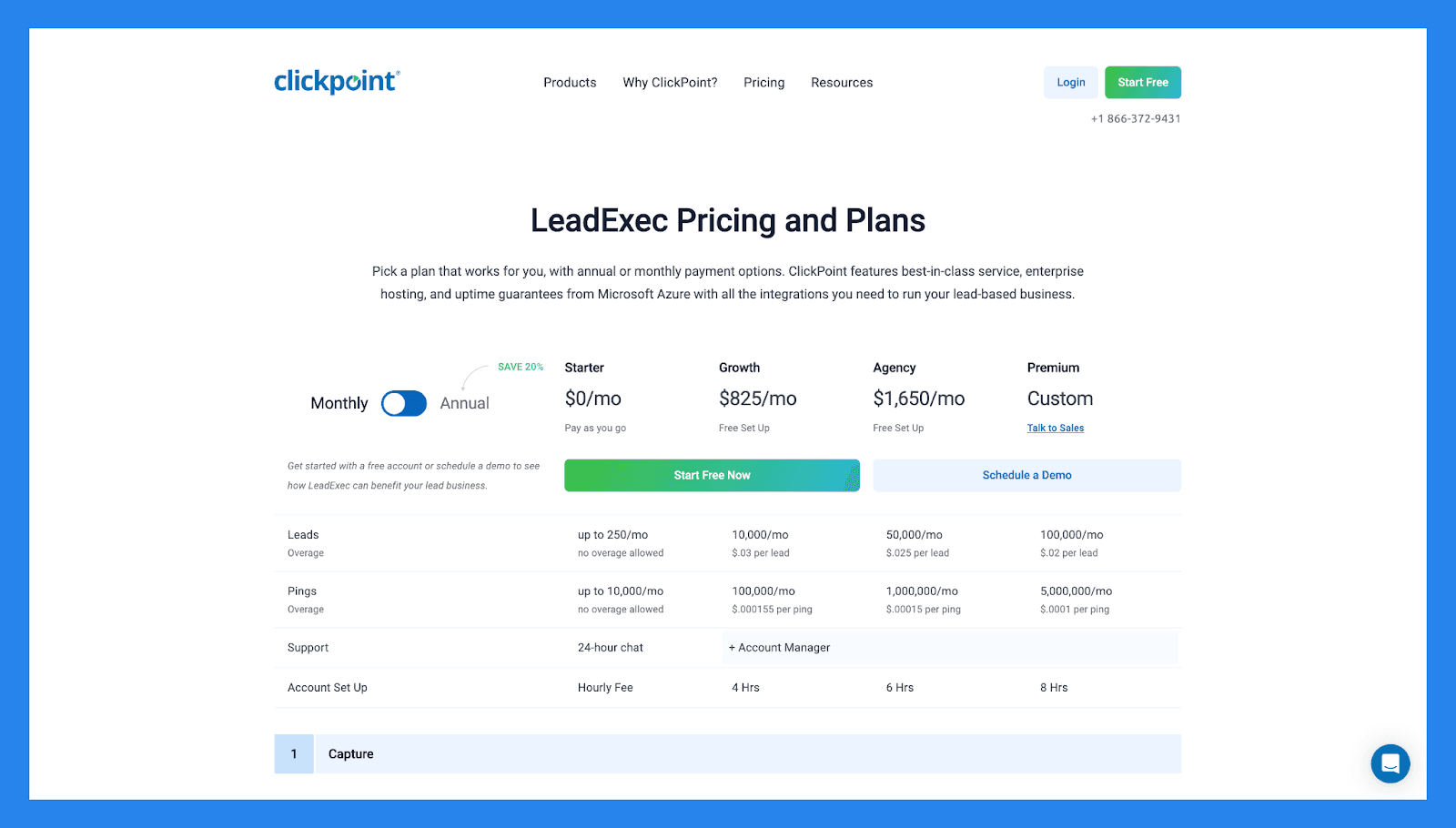
Starter ($0/mo): up to 250 leads and 10,000 pings per month, with 24-hour support.
Growth ($825/mo): everything in Starter, plus 10,000 leads, more pings and routing rules.
Agency ($1,650/mo): everything in Growth, plus 50,000 leads and advanced automation.
Premium (custom): everything in Agency, plus 100,000 leads and enterprise controls.
💭 Final Thoughts
Whether you are running outreach as a solo founder or scaling a sales team, the right lead tracking software can make or break your pipeline in 2026. The landscape has split: classic CRMs like HubSpot and Pipedrive, data-model powerhouses like Attio, fresh AI-native players like Folk and Clarify, and specialized tools like Clay and lemlist that live outside the CRM entirely.
The real question this year is not just where leads sit, it is whether your CRM can watch the conversation and act on it. That is why the multichannel, AI-native approach wins for most SMB sales teams: you track leads across every channel automatically, and the AI moves them forward instead of waiting for you to update a field. If you are specifically replacing an old stack, our guides to AI-native HubSpot alternatives and Pipedrive alternatives go deeper.
Pick the tool that matches your team size, your channels and your budget. Set it up once, let it capture and engage leads for you, and stop letting good prospects slip through the cracks.
Frequently asked questions

Written by
Arnaud Belinga · Co-Founder & CEO at Breakcold
Arnaud is the Co-Founder & CEO of Breakcold, the AI Native CRM for sales teams of 5 to 30+ people.