
CRM Integration with Zoom (The Best 3 CRMs for it in 2026)
Since Covid-19, Zoom became one of the most used softwares to organize B2B calls on planet earth 🌍
As a consequence, CRMs started to integrate Zoom 🔗
In this very short article, here are 3 CRMs with a Zoom integration 🎥
CRM Integration with Zoom (The Best 3 CRMs for it) (TL;DR) |
|---|
Since Covid, Zoom became the default way to run B2B sales calls 🌍 So naturally, CRMs had to integrate it. But not all Zoom integrations are built the same. 🎥 Zoom integration lets you log meetings automatically inside your CRM. 🔗 Meetings get attached to contacts with join links and activity tracking. 📝 Some CRMs pull recordings and transcripts into the contact timeline. 🧠 Breakcold stands out with a built-in AI meeting brain that: • Writes a meeting brief before the call • Auto-records and transcribes Zoom calls • Links meetings automatically to contacts • Creates CRM tasks based on what actually happened 🏢 HubSpot offers solid Zoom logging and transcripts but deeper intelligence depends on higher tiers and manual workflows. 📞 Close is great for calling-first teams Zoom fits naturally into its workflow, but it logs and stores more than it thinks. 🤝 Other viable options exist like Pipedrive and noCRM.io but they’re less AI-native when it comes to Zoom intelligence. 🚀 The real difference isn’t just connecting Zoom to your CRM it’s whether your CRM understands what happened during the call and acts on it automatically. |
CRM #1: Breakcold - The AI Native CRM for salespeople
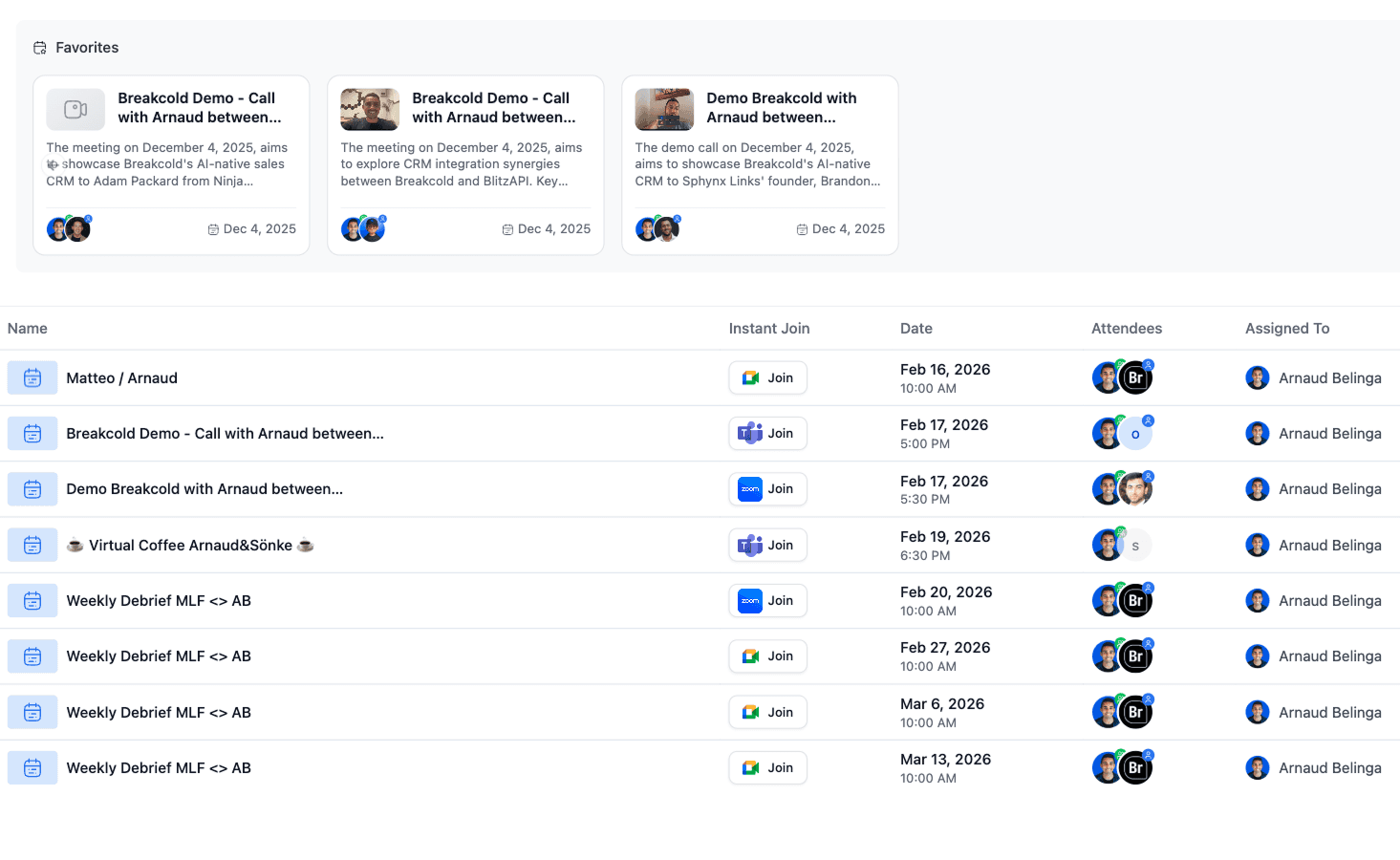
Breakcold has a built-in meeting recorder that connects to Zoom automatically.
Pros
Automatic meeting linking
Once a meeting is booked with someone, the meeting is automatically linked to the contact in the CRM with a Zoom button to join the meeting.
Automatic recording + transcript
Without you to do anything, a Breakcold meeting bot will join your Zoom calls to record the video and make text transcript of what happened.
Meeting Brief of Zoom Calls
Before each meeting, a brief is written by the AI of Breakcold that takes into account all your past meeting, email and social conversations. That way, you don't have to search in the CRM to find info or guess info before the call.
Action tasks after Zoom Calls
On top of the AI transcript generated, CRM tasks are also created depending on what happened during the Zoom call.
Cons
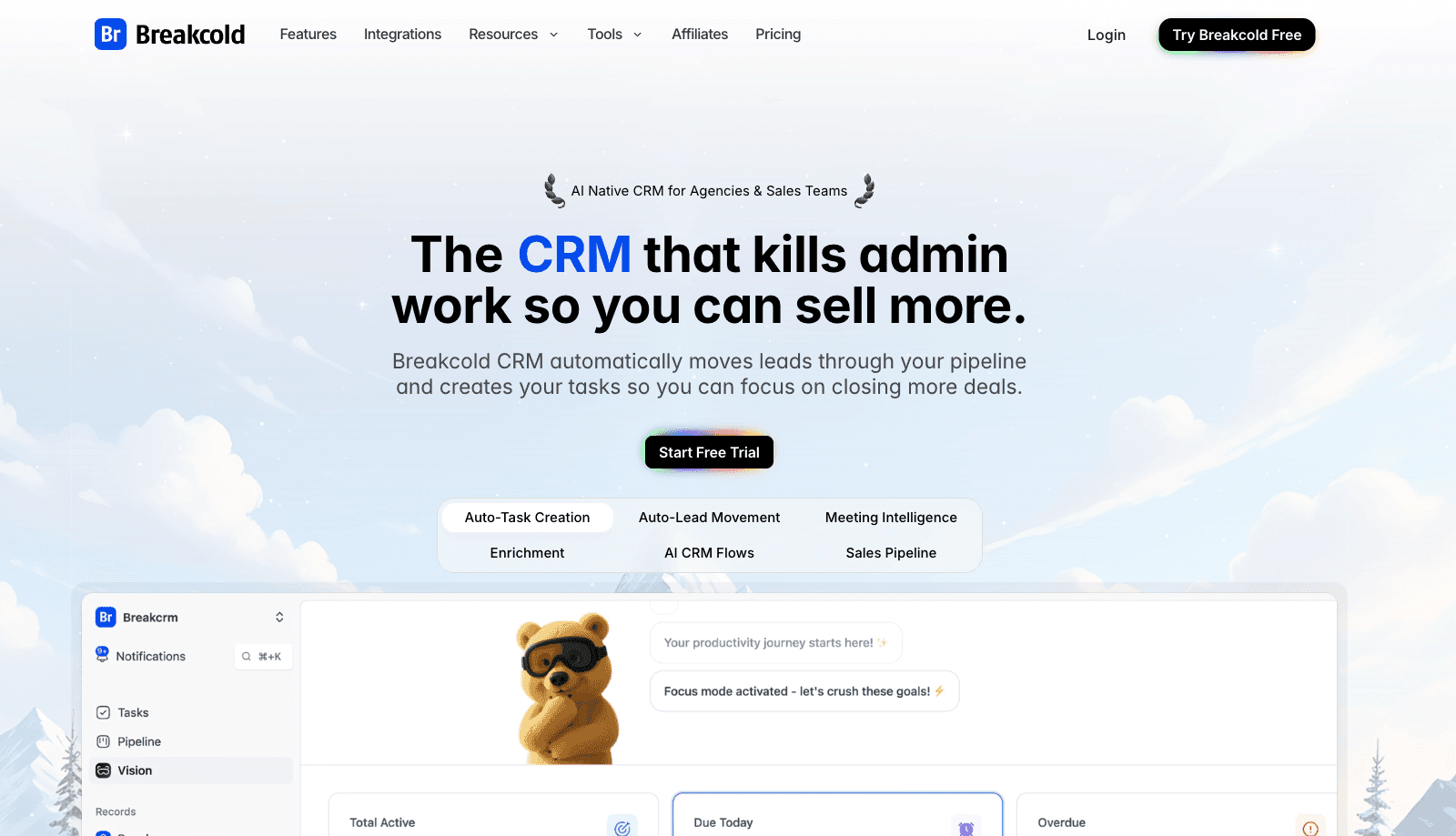
Like anything, Breakcold also has cons ⚠️.
When it comes to its Zoom integration, you can't modify Zoom calls within Breakcold or send invitations.
CRM #2: Hubspot - The Marketing CRM with Zoom Power
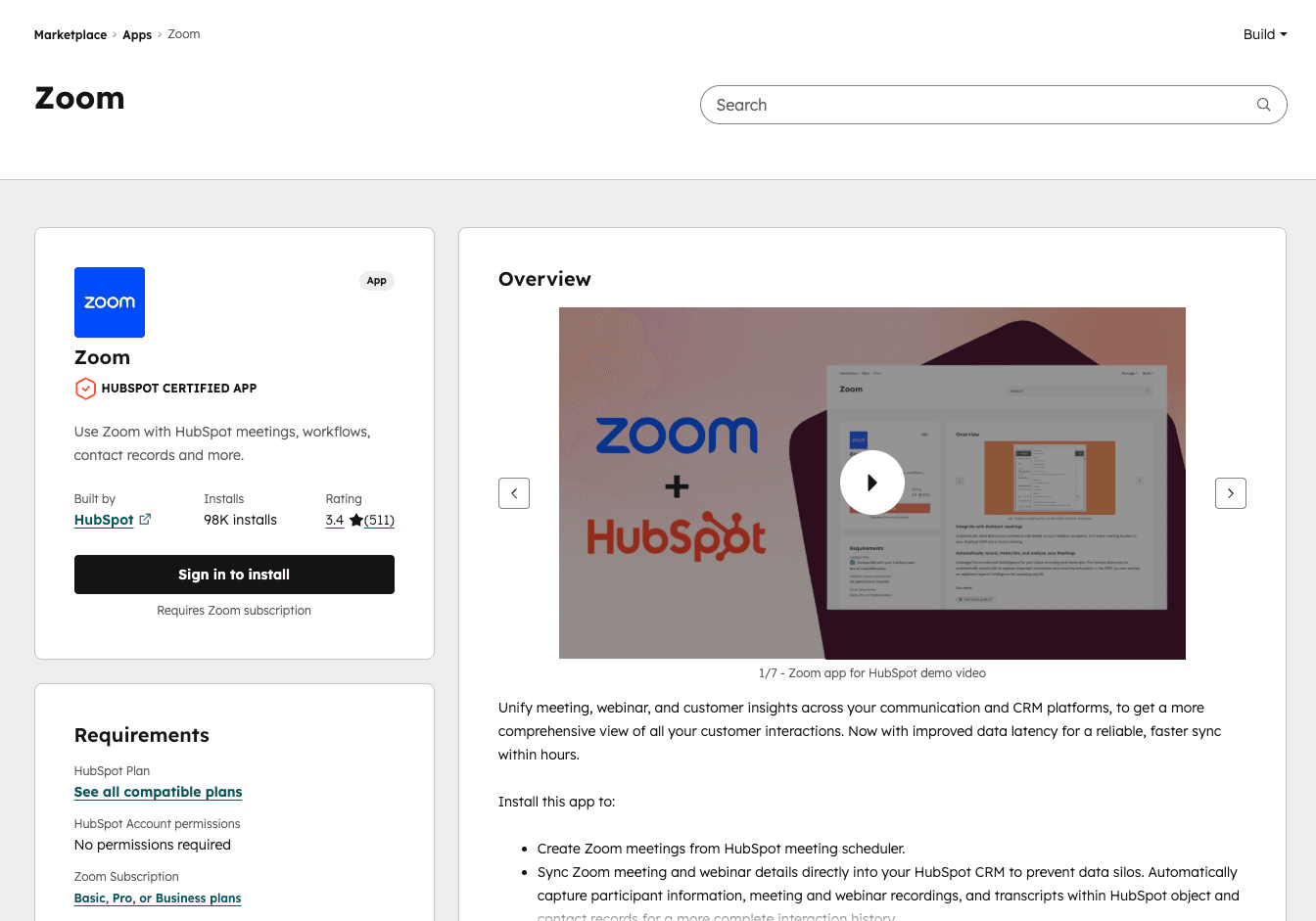
You plug Zoom into HubSpot. Cool. It works. But like most things in HubSpot… it’s clean, structured… and slightly corporate.
Here’s the breakdown.
Pros
Automatic meeting logging
When someone books a meeting via HubSpot meeting links, it syncs with Zoom.
The meeting gets attached to the contact.
You see it in the activity timeline.
You get the Zoom join link inside the CRM.
That part is solid.
No manual copy-paste chaos.
Recording & transcript (if you pay enough)
If you record the Zoom call, HubSpot can pull the recording + transcript into the contact record.
For sales managers, that’s useful.
You can:
Review rep performance
Check objections
See deal signals
But… this depends on your Zoom plan and your HubSpot tier.
Nothing is really “native-native.” It’s more stitched together.
Cons
Now let’s be honest.
It’s not deeply AI-native
HubSpot records.
HubSpot transcribes.
HubSpot stores.
But it doesn’t really think.
No real meeting brief based on all past conversations.
No auto-generated CRM updates based on real context.
No dynamic deal movement unless you manually define workflows.
It feels structured.
Not intelligent.
It’s tier-gated
Want conversation intelligence?
Upgrade.
Want better automation?
Upgrade.
Want deeper reporting?
Upgrade again.
HubSpot’s Zoom integration is good…
If you’re already deep into expensive tiers.
No proactive CRM brain
After a Zoom call:
You still need to:
Decide what to update
Move the deal
Add notes properly
Create next steps
Yes, you can automate some of it.
But you have to think through all the rules first.
It’s not like:
“AI understood what happened, updated the CRM, created tasks, moved pipeline, done.”
CRM #3: Close - The perfect CRM for Calling
Close is a different animal.
It’s not trying to be the corporate all-in-one empire like HubSpot.
It’s built for sales teams that live on calls.
Pros
Here are the pros of Close.io 🧠.
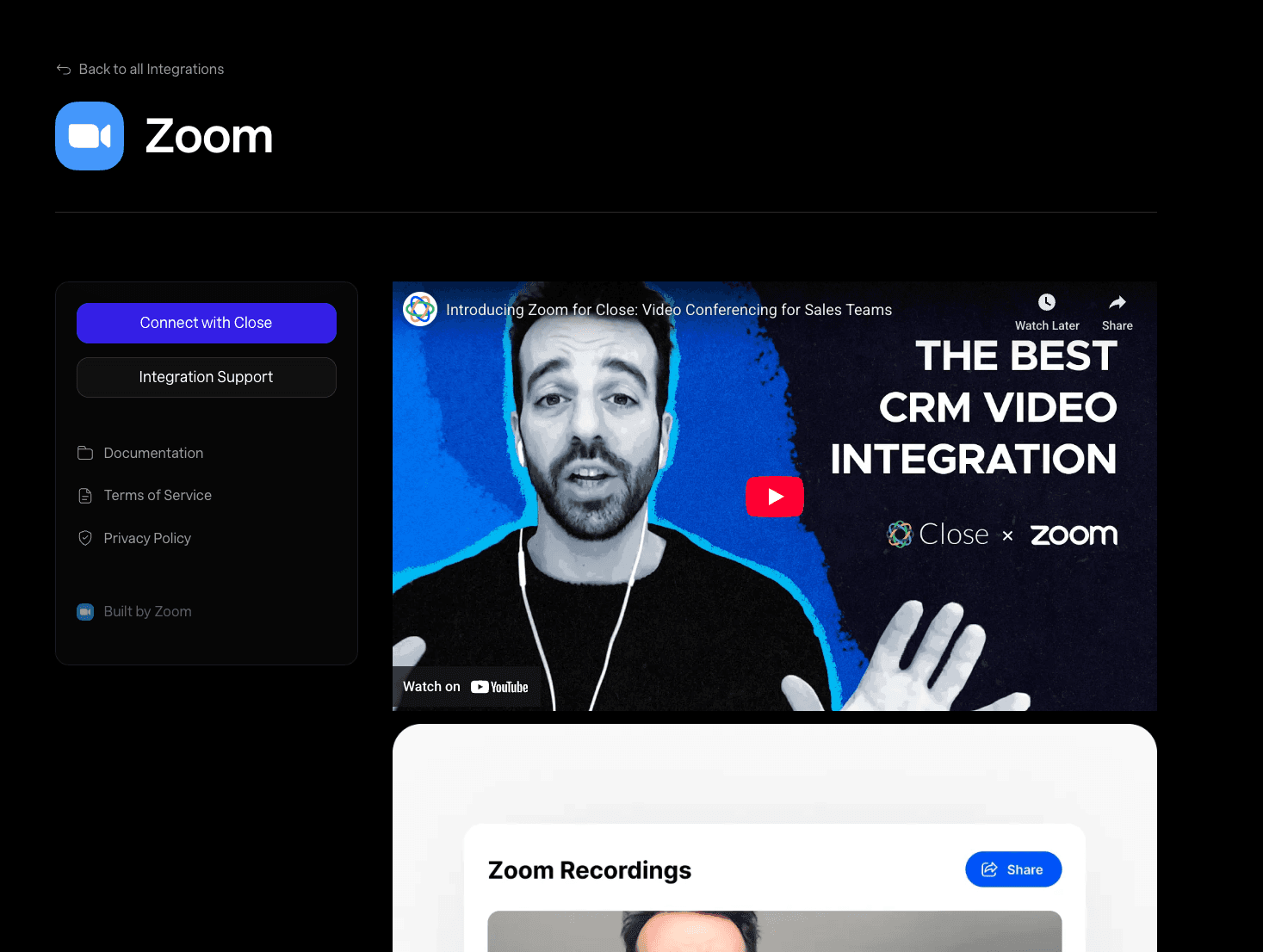
Zoom meetings logged automatically
When you connect Zoom to Close:
Meetings get logged to the contact
Recording links can sync
Call details appear in the activity feed
Clean.
Minimal friction.
You don’t have to manually paste Zoom links everywhere.
Built for calling-first teams
Close is already strong on:
Built-in dialer
Call logging
SMS
Email
Zoom just extends that.
So if your reps are heavy on demos and discovery calls, it fits naturally into the workflow.
It doesn’t feel like a random bolt-on.
Cons
Here are the cons of Close.io:
Not deeply AI-native either
Yes, you get recordings.
Yes, you get transcripts if you combine tools.
But Close doesn’t automatically:
Generate a full contextual meeting brief before the call
Understand multi-channel history at depth
Create structured next steps based on conversation context
It logs.
It stores.
It doesn’t really “think.”
Zoom still feels external
Zoom is integrated, but not absorbed.
You still:
Jump to Zoom
Run the meeting there
Come back to Close
There’s no real “meeting brain” layer that owns the lifecycle.
It’s connected.
Not unified.
Are there any other viable alternatives to Breakcold & the other CRMs mentioned in this article?
For once, I want to say YES, you have Pipedrive, noCRM.io & many others but with the time I had I just focused on three CRMs.
Written by Arnaud Belinga