



Cold Email Doesn't Work: 7 Key Methods To Solve It
TL;DR: cold email fails on deliverability, targeting or offer, and all three are fixable
✅ Cold email breaks when you have a low open rate (below 40 percent), a bad reply rate (below 5 percent), poor targeting or a weak offer.
✅ Fix deliverability first: set up SPF, DKIM and DMARC, add custom domain tracking, and run email warm-up.
✅ Use a dedicated secondary .com or .io domain and cap volume at 30 to 50 emails per day per domain.
✅ Niche down your list hard so you can personalize at scale instead of blasting a broad audience.
✅ Sharpen the offer: a one or two sentence pitch, numbers in the value proposition, and a case study in the PS line.
What elements can cause Cold Email to doesn't work?
Cold email doesn't work when you have low open rate, bad reply rate, bad targeting and/or bad offer.
Low open rate
A low cold email open rate is anywhere below 40%.
Some people who unfortunately send cold emails with an email marketing software because they don't know the difference between cold email vs email marketing even have open rates between 1 to 5%.
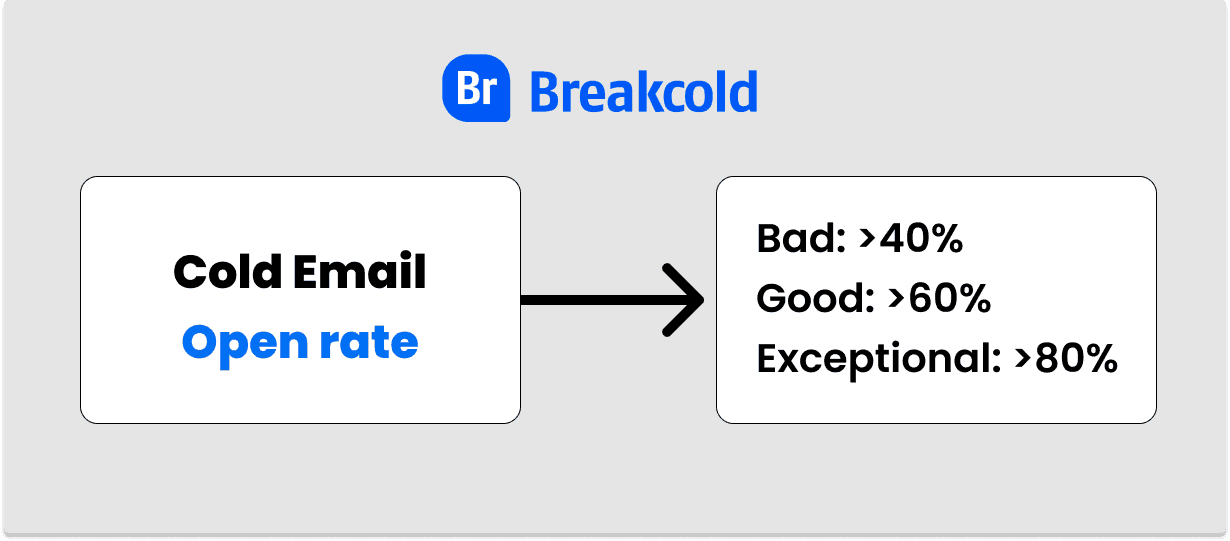
Showcase of cold email open rates
When it comes to sales representatives, they often have open rates around 20% because they simply send too many emails per day.
Bad reply rate
A bad cold email reply rate is anywhere below 5%.
Bad reply rates are directly link to the quality of your email copywriting, the quality of your offer and targeting.
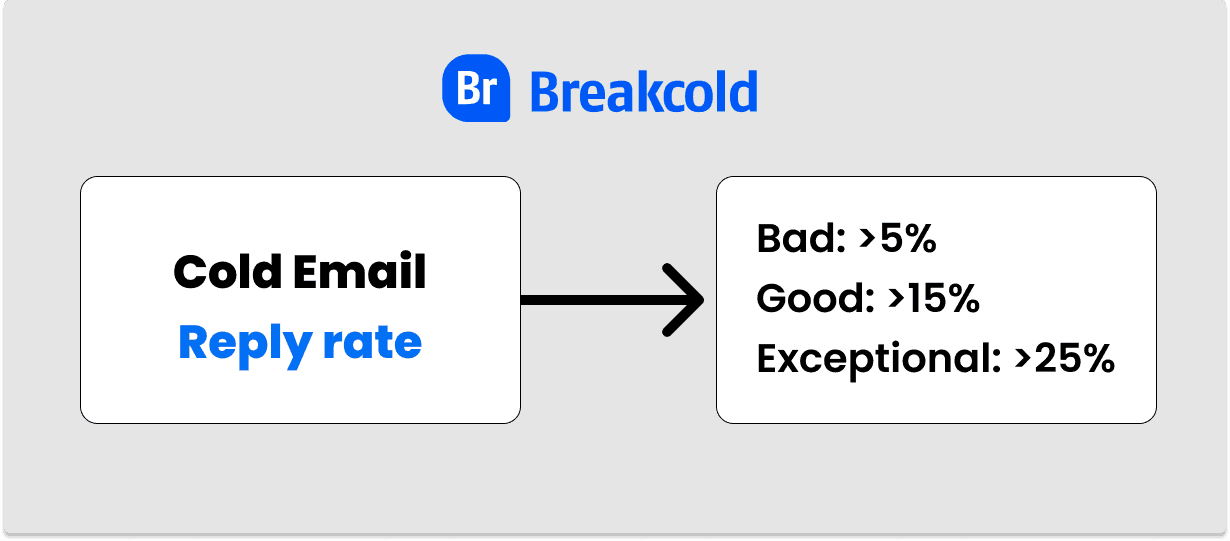
Showcase of cold email reply rates
Bad targeting
Bad targeting happens when you don't master your Ideal Customer Profile (ICP) also known as buyer persona.
If you target the wrong people, even with the best offer and best cold emails in the world, you will fail.
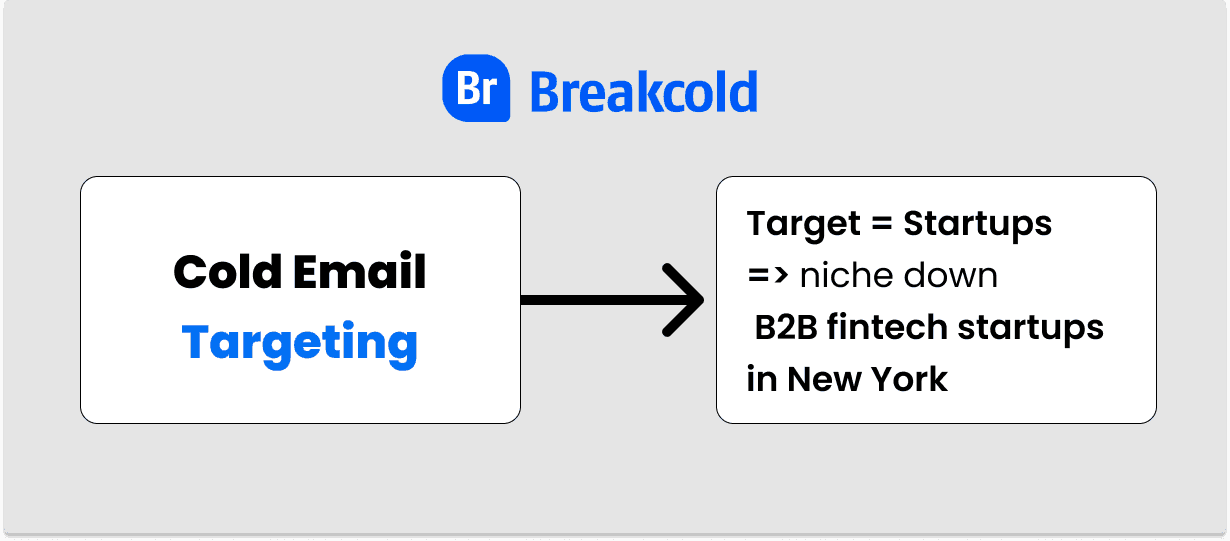
Example of how to target better when doing cold emailing
Bad offer
A bad offer in cold emailing means that your sales pitch is weak or that your offer is inferior to competitors.
How I feel when I had my good results with cold emails
7 key methods to solve situations where cold email doesn't work
Does cold email work? Yes and we'll show you how to fix it if doesn't for you right now.
1. Set up SPF, DKIM & DMARC
Long story short, SPF, DKIM and DMARC are email authentication settings, DNS records precisely, that need to be done in order to improve your email deliverability.
If you're using Gsuite for example, SPF and DKIM are set up by default so you only have to take care of DMARC.
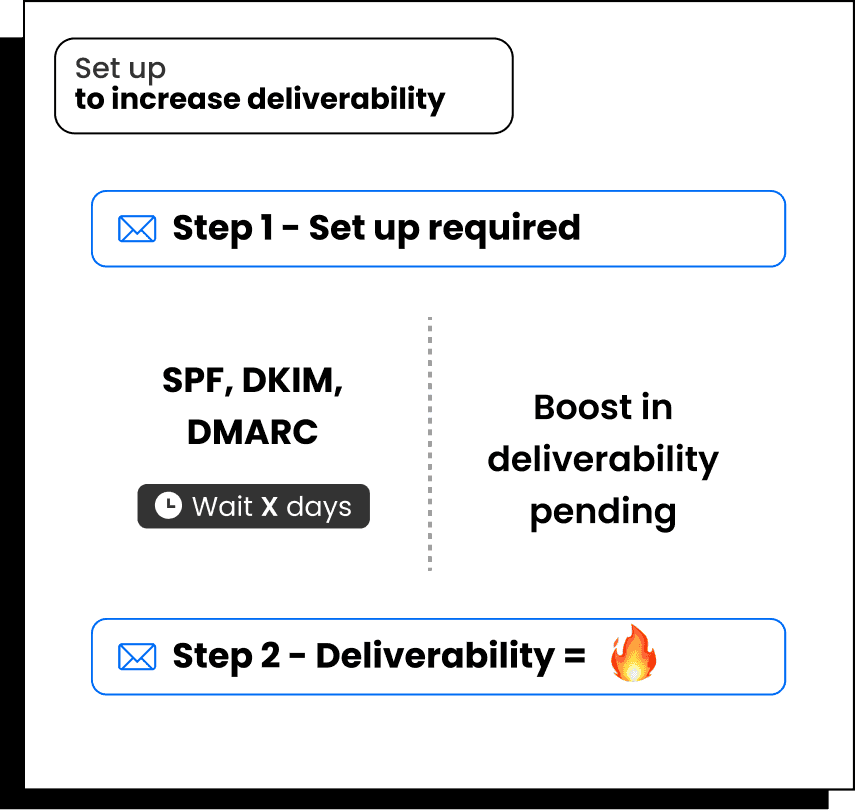
DMARC is the most important setting
This is the procedure to set up DMARC:
go to your email sending domain
go to your DNS records
click on add custom record
select TXT
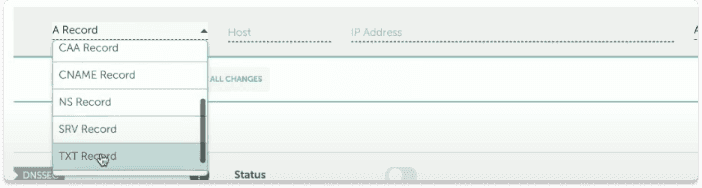
\
host is = _dmarc.[your-domain], not @ like the image below
value is like the image

Don't use the "@" as host like the image
2. Set up Custom Domain Tracking
People rarely send cold emails from their Gmail or Outlook inbox if they are salespeople or startup co-founders trying to close more B2B sales.
They tend to use a cold email software. The problem with these softwares is that you track your open rate with an invisible pixel that you share with other users of the platform.
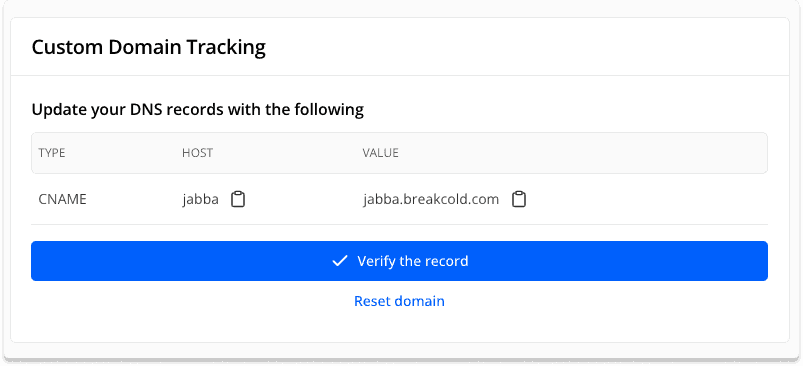
Example of custom domain tracking with Breakcold
By sharing this pixel, you expose yourself to lower open rates. The goal is to use your own pixel to track the open rate.
This is the procedure to set up Custom Domain Tracking:
go to your email sending domain
go to your DNS records
click on add custom record
select TXT
and copy paste the information given by your cold email software
Note: you can also decide to deactivate the tracking of the open rate once you know that you have a good email deliverability.
\
3. Set up Email Warm Up
If cold email doesn't work, email warm up is your savior.
Email warm up is an email deliverability method where emails are automatically sent to other people to increase your email deliverability. Emails are automatically removed from the spam folder and so on.
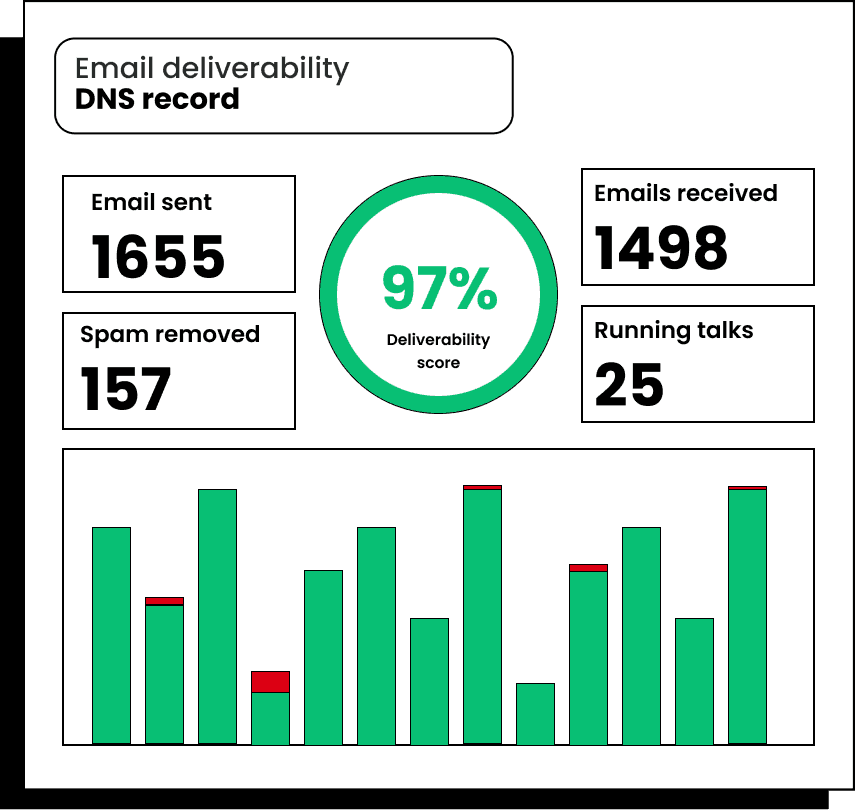
This how look an email warm up tool
To set up email warm up, do the following:
go to Breakcold
connect an email account
set up email warm up
wait 14 days to 21 days before sending cold emails again
let the email warm up runs while you have campaigns running
4. Use a secondary domain dedicated to cold emailing
Sometimes, you send cold emails from a domain that is already blacklisted or labeled as spam by blacklists.
Your goal is to take a fresh start with a brand new domain that has an extension finishing in .com or .io but nothing fancy with .zy or .xyz.
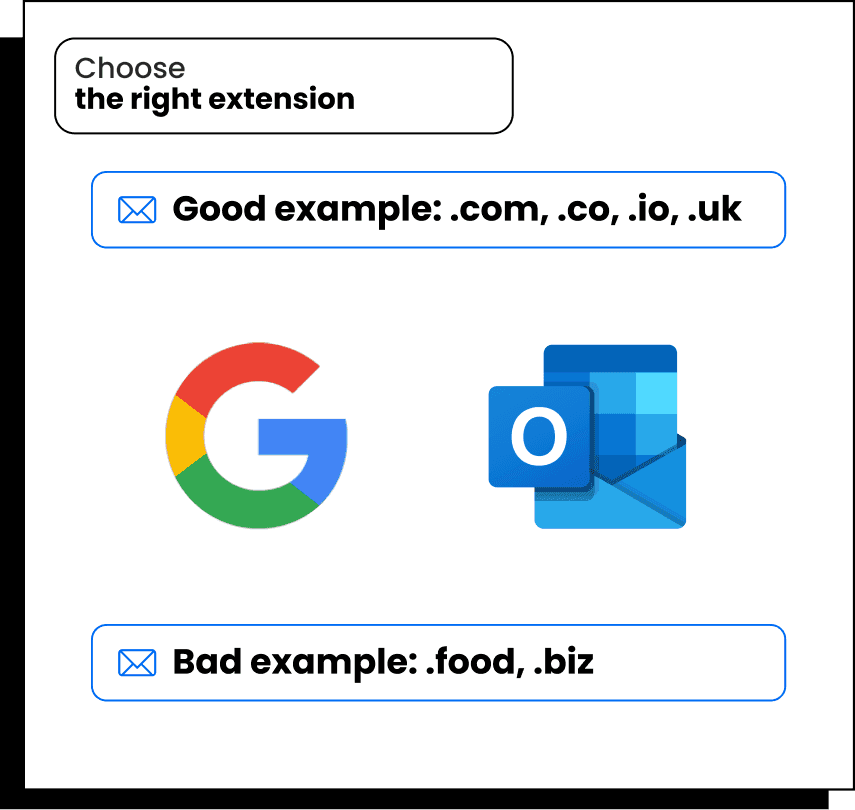
Create a professional email address using Gsuite or Outlook
5. Send reasonable amounts of cold emails per day
If you are a spammer, you won't have results with cold emailing. Make sure to know the difference between cold email vs spam and send a feasible amount of emails per day.
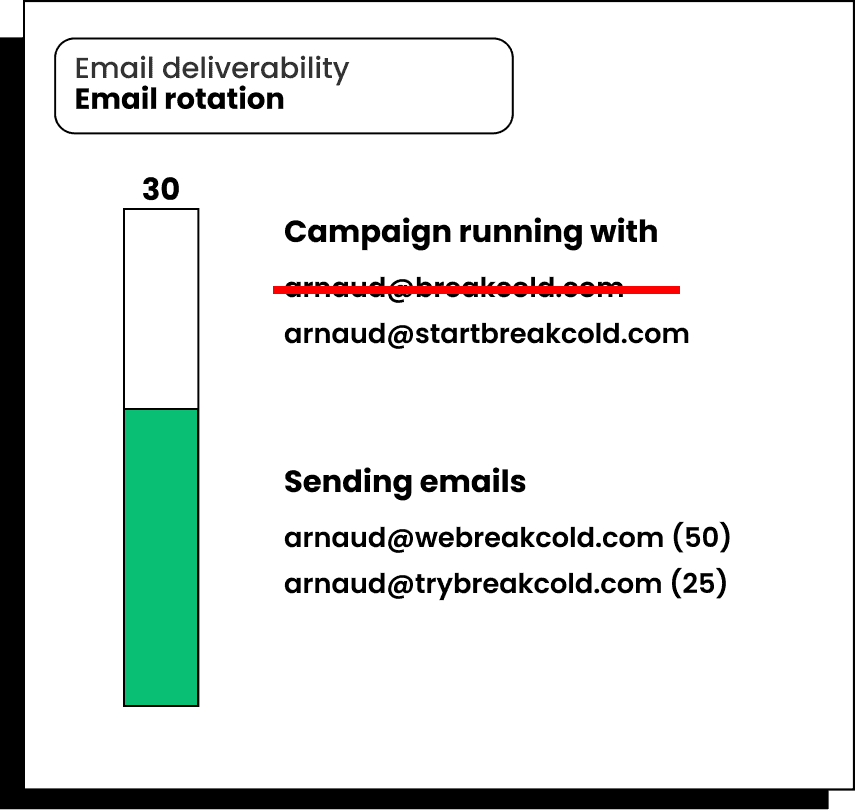
Use softwares with email rotation features to send cold emails at scale without problems
30 to 50 emails a day per email domain should be a maximum for Google and Outlook algorithms to not take down your domain authority and putting your emails to the spam folder.
6. Work more on your offer
Maybe you did everything above right already. In that case, your offer is the problem. Here a few tips:
keep your sales pitch to 1 or 2 sentences maximum
use numbers in your value proposition
use case studies from past clients to show your point in a PS line
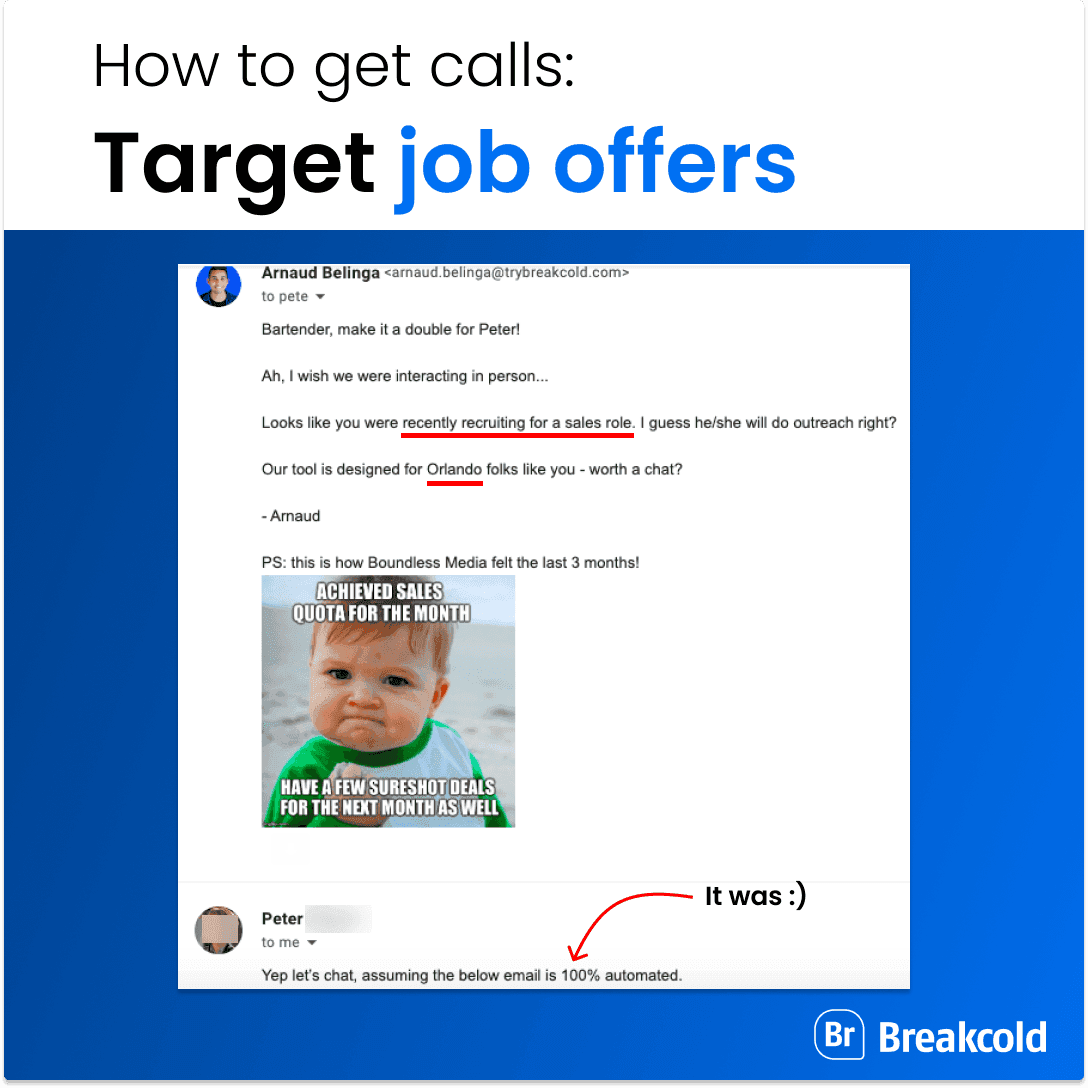
An example of a cold email with an original sales pitch I've made
7. Review your prospecting list and niche down your targeting
One of the biggest problems of people who don't have results with cold email is that they don't niche down.
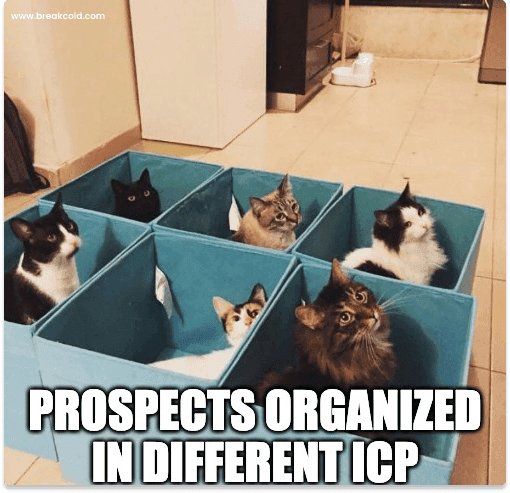
You need to categorize your prospects like this image
For example, you need to go from sending cold emails to startups to sending cold emails to B2B fintech startups in downtown New York.
That way, you'll be able to personalize at scale your cold emails and trust me, they will work.
Frequently asked questions

Written by
Arnaud Belinga · Co-Founder & CEO at Breakcold
Arnaud is the Co-Founder & CEO of Breakcold, the AI Native CRM for sales teams of 5 to 30+ people.