



LinkedIn Inbox Management (3 Techniques & 5 Tools for It)
TL;DR: how to manage your LinkedIn inbox in 2026 🏆
🏆 Breakcold: the AI Native CRM for sales teams of 5 to 30+ people. AI agents handle the admin (move deals, log activity, create tasks), it connects to Claude and ChatGPT via native MCP, and it syncs LinkedIn, email, WhatsApp and Telegram into one pipeline. At 5 seats Breakcold is $139/mo, where a traditional CRM runs $300 to $500/mo.
🟢 The core problem: LinkedIn was built as a social platform, not a CRM, so its inbox is clunky and gives you no way to filter and focus on your leads.
🔵 The fix: pick a dedicated inbox or CRM tool, tag your contacts, and place them in a sales pipeline that matches how you converse.
🟣 Never miss a follow-up: create a follow-up task from the conversation with a due date, and use saved templates to reply faster.
🟠 Other tools: LinkedIn Sales Navigator, Texts, Waalaxy and HeyReach each add an inbox layer, so choose based on whether you need a full CRM or just a cleaner inbox.
Managing your LinkedIn conversations is key to build strong B2B relationships to drive more sales, partnerships or just making friends on the platform.
However, LinkedIn inbox management isn't a dream most of the times, it's rather a nightmare.
In this article, we'll see how you can solve your poor LinkedIn inbox management. We're giving you a 3-step process to fix it and 5 LinkedIn inbox tools to choose from to relieve your inbox management pain.
Video summary of the techniques you can use to improve your LinkedIn inbox management
Loading YouTube sends it your IP address and may enable cookies. This applies to this content only.
1°) Why do you have a poor LinkedIn Inbox Management experience?
If you're reading this article, it probably means that you're facing a terrible LinkedIn inbox experience, like most LinkedIn user.
But before showing you the solution to your problem, let's find out why the LinkedIn inbox is not great.
Reason 1: LinkedIn is not designed to be a CRM
LinkedIn is first and foremost a B2B social media platform, not a CRM.
Therefore, when it comes to sending and receiving LinkedIn Direct Messages (DMs), it takes the codes of other social media platforms like Facebook, Twitter (X) or Instagram.
All these socials have not been designed for inbox productivity in a B2B context, hence why LinkedIn's inbox is failing you on clear management of contacts.
Reason 2: the UI/UX of the LinkedIn inbox feels clunky
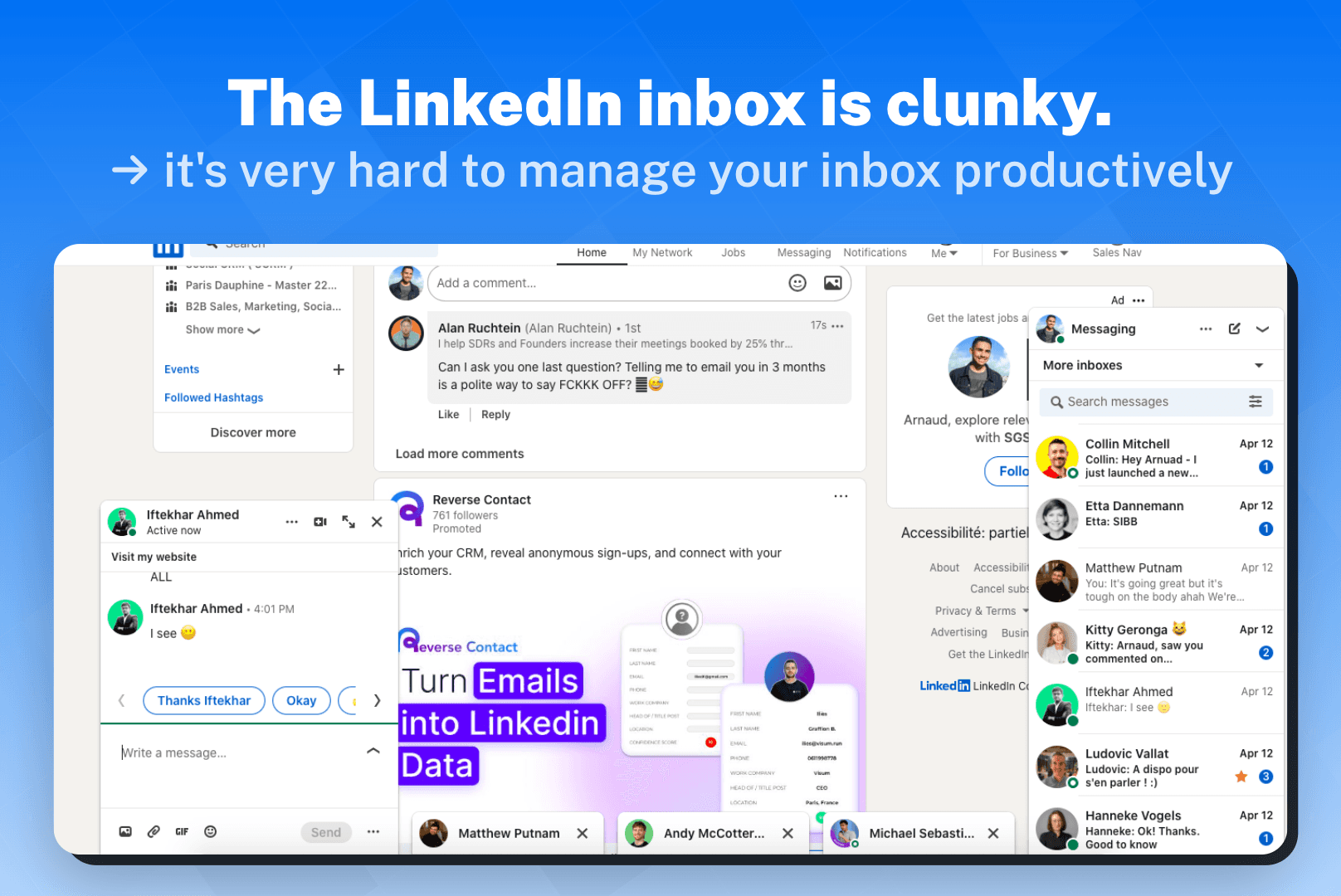
The most recurring reason I found when talking with different LinkedIn users is that the features provided by the LinkedIn inbox are actually great, but they're just badly executed.
Long story short, the UI/UX doesn't keep up with people's expectation.
Reason 3: you can't focus on your leads
The final reason is that your LinkedIn inbox doesn't allow you to focus on specific B2B contacts (lead). You can simply see all your messages and that's it, they're no filters etc.
Now that you know the reasons of the problem, let's find out how you can have a better LinkedIn inbox management experience.
2°) Steps to follow for a better LinkedIn Inbox Management
There's basically 3 steps to follow for a better LinkedIn Inbox Management.
Step 1: pick a LinkedIn Inbox Management Tool
The regular LinkedIn inbox is not enough to manage your LinkedIn conversations correctly.
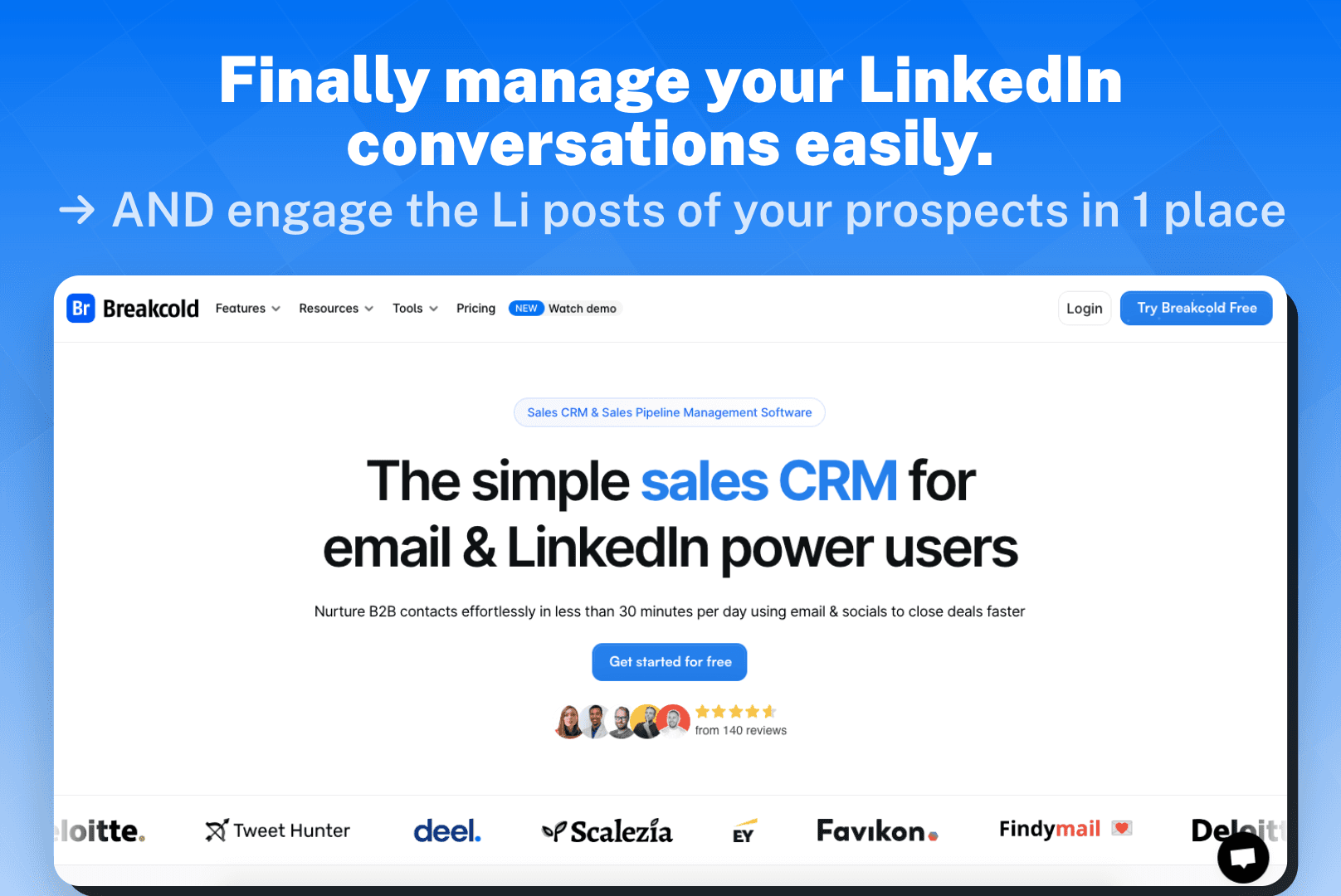
For convenience, I will pick Breakcold here because it's also my sales CRM but if you want to use a focused LinkedIn inbox software, you can see part 4 of this article. I'm presenting 4 other tools.
Step 2: assign tags to your B2B contacts and put them in a sales pipeline
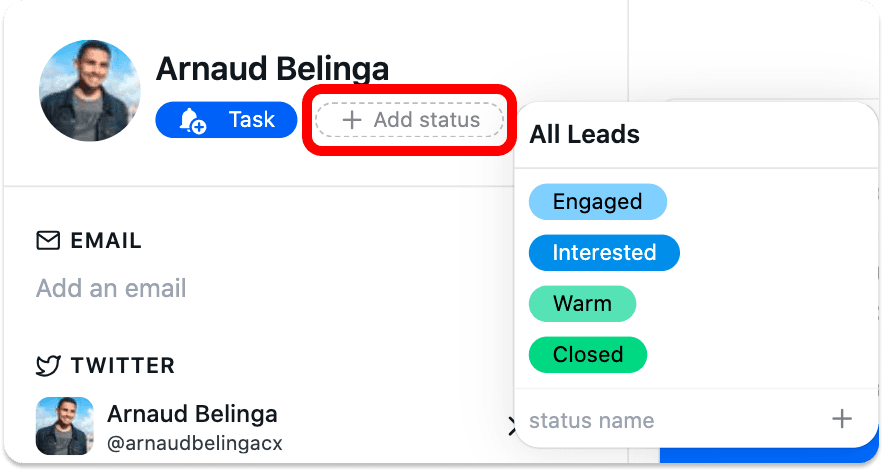
Once you've picked your LinkedIn inbox tool, select your B2B contact and organize them in a way that you can be productive.
For example, assign tags to contacts in the same category (eg. agency) and put use a sales pipeline template to create a customer journey that fits how you converse with leads in the inbox.
Step 3: build time-blocks to focus only on your leads
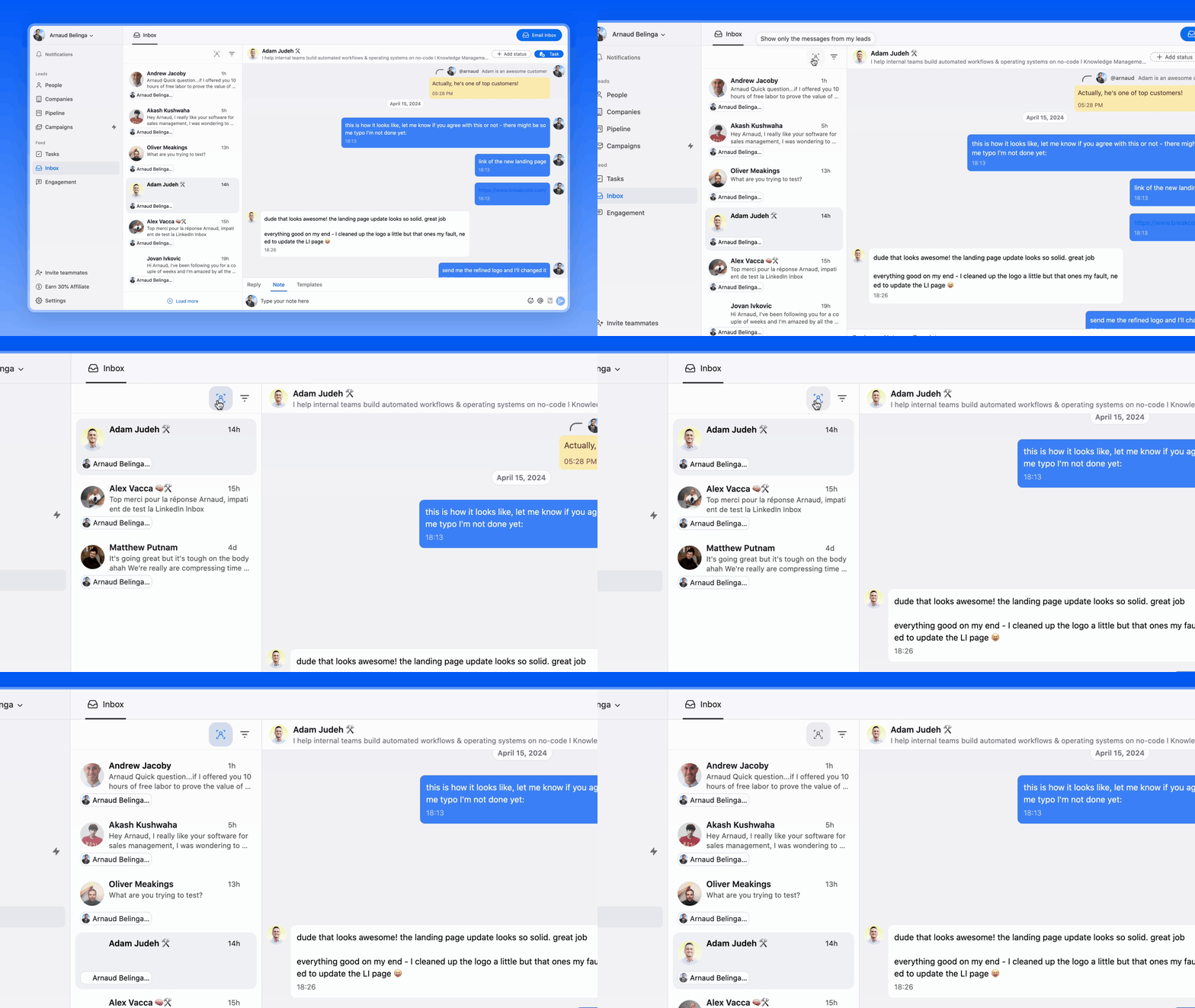
Finally, your unique job now is to go to your LinkedIn focused inbox and click on "Show only the messages of my leads" to focus on what matters.
By doing this, you'll make huge productivity gains as what's taking the most time is usually finding back the right leads to chat with.
3°) 3 examples of a good LinkedIn Inbox Management
You now have the process to optimize your LinkedIn inbox management but maybe some fictional examples would help you step-up your game even more.
You can call it inbox management workflows.
Inbox Management Example 1: technique to never miss a follow up with automation
The best way to get replies from your contacts is to follow-up.
The problem is usually that it's hard to remember when and how to follow up effectively in LinkedIn DMs, here's how you can do it.
Let's do an example with Adam as the person to follow up (the recipient) and myself as the sender.
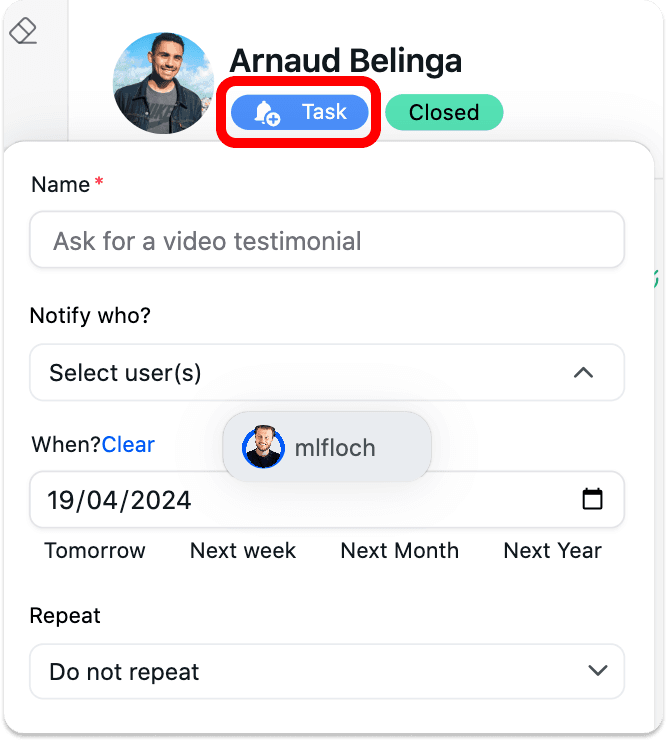
Step 1: create a task
Inside your LinkedIn conversation, click on the top right of your screen to create task to follow up in 2 weeks.
Step 2: go to your task and click on the link button 🔗
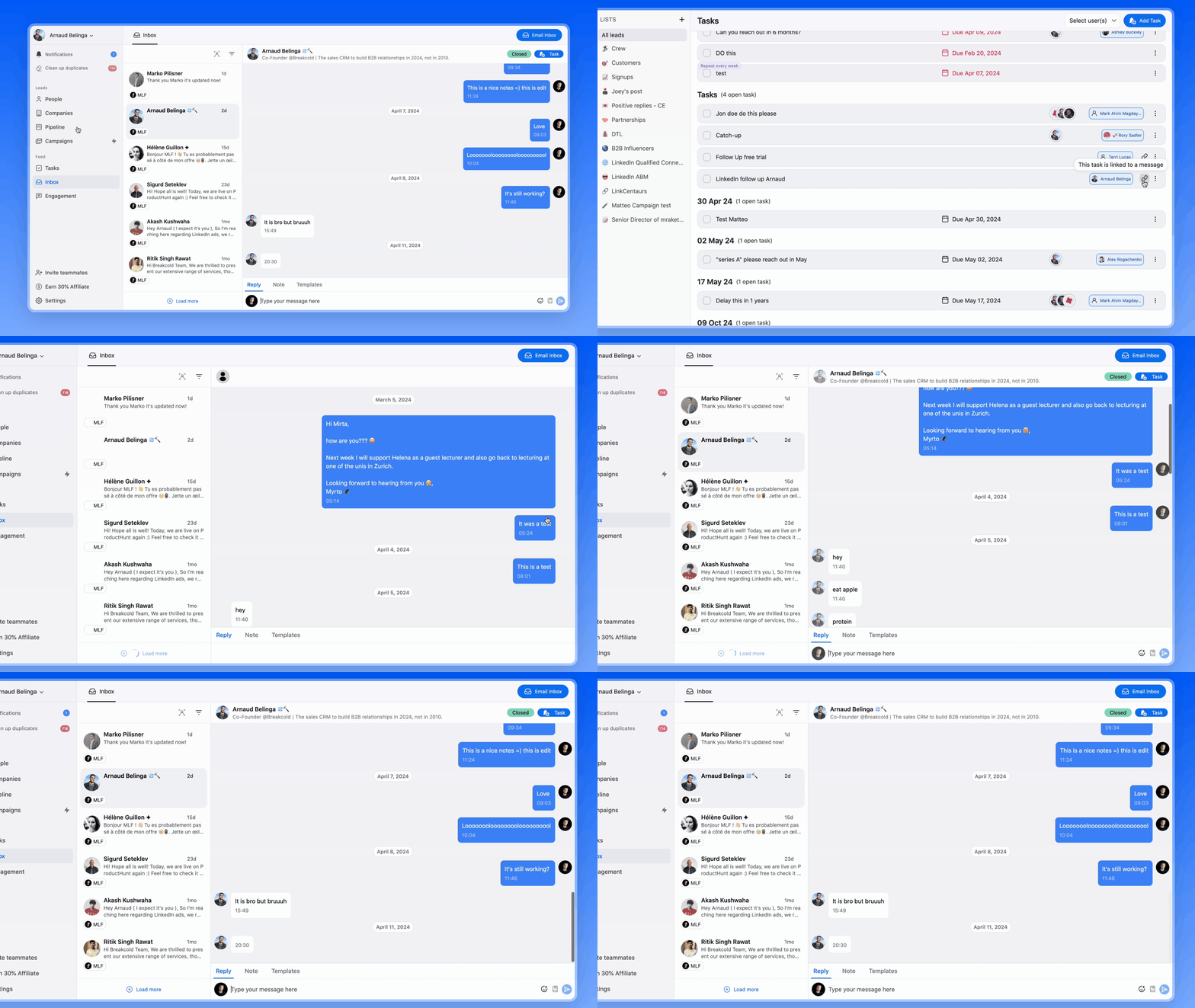
When the date of the task is due, you'll receive a notification via email to do the task.
Go to the place where all your tasks are centralized and click on the link button.
This will take you directly to your last conversation, you just have to follow up now.
This inbox management workflow takes literally 1 minute to set up and less than 1 minute to execute
Inbox Management Example 2: technique to work as a team with notes
Now let's imagine that between your follow-ups, you realize that one of your team member should help you to engage the lead on LinkedIn.
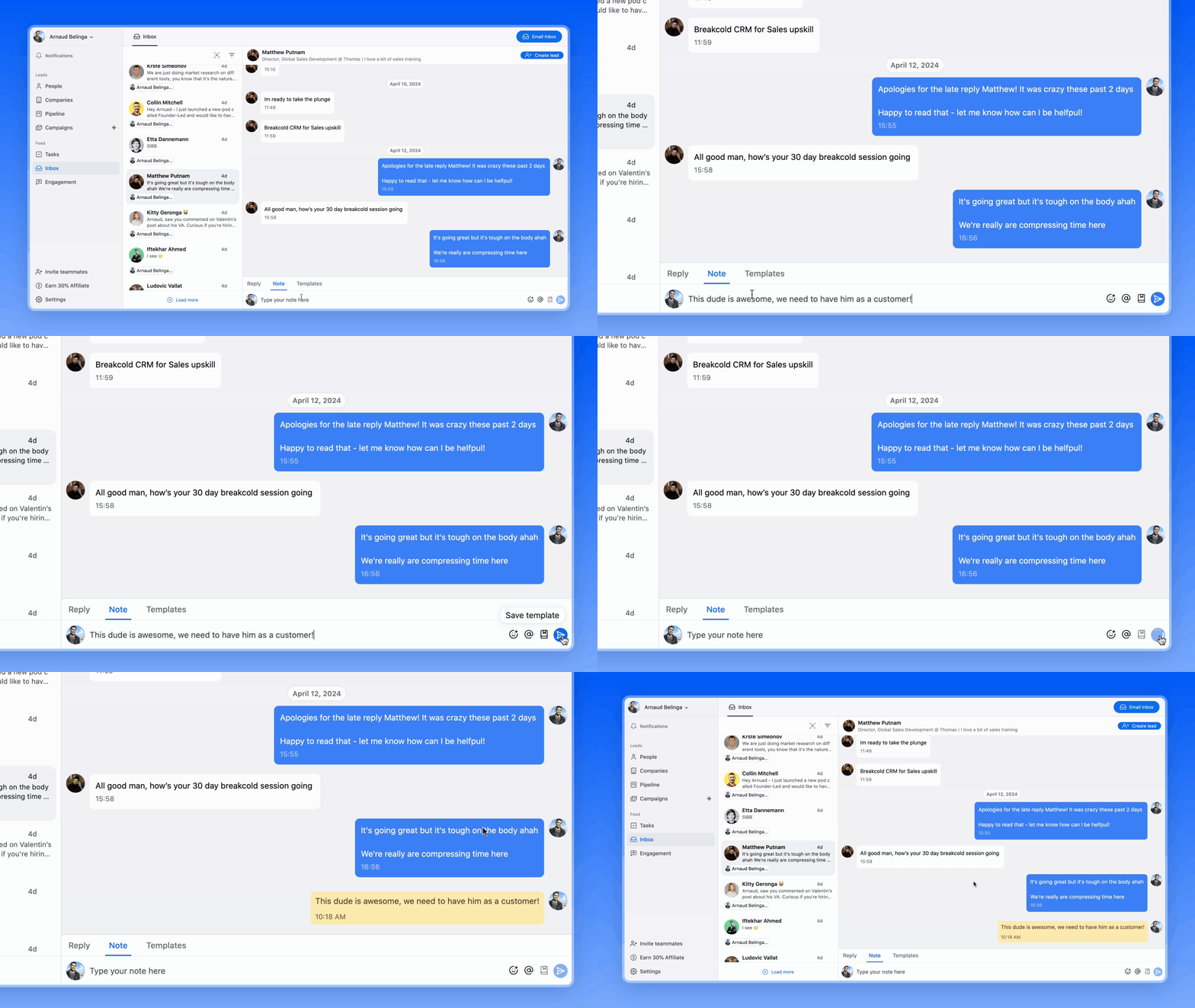
In that case, 1 simple LinkedIn inbox management technique is to assign a note in your LinkedIn conversation to notify with your teammate.
If we take our Adam example, the note could be: "@Matteo, Adam hasn't replied to my last 2 follow-ups, maybe you'll have more chances than me as you guys talked in the past".
Inbox Management 3: technique to reply faster by using LinkedIn message templates
This technique is arguably my favorite among all the ones shared in this article.
In essence, the problem with LinkedIn inbox management is: time. And what takes more time than writing over and over similar messages right?
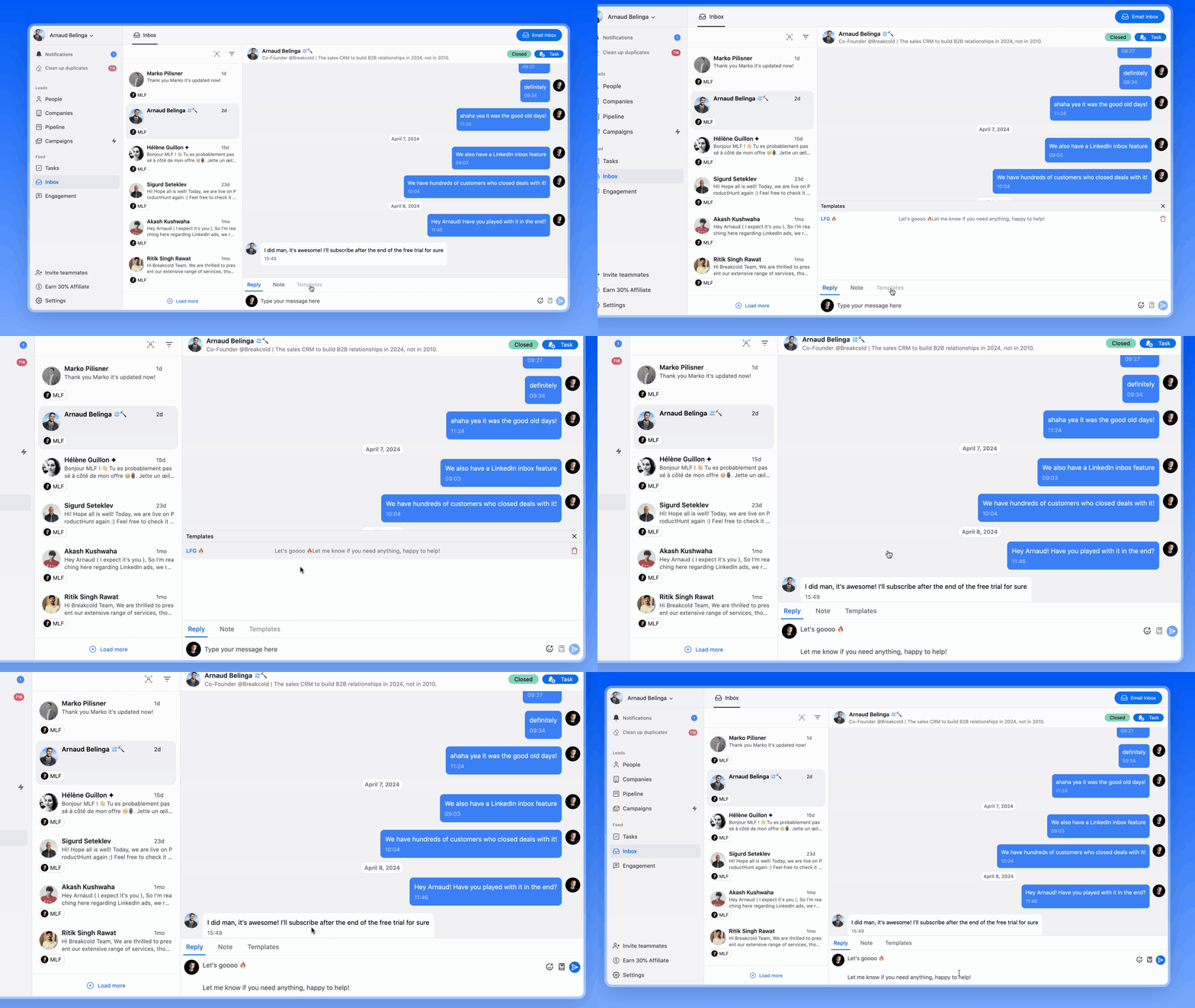
Well, here you can create LinkedIn message templates in advance and with just 1 click and use them to reply faster to your B2B contacts.
If we keep our Adam example, we could have use this LinkedIn message template to follow up: "2 follow up already, ouch! I guess I'm doing it all wrong, let me start over". The sentence after that can be personalized so that you mix both template and relevant/personalized sentences into 1 unique LinkedIn message.
Bonus: engage with the LinkedIn posts of your B2B contacts from LinkedIn
To increase your chances to get a reply form your contacts, you can also leverage their LinkedIn posts to stay top of mind.
For example you can:\
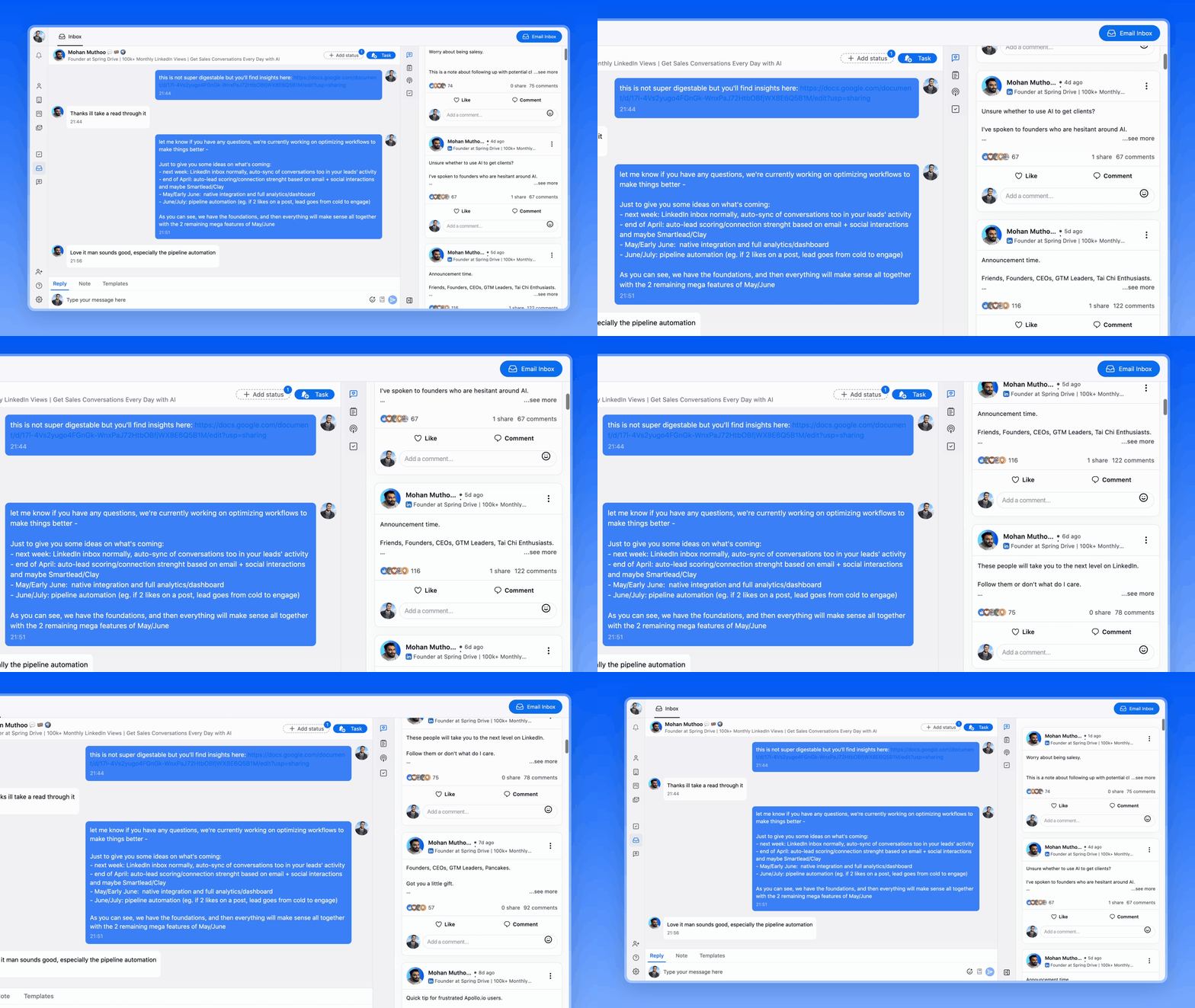
go to your LinkedIn inbox\
open their LinkedIn posts from the inbox\
engage with 1 or 2 posts, engage here means leaving comments\
once you've done that, write your message while looking at the posts that you just engaged with\
make your LinkedIn message relevant and personalized by mentioning the posts you just engaged
That's it, 100% reply rate guaranteed.
You're now a professional at managing your LinkedIn inbox.
If you want to discover all the tools that you can use, here's the full list we talked about previously.
4°) 5 LinkedIn inbox tools to manage your LinkedIn conversations rapidly
This list has tools that are LinkedIn inbox only and tools that have other features as well.
LinkedIn Inbox Management Tool 1: Breakcold
Breakcold is the AI-native CRM with a multichannel inbox that auto-syncs LinkedIn, Email, WhatsApp, Telegram and calls.
Unique features compared to other LinkedIn Inbox tools
The biggest strength about Breakcold is that it's a CRM first.
Like we explained in the beginning of this article, the regular LinkedIn inbox failed because it lacks traditional CRM features.
With this software you get your LinkedIn conversations inside a sales CRM, and AI agents that move leads through the pipeline, assign tags and create follow-up tasks on their own. With native MCP support, agents like Claude and ChatGPT can even read and update the CRM directly.
Pricing: a single $99/mo plan
Breakcold has one simple plan at $99/mo. It includes 1 seat, 2 connected accounts, 1,500 AI tokens and unlimited enrichment, with a 14-day free trial (no credit card required). A team of 5 on Breakcold is $139/mo, where Attio, Pipedrive and HubSpot Sales Hub run about $500/mo for 5 seats with similar features.
LinkedIn Inbox Management Tool 2: LinkedIn Sales Navigator
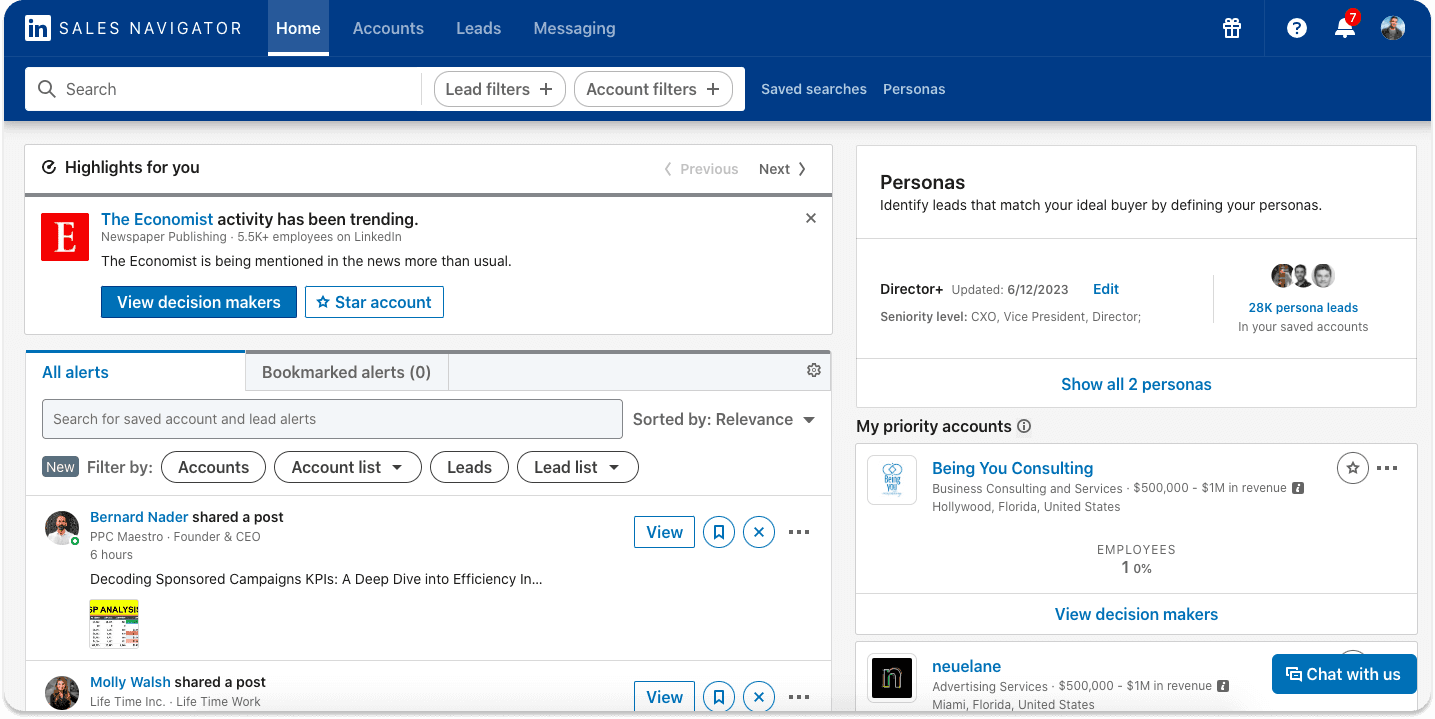
LinkedIn sales navigator is the solution for salespeople on LinkedIn, it also has its own inbox.
Unique features compared to other LinkedIn Inbox tools
The main advantage compared to other solutions is that you work from the source of everything: LinkedIn istelf.
So it's pretty easy to find and add leads.
Pricing: $99/mo
Sales navigator pricing isn't complicated, it's just one plan at $99 per month.
LinkedIn Inbox Management Tool 3: Texts
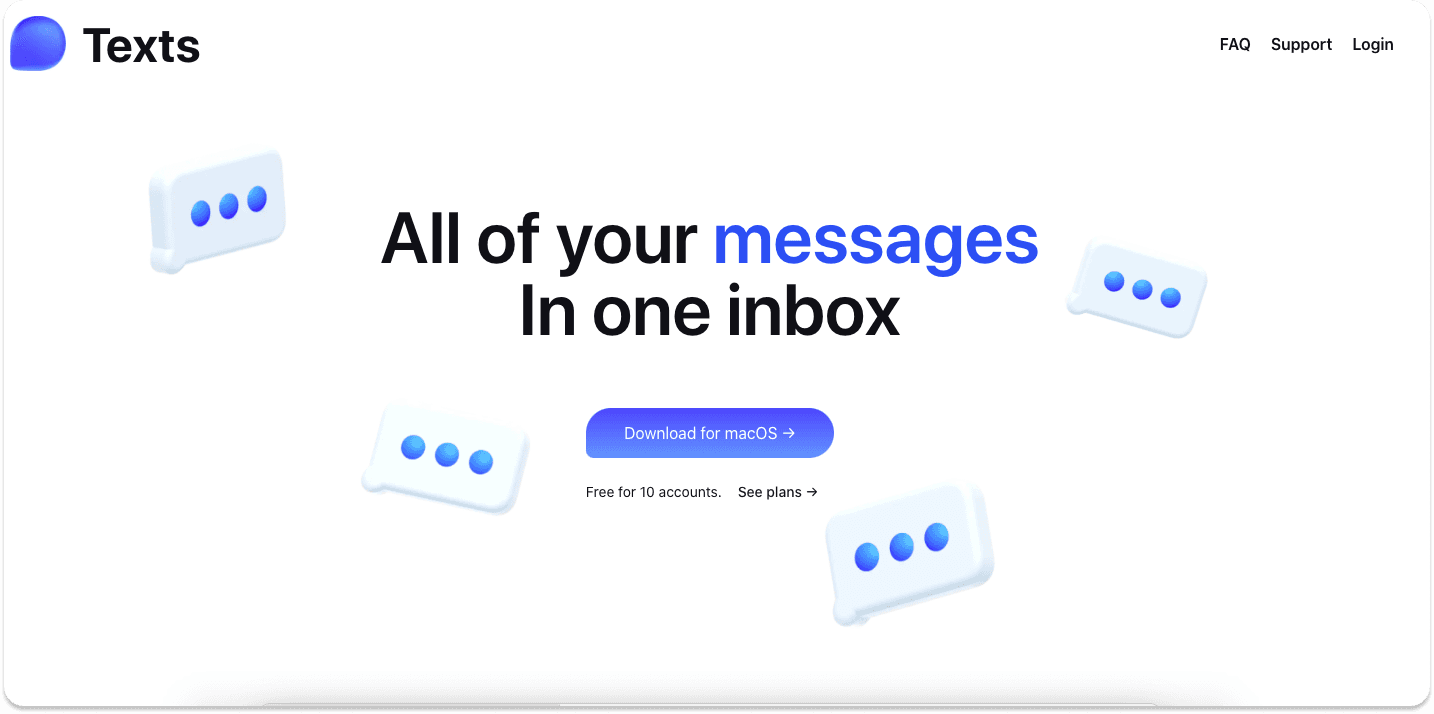
Texts in not a LinkedIn inbox tool per se but aggregates every single communication channel possible inside 1 place.
Texts has recently been acquired by Automatic (the mother house of Wordpress) for a staggering $50 million dollars.
Unique features compared to other LinkedIn Inbox tools
The advantage of Texts over other solutions is that you can also manage your X (Twitter) conversations as well as Telegram, WhatsApp, iMessage etc - it's a big power house.
Pricing: $15/mo
As of now, Texts only has 1 pricing plan that is very affordable.
LinkedIn Inbox Management Tool 4: Waalaxy
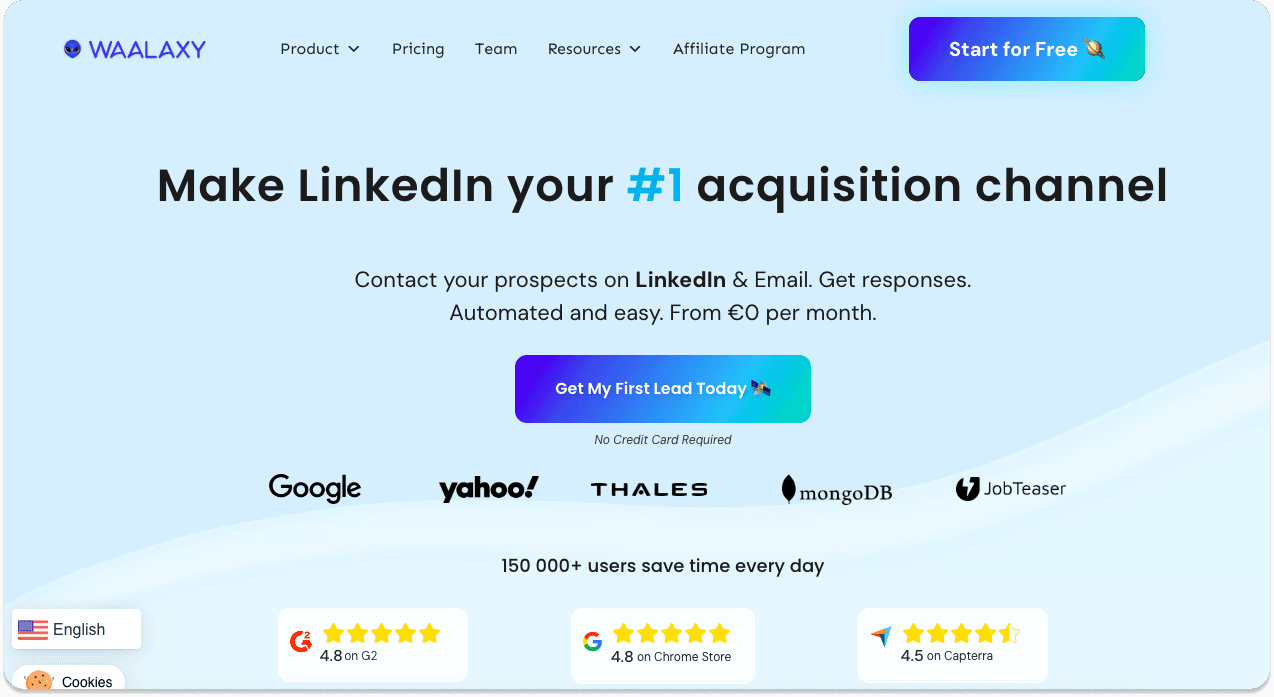
Waalaxy is a LinkedIn automation software, very famous in France and Europe, they're one of the leading tools in that category.
They recently released a LinkedIn focused inbox.
Unique features compared to other LinkedIn Inbox tools
The inbox is fully integrated with Waalaxy's core automation features, allowing you to build strong workflows.
Pricing: from $20/mo
The Waalaxy inbox is sold as an add-on, its price is $20 per month.
LinkedIn Inbox Management Tool 5: HeyReach
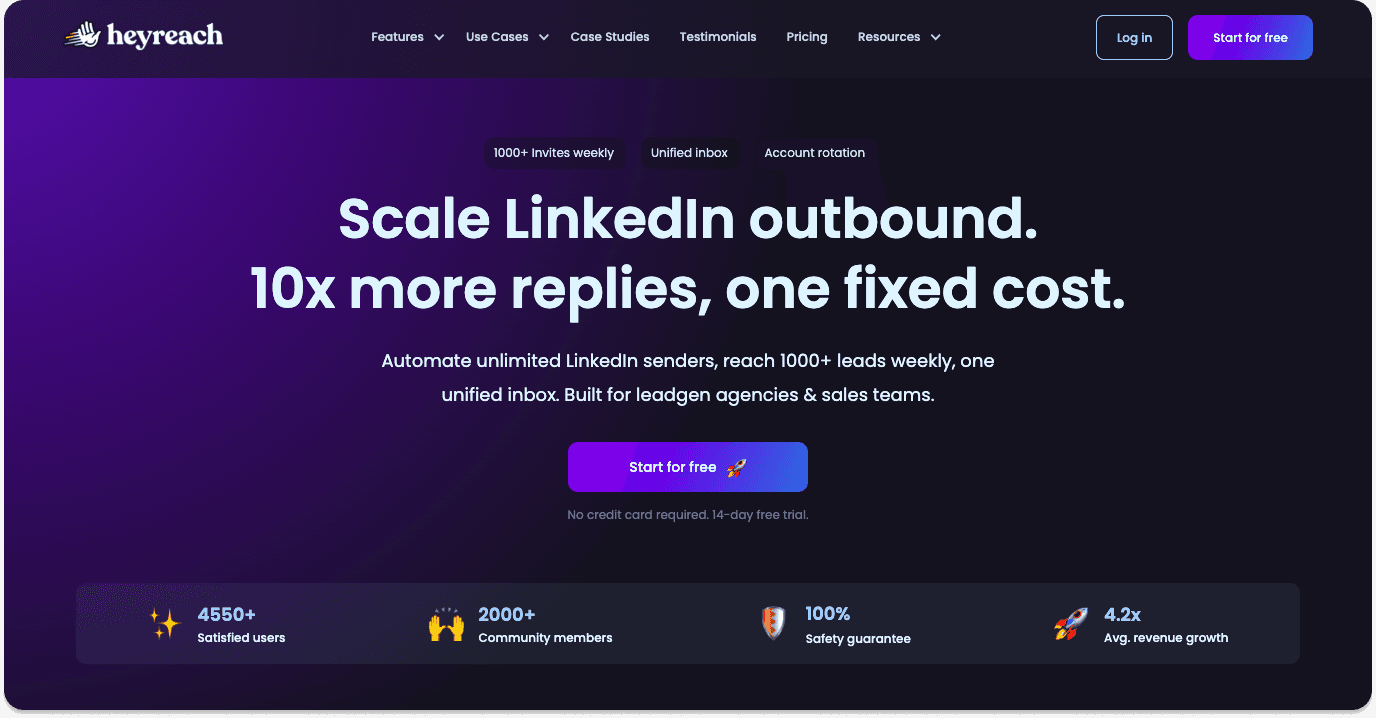
Like Waalaxy, HeyReach is also a LinkedIn automation tool but for LinkedIn outreach at scale.
Unique features compared to other LinkedIn Inbox tools
The inbox of HeyReach is very focused on generating leads and is directly linked to your positive replies from LinkedIn automated campaigns.
Pricing: from $79/mo
The pricing of HeyReach seems expensive but you can connect unlimited email accounts to it so it's actually a bargain. They also have an agency plan if you're managing accounts for clients.
Frequently asked questions

Written by
Arnaud Belinga · Co-Founder & CEO at Breakcold
Arnaud is the Co-Founder & CEO of Breakcold, the AI Native CRM for sales teams of 5 to 30+ people.